



The Events Calendar: Filter Bar GPL
$4.49
The Events Calendar: Filter Bar is an add-on for The Events Calendar that adds more filtering capabilities to an already robust plugin.
The Events Calendar: Filter Bar is an add-on for The Events Calendar that adds more filtering capabilities to an already robust plugin. It places a sidebar filter panel next to your calendar on the frontend, and as visitors enable filters the main calendar narrows to the selections they made. Filtering runs in real time over AJAX, and the resulting URLs can be saved or shared so a specific set of results can be reopened later.
| Product | The Events Calendar: Filter Bar |
|---|---|
| Version | 5.6.7 |
| Works with | WordPress 6.9+ / PHP 7.4+ |
| Tested up to | WordPress 7.1 |
| License | GPLv2 or later |
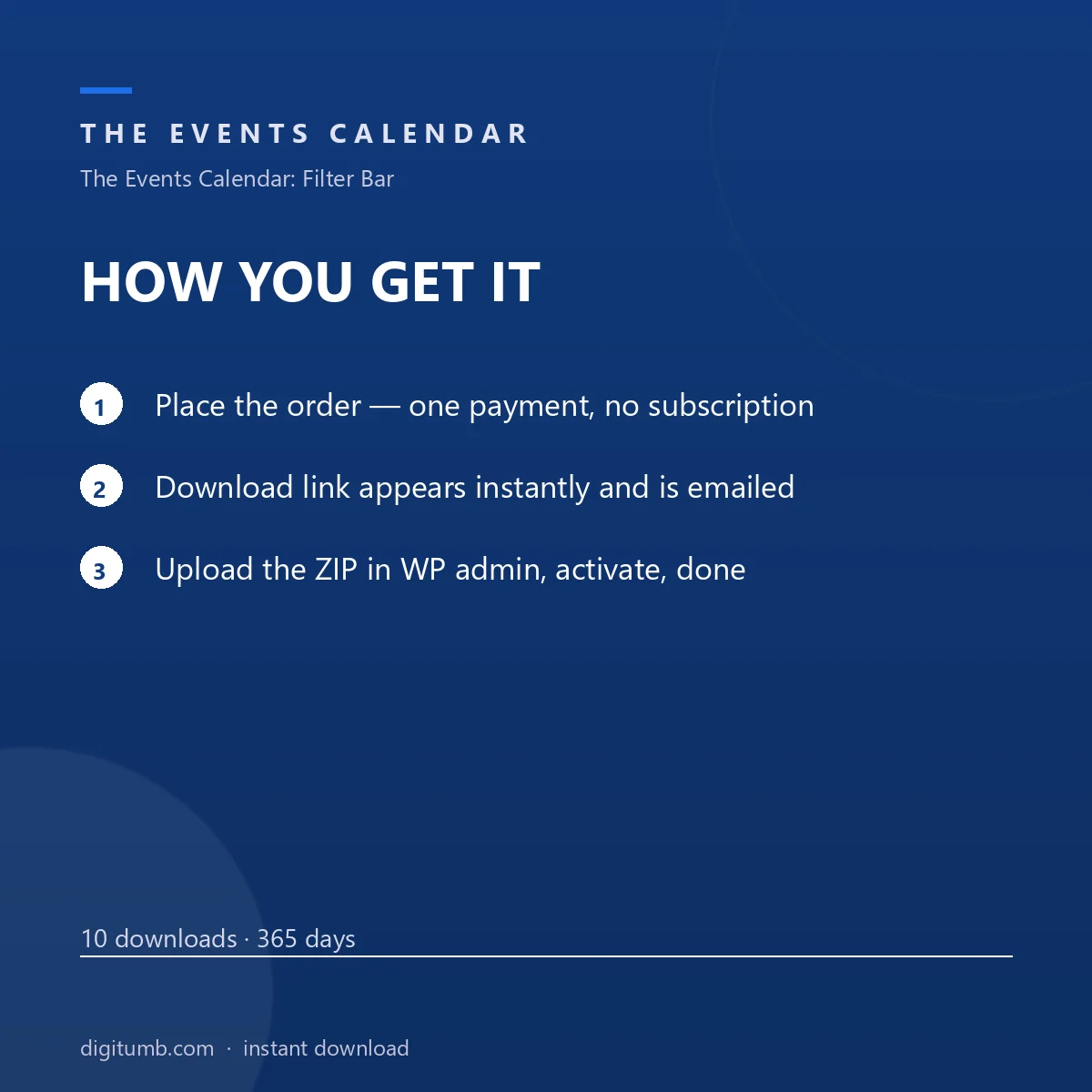
| Delivery | Instant ZIP download, 10 downloads, 365 days |
How the Filter Bar panel changes what visitors can do on your calendar
Filter Bar introduces a new sidebar panel that appears next to your calendar on the frontend. As users enable filters, they are applied to the main calendar and the results narrow based on their selections. The README gives the example of showing only events taking place in the evening, or only tech meetups rather than parties or pub crawls.
Filtering is available in any of the frontend views, and it is real-time and fully ajaxified. Dynamic URLs follow the current selection, so a filtered result set can be saved and shared. Visitors can also hide filters individually or collapse the entire panel, so the calendar stays readable when the panel is not needed.
What admins control in the Filter Bar settings
Admins can enable, disable, relabel and re-order filters on a site-wide basis. For certain filters you choose the input type: multiselect, dropdown or radio buttons. The settings screens show Active Filters and Available Filters lists, with the instruction to uncheck the box to hide a filter.
The category filter has its own control: you select which categories to show in the frontend filter, or leave it at All Categories. Filter Bar default state can be set to stay collapsed until visitors open it, or to show on initial page load. A Filters Layout option lets you require an Apply button to submit filters, which the changelog describes as improving keyboard accessibility.
Where Filter Bar sits in the Events Calendar add-on set
Filter Bar is an add-on, not a replacement. To use it you also need to be running The Events Calendar, and the installation instructions cover both plugins, starting with The Events Calendar. The plugin's own note reads: to begin using The Events Calendar: Filter Bar, please install the latest version.
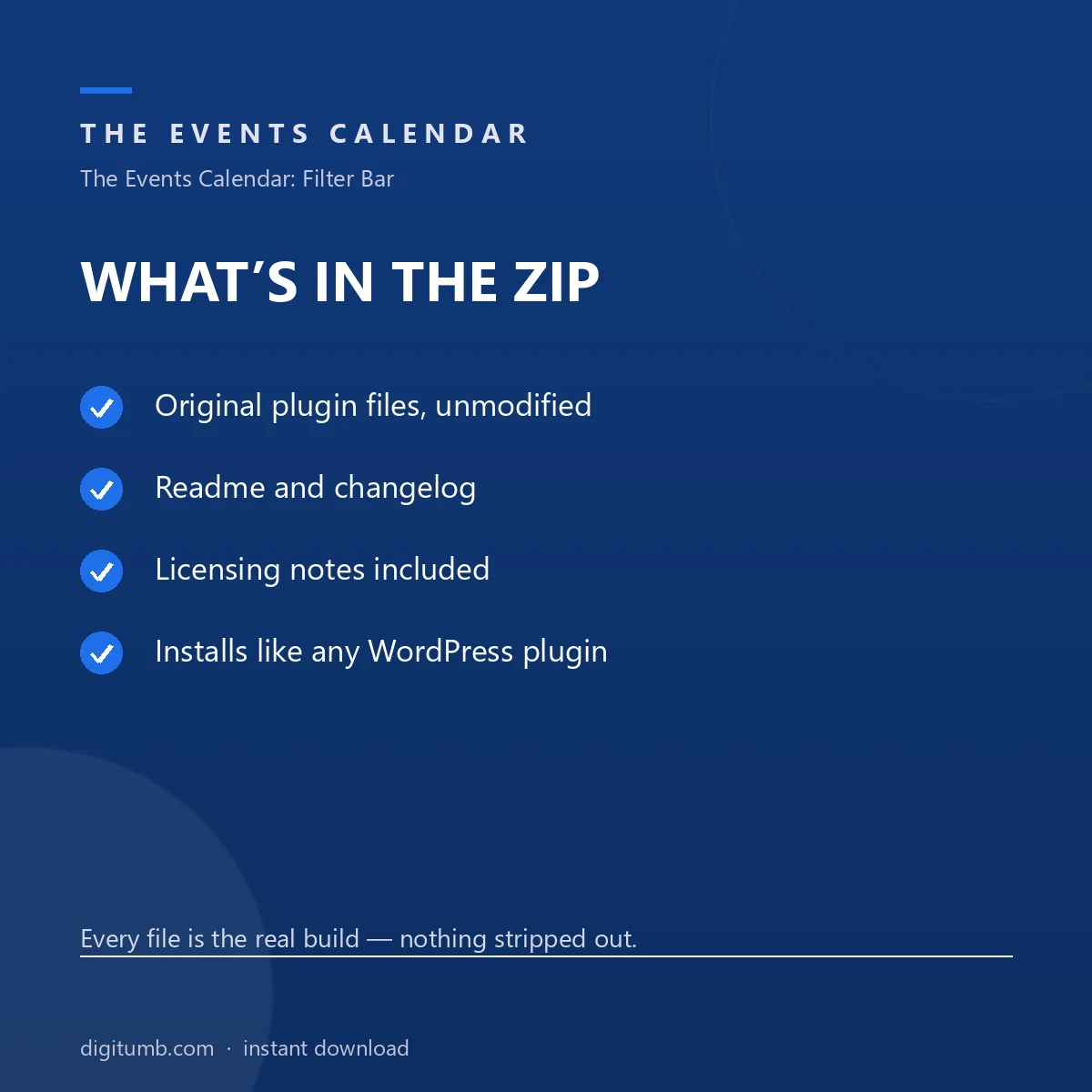
The add-on is multi-site compatible and internationalized and ready for translation. It integrates with event bar search, and the README lists custom templates as the way to style the ticket box as you see fit. The zip contains the src, build and lang folders.
What this build includes
| Frontend filter panel | A sidebar panel appears next to your calendar on the frontend and narrows the calendar results as visitors enable filters. |
|---|---|
| Real-time AJAX filtering | Selections update the calendar views without a page reload, so visitors drill down to the events they want as they click. |
| Shareable dynamic URLs | Filtered results produce dynamic URLs that can be saved or shared, letting someone reopen the same narrowed set of events. |
| Site-wide filter management | Admins enable, disable, relabel and re-order filters for the whole site from the Filter Bar settings screens. |
| Choice of input type | Certain filters can be presented as a multiselect, a dropdown or radio buttons, depending on how you want visitors to pick. |
| Hideable filters | Visitors can hide filters individually or collapse the entire panel, keeping the calendar view clear when filters are not in use. |
| Category filter selection | You select which categories appear in the frontend filter, or leave the filter showing All Categories. |
| Apply button for filter selections | A setting batches filter selections behind an Apply button; the changelog describes this as improving keyboard accessibility. |
| Event bar search integration | Filter Bar is integrated with event bar search, so keyword search and filter selections work together on the calendar. |
| Multi-site and translation ready | The add-on is multi-site compatible and internationalized, ready for translation into other languages. |
Installing it on a WordPress site
- In your WordPress dashboard go to Plugins, then Add New, and select the Upload option.
- Choose the the-events-calendar zip first, follow the on-screen prompts, and activate The Events Calendar when the upload finishes.
- Upload the events-calendar-filter-bar zip the same way, activate Filter Bar, and use the link presented on activation to open your calendar on the frontend.
Latest changes
Version 5.6.7 prevents a fatal error that broke calendar pages when the Event Category filter listed a subcategory without its parent.
Frequently asked questions
Do I need The Events Calendar to run Filter Bar?
Yes. Filter Bar is an add-on for The Events Calendar, and the installation steps cover both plugins, starting with The Events Calendar. The plugin also shows a notice asking you to install the latest version of The Events Calendar before Filter Bar can be used.
Can visitors share a filtered view of the calendar?
Yes. Filter Bar produces dynamic URLs that reflect the active filters, and those URLs can be saved and shared. Someone opening a shared link sees the calendar narrowed to the same selections rather than the unfiltered list.
Can I change how a filter looks on the frontend?
For certain filters you decide between a multiselect, dropdown or radio buttons. Admins can also enable, disable, relabel and re-order filters site-wide, and the category filter lets you pick which categories are shown, or leave it at All Categories.
What does the Apply button setting do?
A Filter Bar setting batches filter selections behind an Apply button. The changelog for version 5.6.6 describes this as improving keyboard accessibility. With the setting off, datepicker and filter selections automatically update calendar views; with it on, visitors submit the date search and Filter Bar manually.
What are the requirements and the package details?
The plugin requires WordPress 6.9 and PHP 7.4, and is tested up to WordPress 7.1. This build is version 5.6.7 and the zip is 0.3 MB. It is a GPL build: the same files the developer ships, with no vendor update channel and no vendor support desk, at $4.49.
What the GPL build means for you
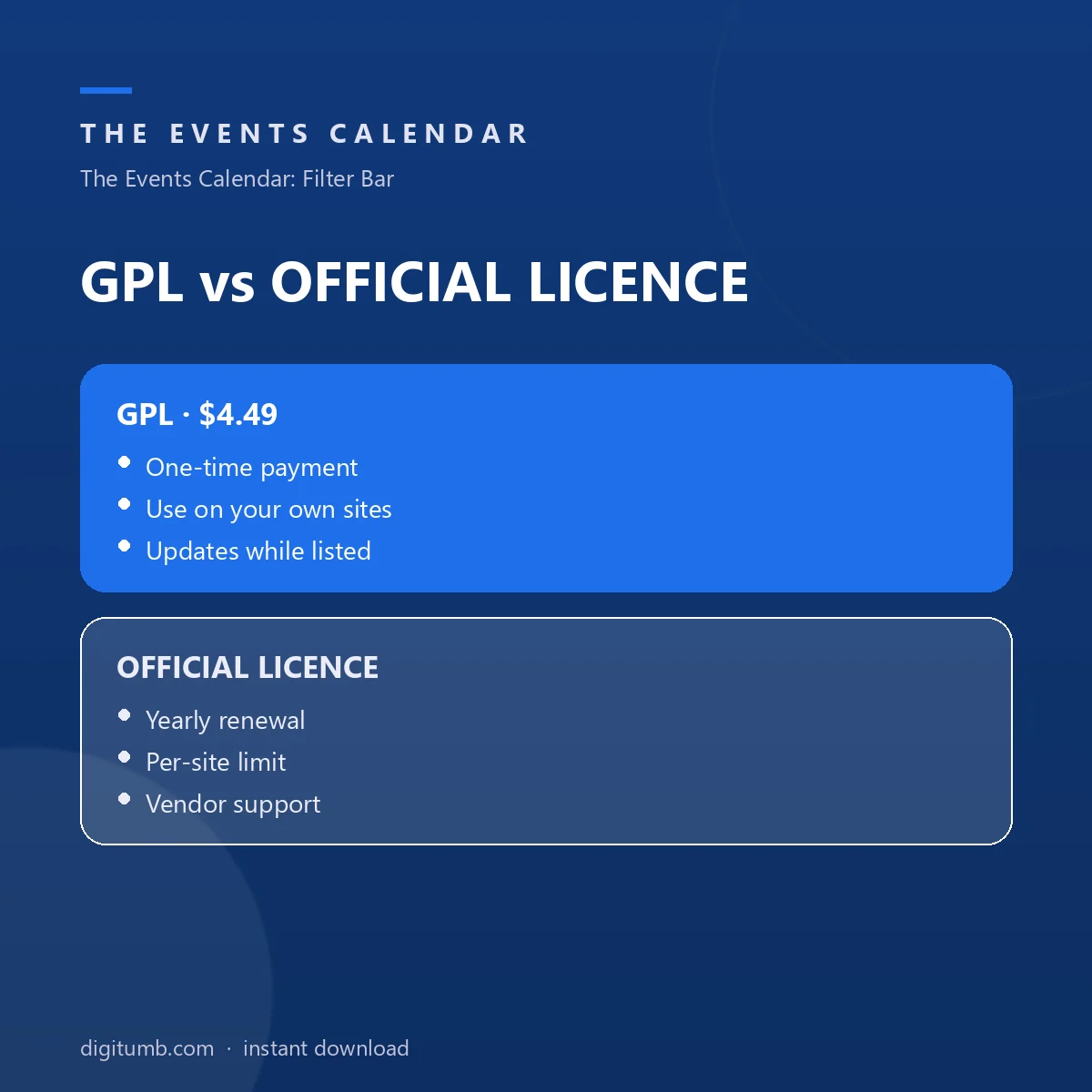
This is the same archive the developer publishes, redistributed under the GNU General Public License: you get the working files for $4.49 with no vendor update channel and no vendor support desk. If you need automatic updates or a support contract, buy the official license from the developer.
| This GPL build | Official license | |
|---|---|---|
| Price | $4.49 one time | Vendor subscription |
| Automatic updates | No | Yes |
| Developer support | No | Yes |
| Number of sites | Unlimited | Depends on plan |
Browse the rest of the WordPress plugins category or the full shop. The licence text is at GNU GPL v2, and general documentation is at WordPress.org.
You must be logged in to post a review.
You may also like…

Related products







Reviews
Clear filtersThere are no reviews yet.