


Yith Paypal Payouts For Woocommerce GPL
$4.49
YITH PayPal Payouts for WooCommerce is a plugin that automates sending payments to your vendors, affiliates and partners directly through PayPal from inside your WooCommerce store.
YITH PayPal Payouts for WooCommerce is a plugin that automates sending payments to your vendors, affiliates and partners directly through PayPal from inside your WooCommerce store. You connect your PayPal API keys, build a table of receivers, and the plugin generates and tracks payouts with batch IDs, transaction statuses and fees. It also lets you split payments among multiple receivers and set custom commissions, so profit sharing runs from the same dashboard as your orders.
| Product | yith-paypal-payouts-for-woocommerce |
|---|---|
| Version | 3.22.0 |
| Works with | WordPress 6.x+ / PHP 8.x+ |
| Tested up to | WordPress current |
| License | GPLv2 or later |
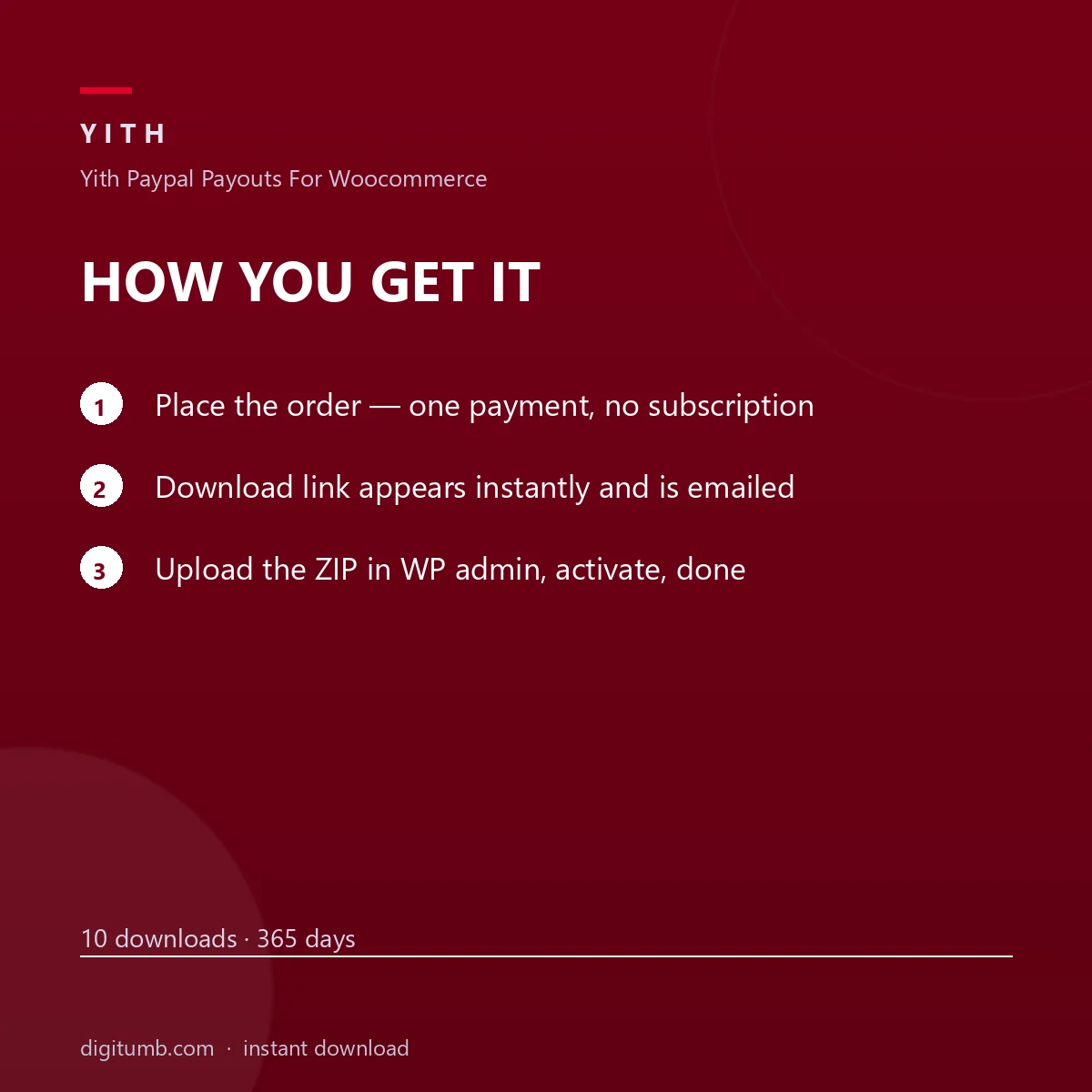
| Delivery | Instant ZIP download, 10 downloads, 365 days |
How YITH PayPal Payouts handles split payments and commissions
The plugin is built around a list of receivers. In the settings you add everyone you want to share profits with, and the store keeps a complete list of users who will receive payouts. Each payout record shows the receiver commission, the total transaction and the transaction value, fee and currency, so you can see what each party earns before and after a payment run.
Commission logic sits on top of the payout table. When a transaction comes through, the plugin looks up the commission tied to that transaction ID and reports it; if nothing matches, the screen says no commission found for that transaction ID. The same lookup exists for affiliate payments, so vendor and affiliate shares are tracked separately.
What the payout screens show you after a payment run
Every payout the store generates appears in the payouts list with its own batch ID and batch status, plus the item-level details: payout item ID, transaction status, transaction value, transaction fee and transaction currency. The list is the place to confirm a run finished, because a successful run reports payouts paid successfully while a failed attempt reports that the payouts can't be paid.
Deleting a payout is a deliberate action. The plugin asks for confirmation before removing a record, and it can prompt you to try paying a payout again when a previous attempt did not go through.
PayPal keys, subscriptions and the rest of your WooCommerce stack
Payments run on your own PayPal API keys, which you insert once in the plugin settings; the general settings screen controls the overall behaviour of the plugin and its payment modes. Because the plugin works from PayPal's payout system, receivers are identified by their PayPal email alongside their user ID.
The plugin is designed to work with popular WooCommerce extensions, and it is compatible with WooCommerce Subscriptions, so recurring payments to vendors can be managed the same way as one-off payouts. Version 3.22.0 adds support for WooCommerce 11.2; earlier releases in the changelog track support for WooCommerce 11.1, 11.0, 10.9, 10.8, 10.7, 10.6 and 10.5, and WordPress 7.1 and 7.0.
What this build includes
| Automated PayPal payouts | Send payments to vendors, affiliates and partners through PayPal from your WooCommerce store instead of paying each receiver by hand. |
|---|---|
| Multiple receivers per payment | Split a payment among several receivers by adding each one to the payout table with their user ID and PayPal email. |
| Custom commissions | Set the commission each receiver earns, and the plugin reports the receiver commission and total transaction for each payout. |
| Payout batch tracking | Each generated payout carries a batch ID and batch status, so you can check whether a run completed or needs another attempt. |
| Transaction-level detail | Review payout item ID, transaction status, value, fee and currency for every item in the payouts list. |
| Affiliate payment lookup | Search a transaction ID to see the affiliate payments tied to it, with a clear message when none are found. |
| WooCommerce Subscriptions compatibility | Manage recurring vendor payments alongside one-off payouts when WooCommerce Subscriptions is active on the store. |
Installing it on a WordPress site
- Install the plugin zip from your WordPress plugins screen and activate it.
- Open the PayPal Payouts settings, enter your PayPal API keys and set the general behaviour and payment modes.
- Add the users who will receive payouts to the receivers table, with their PayPal email, then generate and pay a payout from the payouts list.
Latest changes
Version 3.22.0, released 01 October 2026, adds support for WooCommerce 11.2 and updates the YITH plugin framework.
Frequently asked questions
Do I need a PayPal business account to use this plugin?
The plugin sends payouts through PayPal using API keys you insert in its settings, and each receiver is stored with a PayPal email. Set up the PayPal side of the connection before your first payout run, then confirm the batch status in the payouts list.
Can I pay several vendors from one order?
Yes. Add each vendor to the receivers table and the plugin splits the payment among them, recording the receiver commission and total transaction for each. The payouts list then shows the batch and the individual payout items.
What happens if a payout fails?
The plugin reports that the payouts can't be paid and keeps the batch status visible in the payouts list. It can also ask whether you want to try paying that payout again, so you can retry without rebuilding the record.
Does this build include vendor updates and support?
No. This is a GPL build: you get the same files the developer ships, at $4.49, with no vendor update channel and no vendor support desk. Updates are handled by installing a newer GPL package when one is available.
Which WooCommerce version does version 3.22.0 support?
Version 3.22.0 adds support for WooCommerce 11.2 and updates the YITH plugin framework. The changelog also records support for WordPress 7.1 in 3.21.0 and WordPress 7.0 in 3.17.0.
What the GPL build means for you
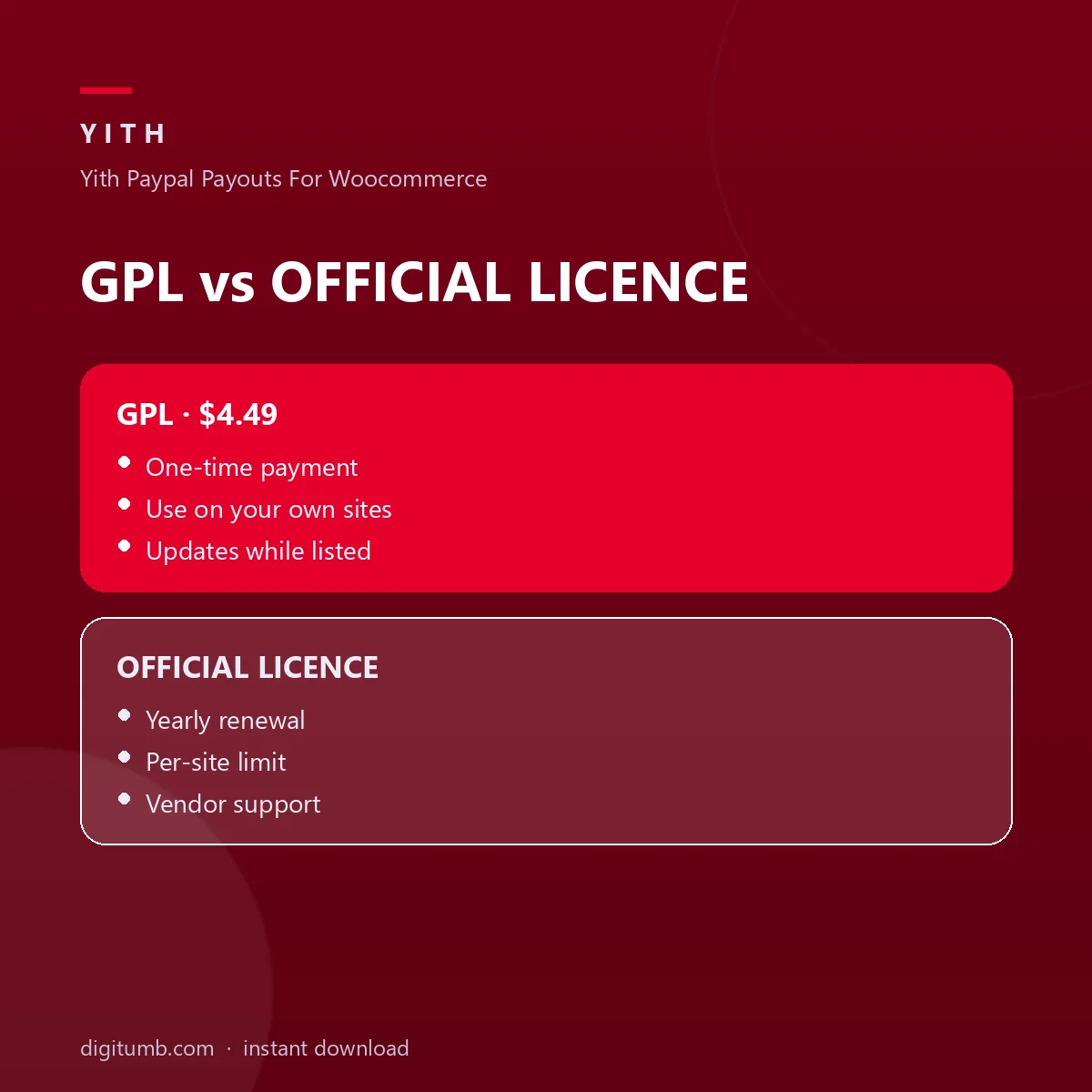
This is the same archive the developer publishes, redistributed under the GNU General Public License: you get the working files for $4.49 with no vendor update channel and no vendor support desk. If you need automatic updates or a support contract, buy the official license from the developer.
| This GPL build | Official license | |
|---|---|---|
| Price | $4.49 one time | Vendor subscription |
| Automatic updates | No | Yes |
| Developer support | No | Yes |
| Number of sites | Unlimited | Depends on plan |
Browse the rest of the WordPress plugins category or the full shop. The licence text is at GNU GPL v2, and general documentation is at WordPress.org.
You must be logged in to post a review.
You may also like…

Related products








Reviews
Clear filtersThere are no reviews yet.