



Ht Slider Pro For Elementor GPL
$4.49
HT Slider Pro For Elementor is an Elementor addon for WordPress that lets you build responsive sliders and carousels without leaving the Elementor editor.
HT Slider Pro For Elementor is an Elementor addon for WordPress that lets you build responsive sliders and carousels without leaving the Elementor editor. It ships with more than 80 prebuilt templates, so a working slider starts from a layout you import rather than from an empty canvas. The plugin is aimed at sites that need rotating content — images, custom content or Elementor templates — presented in a controlled, positionable frame.
| Product | ht-slider-pro-for-elementor |
|---|---|
| Version | 1.3.2 |
| Works with | WordPress 6.x+ / PHP 8.x+ |
| Tested up to | WordPress current |
| License | GPLv2 or later |
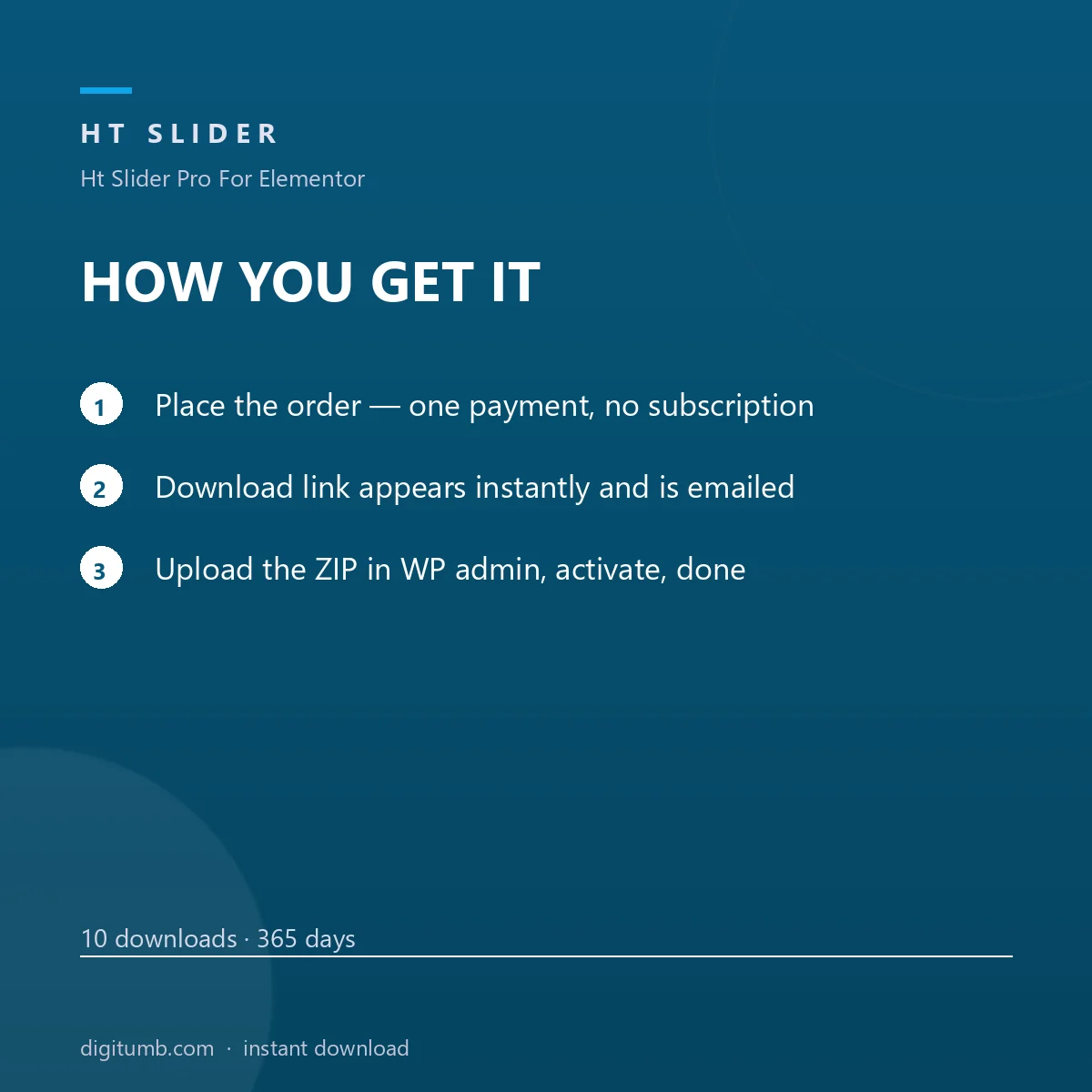
| Delivery | Instant ZIP download, 10 downloads, 365 days |
What the HT Slider Template Library gives you
The template library is the starting point for most builds. You browse the HT Slider Template Library, filter the items list, and choose a layout that matches the place on the page where the slider will sit. From there, Import to Library stores the template for reuse, while Import to Slider places it directly into the slider you are editing. A confirmation message reports that the template has been imported.
Templates are not locked to one content type. Each item can pull from a Featured Image, from Elementor Template content, or from Custom Content you enter yourself. The Content Source setting decides which of these feeds the slide, and Insert into item lets you place additional elements inside an existing slide without rebuilding it.
Positioning slides, arrows and content boxes
Slide layout is handled with position controls rather than fixed presets. Arrow Left Position, Arrow Right Position and Arrow Position move the navigation arrows where you want them, and Custom Position is available when the standard placements do not fit. Content Box Horizontal Position, Content Box Vertical Position and Content Box Max Width control where the text or overlay sits over the slide and how wide it may grow.
Colors and Border settings group the visual styling, including Background Color. A Column gap field, shown with an example of 15px, sets the spacing between items in the slider's list. The Items list navigation and Add or remove items controls let you reorder or trim the slide set as the build changes.
Autoplay, dragging and scroll navigation
Autoplay speed and Autoplay animation speed are separate settings, so the pause between slides and the transition timing can be tuned independently. Enable mouse dragging turns the slider into a draggable surface for visitors on desktop. A Hide Preloader option removes the loading state once the slider is ready.
HT Scroll Navigation Slider adds a scroll-driven navigation mode, and External Menu for Navigation lets a menu outside the slider control which slide is shown. These options sit alongside the standard arrow navigation, so a page can offer more than one way to move through the slides.
What this build includes
| 80+ prebuilt slider templates | Browse the HT Slider Template Library and import a ready-made layout into the library or straight into the slider you are editing. |
|---|---|
| Three content sources per slide | Feed each item from a Featured Image, an Elementor Template, or Custom Content that you write directly in the slider settings. |
| Arrow and content box positioning | Place left and right arrows individually or use a custom position, then set the content box horizontal and vertical position and maximum width. |
| Independent autoplay timings | Set Autoplay speed for the interval between slides and Autoplay animation speed for the transition itself as two separate values. |
| Mouse dragging | Enable mouse dragging so visitors can pull the slider from side to side instead of relying on arrows or autoplay. |
| Scroll navigation and external menus | Use HT Scroll Navigation Slider or an External Menu for Navigation to drive which slide is displayed from outside the slider. |
| Item list management | Add or remove items, filter the items list and use the list navigation to move through the slide set while editing. |
| Styling controls | Adjust Background Color and the Colors and Border group, plus a Column gap field for spacing between items. |
Installing it on a WordPress site
- Install the plugin zip through the WordPress plugins screen and activate it.
- Install and activate Elementor; the interface offers Install Elementor and Activate Elementor prompts if it is not yet running, and the slider appears under HT Slider Addons for Elementor.
- Open the HT Slider Template Library, filter the items list, and use Import to Slider or Create a new slider from this template to begin building.
Latest changes
This is version 1.3.2 of the plugin, delivered as a 0.2 MB zip.
Frequently asked questions
Does HT Slider Pro For Elementor work with WooCommerce and Contact Form 7?
Yes. The plugin is designed to be compatible with most popular WordPress plugins, and WooCommerce and Contact Form 7 are named as supported integrations. That lets a slider sit alongside a shop or a contact form on the same site without a separate compatibility step.
Can I use HT Slider Pro For Elementor with the Astra theme?
Yes. HT Slider Pro For Elementor is fully compatible with the Astra theme, so sliders you build will match the theme's design rather than needing workarounds. The plugin is an Elementor addon, so Elementor itself must be active on the site.
What does the GPL build mean for updates and support?
You receive the same plugin files the developer ships, distributed under the GPL, for $4.49 from digitumb.com. There is no vendor update channel and no vendor support desk attached to this purchase. Updates are included for life from the store.
Can a slider show content other than images?
Yes. Slides can draw from a Featured Image, from an Elementor Template, or from Custom Content entered in the slider settings. You choose the source per slide, so a single slider can mix image slides with template-driven ones.
How do I control slider speed?
Two settings handle it: Autoplay speed sets how long each slide stays visible, and Autoplay animation speed sets how fast the transition runs. Because they are separate values, a slow hold with a quick transition is possible.
What the GPL build means for you
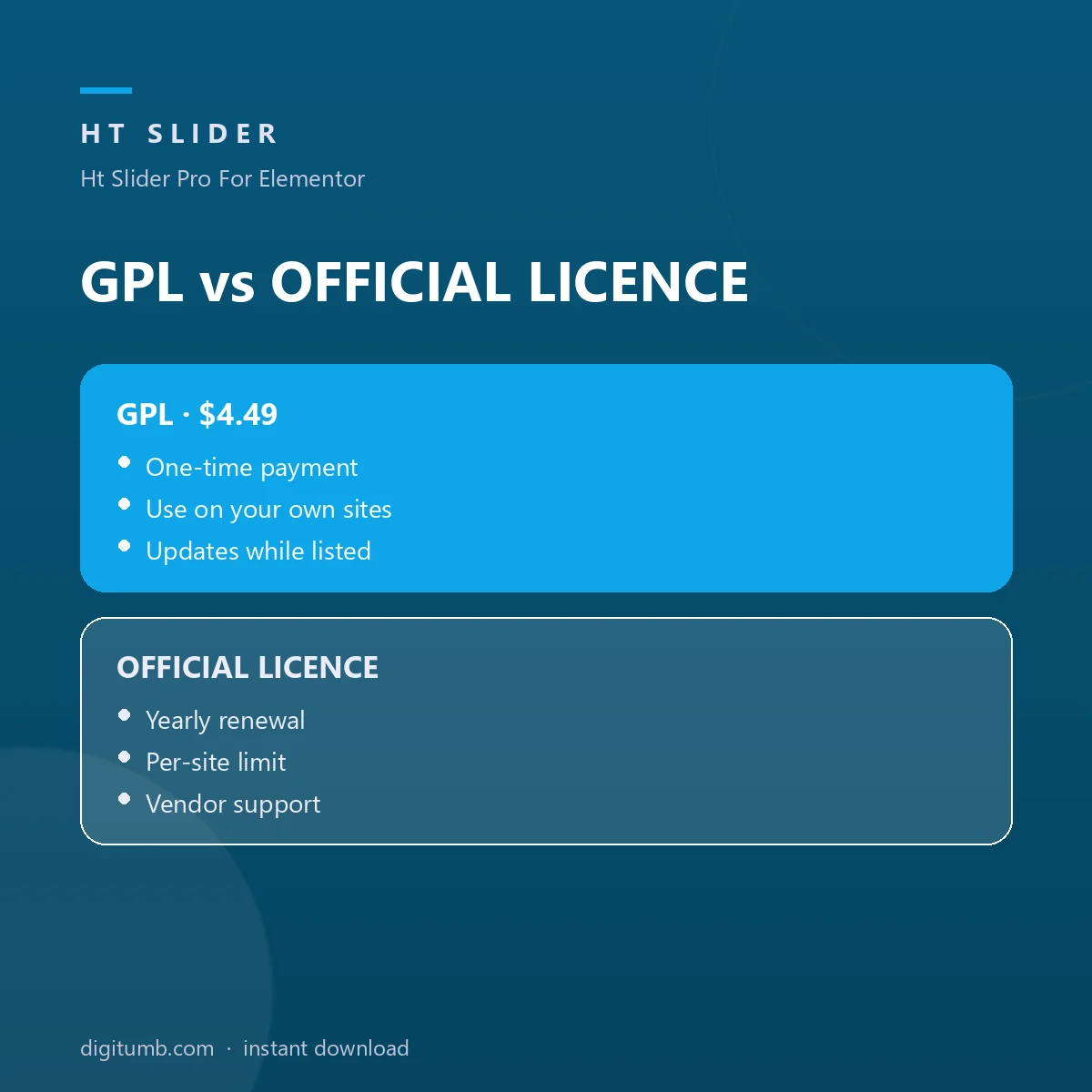
This is the same archive the developer publishes, redistributed under the GNU General Public License: you get the working files for $4.49 with no vendor update channel and no vendor support desk. If you need automatic updates or a support contract, buy the official license from the developer.
| This GPL build | Official license | |
|---|---|---|
| Price | $4.49 one time | Vendor subscription |
| Automatic updates | No | Yes |
| Developer support | No | Yes |
| Number of sites | Unlimited | Depends on plan |
Browse the rest of the WordPress plugins category or the full shop. The licence text is at GNU GPL v2, and general documentation is at WordPress.org.
You must be logged in to post a review.
You may also like…

Related products









Reviews
Clear filtersThere are no reviews yet.