




Uncanny Redemption Codes GPL – WordPress Plugin
$4.49
Uncanny Redemption Codes is a LearnDash plugin that lets you create and manage unique enrollment codes for your courses, so you can grant students access without handling each enrollment by hand. It.
Uncanny Redemption Codes is a LearnDash plugin that lets you create and manage unique enrollment codes for your courses, so you can grant students access without handling each enrollment by hand. It tracks the codes you issue and works with WooCommerce when you sell courses. This build is version 5.0, delivered as a 0.4 MB zip, and requires PHP 7.4 or higher.
| Product | Uncanny Redemption Codes |
|---|---|
| Version | 5.0 |
| Works with | WordPress 5.8+ / PHP 7.4+ |
| Tested up to | WordPress 6.8.2 |
| License | GPLv2 or later |
| Delivery | Instant ZIP download, 10 downloads, 365 days |
How enrollment codes replace manual course access
Instead of adding students to a course one by one, you generate codes and let each learner redeem one for access. The plugin keeps track of the codes it has issued, which is the core of what it does: create and manage unique enrollment codes for LearnDash courses.
Because access is tied to a code rather than to a manual action on your side, the process of granting course entry moves to the student. You define the codes; the student redeems one.
Running codes alongside WooCommerce course sales
The plugin is compatible with WooCommerce, so you can sell courses and manage enrollment codes in the same setup. Codes sit next to your store rather than replacing it.
It is built to work with LearnDash and is compatible with most popular WordPress themes and plugins, which keeps the code workflow inside the stack you already run.
Code generation options in the settings screens
The settings screens expose the controls for building codes: a letter length, a prefix and a suffix, plus a maximum usage amount per code. The interface warns you when the length of the prefix and suffix is longer than the letter length.
Course and group selection is part of the same workflow. The screens ask you to select LearnDash courses and LearnDash groups before codes can be tied to them, and prompt for the maximum usage amount when it is missing.
Managing issued codes after they are created
Once codes exist, the plugin offers actions for working with them in bulk: download, replace, cancel and delete. Each action checks the selection first, so a download with nothing selected returns the message that no codes were selected for download.
The download path also validates the selection, reporting when no valid codes are found. Replacement, cancellation and deletion follow the same selection-first pattern.
What this build includes
| Create unique enrollment codes | Generate unique codes that grant access to your LearnDash courses, replacing manual student enrollment with a code each learner redeems. |
|---|---|
| Track issued codes | Keep a record of the codes the plugin has created so you can see and manage what has been issued. |
| Download codes in bulk | Select codes and download them in one action, with a check that reports when no codes are selected or no valid codes are found. |
| Replace, cancel and delete codes | Run bulk replacement, cancellation and deletion on selected codes, each action requiring a selection before it proceeds. |
| Prefix and suffix controls | Set a prefix and suffix for generated codes, with a validation message when the combined length exceeds the letter length. |
| Maximum usage amount | Define how many times a code may be used, with the settings screen prompting for the amount when it is left empty. |
| Course and group targeting | Choose LearnDash courses and LearnDash groups in the settings screens so codes are tied to the right content. |
| WooCommerce compatibility | Sell courses with WooCommerce while managing enrollment codes, per the plugin's stated compatibility. |
Installing it on a WordPress site
- Check that your site runs PHP 7.4 or higher and WordPress 5.8 or higher before installing.
- Upload the 0.4 MB zip through the WordPress plugins screen and activate Uncanny Redemption Codes.
- Open the plugin settings, select your LearnDash courses and groups, set the letter length, prefix, suffix and maximum usage amount, then generate codes.
Latest changes
This is version 5.0 of the plugin, delivered as a 0.4 MB zip.
Frequently asked questions
What does Uncanny Redemption Codes do?
It allows you to create and manage unique enrollment codes for your LearnDash courses, simplifying the process of granting access to students. It tracks the codes it issues and provides bulk actions for downloading, replacing, cancelling and deleting them.
Does it work with WooCommerce?
Yes. The plugin is compatible with WooCommerce, so you can sell courses and manage enrollment codes effectively in the same WordPress installation. It is designed to work with LearnDash and is compatible with most popular themes and plugins.
What are the server requirements?
The plugin requires PHP 7.4 or higher and WordPress 5.8 or higher. It is tested up to WordPress 6.8.2. Confirm your PHP version before installing so the plugin can run on your host.
Can I set how many times a code can be used?
Yes. The settings screens include a maximum usage amount field, and the plugin prompts you to input the amount when it is missing. This lets you cap how often a single code can be redeemed.
What is the GPL position of this build?
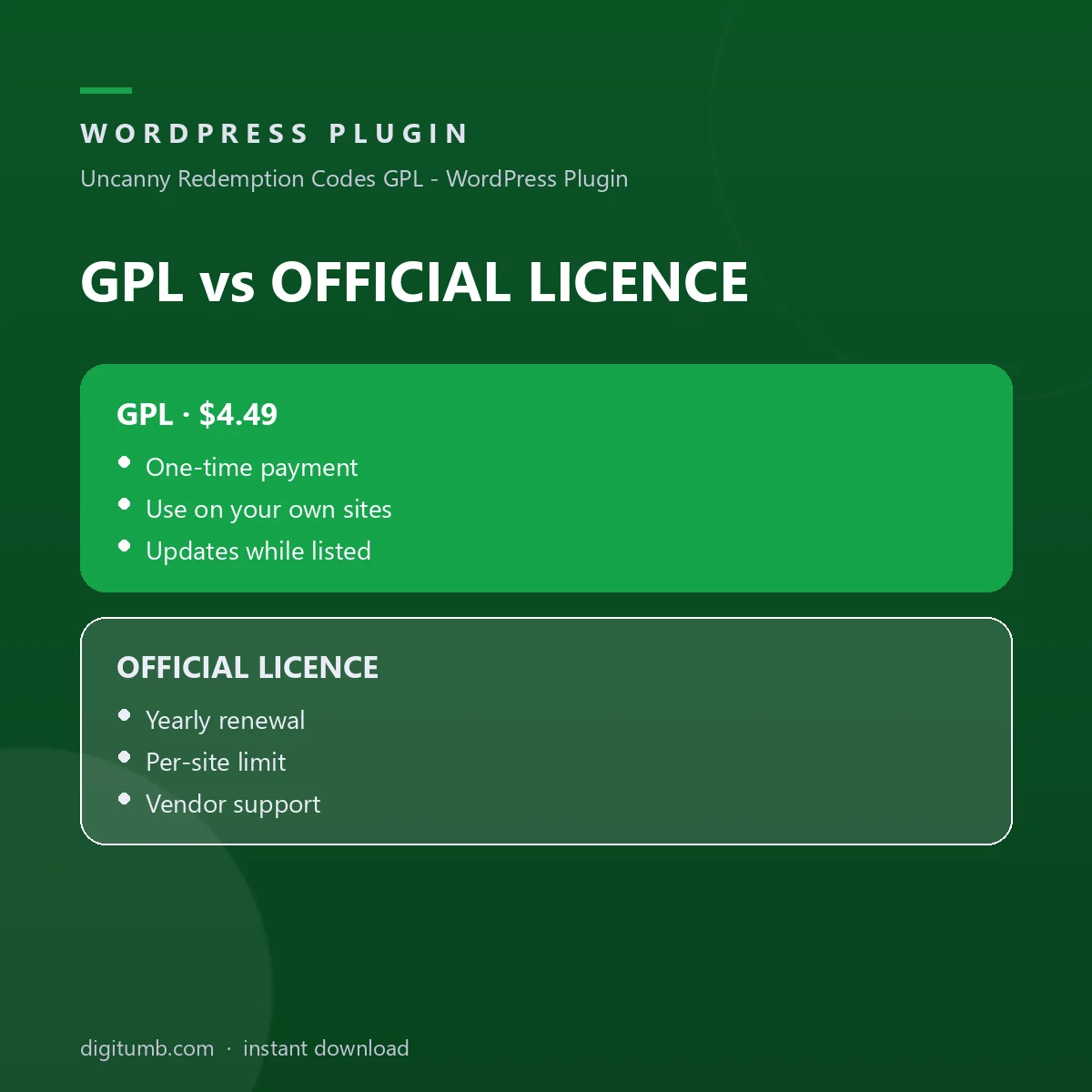
You receive the same files the developer ships, under GPL, for $4.49. There is no vendor update channel and no vendor support desk attached to this purchase.
What the GPL build means for you
This is the same archive the developer publishes, redistributed under the GNU General Public License: you get the working files for $4.49 with no vendor update channel and no vendor support desk. If you need automatic updates or a support contract, buy the official license from the developer.
| This GPL build | Official license | |
|---|---|---|
| Price | $4.49 one time | Vendor subscription |
| Automatic updates | No | Yes |
| Developer support | No | Yes |
| Number of sites | Unlimited | Depends on plan |
Browse the rest of the WordPress plugins category or the full shop. The licence text is at GNU GPL v2, and general documentation is at WordPress.org.
You must be logged in to post a review.
You may also like…

Related products








Reviews
Clear filtersThere are no reviews yet.