





Searchwp WordPress Plugin GPL
$4.49
SearchWP WordPress Plugin is a search replacement for WordPress that makes custom fields searchable and returns more accurate, relevant results than the native search.
SearchWP WordPress Plugin is a search replacement for WordPress that makes custom fields searchable and returns more accurate, relevant results than the native search. Instead of matching only post titles and content, it lets you define which sources an engine should search. The build sold here is the GPL release, version 4.6.1.1, a 4.0 MB zip for $4.49.
| Product | searchwp-wordpress-plugin |
|---|---|
| Version | 4.6.1.1 |
| Works with | WordPress 6.x+ / PHP 8.x+ |
| Tested up to | WordPress current |
| License | GPLv2 or later |
| Delivery | Instant ZIP download, 10 downloads, 365 days |
How SearchWP builds a search engine from your content sources
SearchWP works through engines. An engine is a set of sources and rules, and the settings screen states plainly which sources a given engine will search. You can keep one engine for native WordPress searches and a separate one for WordPress Admin searches, so what visitors get and what your team gets in the dashboard do not have to be the same configuration.
Because each engine lists its own sources, you can decide per engine whether custom fields, posts and other entries are part of the result set. That is the core difference from the default search: the sources are chosen by you rather than fixed by WordPress.
Excluding entries and keeping results relevant
Each engine carries exclusion rules: entries are dropped from results if they match the conditions you set. This is how you keep drafts, internal notes or off-topic records out of what visitors see, without editing the content itself.
An Exclude from SearchWP control also appears in the editing interface, so a single entry can be taken out of search results directly. Combined with the per-engine source list, this gives you two levels of control: what gets searched at all, and which individual entries stay out.
WooCommerce and theme compatibility
SearchWP is fully compatible with WooCommerce, so the same engine logic applies to an online store and helps customers find products. It also works with most popular WordPress themes, which means the enhanced search can be added without theme conflicts.
For stores, the settings interface points at customizing search results, highlighting important content and promoting specific products or offers. Those controls sit alongside the general relevance work, so product discovery and content discovery are handled in the same place.
Custom Results Order, Redirects and Related in the settings screens
What this build includes
| Searchable custom fields | Include custom fields among the sources an engine searches, so data stored outside the post content becomes findable. |
|---|---|
| Per-context engines | Assign one engine to native WordPress searches and another to WordPress Admin searches, each with its own source list. |
| Entry-level exclusion | Use Exclude from SearchWP on individual entries, plus conditional exclusion rules per engine, to keep results clean. |
| WooCommerce compatibility | Run the enhanced search on a WooCommerce store to help customers find products more easily. |
| Theme compatibility | Works with most popular WordPress themes, so search can be enhanced without theme conflicts. |
| Results customization controls | Customize search results, highlight important content and promote specific products or offers from the settings screens. |
| Search redirects | The Redirects extension lets you redirect searches, aimed at increasing conversion rates and improving user experience. |
| Related content cross-promotion | The Related extension supports cross-promotion and discoverability of older content, with personalization options and flexible integration. |
| Export and import | Choose what you want to export from the engine settings and move that configuration between installs. |
Installing it on a WordPress site
- Upload the plugin zip through the WordPress plugins screen and activate it.
- Open the SearchWP settings and create an engine, choosing which sources it will search and which entries to exclude.
- Assign that engine to native WordPress searches, and optionally a separate engine to WordPress Admin searches.
Latest changes
This build is version 4.6.1.1 of the plugin.
Frequently asked questions
Does SearchWP replace the default WordPress search?
Yes. An engine can be assigned to native WordPress searches, and the plugin then uses that engine's sources and rules instead of the default behaviour. A second engine can be assigned to WordPress Admin searches, so dashboard results follow a different configuration if you want that.
Can I search content stored in custom fields?
Yes. Making custom fields searchable is the central capability: custom fields can be part of the sources an engine searches, alongside other entries, so values stored outside the main post content appear in results.
Will it work on my WooCommerce store?
SearchWP is fully compatible with WooCommerce, so you can improve the search experience for an online store and help customers find products easily. It also works with most popular WordPress themes without conflicts.
Are Custom Results Order, Redirects and Related included?
Those three appear in the settings interface as extensions with their own activation state, and the interface labels each as a PRO feature. The build is described as including all premium features; the screens will show whether an extension is active.
What do I get for $4.49?
A GPL build of the plugin, version 4.6.1.1, delivered as a 4.0 MB zip. The files are the same ones the developer ships, but there is no vendor update channel and no vendor support desk with this purchase.
What if the plugin warns about WP-Cron?
The settings screen can report a potential WP-Cron issue, noting that a background process may not be fully functional. That message points at the site's cron scheduling rather than at the search configuration itself.
What the GPL build means for you
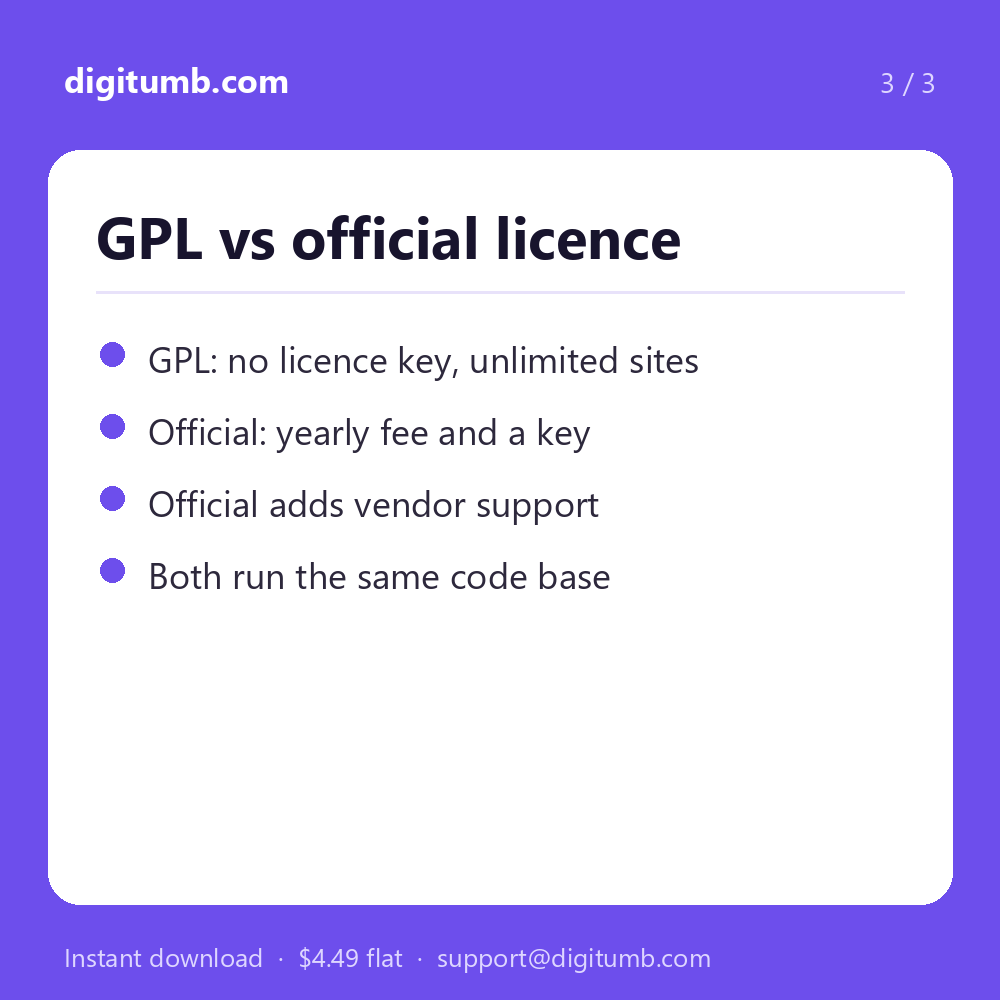
This is the same archive the developer publishes, redistributed under the GNU General Public License: you get the working files for $4.49 with no vendor update channel and no vendor support desk. If you need automatic updates or a support contract, buy the official license from the developer.
| This GPL build | Official license | |
|---|---|---|
| Price | $4.49 one time | Vendor subscription |
| Automatic updates | No | Yes |
| Developer support | No | Yes |
| Number of sites | Unlimited | Depends on plan |
Browse the rest of the WordPress plugins category or the full shop. The licence text is at GNU GPL v2, and general documentation is at WordPress.org.
You must be logged in to post a review.
You may also like…

Related products









Reviews
Clear filtersThere are no reviews yet.