



Toolset Blocks GPL
$4.49
Toolset Blocks is a WordPress plugin from OnTheGoSystems that lets you create custom content layouts and content types without coding.
Toolset Blocks is a WordPress plugin from OnTheGoSystems that lets you create custom content layouts and content types without coding. It gives you a visual block interface plus block types that display dynamic fields, so post data, images, video and ratings can appear inside layouts you design yourself. The build sold here is the GPL version 1.6.30, an 11.4 MB zip at $4.49.
| Product | toolset-blocks |
|---|---|
| Version | 1.6.30 |
| Works with | WordPress 6.x+ / PHP 8.x+ |
| Tested up to | WordPress current |
| License | GPLv2 or later |
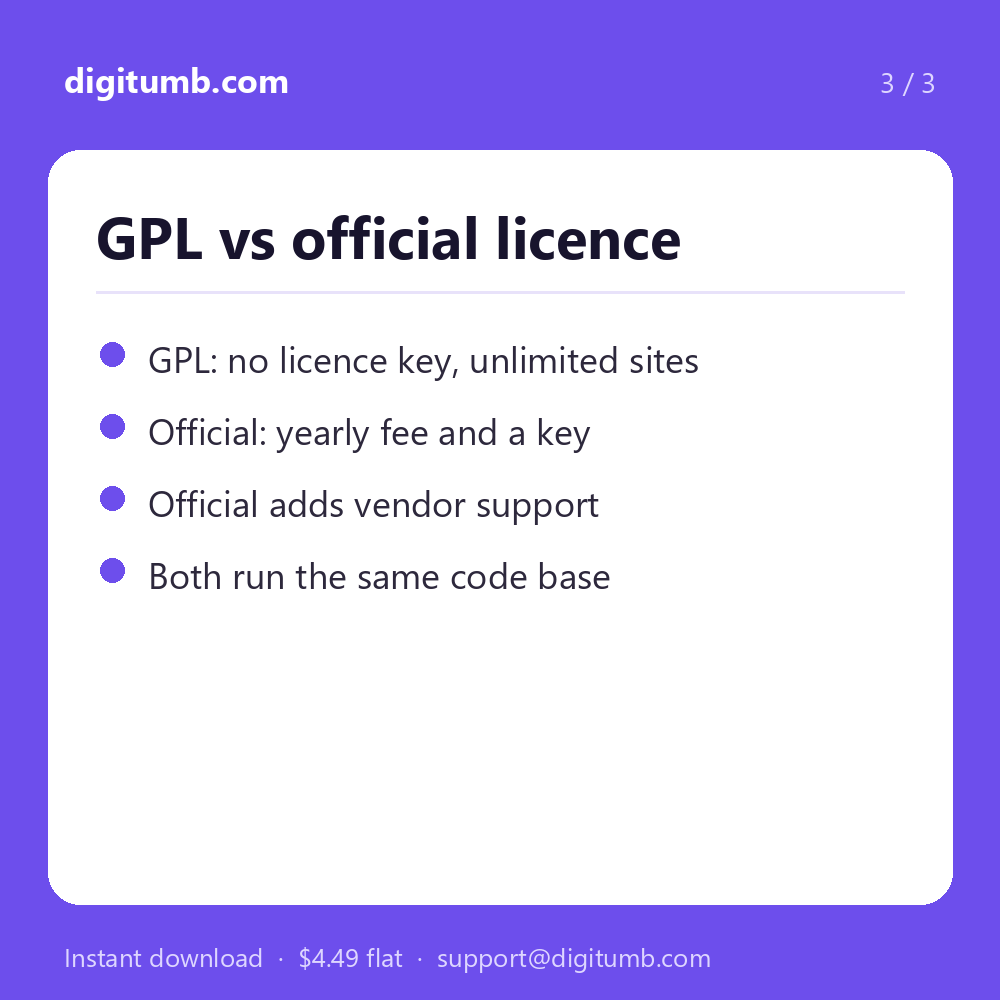
| Delivery | Instant ZIP download, 10 downloads, 365 days |
What Toolset Blocks does inside the WordPress editor
The plugin adds its own set of blocks to the WordPress editor under the label Toolset Blocks, described in the interface as useful blocks from the Toolset team. Instead of typing shortcodes, you place blocks and configure them through the block settings panel. The plugin's interface asks whether you want to use a Dynamic Source, which is how a block switches from static demo content to real data from your site.
Dynamic sources cover common post data: Featured Image Data, Post Modified Date, Post Modified Date GMT, Comments Number and Comments Status. When a selected source no longer exists, the editor shows the message that the selected dynamic source was not found, so you can correct the block before publishing.
Dynamic blocks for images, buttons, audio and video
Several blocks are built specifically to accept dynamic fields. The Image Block supports Dynamic Fields, as do the Button block (displays a fully configurable button within your content) and the Audio Block supporting Dynamic Fields. The Video Block supporting Dynamic Fields comes with its own Video Settings panel where you select or remove a poster image.
Media blocks also carry their own options. Images can open in a new tab or open in a lightbox, and captions are added through a Write a caption field. The video and audio blocks let you load a CDN resource when you want the media served from a CDN.
Ratings, progress indicators and icon controls
Two display blocks extend what you can put in a layout: TB Star Rating, which displays a fully configurable star rating within your content, and TB Progress Indicator. The star rating exposes its own settings, including a filled star font code and an option to select a different icon.
Icon selection is handled through a searchable library. You can search an icon, filter the icon list, or search external resources in CDNJS such as FontAwesome and Ionicons. Expert mode and Expert settings are available when the standard list does not return what you need, and the interface reports no icons found, try Expert mode when a search comes up empty.
Layout controls and compatibility with Elementor and Astra
Blocks expose spacing and colour controls directly in the settings panel, including margin and padding and a click to choose a color picker. A Font Family name field lets you set typography per block. When a block sits inside a loop, some options are disabled because Loop is active, which keeps loop output consistent.
Toolset Blocks is designed to work alongside Elementor, so both tools can be used together for design work. It is also compatible with the Astra theme, letting you build custom layouts on top of Astra's lightweight design. Attachment Page is available as a layout context alongside the other content options.
What this build includes
| Dynamic Sources | Switch a block from static content to live site data by choosing a Dynamic Source, with a warning when the selected source cannot be found. |
|---|---|
| Dynamic post fields | Display Featured Image Data, Post Modified Date, Post Modified Date GMT, Comments Number and Comments Status inside any layout. |
| Dynamic Button block | Place a fully configurable button within your content and connect it to dynamic fields. |
| Dynamic Image block | Insert images that support dynamic fields, add a caption, and choose to open in a new tab or in a lightbox. |
| Dynamic Video and Audio blocks | Add audio and video supporting dynamic fields, select or remove a poster image, and load the media from a CDN resource. |
| Star Rating block | Display a fully configurable star rating within your content, with a filled star font code and an option to select a different icon. |
| Progress Indicator block | Add a TB Progress Indicator block to your layouts for a visual progress element. |
| Icon library search | Search an icon, filter the icon list, or search external resources in CDNJS such as FontAwesome and Ionicons, with Expert mode for harder cases. |
| Spacing and colour controls | Set margin and padding and pick colours with the click to choose a color control, plus a Font Family name field for typography. |
Installing it on a WordPress site
- Download the 11.4 MB zip from your digitumb.com order and keep it somewhere you can find it.
- In WordPress, go to Plugins, choose Add New, then Upload Plugin, select the zip and run the install.
- Activate Toolset Blocks, open the editor and add a block from the Toolset Blocks group to begin building a layout.
Latest changes
This product page covers Toolset Blocks version 1.6.30.
Frequently asked questions
Does Toolset Blocks require coding knowledge?
No. Toolset Blocks provides a user-friendly interface and various block types to enhance content presentation, so you build layouts by placing and configuring blocks in the WordPress editor rather than writing code. Dynamic fields are connected through the block settings panel.
Can I use Toolset Blocks together with Elementor?
Yes. Toolset Blocks is designed to work alongside Elementor, allowing you to use both tools together for enhanced design capabilities. You can keep Elementor for page design and use Toolset Blocks for dynamic content blocks where you need them.
Does it work with the Astra theme?
Yes. Toolset Blocks is compatible with the Astra theme, enabling you to create custom layouts while leveraging Astra's lightweight design. The plugin's blocks and dynamic sources can be used within Astra-built pages.
What licence comes with this build?
You receive the same files the developer ships, distributed as a GPL build. There is no vendor update channel and no vendor support desk attached to this copy. The price is $4.49 for version 1.6.30, an 11.4 MB zip.
Why are some block options greyed out?
When a block sits inside a loop, certain options show as disabled because Loop is active. This is expected behaviour that keeps loop output consistent; the options become available again once the block is used outside the loop context.
What the GPL build means for you
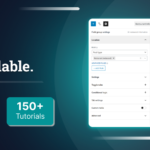
This is the same archive the developer publishes, redistributed under the GNU General Public License: you get the working files for $4.49 with no vendor update channel and no vendor support desk. If you need automatic updates or a support contract, buy the official license from the developer.
| This GPL build | Official license | |
|---|---|---|
| Price | $4.49 one time | Vendor subscription |
| Automatic updates | No | Yes |
| Developer support | No | Yes |
| Number of sites | Unlimited | Depends on plan |
Browse the rest of the WordPress plugins category or the full shop. The licence text is at GNU GPL v2, and general documentation is at WordPress.org.
You must be logged in to post a review.
You may also like…

Related products









Reviews
Clear filtersThere are no reviews yet.