




YITH Point of Sale for WooCommerce – WordPress Plugin
$4.49
YITH Point of Sale for WooCommerce turns a WooCommerce catalog into a cash register for a physical shop. It adds stores, registers and receipts on top of your existing setup, so in-store sales are.
YITH Point of Sale for WooCommerce turns a WooCommerce catalog into a cash register for a physical shop. It adds stores, registers and receipts on top of your existing setup, so in-store sales are processed inside the same WordPress install that runs the online store. The plugin ships as a GPL build at $4.49, with the same files the developer releases.
| Product | YITH Point of Sale for WooCommerce |
|---|---|
| Version | 3.14.0 |
| Works with | WordPress 6.x+ / PHP 8.x+ |
| Tested up to | WordPress current |
| License | GPLv2 or later |
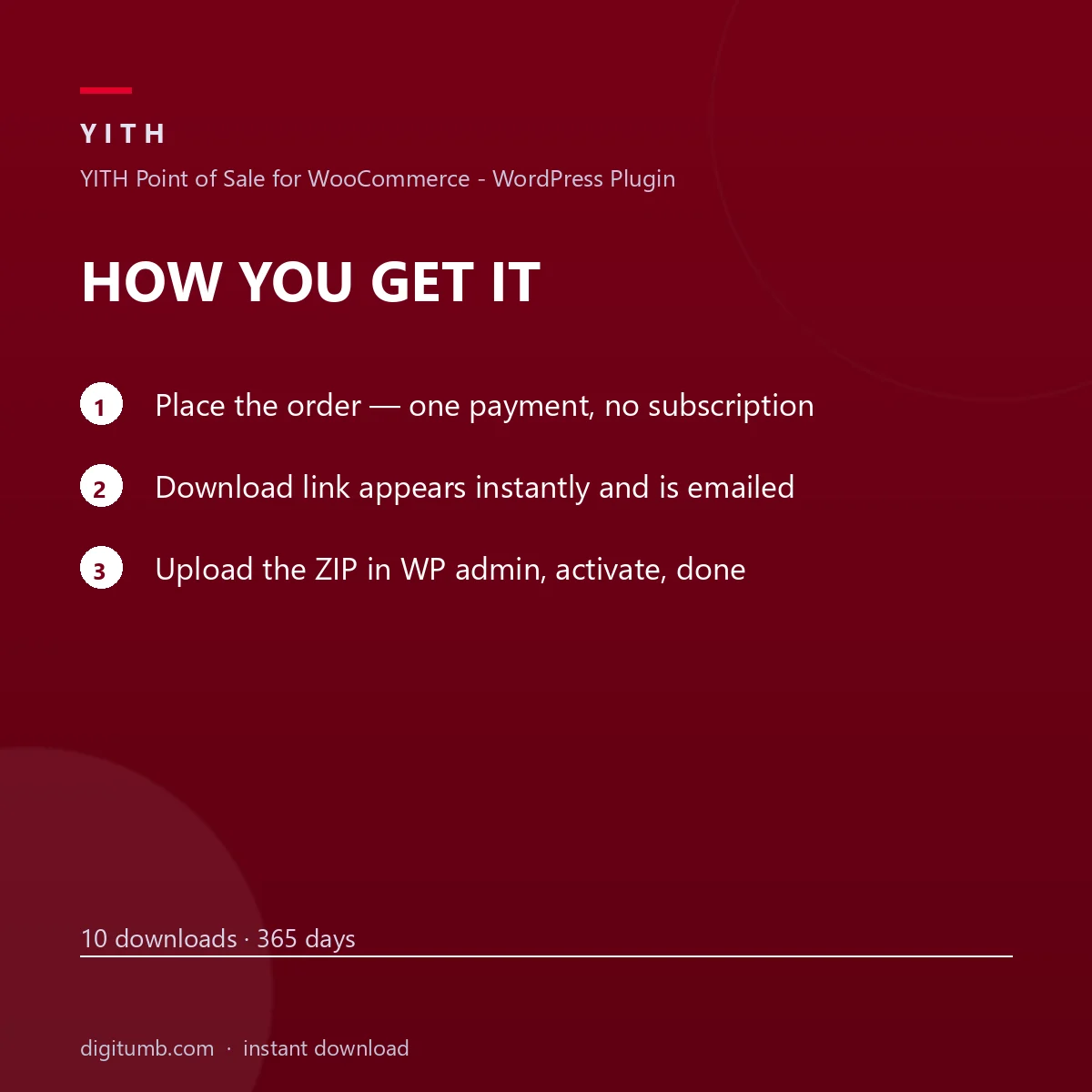
| Delivery | Instant ZIP download, 10 downloads, 365 days |
What a POS store and register look like in the admin
The plugin adds its own area to WordPress where stores live. A store is the physical location you sell from, and each store gets registers that staff use to take payment. The settings screens walk through it in order: create the store, set up a cash register, then start selling.
Registers are listed and searched separately from stores. From the register list you can add a new register, and the plugin warns you if you try to go further before one exists: at least one Register has to be created before proceeding.
Receipts, report downloads and register sessions
Each register works against a receipt template. You create receipts, choose the template they render with, and see which templates are tied to which registers. If no receipt exists yet, the interface says so and offers a Create receipt action.
Register sessions can be reviewed afterwards, with reports available to download as files. Access to those actions is guarded: the plugin blocks editing a register session and downloading its reports for users who are not allowed to do it.
How the POS filters and protects its data
Lists in the POS can be narrowed by store and by status, and results can be limited to POS entries only, so online orders and in-store orders stay distinguishable. A filter by YITH POS or online shows the same split on order data.
Deleting data is treated as permanent. The confirmation dialog states that the action cannot be undone and the data cannot be recovered, which keeps accidental removals out of the workflow.
What this build includes
| Stores for each physical location | Create, edit and manage stores from a dedicated admin section, one entry per location, and filter POS lists by store. |
|---|---|
| Registers per store | Add and search cash registers, manage the registers belonging to each store, and see a Show Registers view. |
| Custom receipt templates | Create receipts and customize the templates your registers render, with a list of registers using each template. |
| Downloadable register reports | Download reports for a register session as files, with permission checks on who may download them. |
| POS-only and online filters | Switch order lists between YITH POS and online results, and filter by store or status to isolate in-store activity. |
| General and design options | A general options screen controls plugin behavior, and a design section customizes how rendered elements look on the site. |
Installing it on a WordPress site
- Upload the plugin zip through Plugins in WordPress and activate it.
- Open the plugin's settings and create your first store for the physical location.
- Add at least one register to that store, then create a receipt and pick the template it uses.
Latest changes
Version 3.14.0, released 22 May 2025, adds support for WooCommerce 9.9 and updates the YITH plugin framework.
Frequently asked questions
Does it work with the Storefront theme?
Yes. The plugin is compatible with the Storefront theme, so the storefront you already run online can also serve as the base for the in-store setup without a separate theme.
Can I use it alongside other WooCommerce extensions?
The plugin is compatible with a range of popular WooCommerce extensions, which lets you keep existing tools in place while adding in-store sales on top of the same installation.
Which WooCommerce and WordPress versions are supported?
Version 3.14.0 adds support for WooCommerce 9.9, and the 3.13.0 release added support for WordPress 6.8. Earlier releases in the same line covered WooCommerce 9.7 and 9.8.
What happens if I delete POS data by mistake?
Deletion is permanent. The confirmation dialog states the action cannot be undone and the data cannot be recovered, so review the confirmation step before removing anything.
Is this the developer's own build?
It is a GPL build: the same plugin files the developer ships, distributed under GPL. There is no vendor update channel and no vendor support desk included; the price is $4.49 for the 2.7 MB zip.
What the GPL build means for you
This is the same archive the developer publishes, redistributed under the GNU General Public License: you get the working files for $4.49 with no vendor update channel and no vendor support desk. If you need automatic updates or a support contract, buy the official license from the developer.
| This GPL build | Official license | |
|---|---|---|
| Price | $4.49 one time | Vendor subscription |
| Automatic updates | No | Yes |
| Developer support | No | Yes |
| Number of sites | Unlimited | Depends on plan |
Browse the rest of the WordPress plugins category or the full shop. The licence text is at GNU GPL v2, and general documentation is at WordPress.org.
You must be logged in to post a review.
You may also like…

Related products







Reviews
Clear filtersThere are no reviews yet.