





Product Filters For Woocommerce GPL
$4.49
Product Filters For WooCommerce is a WordPress plugin that adds filtering controls to a WooCommerce product archive so shoppers can narrow the catalogue by categories, attributes and price ranges.
Product Filters For WooCommerce is a WordPress plugin that adds filtering controls to a WooCommerce product archive so shoppers can narrow the catalogue by categories, attributes and price ranges. The plugin is built to make product discovery easier on shops with large catalogues, and it includes settings for cache handling and product count queries. This build is version 1.4.42, delivered as a 0.3 MB zip from digitumb.com for $4.49.
| Product | product-filters-for-woocommerce |
|---|---|
| Version | 1.4.42 |
| Works with | WordPress 6.x+ / PHP 8.x+ |
| Tested up to | WordPress current |
| License | GPLv2 or later |
| Delivery | Instant ZIP download, 10 downloads, 365 days |
Which criteria can shoppers filter products by in this plugin?
The filters work on the product archive and let visitors narrow results by categories, by product attributes and by price ranges. The settings screen includes a source selector for the options that will be used to filter products, so each filter's option list is drawn from the data you choose.
Filter widgets support different presentation choices, including a drop-down style and box items with configurable height and width. Options can be hidden when they are active, and out-of-stock products can be excluded from the filter output.
Does Product Filters For WooCommerce work with Elementor and Storefront?
The plugin is compatible with Elementor, so filtering options can be placed into product pages built with that page builder. It is also fully compatible with the Storefront theme, which means the filters display correctly and function as intended on that theme.
Template overrides are handled through component selectors, and the settings include a search selector field for locating the selectors used when overriding WooCommerce templates.
How does the plugin handle cache and product count performance?
A dedicated Product Filters cache can be cleared from the settings, which removes the cached results of heavy database queries such as the product counts query. The interface reports when the entire cache for Product Filters has been removed.
For catalogues with many variants, options for faster product counts and reduced product count queries are available, and large product counts can be left uncapped in the filters. Adaptive thumbnails is another setting exposed on the same screen.
What this build includes
| Filter by categories, attributes and price | Shoppers narrow the product archive using category, attribute and price range criteria, with each filter's options taken from a source you select. |
|---|---|
| Drop-down style filters | Present filter options as a drop-down rather than an open list, using the Drop Down Style setting on the filter configuration screen. |
| Hide active options | Remove options from view once they are active, so the remaining choices stay focused on what the shopper has not yet selected. |
| Out-of-stock handling | Control whether out-of-stock products appear among the filter results, keeping unavailable items out of the browsing path. |
| Product Filters cache clearing | Clear cached results of heavy database queries, including the product counts query, from a single control in the plugin settings. |
| Faster product counts | Enable performance options for catalogues with large numbers of product variants, including reduced product count queries. |
| Adaptive thumbnails and box sizing | Set the height and width of box items and use adaptive thumbnails so filter visuals match the layout of the archive. |
| Elementor and Storefront compatibility | Place filters in Elementor-built product pages and rely on the filters displaying and functioning correctly on the Storefront theme. |
Installing it on a WordPress site
- Upload the 0.3 MB zip through Plugins → Add New → Upload Plugin in WordPress, then activate Product Filters for WooCommerce.
- Open the plugin settings, choose the source of options for each filter, and configure criteria such as categories, attributes and price ranges for the product archive.
- Adjust cache, product count and display options as needed, then clear the Product Filters cache so the new filter configuration takes effect.
Frequently asked questions
Can I use these filters on an Elementor product page?
Yes. Product Filters for WooCommerce is compatible with Elementor, so you can integrate the filtering options into product pages you have built with Elementor. The plugin is also fully compatible with the Storefront theme, where the filters display correctly and function as intended.
What does clearing the Product Filters cache do?
The cache control clears the cached results of heavy database queries, including the product counts query. The settings screen confirms when the entire cache for Product Filters has been removed, which is useful after changing filter options or product data.
Are there settings for shops with many product variants?
The settings include options for faster product counts and reduced product count queries, aimed at better performance for large numbers of product variants. Large product counts can also be left uncapped in the filters if you want every count shown.
What do I receive for $4.49?
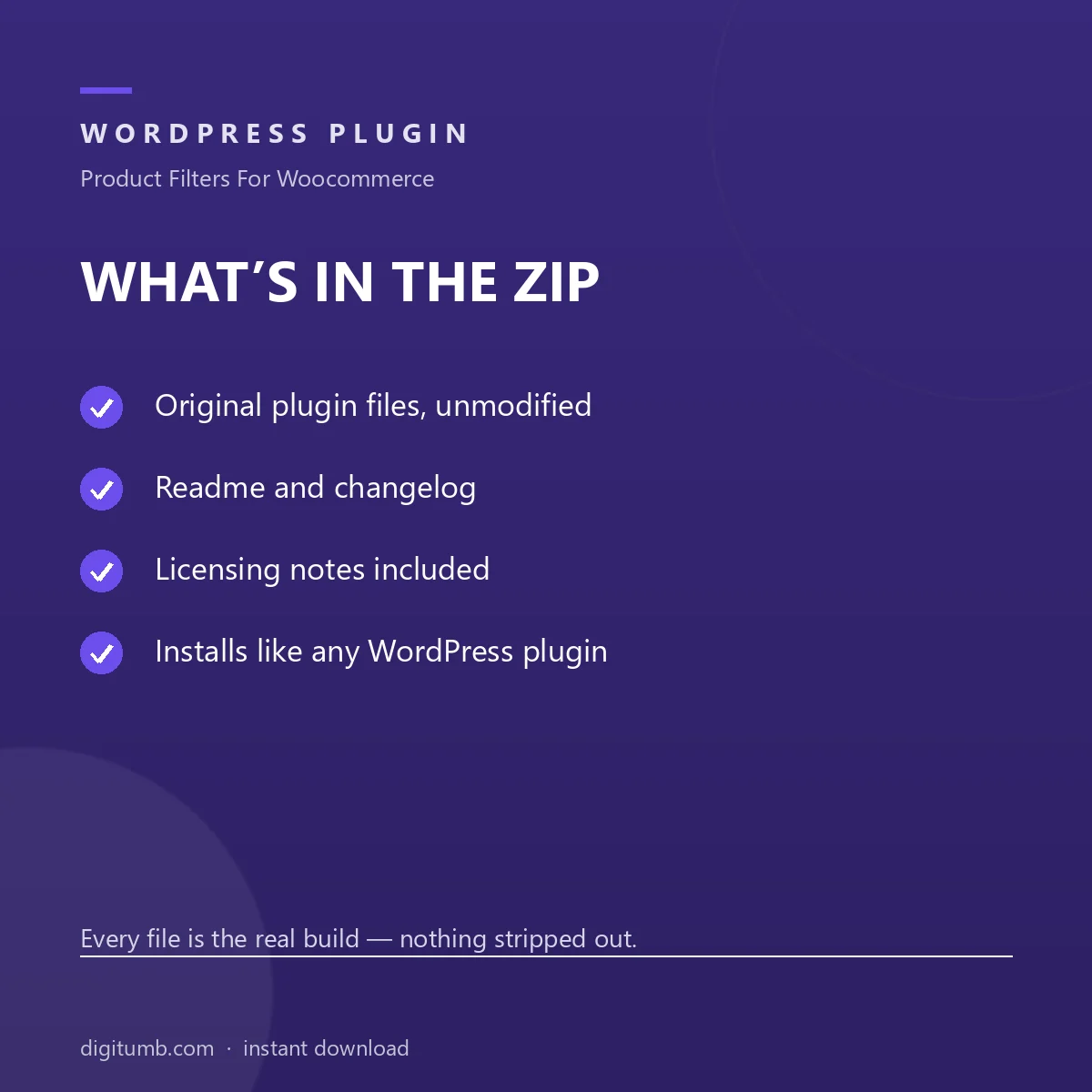
You receive the GPL build of Product Filters for WooCommerce, version 1.4.42, as a 0.3 MB zip containing the same files the developer ships. The build has no vendor update channel and no vendor support desk; the price at digitumb.com is $4.49.
What the GPL build means for you
This is the same archive the developer publishes, redistributed under the GNU General Public License: you get the working files for $4.49 with no vendor update channel and no vendor support desk. If you need automatic updates or a support contract, buy the official license from the developer.
| This GPL build | Official license | |
|---|---|---|
| Price | $4.49 one time | Vendor subscription |
| Automatic updates | No | Yes |
| Developer support | No | Yes |
| Number of sites | Unlimited | Depends on plan |
Browse the rest of the WordPress plugins category or the full shop. The licence text is at GNU GPL v2, and general documentation is at WordPress.org.
You must be logged in to post a review.
You may also like…

Related products








Reviews
Clear filtersThere are no reviews yet.