



WooCommerce Authorize.Net AIM Gateway GPL
$4.49
WooCommerce Authorize.Net AIM is a payment gateway plugin that lets an online store process credit card payments directly on its own website instead of sending the customer to a hosted payment page.
WooCommerce Authorize.Net AIM is a payment gateway plugin that lets an online store process credit card payments directly on its own website instead of sending the customer to a hosted payment page. You connect it to Authorize.Net by entering an API Login ID and API Transaction Key, and the gateway then handles card payments at checkout. This GPL build ships the same files as the developer's release, with no vendor update channel and no vendor support desk, for $4.49.
| Product | WooCommerce Authorize.Net AIM Gateway |
|---|---|
| Version | 3.14.6 |
| Works with | WordPress 4.4+ / PHP 5.6+ |
| Tested up to | WordPress 5.2.2 |
| License | GPLv2 or later |
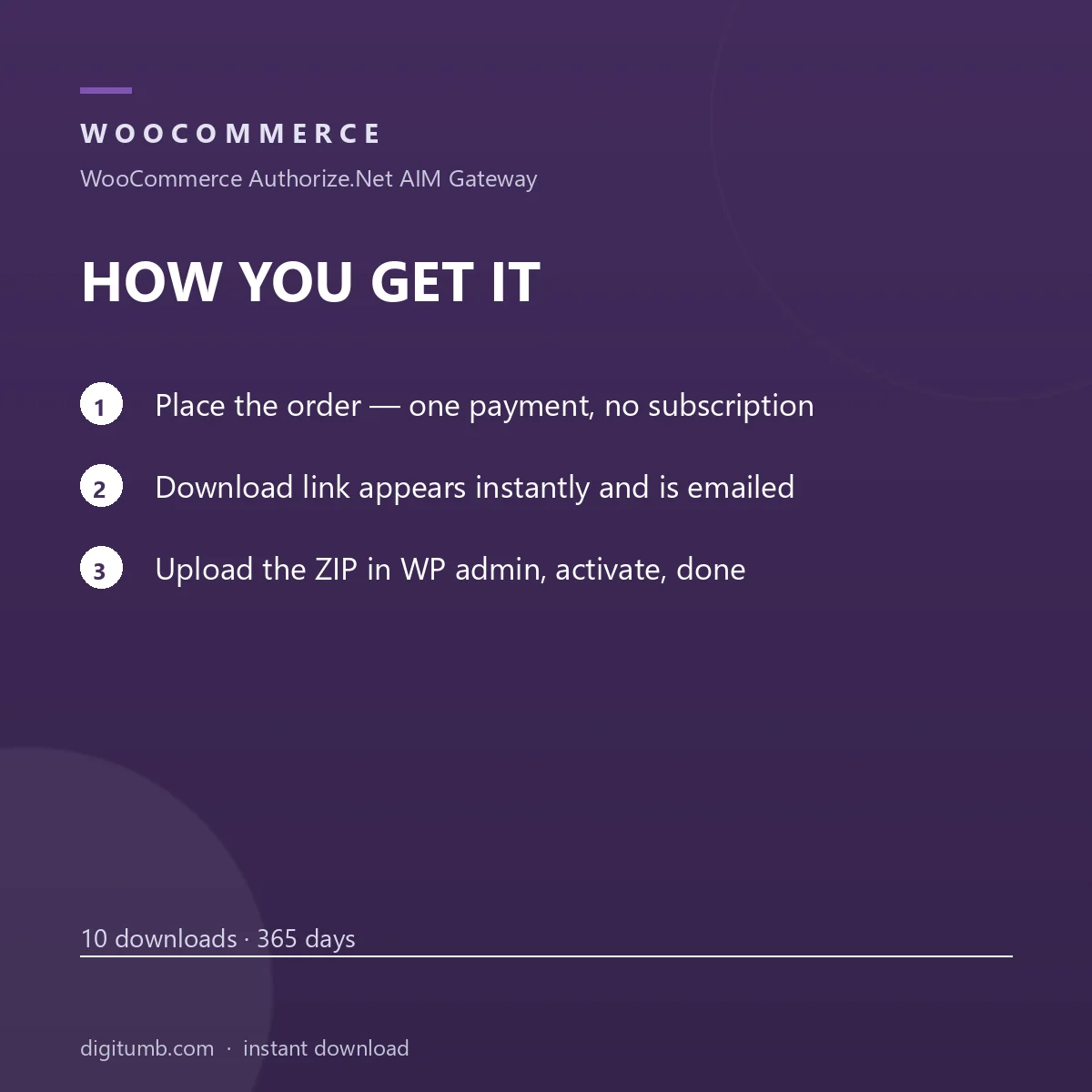
| Delivery | Instant ZIP download, 10 downloads, 365 days |
How WooCommerce Authorize.Net AIM handles card payments on your site
The plugin adds an Authorize.Net AIM payment method to WooCommerce checkout. Customers enter their card details on your store's checkout page, and the plugin sends the transaction to Authorize.Net using the credentials you configure. Because the payment happens on your site, the customer stays inside your checkout flow from cart to confirmation.
Separate fields are provided for the live and test connections: Payment Gateway URL, API Login ID and API Transaction Key for live transactions, and Test Payment Gateway URL, Test API Login ID and Test API Transaction Key for testing. That split lets you run test transactions without touching your live credentials.
Emulation gateway and eCheck options in the settings
The settings screens include an emulation gateway that you can enable or disable, with a dedicated Configure Emulator screen. When you toggle it, the plugin confirms the change with a message that the Authorize.Net AIM Emulation Gateway is now enabled or now disabled, so you can see the current state at a glance.
Two more configuration screens are available: Configure Credit Cards and Configure eChecks. The plugin also registers an Authorize.Net AIM eCheck payment method alongside the card gateway, so eCheck payments appear as a separate option in the payment settings.
Which themes and WordPress versions this gateway runs on
The plugin requires WordPress 4.4 and PHP 5.6, and it is tested up to WordPress 5.2.2. It is built to work alongside other WooCommerce extensions, and it is compatible with popular themes including Astra and OceanWP, so the payment option follows the design of your existing store.
Before installing it next to another payment plugin, check the two for conflicts. The gateway is its own WooCommerce payment method, so it can sit in the payment list with the methods you already offer.
What the ZIP contains and how the GPL build is supplied
The download is a 0.5 MB ZIP at version 3.14.6. Inside, the plugin folder holds the woo-includes and i18n directories along with the gateway code. The build is GPL: you get the same files the developer ships, with no vendor update channel and no vendor support desk attached, priced at $4.49.
Updates and support come from the store you buy from and from the WordPress community around the plugin, not from the original vendor. Keep your own backup of the ZIP so you can reinstall the same version if you need to.
What this build includes
| On-site card payments | Process credit card payments directly on your website through Authorize.Net AIM, keeping customers in your checkout instead of a hosted payment page. |
|---|---|
| Live and test credentials | Enter separate live and test gateway URLs, API Login IDs and API Transaction Keys, so test transactions never use your production credentials. |
| Emulation gateway toggle | Enable or disable the Authorize.Net AIM Emulation Gateway from the settings and see a confirmation message each time the state changes. |
| Credit card configuration screen | Use the Configure Credit Cards screen to manage the card payment method the gateway adds to WooCommerce checkout. |
| eCheck payment method | Offer Authorize.Net AIM eCheck as a separate payment option, configured from its own Configure eChecks screen. |
| Theme compatibility | Works with popular WordPress themes such as Astra and OceanWP, so the payment option fits the design of your store. |
| Translation-ready structure | The package includes an i18n folder, supporting translation of the plugin's interface strings into other languages. |
Installing it on a WordPress site
- Upload the entire 'woocommerce-gateway-authorize-net-aim' folder to the '/wp-content/plugins/' directory.
- Activate the plugin through the 'Plugins' menu in WordPress.
- Open WooCommerce settings, go to the Payments tab, and enter your Authorize.Net API Login ID and API Transaction Key for the gateway.
Latest changes
Version 3.14.6 is the release supplied in this 0.5 MB ZIP.
Frequently asked questions
What does WooCommerce Authorize.Net AIM do?
It is a payment gateway plugin that lets online stores process credit card payments directly on their website. The customer enters card details at your WooCommerce checkout, and the plugin sends the transaction to Authorize.Net using the API credentials you configure in the Payments settings.
How do I set up the gateway on my WordPress site?
Install the plugin through the WordPress dashboard, activate it, then enter your Authorize.Net API credentials in the WooCommerce settings under the Payments tab. Separate fields are available for the live gateway URL, API Login ID and API Transaction Key, and for the test equivalents.
Can I test transactions before going live?
Yes. The settings include a Test Payment Gateway URL, Test API Login ID and Test API Transaction Key, kept apart from the live Payment Gateway URL, API Login ID and API Transaction Key. You can run test transactions through the test credentials without changing your live configuration.
Does it work with themes like Astra or OceanWP?
Yes, the plugin is compatible with popular WordPress themes, including Astra and OceanWP, so the payment option follows the design of your store. It is also designed to work alongside other WooCommerce extensions, though you should check for conflicts with specific payment plugins before installing.
What are the WordPress and PHP requirements?
The plugin requires WordPress 4.4 and PHP 5.6, and it is tested up to WordPress 5.2.2. Check that your hosting meets the PHP requirement before activating the gateway.
What do I get for $4.49?
A 0.5 MB ZIP at version 3.14.6 containing the plugin folder with the woo-includes and i18n directories. It is a GPL build: the same files the developer ships, with no vendor update channel and no vendor support desk.
What the GPL build means for you
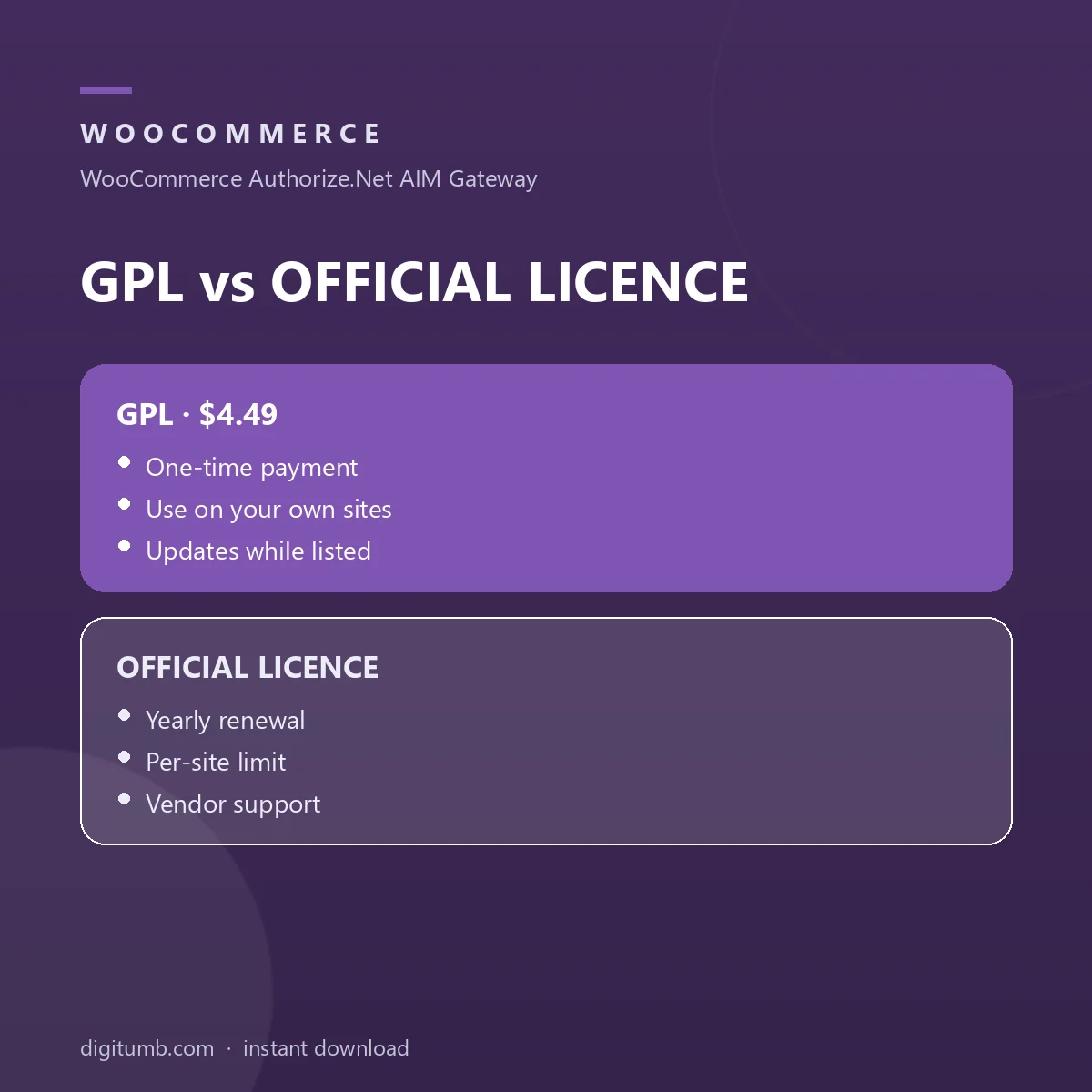
This is the same archive the developer publishes, redistributed under the GNU General Public License: you get the working files for $4.49 with no vendor update channel and no vendor support desk. If you need automatic updates or a support contract, buy the official license from the developer.
| This GPL build | Official license | |
|---|---|---|
| Price | $4.49 one time | Vendor subscription |
| Automatic updates | No | Yes |
| Developer support | No | Yes |
| Number of sites | Unlimited | Depends on plan |
Browse the rest of the WordPress plugins category or the full shop. The licence text is at GNU GPL v2, and general documentation is at WordPress.org.
You must be logged in to post a review.
You may also like…

Related products







Reviews
Clear filtersThere are no reviews yet.