


Seraphinite Accelerator GPL – WordPress Plugin
$4.49
Seraphinite Accelerator is a WordPress plugin that turns on site high speed so the site is attractive for people and search engines. It works through caching and optimization techniques that improve.
Seraphinite Accelerator is a WordPress plugin that turns on site high speed so the site is attractive for people and search engines. It works through caching and optimization techniques that improve loading speeds, reduce resource usage and enhance overall performance. The build sold here is the same plugin files the developer ships, distributed as a GPL build for $4.49, with no vendor update channel and no vendor support desk.
| Product | Seraphinite Accelerator |
|---|---|
| Version | 2.20.36 |
| Works with | WordPress 4.5+ / PHP 7.1+ |
| Tested up to | WordPress 6.3 |
| License | GPLv2 or later |
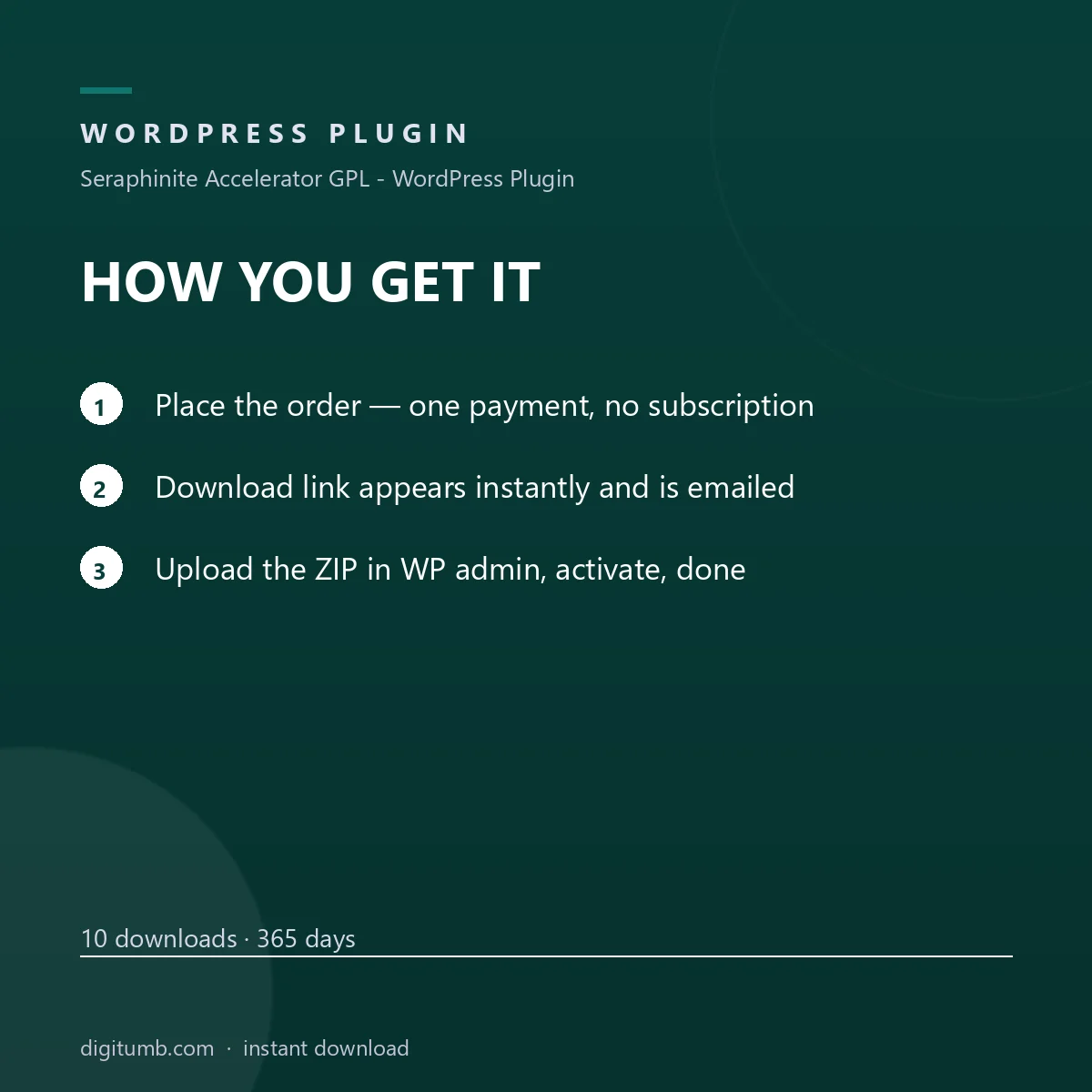
| Delivery | Instant ZIP download, 10 downloads, 365 days |
What Seraphinite Accelerator does to page loading
The plugin optimizes a WordPress installation by improving loading speeds, reducing resource usage and enhancing overall performance through various caching and optimization techniques. Site speed is the target: faster pages for the people who visit and a site that search engines can read without waiting on slow responses.
Settings screens expose the working parts of that process. Asset compression is controlled by a dedicated checkbox, and markup and stylesheet analysis reports issues at high, medium and low severity so you can see what is slowing a page. A trace view separates errors by severity rather than dumping one flat list.
Caching states and background processing you can see
Cache work does not happen invisibly. Status labels distinguish an item that is not active from one that is suspended, and processing states report when work is skipped because it was already processed or because the content had not changed. When a run is aborted for a repeat, the interface says so.
Scheduled update and cleanup tasks each report their own running description, and timeouts can be set in minutes, hours or days through placeholder fields. A restore confirmation guards the restore action, and a delete-all-items button clears the stored entries.
Images, page variants and revalidation
Image handling includes separate high-resolution and low-resolution mobile views, plus a common single view, so you can control which image variant a device receives. The interface reports when image conversion is unsupported on the current server rather than failing silently.
Revalidation is available as a selectable operation, and the plugin distinguishes what initiated a task: automatic, scheduled, or by request. That distinction matters when you are diagnosing why a page was processed at a particular moment.
WooCommerce and Elementor compatibility
WooCommerce stores are supported, so an online shop can run with the plugin's performance features active. Elementor and other popular page builders are supported as well, which means you can keep building pages without a conflict between the builder and the accelerator.
The plugin requires WordPress 4.5 and PHP 7.1, and is tested up to WordPress 6.3. Those are the floor and the tested ceiling, not a promise about every combination of plugins on a given site.
What this build includes
| Caching and optimization controls | Turn on caching and optimization techniques that improve loading speeds, reduce resource usage and enhance overall performance on a WordPress site. |
|---|---|
| Asset compression toggle | Enable or disable compression of assets from a single checkbox in the settings screens. |
| CSS and markup parse tracing | Read parse trace reports split into high, medium and low error severity to locate stylesheet and markup problems. |
| Processing state reporting | See whether an item is not active, suspended, skipped as already processed, skipped as unchanged, or aborted for a repeat. |
| Scheduled task descriptions | Scheduled update and cleanup tasks each display a running description so you know which background job is executing. |
| Adjustable timeouts | Set timeout values in minutes, hours or days using the provided placeholder fields. |
| Mobile image resolution views | Choose between high-resolution and low-resolution mobile image views, or a common single view, for what mobile visitors receive. |
| Revalidation operation | Select revalidation from the operation list to refresh processed entries. |
| Initiator identification | Distinguish tasks started automatically, on a schedule, or by request when reviewing processing activity. |
| Restore and bulk delete | Restore stored items behind a confirmation prompt, or delete all items at once with the dedicated button. |
Installing it on a WordPress site
- Choose the plugin from the WordPress repository, or select the plugin archive file in the Upload Plugin section under Plugins, Add New, or upload and extract the archive to the /wp-content/plugins directory manually.
- Activate the plugin through the Plugins screen in WordPress.
- Open the plugin in the admin UI, where the settings screens appear, and follow the onscreen instructions. To use free additional features, install the free extended plugin version by following those same onscreen instructions.
Latest changes
Version 2.20.36 is the build supplied in this 0.7 MB zip.
Frequently asked questions
What does Seraphinite Accelerator do for my WordPress site?
It optimizes your WordPress site by improving loading speeds, reducing resource usage and enhancing overall performance through various caching and optimization techniques. The goal stated for the plugin is turning on site high speed so the site is attractive for people and search engines.
Does it work with WooCommerce?
Yes. The plugin is fully compatible with WooCommerce, so an online store can run smoothly while benefiting from the performance features. Elementor and other popular page builders are also supported.
How do I install and set it up?
Upload the plugin file from your WordPress admin dashboard, activate it, and follow the onscreen instructions to configure the settings for optimal performance. You can also install from the WordPress repository or extract the archive into /wp-content/plugins manually.
What are the server requirements?
The plugin requires WordPress 4.5 and PHP 7.1, and is tested up to WordPress 6.3. The distributed zip is 0.7 MB, and the version sold here is 2.20.36.
What do I get for $4.49 and what is not included?
You get the same plugin files the developer ships, as a GPL build, for $4.49. There is no vendor update channel and no vendor support desk with this purchase. Updates included for life are stated by the vendor for the plugin itself.
Where do the extra free features come from?
The plugin's own instructions ask you to install the free extended plugin version by following the onscreen prompts inside the plugin. Those additional features are delivered through that extended version, not through a separate paid add-on.
What the GPL build means for you
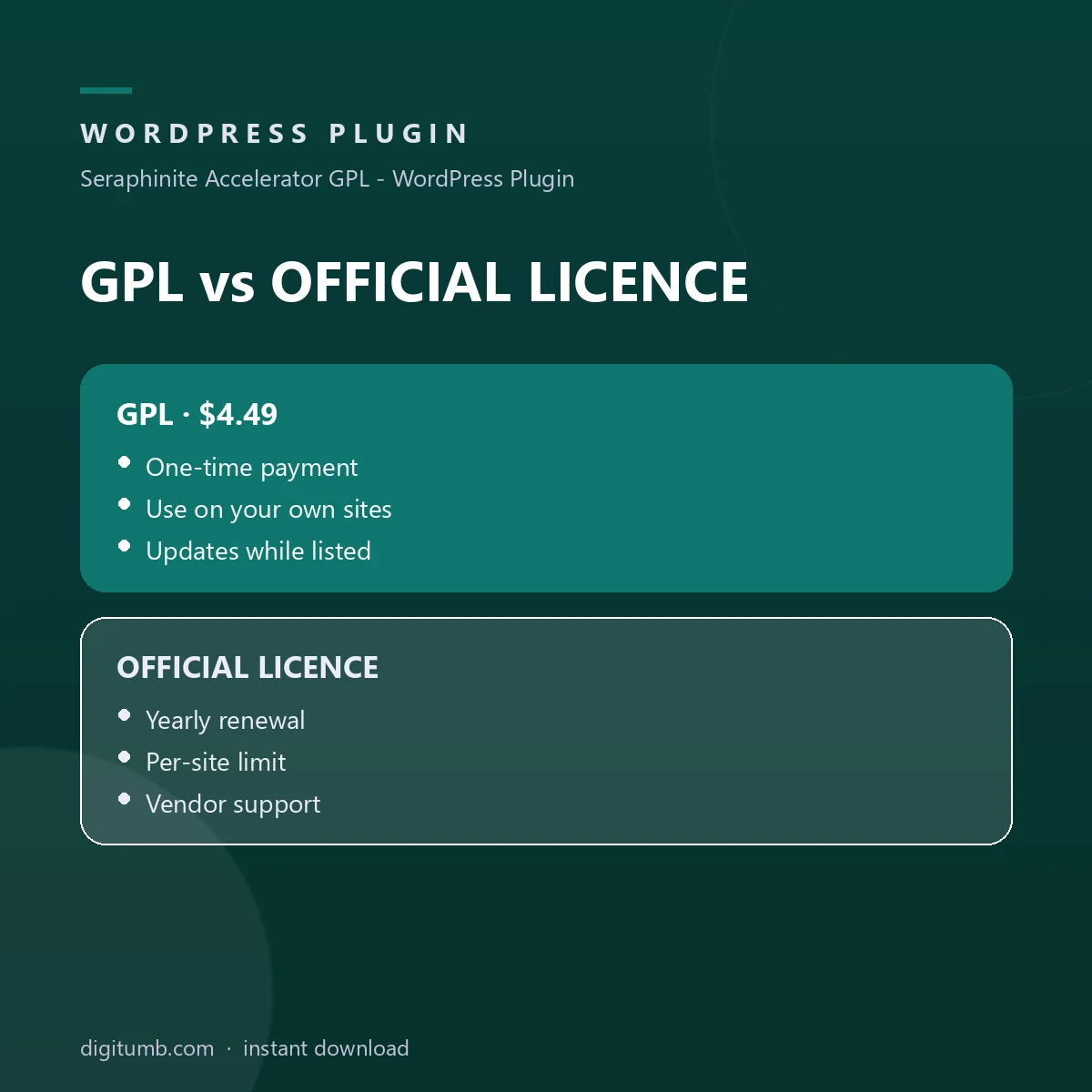
This is the same archive the developer publishes, redistributed under the GNU General Public License: you get the working files for $4.49 with no vendor update channel and no vendor support desk. If you need automatic updates or a support contract, buy the official license from the developer.
| This GPL build | Official license | |
|---|---|---|
| Price | $4.49 one time | Vendor subscription |
| Automatic updates | No | Yes |
| Developer support | No | Yes |
| Number of sites | Unlimited | Depends on plan |
Browse the rest of the WordPress plugins category or the full shop. The licence text is at GNU GPL v2, and general documentation is at WordPress.org.
You must be logged in to post a review.
You may also like…

Related products








Reviews
Clear filtersThere are no reviews yet.