




YITH WooCommerce Delivery Date – WordPress Plugin
$4.49
YITH WooCommerce Delivery Date is a WooCommerce plugin that lets a store owner define processing methods and carriers, then show customers the shipping and delivery dates that follow from those.
YITH WooCommerce Delivery Date is a WooCommerce plugin that lets a store owner define processing methods and carriers, then show customers the shipping and delivery dates that follow from those choices. It adds a delivery date selection step to the order flow and a dynamic delivery message, so the customer sees a concrete date range before checkout. This build is version 2.42.0, packaged as a 2.3 MB zip.
| Product | YITH WooCommerce Delivery Date |
|---|---|
| Version | 2.42.0 |
| Works with | WordPress 6.5+ / PHP 8.x+ |
| Tested up to | WordPress 6.7 |
| License | GPLv2 or later |
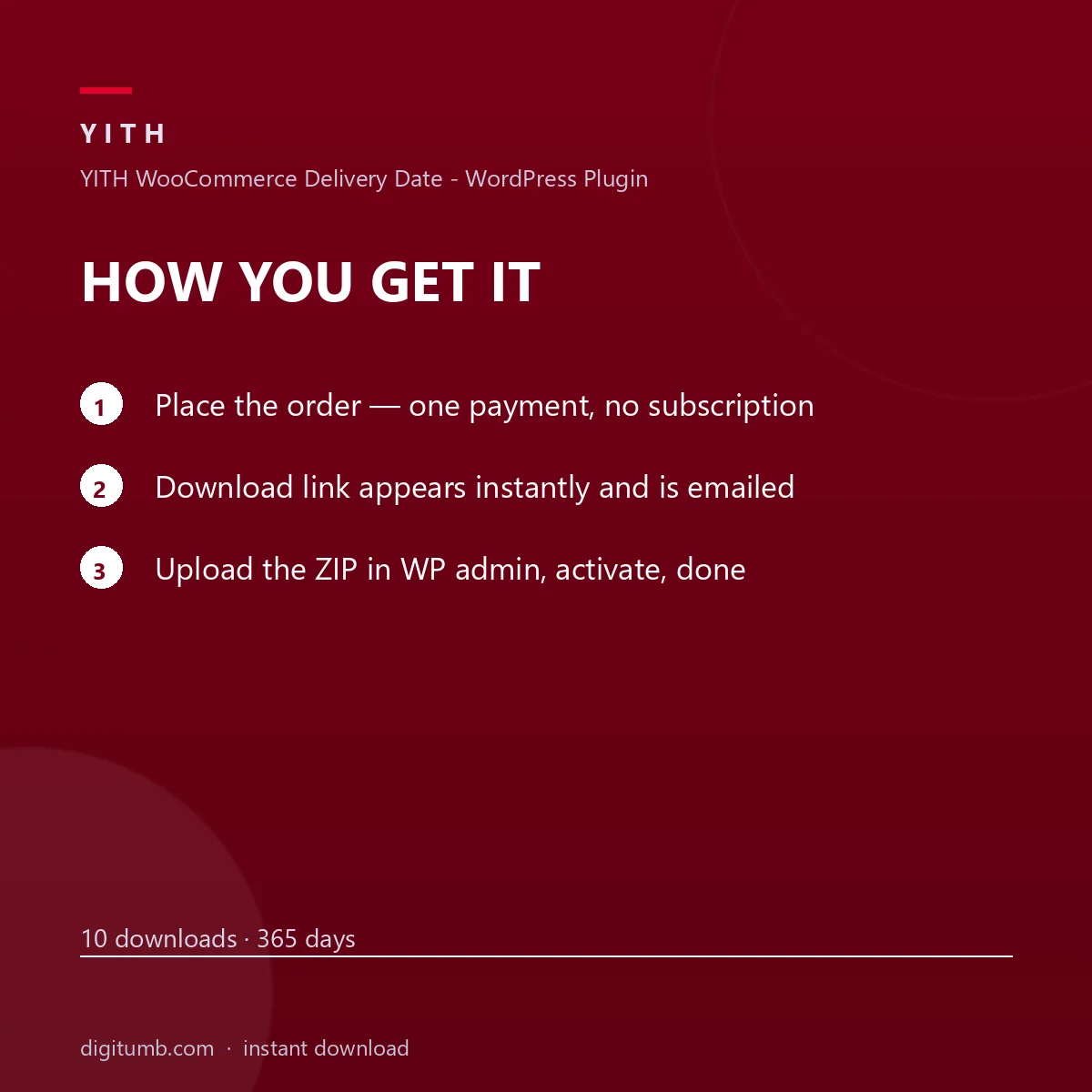
| Delivery | Instant ZIP download, 10 downloads, 365 days |
How processing methods and carriers work together
The plugin organises delivery logic around two records: a Processing Method and a Carrier. Each processing method carries a Processing Method ID, a shipping-within value expressed in workdays, and options such as setting the date as required so the customer must pick one before ordering. Carriers are created separately under Carrier Options, and one can be marked Carrier Default.
A processing method and a carrier are both required before the front end can offer dates. The settings screens state this directly: at least one Carrier and at least one Processing Method must exist. Once both are in place, the plugin can compute a Last shipping date, a Shipping day for and a Delivery day for each order.
What the customer sees at checkout
Shoppers see a delivery block with shipping and delivery date fields. When a date is unavailable the strings No shipping date, No delivery date, All shipping dates and All delivery dates describe the state. A Dynamic Delivery Message displays the resulting estimate, and the Number of Workdays and Maximum number of days to be selected settings bound what the shopper can pick.
Store owners can also control the delivery details shown, including the Shipped to carrier status text and an All delivery information view. The delivery block strings are translatable, and version 2.41.0 added a fix for delivery block translation.
Quantity tables and the product quantity table mode
Quantity Tables let you define per-product or per-quantity delivery rules. Each table can be duplicated with Make a duplicate from this quantity table, and the list shows No item found. when empty.
When the plugin is in "Product quantity table mode", certain general options are disabled and the settings screen says so. Tables can be set as required, and removed entries sit in Trash where you can Restore this item from Trash or Delete permanently.
Compatibility and recent releases
Release 2.42.0 (18 February 2025) adds support for WooCommerce 9.7 and updates the YITH plugin framework. The preceding releases track WooCommerce closely: 2.41.0 for WooCommerce 9.6, 2.40.0 for 9.5, 2.39.0 for 9.4, 2.38.0 for 9.3, 2.37.0 for 9.2 and 2.36.0 for 9.1.
WordPress support was extended in 2.39.0 for WordPress 6.7 and in 2.36.0 for WordPress 6.6. This build requires WordPress 6.5 and is tested up to WordPress 6.7. Version 2.39.0 also added a fix to filter processing methods by status.
What this build includes
| Processing methods with workday counts | Create processing methods with a shipping-within value and a number of workdays, so the plugin can calculate when an order leaves your warehouse. |
|---|---|
| Carrier records with a default | Add, update and search carriers under Carrier Options, and mark one as Carrier Default for orders that do not specify another. |
| Required delivery date selection | Enable the required option so customers must select a delivery date before completing an order. |
| Dynamic delivery message | Display a dynamic message that communicates the expected shipping and delivery dates to the shopper. |
| Date range limits | Set the maximum number of days a customer can select, and the number of workdays used in the calculation. |
| Quantity tables | Define quantity tables, duplicate an existing table, and switch the plugin into product quantity table mode when the general options should be locked. |
| Trash and restore | Removed items move to Trash, where you can restore them or delete them permanently. |
| Delivery block translation fix | Version 2.41.0 included a fix for translating the delivery block, so the date fields can follow your store language. |
Installing it on a WordPress site
- Upload the 2.3 MB zip through Plugins → Add New → Upload Plugin in WordPress, or extract it into wp-content/plugins.
- Activate the plugin; the zip contains the plugin-fw, plugin-upgrade, templates and plugin-options folders that the plugin loads.
- Open the Delivery Date settings, create at least one Processing Method and one Carrier, then configure workdays, maximum selectable days and the dynamic delivery message.
Latest changes
Version 2.42.0, released 18 February 2025, adds support for WooCommerce 9.7 and updates the YITH plugin framework.
Frequently asked questions
Do I need to create a carrier before using the plugin?
Yes. The settings screen states that at least one Carrier and at least one Processing Method must exist before the plugin can be used. Create them under Carrier Options and Processing Options, then assign the default carrier.
Can I make the delivery date mandatory at checkout?
The processing options include a Set as required toggle. When enabled, customers must select a date for the delivery before they can complete the order.
Which WooCommerce versions does this build support?
Version 2.42.0 adds support for WooCommerce 9.7. Earlier releases in the changelog cover WooCommerce 9.6 down to 9.1. The plugin requires WordPress 6.5 and is tested up to WordPress 6.7.
What happens to deleted quantity tables?
They go to Trash. From there you can restore the item or delete it permanently, and you can also make a duplicate from an existing quantity table.
Is this the same package the developer ships?
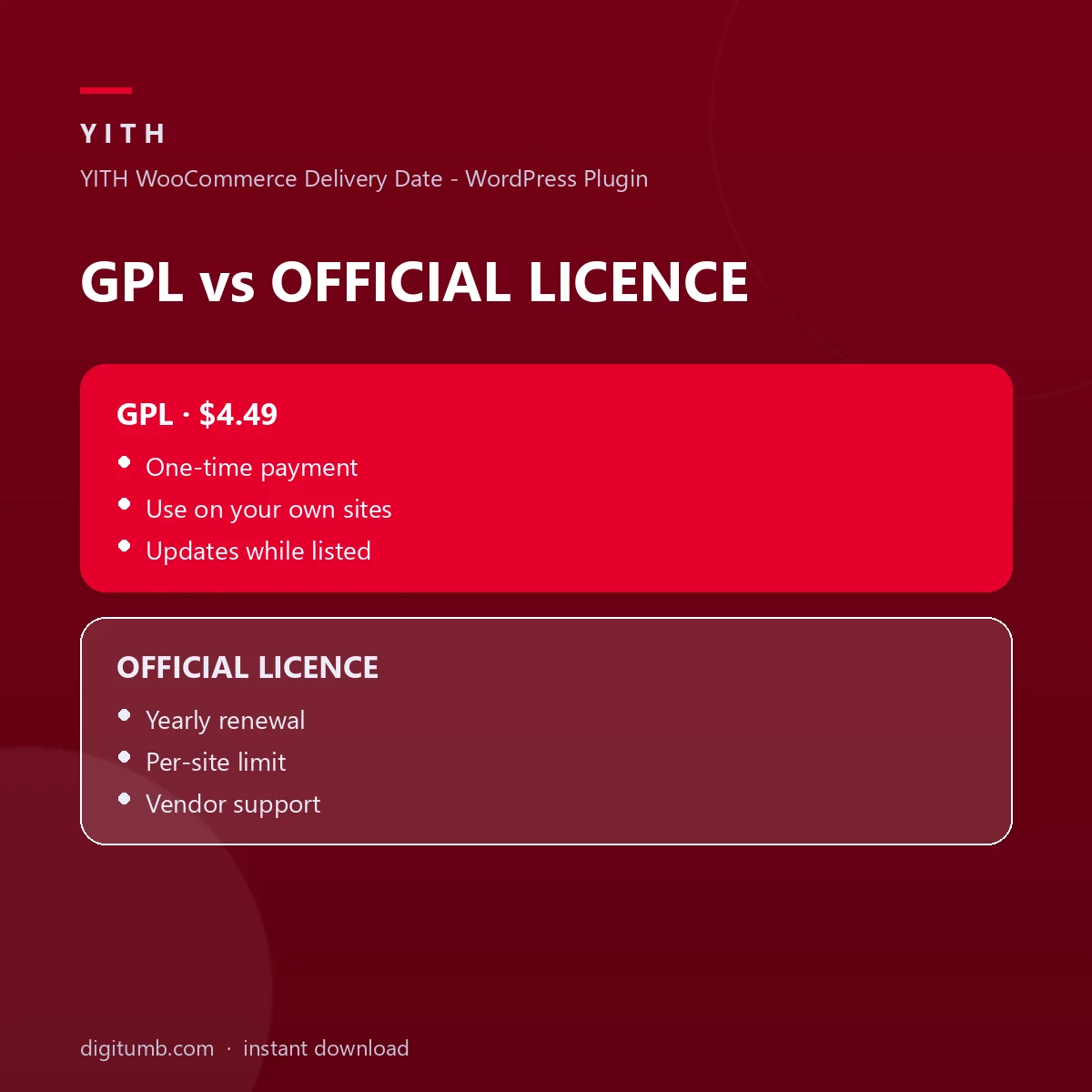
Yes. This is a GPL build containing the same files as the developer ships, priced at $4.49. It does not include a vendor update channel or a vendor support desk.
What the GPL build means for you
This is the same archive the developer publishes, redistributed under the GNU General Public License: you get the working files for $4.49 with no vendor update channel and no vendor support desk. If you need automatic updates or a support contract, buy the official license from the developer.
| This GPL build | Official license | |
|---|---|---|
| Price | $4.49 one time | Vendor subscription |
| Automatic updates | No | Yes |
| Developer support | No | Yes |
| Number of sites | Unlimited | Depends on plan |
Browse the rest of the WordPress plugins category or the full shop. The licence text is at GNU GPL v2, and general documentation is at WordPress.org.
You must be logged in to post a review.
You may also like…

Related products










Reviews
Clear filtersThere are no reviews yet.