


WordPress Virtual Tour 360 – WordPress Plugin
$4.49
The Virtual Tour 360 Panorama Plugin lets you create interactive 360-degree virtual tours on a WordPress site, so visitors look around a space in the browser instead of viewing a flat photo. You.
The Virtual Tour 360 Panorama Plugin lets you create interactive 360-degree virtual tours on a WordPress site, so visitors look around a space in the browser instead of viewing a flat photo. You upload the plugin, activate it, and build tours inside the pages you already publish. This GPL build contains the same files the developer ships, with no vendor update channel and no vendor support desk, at $4.49.
| Product | wordpress-virtual-tour-360-panorama-plugin |
|---|---|
| Version | 1.2.1 |
| Works with | WordPress 6.x+ / PHP 8.x+ |
| Tested up to | WordPress current |
| License | GPLv2 or later |
| Delivery | Instant ZIP download, 10 downloads, 365 days |
What a 360 virtual tour does on a WordPress page
A virtual tour turns a static page into a space visitors can explore. The plugin creates interactive 360-degree tours that people navigate in the browser, which gives them a sense of a room, a venue or a property before they arrive or book. That is the core purpose here: enhancing user engagement by providing an immersive experience rather than a gallery of still images.
Because tours are published through WordPress, they live on your own domain next to your other content. You decide which pages carry a tour and what sits beside it — descriptive text, opening hours, contact details or a booking link. The plugin handles the 360 viewing layer, while your theme and page builder handle the rest of the page.
Using the plugin with Elementor layouts
Sites built with Elementor can keep that workflow. The plugin is compatible with popular page builders, including Elementor, so a tour can be integrated into existing layouts instead of forcing a separate template or a standalone page. You add the tour where the page needs it and continue editing the rest of the layout as usual.
For site owners who maintain several pages, that compatibility keeps the tour from becoming a one-off build. The same sections and styling you already use stay in place, and the 360 view is one more element inside them.
Astra theme compatibility for tour pages
The plugin works well with the Astra theme, so virtual tours blend with the site design you have already set up. Header, typography, spacing and colour choices stay as configured, and the tour appears as part of the page rather than as a foreign block that needs its own styling pass.
This matters when a tour page has to match the rest of the site. Instead of rebuilding a page around the viewer, you keep the Astra layout and add the interactive 360 content inside it.
Installing and configuring tours from the dashboard
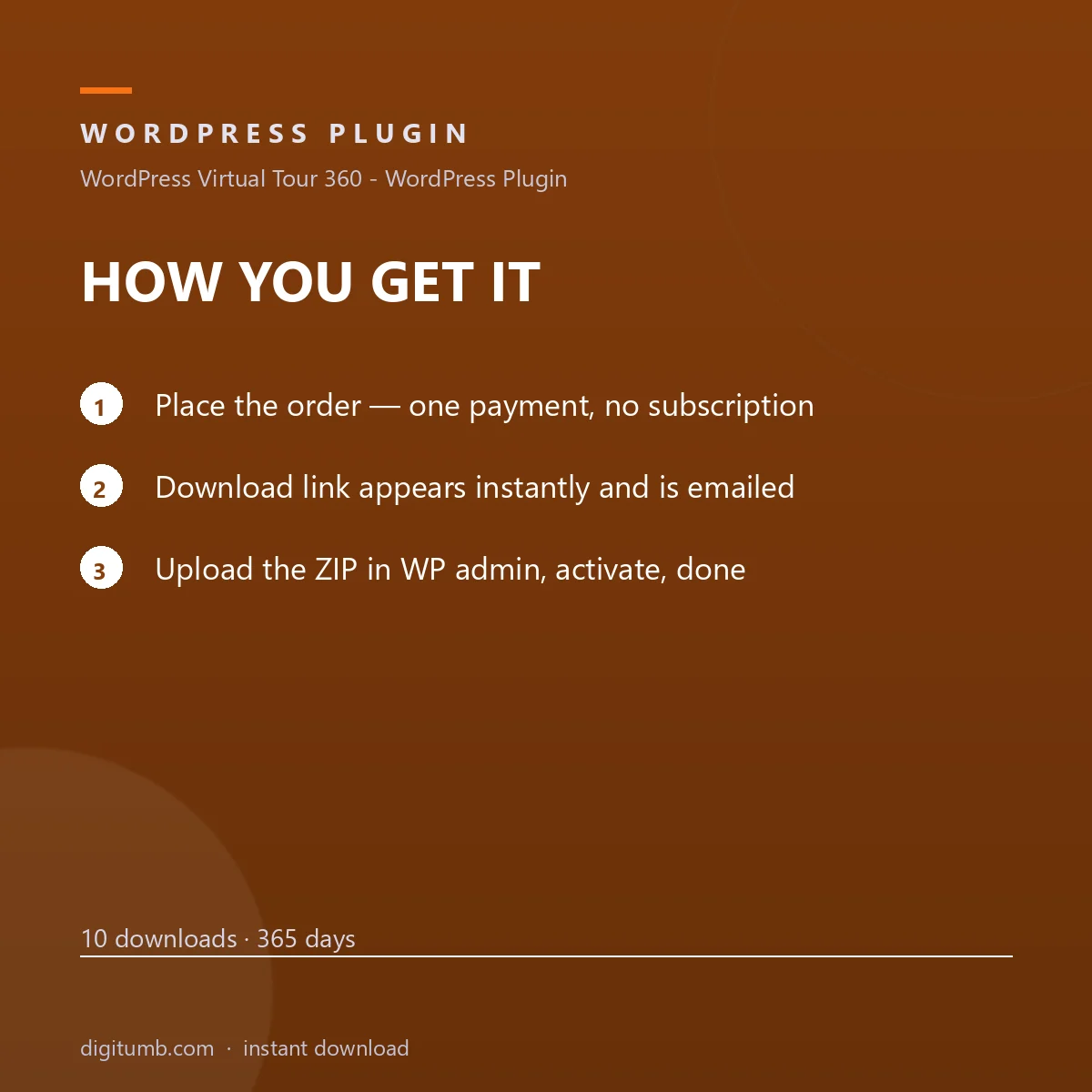
Setup follows the normal WordPress route. You upload the downloaded plugin file through the WordPress dashboard, activate it, and follow the configuration prompts to start creating your virtual tours. There is no separate account or key in that sequence — the work happens inside your own admin area.
The package arrives as a 1.5 MB zip, version 1.2.1, which uploads quickly on an ordinary connection. Once active, the plugin is ready for the tour-building steps its configuration prompts describe.
What the GPL build includes and what it does not
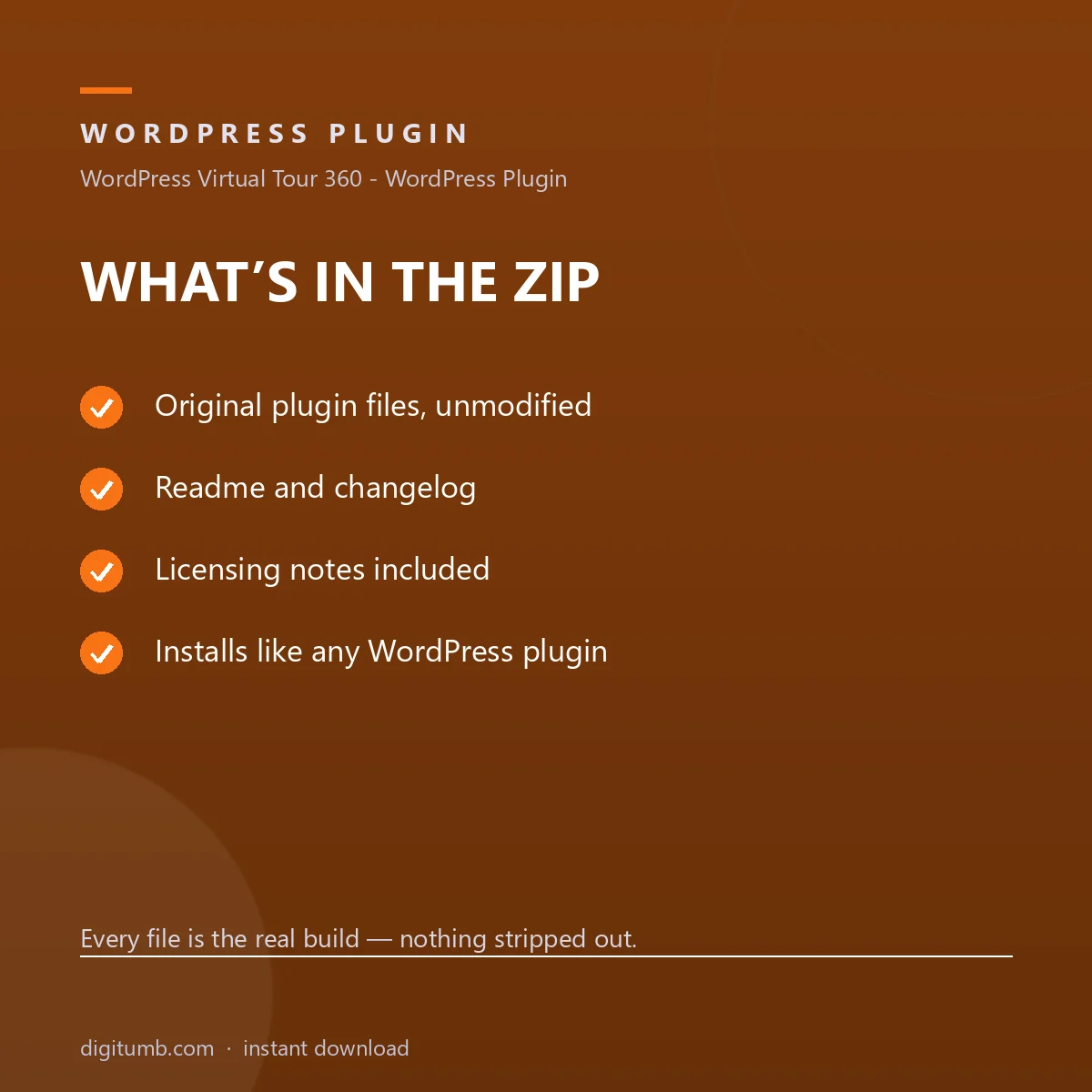
You receive the same files as the developer ships, packaged as a GPL build. What is not attached is a vendor update channel or a vendor support desk. Updates and any troubleshooting are handled on your side, which is why the price is $4.49 rather than a subscription.
For a site owner comfortable managing a WordPress plugin, that trade is straightforward: the plugin files, a standard upload, and full control over when and how the site is maintained.
What this build includes
| Interactive 360-degree tours | Create virtual tours that visitors explore in 360 degrees on your WordPress site, giving pages an immersive viewing experience. |
|---|---|
| Elementor compatibility | Integrate tours into Elementor layouts, so the 360 view sits inside pages you already build and edit. |
| Astra theme support | Run tours on sites using the Astra theme, where they blend with your existing design rather than needing a separate layout. |
| Dashboard-based setup | Upload the plugin file through the WordPress dashboard, activate it, and follow the configuration prompts to start creating tours. |
| Engagement on published pages | Add a tour to pages you already publish, giving visitors something to interact with instead of only reading or scrolling. |
Installing it on a WordPress site
- Download the plugin zip file from your order and keep it available on your computer.
- In your WordPress dashboard, go to Plugins, choose Add New, upload the zip file and install it.
- Activate the plugin, then follow the configuration prompts to start creating your 360 virtual tours.
Latest changes
This package is version 1.2.1 of the plugin.
Frequently asked questions
What does the Virtual Tour 360 Panorama Plugin do?
It allows users to create interactive 360-degree virtual tours on their WordPress sites. Visitors explore a space in the browser rather than viewing a flat image, which enhances user engagement and provides an immersive experience. Tours are published as part of your WordPress content on your own domain.
Is the plugin compatible with Elementor?
Yes. The plugin is compatible with popular page builders, including Elementor. You can integrate a tour into layouts you already maintain, so there is no need to rebuild a page around the viewer or keep a separate template for it.
Can I use this plugin with the Astra theme?
Yes. The plugin works well with the Astra theme, ensuring that your virtual tours blend with your site design. Your existing header, typography and spacing stay in place, and the tour appears as part of the page you publish.
How do I set up the plugin on my WordPress site?
Upload the downloaded plugin file via the WordPress dashboard, activate it, and follow the configuration prompts to start creating your virtual tours. The package is a 1.5 MB zip, so the upload step is quick on a normal connection.
What exactly do I get for $4.49?
You get the GPL build of the plugin, version 1.2.1, containing the same files the developer ships. There is no vendor update channel and no vendor support desk attached. Installation and ongoing maintenance of the plugin on your site are yours to manage.
Do I need a separate account or key to create tours?
No separate account or key is part of the setup. The sequence is the standard WordPress one: upload the zip through the dashboard, activate the plugin, and follow the configuration prompts. From there you can begin creating your virtual tours.
What the GPL build means for you
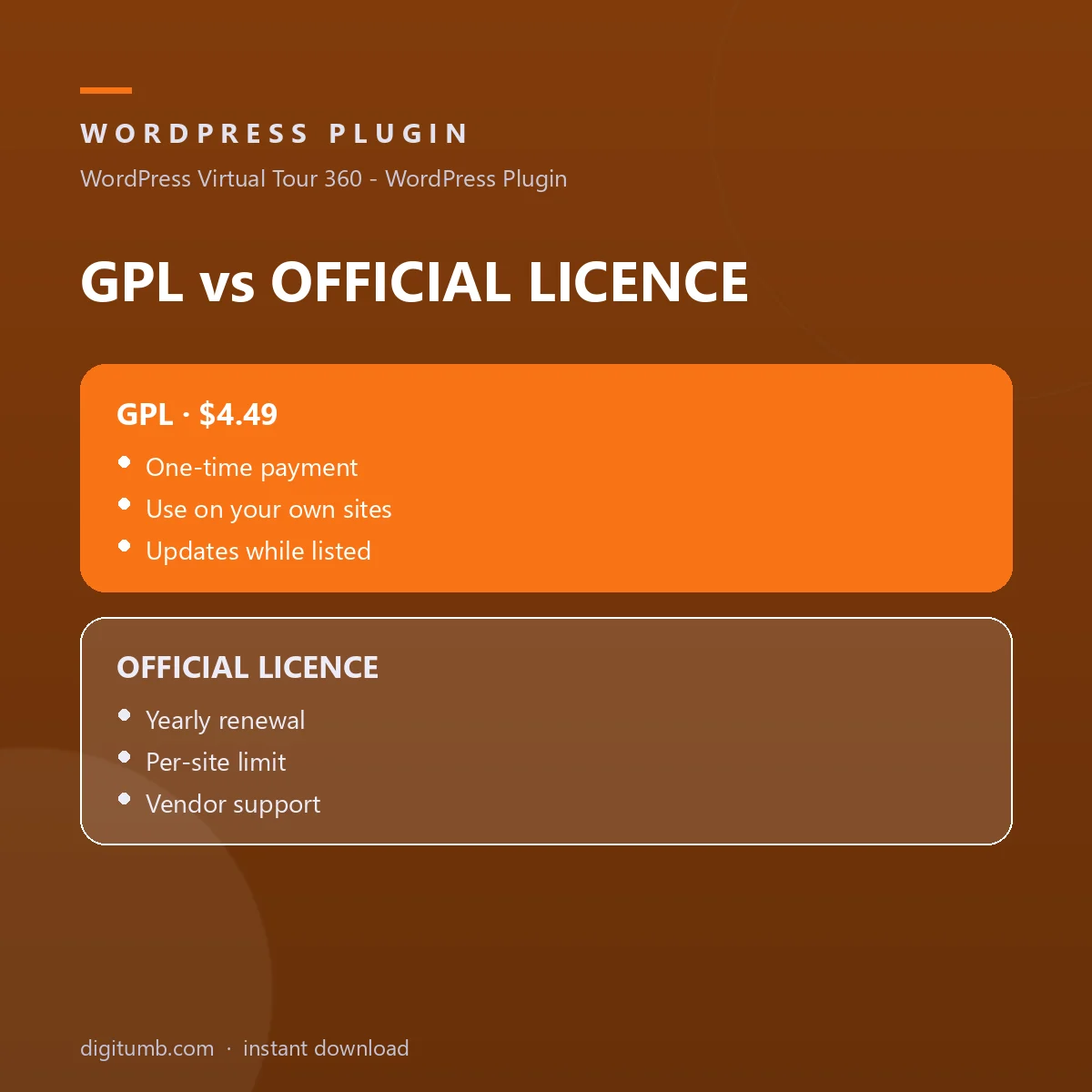
This is the same archive the developer publishes, redistributed under the GNU General Public License: you get the working files for $4.49 with no vendor update channel and no vendor support desk. If you need automatic updates or a support contract, buy the official license from the developer.
| This GPL build | Official license | |
|---|---|---|
| Price | $4.49 one time | Vendor subscription |
| Automatic updates | No | Yes |
| Developer support | No | Yes |
| Number of sites | Unlimited | Depends on plan |
Browse the rest of the WordPress plugins category or the full shop. The licence text is at GNU GPL v2, and general documentation is at WordPress.org.
You must be logged in to post a review.
You may also like…

Related products









Reviews
Clear filtersThere are no reviews yet.