





Easy Digital Downloads Frontend – WordPress Plugin
$4.49
EDD Frontend Submissions is a WordPress plugin that lets users submit their own digital products directly to your site, creating a collaborative marketplace on top of Easy Digital Downloads. Vendors.
EDD Frontend Submissions is a WordPress plugin that lets users submit their own digital products directly to your site, creating a collaborative marketplace on top of Easy Digital Downloads. Vendors apply, submit products and work from a frontend dashboard while you control approvals and permissions in the settings. This is the GPL build: same files as the developer ships, no vendor update channel, no vendor support desk, price $4.49.
| Product | easy-digital-downloads-frontend-submissions |
|---|---|
| Version | 2.8.3 |
| Works with | WordPress 6.x+ / PHP 8.x+ |
| Tested up to | WordPress current |
| License | GPLv2 or later |
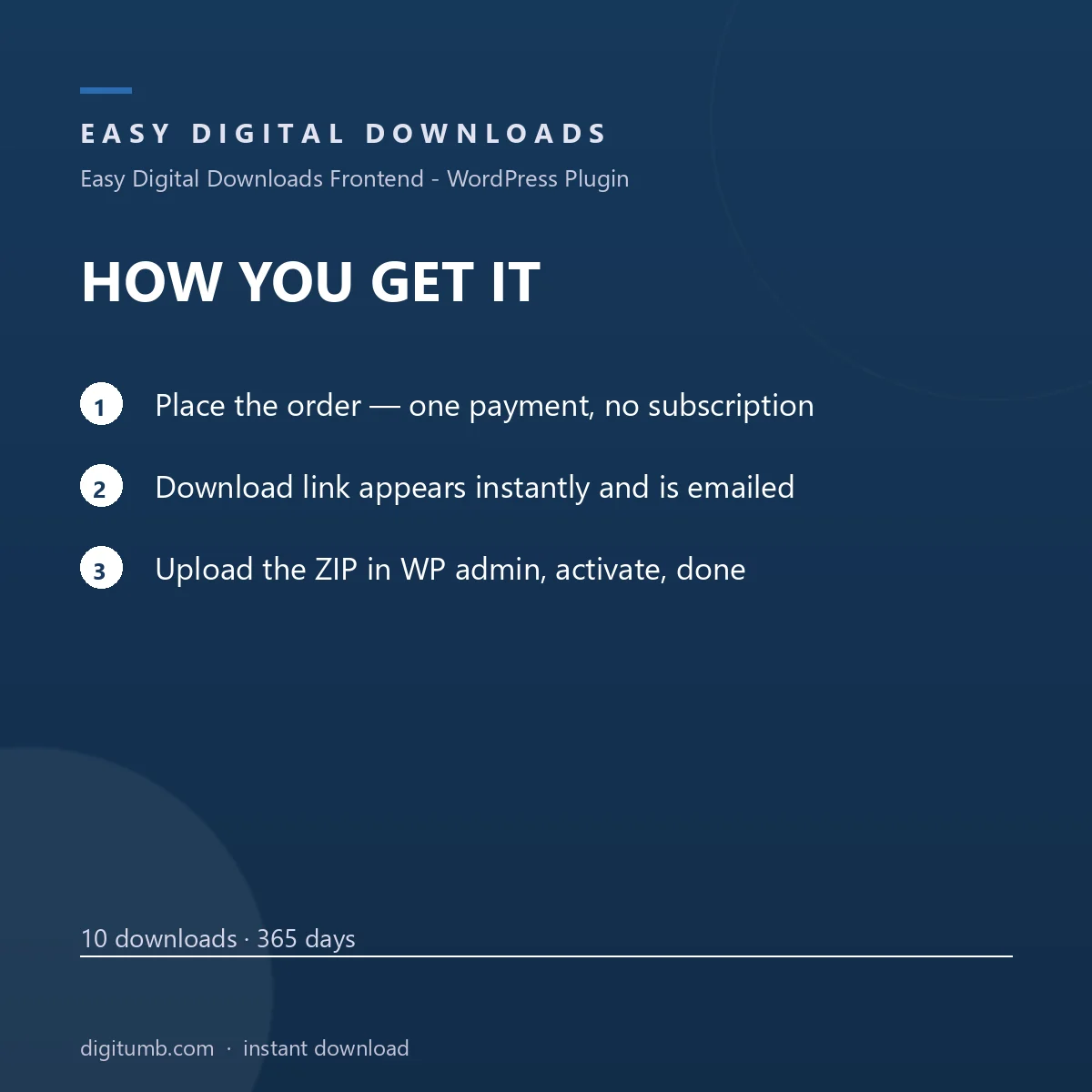
| Delivery | Instant ZIP download, 10 downloads, 365 days |
How the plugin turns an Easy Digital Downloads store into a marketplace
Frontend Submissions runs alongside Easy Digital Downloads. Rather than listing every product yourself, you let users submit their own digital products to your WordPress site, which is what makes a collaborative marketplace environment possible. Submissions come in through a form you configure in the plugin settings, and you decide whether each one appears right away or waits for your review.
Everything vendors touch happens on the frontend, so nobody needs an administrator account to take part. They apply through a registration form, submit products through the submission form and manage their listings from the vendor dashboard.
The forms and pages vendors actually see
The plugin provides four distinct pieces: a Submission Form, a Vendor Dashboard, a Registration Form and a Vendor Contact Form. The dashboard runs on a page you assign through the Vendor Dashboard Page setting. Custom fields can be defined for downloads and for the submission form, and a setting lets you choose whether those custom fields are shown on the download.
A Vendor Announcement option gives you a way to post messages to sellers from inside the plugin. If a form is missing its fields, the interface warns you — the screens report that the form has no fields or no custom fields, and that a form not set up correctly cannot be saved.
Approval rules and vendor permissions
Administrators set the pace of the marketplace. Three separate switches handle automatic approval: Automatically Approve Vendors, Automatically Approve Submissions and Automatically Approve Vendor Edits. Leave them off and you review each step; turn them on and sellers move through on their own.
Permissions are just as granular. Individual checkboxes allow vendors to create products, edit products, delete products and view orders, so you can start restrictive and widen access later. Guest applications are covered as well: one setting allows guests to apply to become a vendor, another allows existing WordPress users to apply. A Multiple Purchase Mode can be enabled for all vendor products, and a Show the Admin Bar option controls that element for vendors.
Matching the plugin's wording to your marketplace
Not every marketplace calls its sellers vendors or its items products. The settings include a rename "vendor" option and a rename "product" option; each one changes all mentions of that word within Frontend Submissions, so the labels across the dashboard and forms follow your vocabulary.
This matters when your site sells, for example, templates or audio rather than generic downloads. The plugin's own screens keep the same structure, but the words vendors read match what you call the things they submit.
What this build includes
| Frontend product submission | Users submit their own digital products to your WordPress site through a configurable submission form, supporting a collaborative marketplace environment. |
|---|---|
| Vendor dashboard page | Sellers manage their work from a dedicated dashboard page on the frontend instead of the WordPress admin. |
| Registration and contact forms | A Registration Form handles sellers applying to join, and a Vendor Contact Form gives you a way to reach them. |
| Automatic approval switches | Decide separately whether vendors, their submissions and their edits are approved automatically or held for review. |
| Granular vendor permissions | Allow vendors to create, edit or delete products and to view orders, each governed by its own checkbox. |
| Guest and existing-user applications | Let guests apply to become a vendor, or let existing WordPress users apply, with both options in the settings. |
| Custom fields on submissions | Define custom fields for the submission form and choose whether those fields appear on the download. |
| Rename vendor and product labels | Change the words "vendor" and "product" throughout Frontend Submissions to match how your marketplace speaks. |
| Multiple Purchase Mode | Enable Multiple Purchase Mode for all vendor products from a single setting. |
| Vendor announcements | Post a Vendor Announcement to communicate with sellers without leaving the plugin. |
| Admin bar visibility | Control whether the admin bar is shown, using the Show the Admin Bar setting. |
Installing it on a WordPress site
- Upload and activate the plugin from the Plugins menu in your WordPress admin.
- Confirm Easy Digital Downloads is active, since Frontend Submissions is built to work with it and is not compatible with WooCommerce.
- Open the settings to customize your frontend submission forms, assign the Vendor Dashboard Page and configure your product submission and approval process.
Latest changes
Version 2.8.3 is the build supplied in this package.
Frequently asked questions
Does EDD Frontend Submissions work with WooCommerce?
No. The plugin is specifically designed to work with the Easy Digital Downloads plugin and is not compatible with WooCommerce. Stores running Easy Digital Downloads get the submission and vendor layer on top of their existing catalog.
Can I review submissions before they appear on the site?
Yes. Automatic approval is optional. Separate settings cover automatically approving vendors, automatically approving submissions and automatically approving vendor edits, so you can leave any of them off and check the work first.
Will it work with my current WordPress theme?
The plugin is designed to work with most WordPress themes. It is advisable to check compatibility with your specific theme to ensure optimal performance before you invite vendors in.
What exactly do I receive for $4.49?
The GPL build of the plugin, version 2.8.3, delivered as a 0.6 MB zip containing the classes, src, templates and views folders. The files are the same as the developer ships. No vendor update channel and no vendor support desk come with this purchase.
How do I set it up on my site?
Upload and activate the plugin from the Plugins menu in your WordPress admin. After activation, navigate to the settings to customize your frontend submission forms and configure your product submission process.
What the GPL build means for you
This is the same archive the developer publishes, redistributed under the GNU General Public License: you get the working files for $4.49 with no vendor update channel and no vendor support desk. If you need automatic updates or a support contract, buy the official license from the developer.
| This GPL build | Official license | |
|---|---|---|
| Price | $4.49 one time | Vendor subscription |
| Automatic updates | No | Yes |
| Developer support | No | Yes |
| Number of sites | Unlimited | Depends on plan |
Browse the rest of the WordPress plugins category or the full shop. The licence text is at GNU GPL v2, and general documentation is at WordPress.org.
You must be logged in to post a review.
You may also like…

Related products






Reviews
Clear filtersThere are no reviews yet.