



Woocommerce Page Builder For Elementor GPL
$4.49
WooCommerce Page Builder For Elementor is an Elementor addon that lets you build custom WooCommerce pages with a visual drag-and-drop interface.
WooCommerce Page Builder For Elementor is an Elementor addon that lets you build custom WooCommerce pages with a visual drag-and-drop interface. You create your own product page and archive layouts, plus templates for cart, checkout, thank you, my account and empty cart screens. The plugin adds a WooCommerce Builder area inside Elementor so store layouts are edited in the same place you design the rest of the site.
| Product | woocommerce-page-builder-for-elementor |
|---|---|
| Version | 1.1.6.7 |
| Works with | WordPress 6.x+ / PHP 8.x+ |
| Tested up to | WordPress current |
| License | GPLv2 or later |
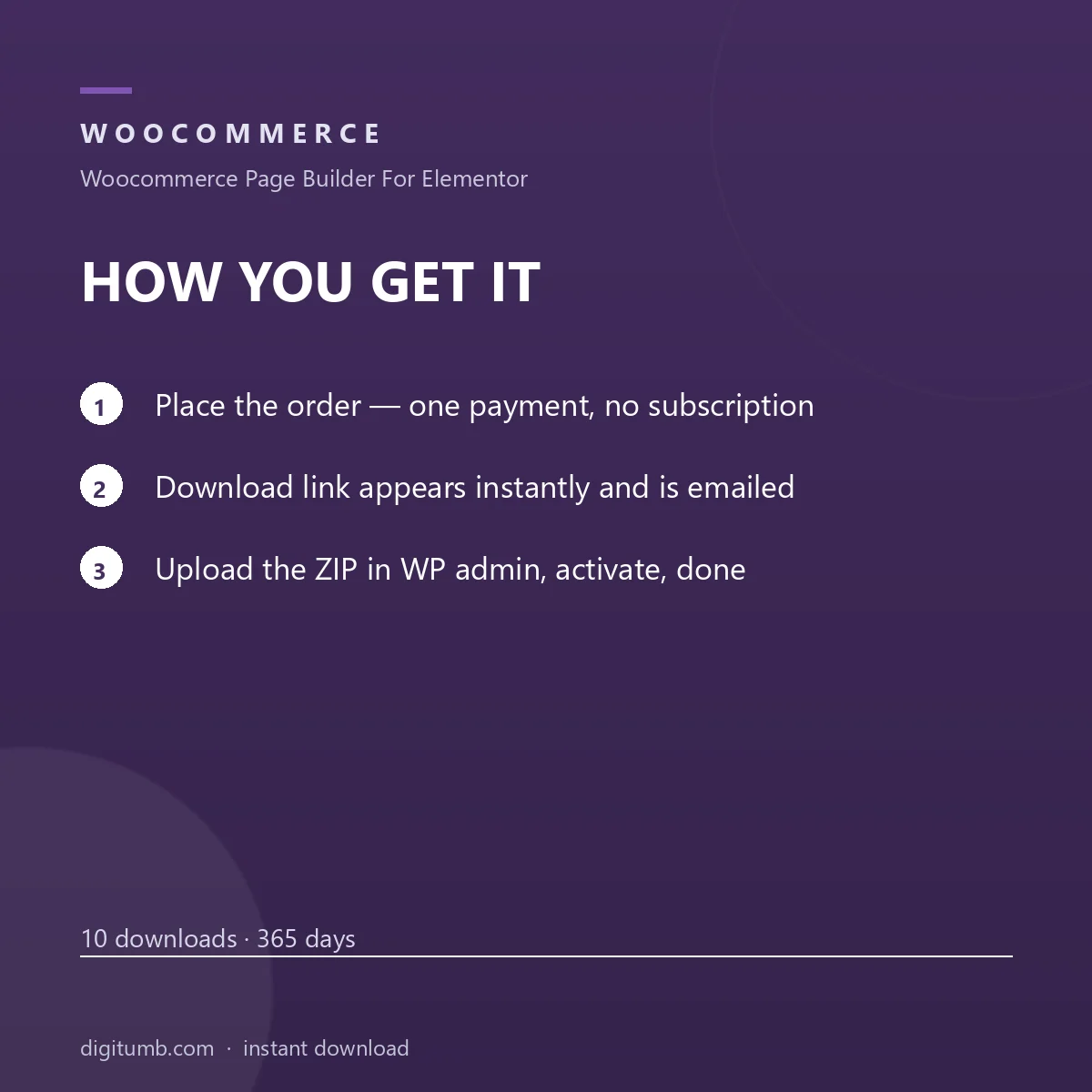
| Delivery | Instant ZIP download, 10 downloads, 365 days |
Which WooCommerce pages can I design with this addon?
The WooCommerce Builder settings list the pages you can assign a template to: My account page, My account login, Thank You page, Checkout page, Cart page and Empty cart page. Each field has a Select a template dropdown, and the default choice is None (Use theme layout), so you can leave any page on your theme's own layout.
For product and archive work, the Display Conditions panel asks where you want to display a single product or an archive product. You can search for a category, a product or a tag to target the condition, and the template list includes entries such as Product Archive, Thank You Page, My Account Login and Empty Cart page.
How do template types and display conditions work together?
When you create a template, the interface asks you to choose a template type, then optionally name your template before pressing Create Template. Once created, the template is edited with Elementor, so the block library and styling controls you already use are the ones you work with.
Display Conditions then decide where that design appears. The panel offers category, product and tag search fields, and the template list shows In Categories and In All Categories, giving you control over whether a layout applies to a narrowed set of products or to the whole catalog.
Does the addon work with my theme and with Yoast SEO?
Compatibility is aimed at themes that support Elementor; the vendor states the plugin is designed to work with most WordPress themes, particularly Elementor-ready ones. If your theme renders Elementor templates normally, the WooCommerce Builder templates sit in the same system.
The plugin is also stated to be compatible with popular plugins such as Yoast SEO, so product pages you build can still be optimized for search engines with that plugin. The ZIP includes a polylang folder alongside modules, dummy-data and the template folder, reflecting the multilingual side of the package.
What this build includes
| Drag-and-drop product page design | Build custom product pages and layouts through a visual drag-and-drop interface inside Elementor, using the editor you already know. |
|---|---|
| WooCommerce Builder template area | A dedicated WooCommerce Builder screen where you choose a template type, optionally name the template and create it. |
| Store page template assignments | Assign templates to My account, My account login, Thank You, Checkout, Cart and Empty cart pages, or leave them on the theme layout. |
| Display conditions with category, product and tag search | Target single product and archive product templates by searching for a category, a product or a tag, including In Categories and In All Categories. |
| Edit templates with Elementor | Every created template opens in Elementor through the Edit with Elementor action, so multimedia and layout controls are available. |
| Yoast SEO compatibility | The vendor states compatibility with popular plugins such as Yoast SEO, so custom product pages can be optimized for search engines. |
| Packaged template and dummy data folders | The ZIP ships dummy-data, woocommerce-builder-elementor-templates, modules and polylang folders for the builder's template and module content. |
Installing it on a WordPress site
- Install the plugin ZIP in WordPress under Plugins, then activate WooCommerce Page Builder For Elementor.
- Open the WooCommerce Builder screen, choose a template type, optionally enter a template name and click Create Template.
- Edit the template with Elementor, set your Display Conditions or page assignments, and save.
Latest changes
Current package version is 1.1.6.7.
Frequently asked questions
What does WooCommerce Page Builder For Elementor do?
It lets you create custom product pages and layouts for an online store using a visual drag-and-drop interface, which the vendor describes as enhancing the overall shopping experience. Templates are created in the WooCommerce Builder area and edited with Elementor.
Is it compatible with all WordPress themes?
The vendor states it is designed to work with most WordPress themes, particularly those that support Elementor, for a smooth integration. Themes that do not render Elementor templates are not the target, so check your theme's Elementor support before buying.
Can I use it with Yoast SEO?
Yes. The vendor lists compatibility with popular plugins such as Yoast SEO, which allows you to optimize your product pages for search engines while keeping the custom layout you built.
How is this GPL build licensed and supported?
You get the same files the developer ships as a GPL build for $4.49 at digitumb.com. There is no vendor update channel and no vendor support desk included with this purchase.
Which version and file size do I receive?
The package is version 1.1.6.7 and the ZIP is 3.1 MB. It contains the dummy-data, woocommerce-builder-elementor-templates, modules and polylang folders.
What the GPL build means for you
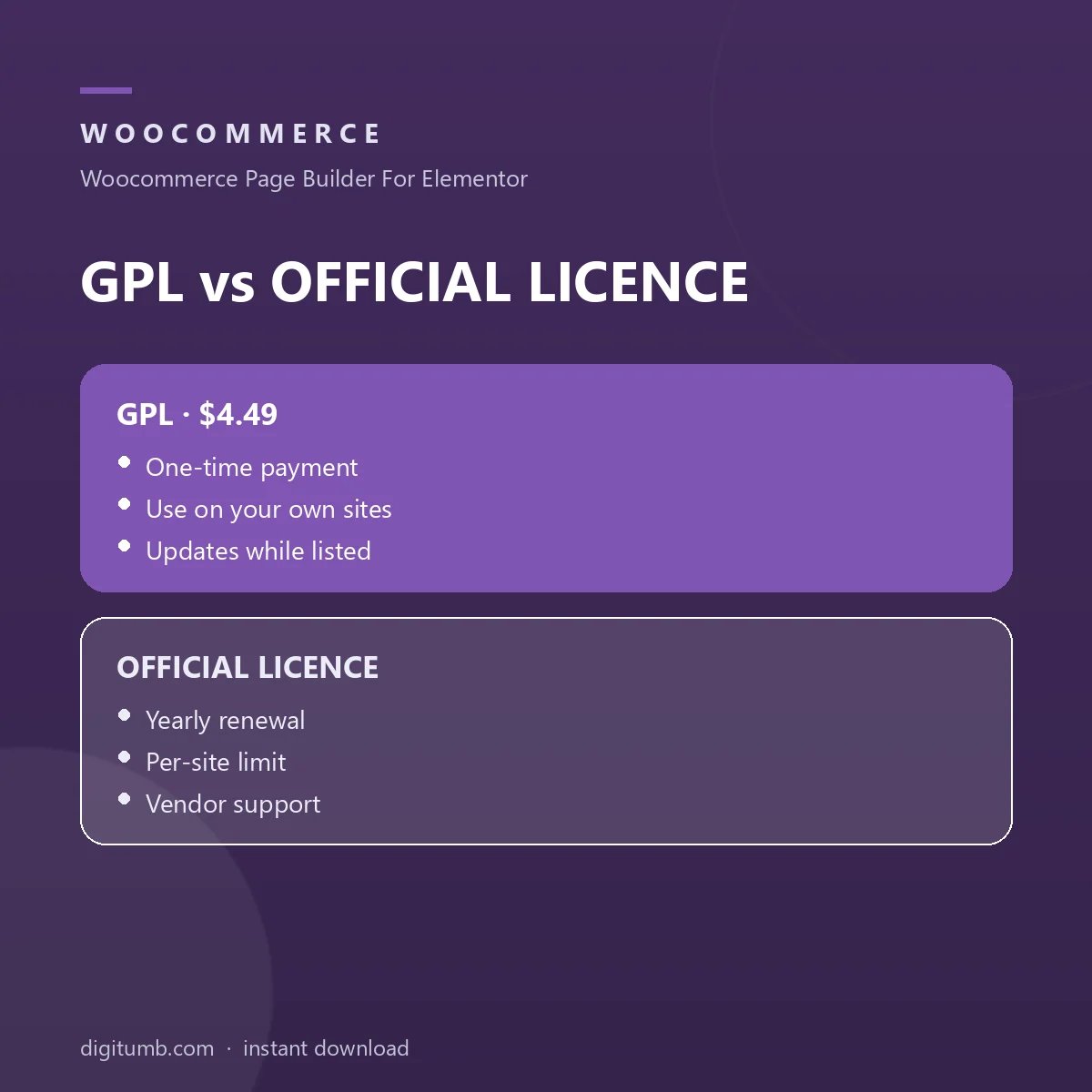
This is the same archive the developer publishes, redistributed under the GNU General Public License: you get the working files for $4.49 with no vendor update channel and no vendor support desk. If you need automatic updates or a support contract, buy the official license from the developer.
| This GPL build | Official license | |
|---|---|---|
| Price | $4.49 one time | Vendor subscription |
| Automatic updates | No | Yes |
| Developer support | No | Yes |
| Number of sites | Unlimited | Depends on plan |
Browse the rest of the WordPress plugins category or the full shop. The licence text is at GNU GPL v2, and general documentation is at WordPress.org.
You must be logged in to post a review.
You may also like…

Related products







Reviews
Clear filtersThere are no reviews yet.