

GP Premium Generatepress GPL
$4.49
GP Premium is the complete collection of premium modules for the GeneratePress WordPress theme.
GP Premium is the complete collection of premium modules for the GeneratePress WordPress theme. Activating the package extends specific parts of GeneratePress — Elements, fonts, menus, page headers, sections and the Site Library — so a site builder gets more layout and design options on top of the base theme. This build is version 2.5.6 and ships as a 1.2 MB zip.
| Product | GP Premium |
|---|---|
| Version | 2.5.6 |
| Works with | WordPress 6.1+ / PHP 7.2+ |
| Tested up to | WordPress 6.8 |
| License | GPLv2 or later |
| Delivery | Instant ZIP download, 10 downloads, 365 days |
Which modules ship inside the GP Premium zip
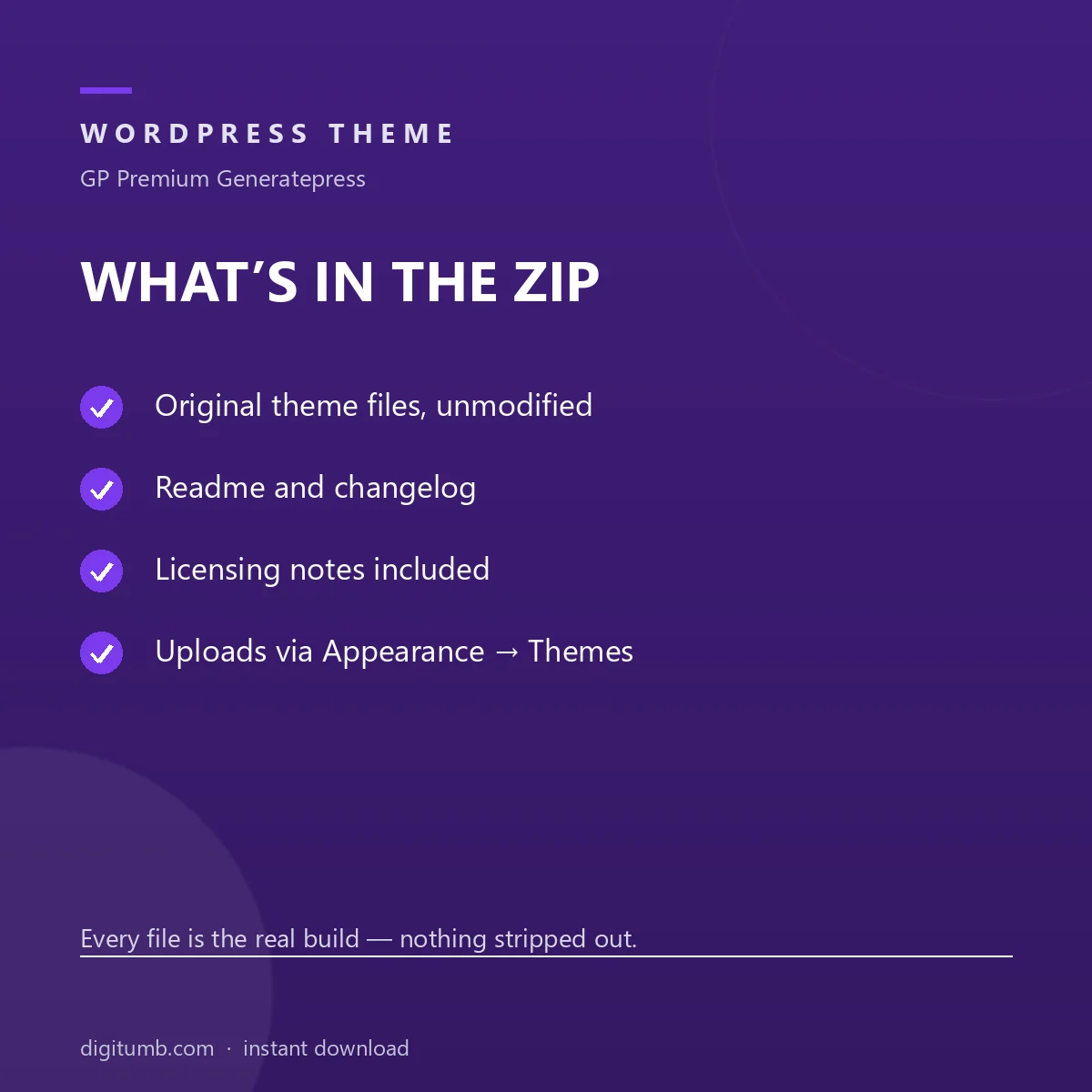
The package is organised as modules rather than one large settings screen. The zip contains folders for Elements, Blog, Menu Plus, Page Header, Sections, Secondary Nav, General, Spacing, the Site Library, language files and a dist build directory. Each module is activated separately and extends a different aspect of GeneratePress.
Because the modules are separate, you can switch on only what a project needs — for example Elements for layout work, or Menu Plus for navigation — and leave the rest inactive.
Font Library and local Google Fonts in GP Premium
The Font Library module lets you install Google Fonts locally and upload custom fonts locally, so typefaces are served from your own installation instead of a remote request. The same font handling supports starter site imports, where fonts are carried over during the import.
Version 2.5.6 hardened the Font Library REST API permissions and the remote font installation validation, which matters if you allow font uploads from a multi-user dashboard.
Site Library and GenerateBlocks 2.0 starter sites
The Site Library module serves starter sites, including new GenerateBlocks 2.0 sites. Additional GenerateBlocks 2.0 dynamic tags are available when GB Pro is not active, so dynamic content tags still work on a site that runs the free GenerateBlocks plugin.
Filters were added for GPP and GP One Site Library, giving developers a way to hook into how the library behaves. Starter site imports also carry Font Library data.
Elements, layout and editor behaviour
Elements is the module for building reusable layout pieces. The Elements editor enables smooth device transition, and a layout element full width editor fix landed in 2.5.3. Display rules for Elements are applied correctly across configurations after the 2.5.1 fix.
For PHP Elements, the plugin checks whether DISALLOW_FILE_EDIT is set to true, which is relevant on hosts that lock down the built-in file editor. WooCommerce block buttons take the applied button colour settings, and WooCommerce button typography is handled as well.
What this build includes
| Modular activation | Turn on individual GeneratePress premium modules such as Elements, Blog, Menu Plus, Page Header, Sections and Secondary Nav, and leave the others inactive. |
|---|---|
| Local Google Fonts | Install Google Fonts locally on your own installation instead of loading them from a remote source. |
| Custom font uploads | Upload custom font files locally and serve them from your site through the Font Library. |
| Starter site library | Import starter sites from the Site Library, including new GenerateBlocks 2.0 sites, with Font Library support during import. |
| GenerateBlocks 2.0 dynamic tags | Use additional GenerateBlocks 2.0 dynamic tags when GB Pro is not active on the site. |
| Element display rules | Assign display rules to Elements so layout pieces appear where you configure them, including configurations fixed in 2.5.1. |
| Device transition in Elements editor | Switch between device previews smoothly while editing Elements, enabled as a tweak in 2.5.4. |
| WooCommerce button styling | Apply your button colour settings and typography to WooCommerce block buttons. |
| PHP Element file-edit check | PHP Elements check whether DISALLOW_FILE_EDIT is set to true before relying on the built-in file editor. |
Installing it on a WordPress site
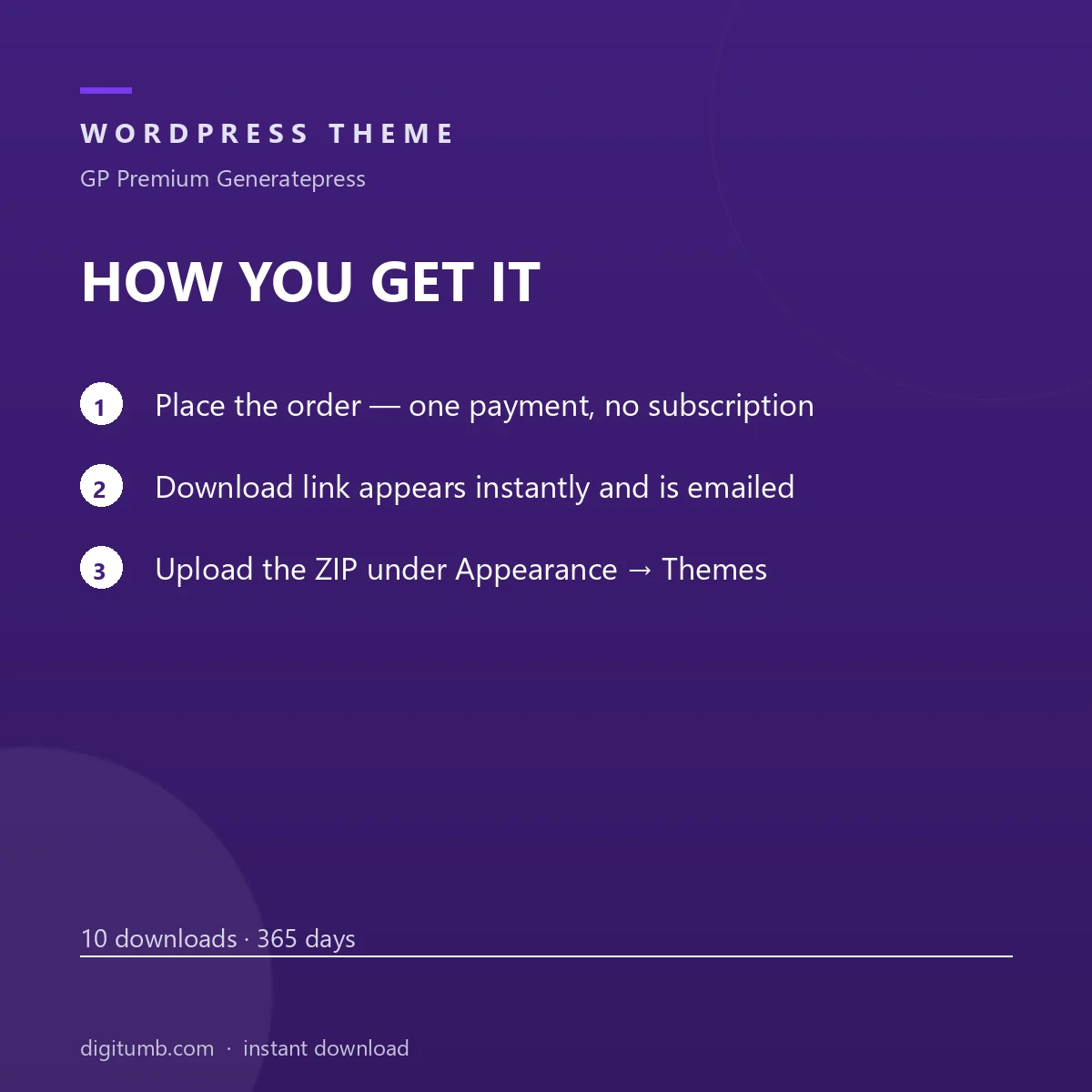
- Upload the GP Premium zip through the WordPress plugin installer, or install it from the Add Plugins screen.
- Activate GP Premium, then activate the individual modules you want to use, such as Elements, Menu Plus or the Site Library.
- Open the module settings to configure options; the GeneratePress documentation covers each module and the installation steps.
Latest changes
Version 2.5.6 hardens Font Library REST API permissions and remote font installation validation.
Frequently asked questions
Does GP Premium work without the GeneratePress theme?
GP Premium is built to extend GeneratePress. The modules hook into aspects of the GeneratePress theme, so install and activate GeneratePress first, then add GP Premium and switch on the modules you need.
What are the server requirements for GP Premium 2.5.6?
The package requires WordPress 6.1 or newer and PHP 7.2 or newer, and it is tested up to WordPress 6.8. Check these against your host before installing.
Can I use my own font files instead of Google Fonts?
Yes. The Font Library module lets you install Google Fonts locally and upload custom fonts locally, so both kinds of typeface are served from your installation rather than fetched remotely.
How is this GPL build different from buying from the developer?
You get the same files the developer ships, at $4.49 for this GPL build. There is no vendor update channel and no vendor support desk with this purchase; install updates and get help through your own channels.
Does the zip include language files?
Yes, the package includes a langs folder alongside the module folders, so translations can be loaded for the modules you activate.
What the GPL build means for you
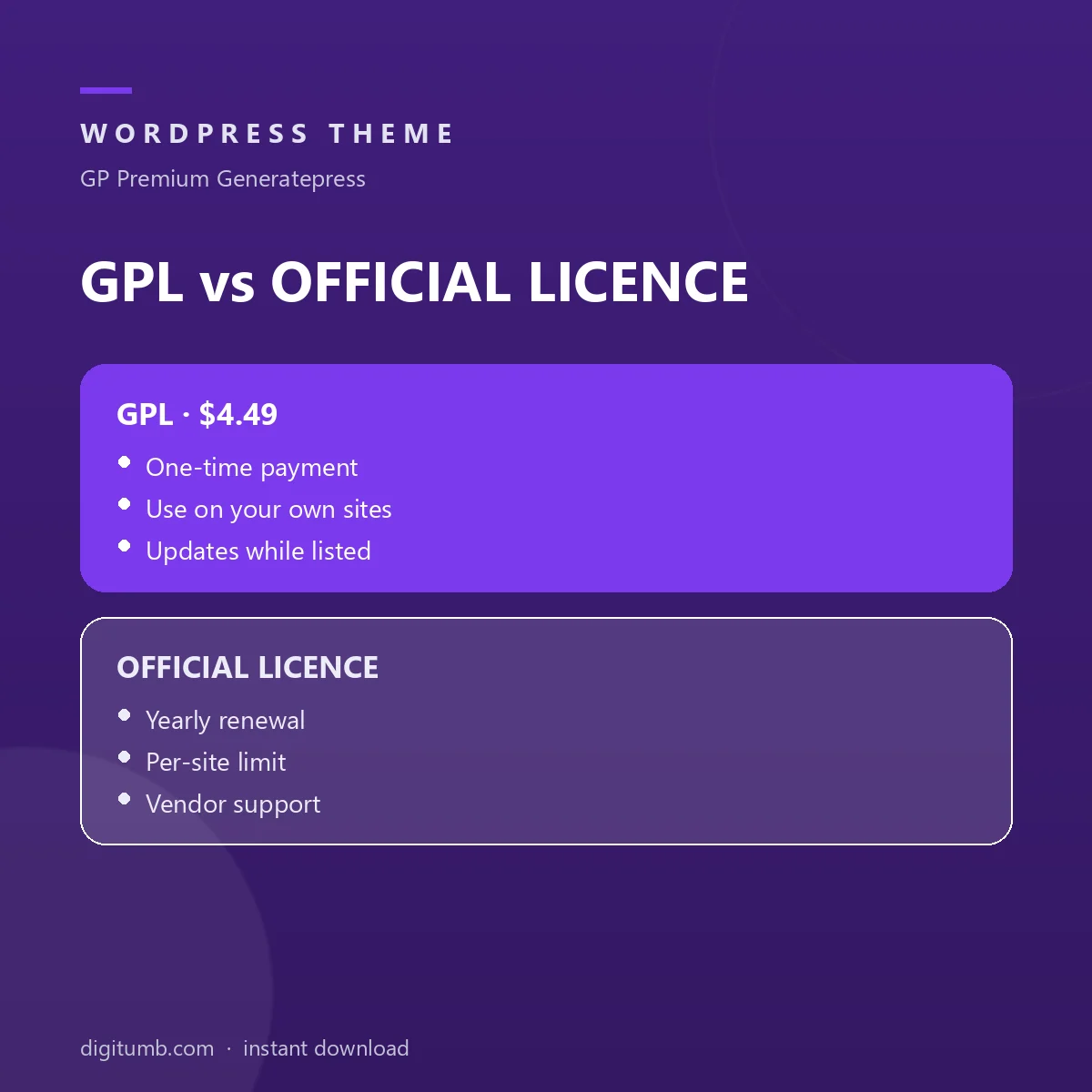
This is the same archive the developer publishes, redistributed under the GNU General Public License: you get the working files for $4.49 with no vendor update channel and no vendor support desk. If you need automatic updates or a support contract, buy the official license from the developer.
| This GPL build | Official license | |
|---|---|---|
| Price | $4.49 one time | Vendor subscription |
| Automatic updates | No | Yes |
| Developer support | No | Yes |
| Number of sites | Unlimited | Depends on plan |
Browse the rest of the WordPress themes category or the full shop. The licence text is at GNU GPL v2, and general documentation is at WordPress.org.
You must be logged in to post a review.
You may also like…

Related products







Reviews
Clear filtersThere are no reviews yet.