



The Events Calendar: Eventbrite Tickets GPL
$4.49
Eventbrite Tickets is a plugin that connects The Events Calendar on your WordPress site to your account on Eventbrite.com.
Eventbrite Tickets is a plugin that connects The Events Calendar on your WordPress site to your account on Eventbrite.com. It lets you push events from WordPress to Eventbrite, pull existing Eventbrite events into your site, and display tickets on your event pages. Ticket creation and import scheduling both happen inside the WordPress dashboard.
| Product | The Events Calendar: Eventbrite Tickets |
|---|---|
| Version | 4.7.2 |
| Works with | WordPress 6.7+ / PHP 7.4+ |
| Tested up to | WordPress 6.9 |
| License | GPLv2 or later |
| Delivery | Instant ZIP download, 10 downloads, 365 days |
How Eventbrite Tickets links WordPress events to Eventbrite
The plugin keeps your WordPress event content and your Eventbrite account in step. You can send WordPress events to Eventbrite, and you can import events that already exist on Eventbrite so they appear on your site. Ticket displays sit on the event page, so visitors see ticket options without leaving your site.
Connection is handled from the WordPress admin. Since version 4.5 you connect your site to Eventbrite through Events, then Settings, then the APIs tab. Until that connection is made, event imports from Eventbrite stay disabled and the settings screen asks you to log in.
Importing Eventbrite events on a schedule or one at a time
The import screen offers a one-time import and a scheduled import. With scheduled import you choose how often events should be fetched from Eventbrite automatically. Both modes let you narrow the set of events with filters, and the screen notes that a start date for Eventbrite Tickets is required before the import can run.
You can also point the plugin at a single Eventbrite event by URL, using the import-from-URL field. A malformed address is rejected with an invalid Eventbrite URL message. Imported events get a default status, which you set on the Eventbrite Import Settings screen.
Creating and selling tickets from the WordPress dashboard
Tickets are created inside WordPress rather than on Eventbrite. The ticket form collects a ticket cost, a ticket quantity, a start date and an end date for sales, and a setting for whether the fee is included in the price. You can sell tickets from your event's page through Eventbrite.
The editor validates what you submit. An event needs a title, an organizer, a venue with a title, an address and a city before it can be saved, and ticket fields must be complete. Recurring events are not supported with Eventbrite, and a revision of an event cannot sync back to Eventbrite.
What this build includes
| Send events to Eventbrite | Publish a WordPress event and push it to your connected Eventbrite account so the same event exists in both places. |
|---|---|
| Import from an Eventbrite account | Pull events that already live on Eventbrite into your WordPress event list, either as a one-time import or on a schedule. |
| Scheduled automatic imports | Pick how often events should be fetched from Eventbrite, with filters to narrow which events are brought in. |
| Import by Eventbrite URL | Paste the address of a single Eventbrite event to import it, with an invalid URL message when the address does not parse. |
| Ticket creation in the dashboard | Define ticket cost, quantity, sales start and end dates, and whether the fee is included in the price, all from WordPress. |
| Ticket display on event pages | Show ticket options on the event's page so visitors can buy through Eventbrite from your own site. |
| Default status for imported events | Set the status that imported Eventbrite events receive when they land in WordPress. |
| Field validation before sync | The editor blocks saving when the title, organizer, venue title, address, city or ticket fields are incomplete. |
Installing it on a WordPress site
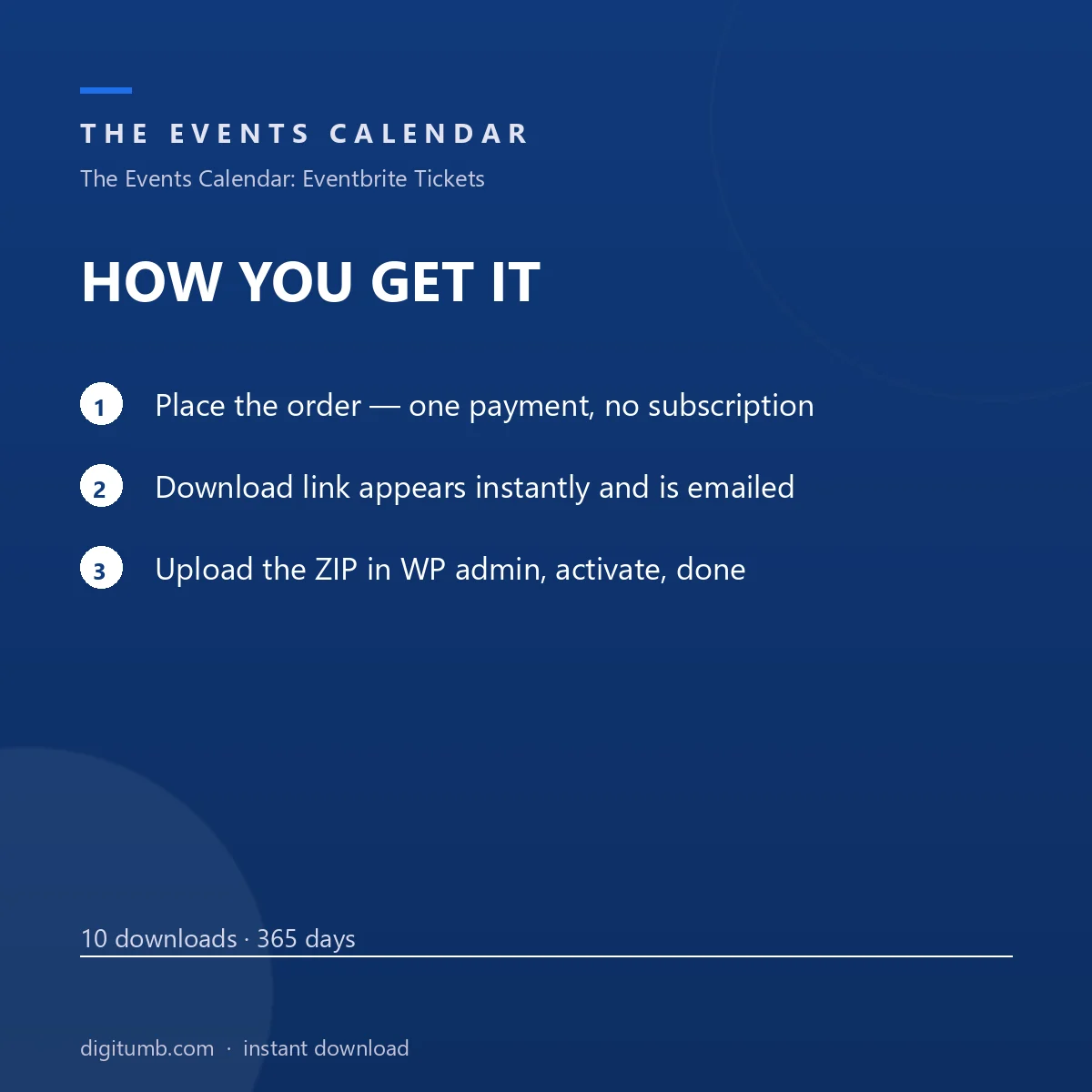
- In the WordPress dashboard go to Plugins, then Add New, choose Upload, and select the the-events-calendar-eventbrite-tickets zip file from your computer.
- Follow the on-screen prompts and wait for the upload to finish, then activate the plugin when the confirmation prompt appears.
- Go to Events, then Settings, then the APIs tab, and connect the site to your Eventbrite account so imports and ticket sync can run.
Latest changes
Version 4.7.2 resolves a fatal error triggered when saving an event with one or more incomplete Eventbrite ticket fields.
Frequently asked questions
Do I need an Eventbrite account to use this plugin?
Yes. The plugin connects your WordPress site to your account on Eventbrite.com, and the settings screen keeps event imports disabled until you log in. Ticket sales and event sync both run through that connection, so the account is part of setup rather than an optional extra.
Can I import only some of my Eventbrite events?
The import screen includes filters that narrow which events are fetched from Eventbrite. You can run a one-time import or a scheduled import, and a start date for Eventbrite Tickets is required before the import runs. Single events can also be pulled in by their Eventbrite URL.
Does the plugin support recurring events?
Recurring events are not supported with Eventbrite. The plugin shows this message in its interface, so plan recurring series outside the Eventbrite sync rather than expecting them to carry across.
What happens if a ticket field is incomplete?
The editor requires an event title, an organizer, and a venue with a title, address and city. Version 4.7.2 fixed a fatal error that occurred when saving an event with one or more incomplete Eventbrite ticket fields, so incomplete data is handled without breaking the save.
What are the requirements and what do I receive?
The plugin requires WordPress 6.7 and PHP 7.4, and is tested up to WordPress 6.9. You receive the GPL build, version 4.7.2, as a 0.2 MB zip for $4.49. It contains the same files the developer ships, with no vendor update channel and no vendor support desk.
What the GPL build means for you
This is the same archive the developer publishes, redistributed under the GNU General Public License: you get the working files for $4.49 with no vendor update channel and no vendor support desk. If you need automatic updates or a support contract, buy the official license from the developer.
| This GPL build | Official license | |
|---|---|---|
| Price | $4.49 one time | Vendor subscription |
| Automatic updates | No | Yes |
| Developer support | No | Yes |
| Number of sites | Unlimited | Depends on plan |
Browse the rest of the WordPress plugins category or the full shop. The licence text is at GNU GPL v2, and general documentation is at WordPress.org.
You must be logged in to post a review.
You may also like…

Related products







Reviews
Clear filtersThere are no reviews yet.