




Memberpress Activecampaign Lists Version GPL
$4.49
MemberPress ActiveCampaign (Lists Version) is a WordPress plugin that connects a MemberPress membership site to an ActiveCampaign account so member email marketing and list management run from one.
MemberPress ActiveCampaign (Lists Version) is a WordPress plugin that connects a MemberPress membership site to an ActiveCampaign account so member email marketing and list management run from one place. It adds ActiveCampaign account and API key fields, a list selector, and an opt-in checkbox on product registration pages, plus a separate ActiveCampaign list setting for each product. The build sold here is the GPL version: the same files the developer ships, with no vendor update channel and no vendor support desk, priced at $4.49.
| Product | memberpress-activecampaign-lists-version |
|---|---|
| Version | 1.1.5 |
| Works with | WordPress 6.x+ / PHP 8.x+ |
| Tested up to | WordPress current |
| License | GPLv2 or later |
| Delivery | Instant ZIP download, 10 downloads, 365 days |
Which ActiveCampaign credentials does the plugin ask for?
The settings screen has a single master switch labelled Enable ActiveCampaign. Once it is on, you enter your ActiveCampaign account ID, described in the field as something like 1234567890123, and your API key. The API key field points you to your Account settings at activecampaign.com.
A list dropdown labelled ActiveCampaign List lets you pick the destination list for the integration. The plugin identifies itself in the settings header as the Lists Version of the ActiveCampaign autoresponder integration for MemberPress, built by Caseproof, LLC.
How does the opt-in checkbox appear on registration pages?
Checking Enable Opt-In Checkbox makes an opt-in checkbox appear on all of your product registration pages. The label is editable through the Signup Checkbox Label field, which ships with the text We Respect Your Privacy.
That gives you one consistent consent line across every MemberPress product signup, while the list the subscriber lands in is chosen separately in the list settings.
Can each MemberPress product send to a different ActiveCampaign list?
Yes. A per-product control called Enable Product ActiveCampaign List turns on a product-level list assignment, and the ActiveCampaign List field next to it selects which list that product uses. This is the part that separates the Lists Version from a single global list setup.
You can therefore keep product signups in separate lists without building extra automations outside WordPress.
Does the plugin work alongside WooCommerce and Elementor?
MemberPress ActiveCampaign (Lists Version) is compatible with WooCommerce, so membership management can sit next to eCommerce activity on the same site. It also works with Elementor, which covers custom landing pages and forms that feed into the membership site.
Both are stated compatibilities rather than bundled features; the plugin itself is the MemberPress-to-ActiveCampaign connection.
What this build includes
| ActiveCampaign account connection | Enter your ActiveCampaign account ID and API key in the plugin settings to link the membership site to your email account. |
|---|---|
| Master enable switch | A single Enable ActiveCampaign toggle turns the integration on or off without removing your saved credentials. |
| Global list selection | Choose a default ActiveCampaign list from a dropdown for the site-wide integration. |
| Registration opt-in checkbox | Display an opt-in checkbox on all product registration pages so signups record consent at the point of joining. |
| Editable checkbox label | Change the Signup Checkbox Label text from the default We Respect Your Privacy to wording that fits your site. |
| Per-product list assignment | Enable a product-level ActiveCampaign list so each MemberPress product can send subscribers to its own list. |
| WooCommerce compatibility | Run the integration on sites that also use WooCommerce, keeping membership and eCommerce activity on one WordPress install. |
| Elementor compatibility | Build custom landing pages and forms in Elementor that connect to the membership site and its ActiveCampaign lists. |
Installing it on a WordPress site
- Download the plugin zip from your digitumb.com account and upload it through the WordPress Plugins screen, then activate it.
- Open the plugin settings, switch on Enable ActiveCampaign, and enter your ActiveCampaign account ID and API key.
- Pick your ActiveCampaign List, optionally enable the opt-in checkbox and set its label, then enable and choose a list per product where needed.
Frequently asked questions
What does MemberPress ActiveCampaign (Lists Version) actually do?
It connects your WordPress membership site with ActiveCampaign so you can manage email marketing campaigns and member lists efficiently. In practice that means account credentials, a list selector, an opt-in checkbox on registration pages, and a list choice for each product.
Is this the same as the developer's plugin?
This is a GPL build: the same files the developer ships, sold at $4.49. It comes without a vendor update channel and without a vendor support desk, so plan your own update and support arrangements.
Do I need an ActiveCampaign account to use it?
Yes. The settings ask for your ActiveCampaign account ID and API key, and the API key is found under your Account settings at activecampaign.com. The plugin links an existing account rather than creating one.
Can I use different lists for different membership products?
Yes. Enable Product ActiveCampaign List on a product and select its ActiveCampaign List. With the site-wide list set separately, you can route signups from different products into different lists.
Does it work with WooCommerce and Elementor?
The plugin is compatible with WooCommerce and works with Elementor, so membership management can sit alongside eCommerce activity and custom landing pages on the same site.
What is in the download package?
You receive the plugin zip, version 1.1.5, which is 0.0 MB in size. The archive contains an i18n folder alongside the plugin files.
What the GPL build means for you
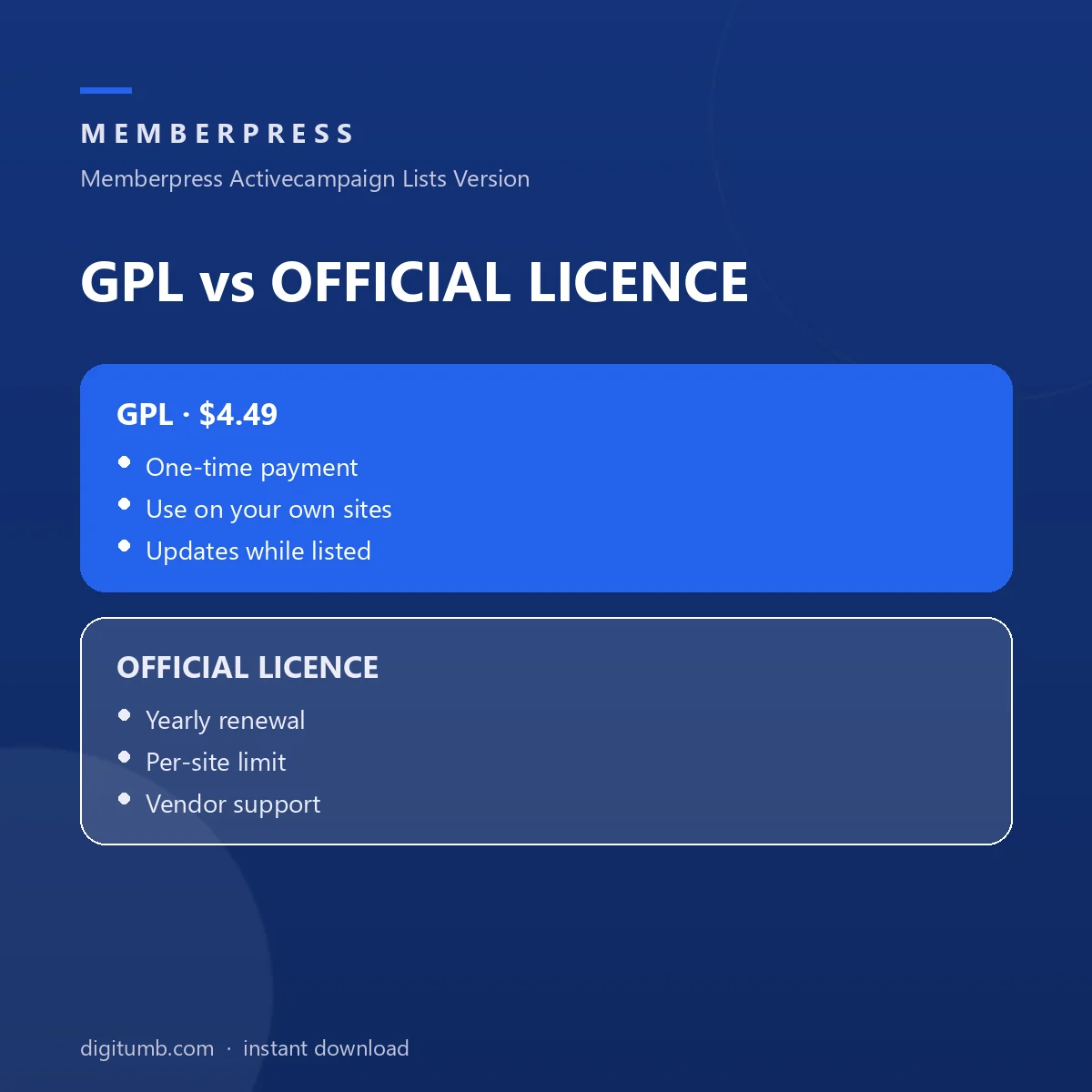
This is the same archive the developer publishes, redistributed under the GNU General Public License: you get the working files for $4.49 with no vendor update channel and no vendor support desk. If you need automatic updates or a support contract, buy the official license from the developer.
| This GPL build | Official license | |
|---|---|---|
| Price | $4.49 one time | Vendor subscription |
| Automatic updates | No | Yes |
| Developer support | No | Yes |
| Number of sites | Unlimited | Depends on plan |
Browse the rest of the WordPress plugins category or the full shop. The licence text is at GNU GPL v2, and general documentation is at WordPress.org.
You must be logged in to post a review.
You may also like…

Related products









Reviews
Clear filtersThere are no reviews yet.