


Bookly Advanced Google Calendar Add On GPL
$4.49
Bookly Advanced Google Calendar Add-on is a Bookly extension that connects your Bookly Calendar to Google Calendar.
Bookly Advanced Google Calendar Add-on is a Bookly extension that connects your Bookly Calendar to Google Calendar. Appointments made through Bookly are synced with Google Calendar in both directions, so booking data stays current and notifications reach the people who need them. This is a GPL build of the developer's own plugin files, sold at $4.49 without a vendor update channel or vendor support desk.
| Product | bookly-advanced-google-calendar-add-on |
|---|---|
| Version | 3.1 |
| Works with | WordPress 6.x+ / PHP 8.x+ |
| Tested up to | WordPress current |
| License | GPLv2 or later |
| Delivery | Instant ZIP download, 10 downloads, 365 days |
How bidirectional sync between Bookly and Google Calendar works
The add-on links your Bookly Calendar with a Google Calendar account. Once connected, appointments booked in Bookly are synced with Google Calendar, and the sync runs in both directions so the two calendars reflect the same booking information.
Real-time updates and notifications accompany every booking, which means a new appointment does not sit unseen in one calendar while the other stays out of date. The add-on is built for sites that already run Bookly and want their booking schedule visible inside Google Calendar.
Where the add-on sits in your WordPress setup
Installation happens through the standard Plugins section of WordPress. After activation, the connection to Google Calendar is configured from the Bookly settings, where the prompts walk you through linking your Google Calendar account.
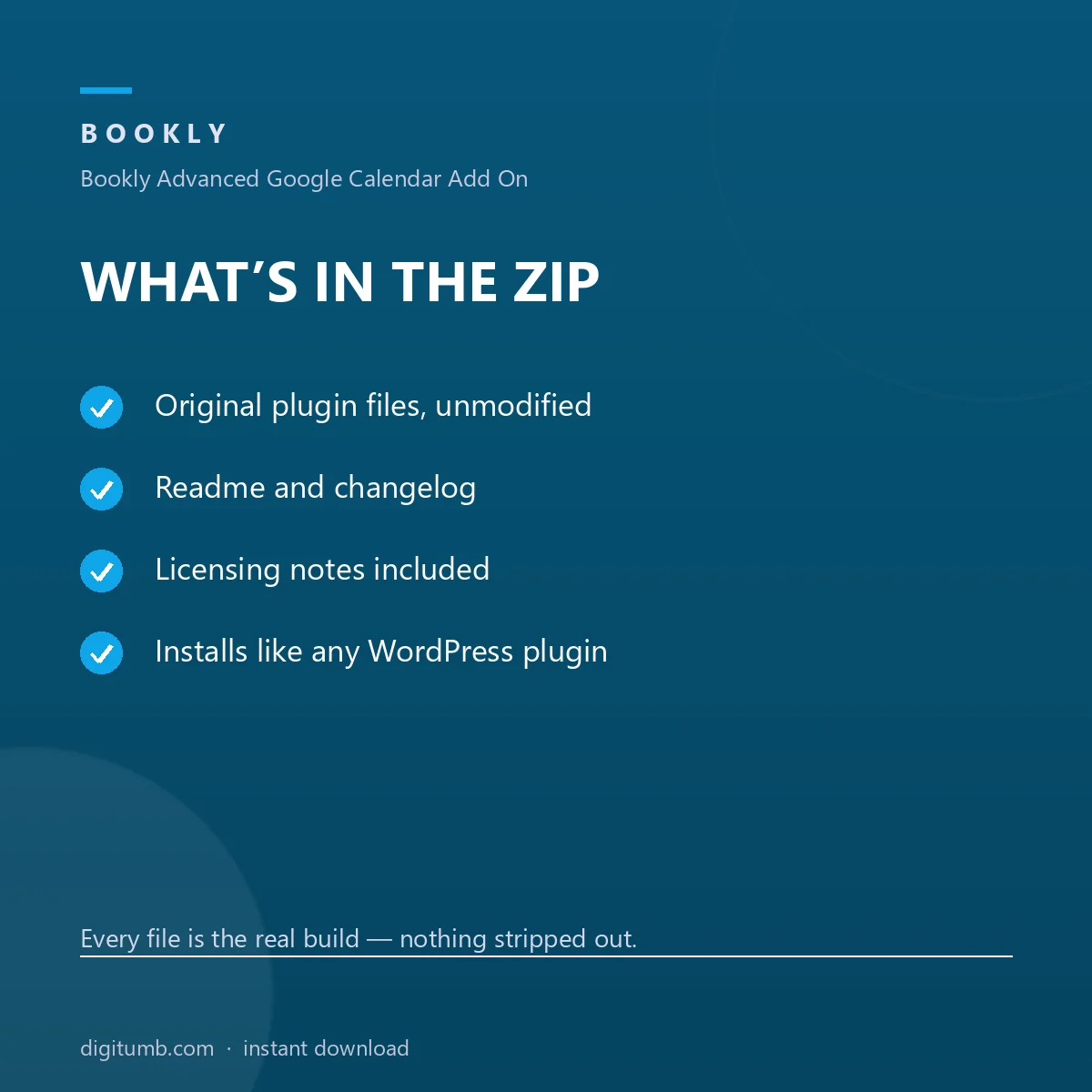
The package contains the lib, backend and frontend folders that make up the add-on. It is designed to work with the latest versions of WordPress, so it fits a current WordPress installation alongside Bookly.
Using the add-on with WooCommerce and other plugins
Bookly Advanced Google Calendar Add-on is compatible with WooCommerce and other popular plugins. On a shop that takes bookings through WooCommerce, the add-on keeps the booking calendar and Google Calendar aligned while e-commerce functionality continues to run alongside it.
Because the sync covers appointments rather than store orders, the add-on complements WooCommerce instead of replacing any part of it. Sites that combine bookings and product sales can keep both workflows on the same WordPress install.
What this build includes
| Two-way calendar sync | Sync Bookly appointments with Google Calendar in both directions so each calendar reflects the same booking data. |
|---|---|
| Real-time booking updates | Receive real-time updates for all bookings, keeping the Bookly Calendar and Google Calendar current as appointments are made. |
| Booking notifications | Get notifications for all bookings so new appointments are visible without checking each calendar separately. |
| Google Calendar account connection | Connect your Google Calendar account from the Bookly settings and follow the prompts to complete the link. |
| WooCommerce compatibility | Run the add-on alongside WooCommerce and other popular plugins, keeping booking and e-commerce functions on one site. |
| Current WordPress support | Designed to work with the latest versions of WordPress for performance and security on an up-to-date install. |
Installing it on a WordPress site
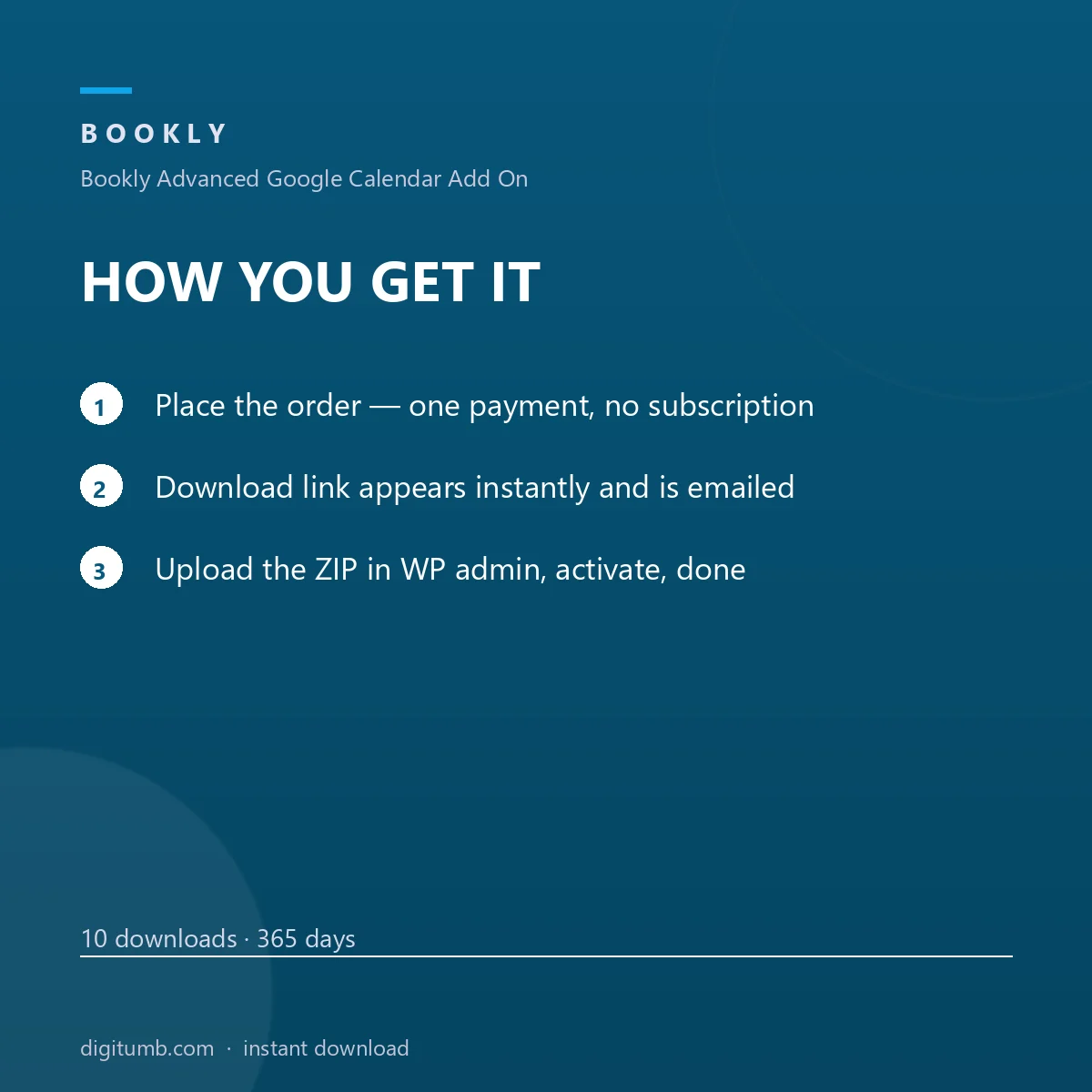
- Download the add-on zip and upload it through the Plugins section of your WordPress site.
- Activate the plugin after the upload completes.
- Open the Bookly settings and follow the prompts to connect your Google Calendar account.
Frequently asked questions
What does Bookly Advanced Google Calendar Add-on actually do?
It syncs Bookly appointments with Google Calendar. The sync is bidirectional, so booking information moves between the Bookly Calendar and Google Calendar, and the add-on provides real-time updates and notifications for all bookings. It is an extension for sites already using Bookly.
How do I connect my Google Calendar account?
After uploading and activating the plugin, go to the Bookly settings. The add-on provides prompts that guide you through connecting your Google Calendar account. Once the account is linked, appointments sync between the two calendars.
Does the add-on work with WooCommerce?
Yes. The add-on is compatible with WooCommerce and other popular plugins. Booking and e-commerce functionality can run together on the same WordPress site, with the calendar sync operating alongside your store.
Is it compatible with the latest WordPress version?
The add-on is designed to work with the latest versions of WordPress, with performance and security in mind. Keep WordPress and Bookly current so the add-on runs in the environment it was built for.
What am I buying at $4.49?
You receive a GPL build of the add-on containing the same plugin files the developer ships, packaged as a zip with the lib, backend and frontend folders. The price is $4.49. There is no vendor update channel and no vendor support desk with this build.
What the GPL build means for you
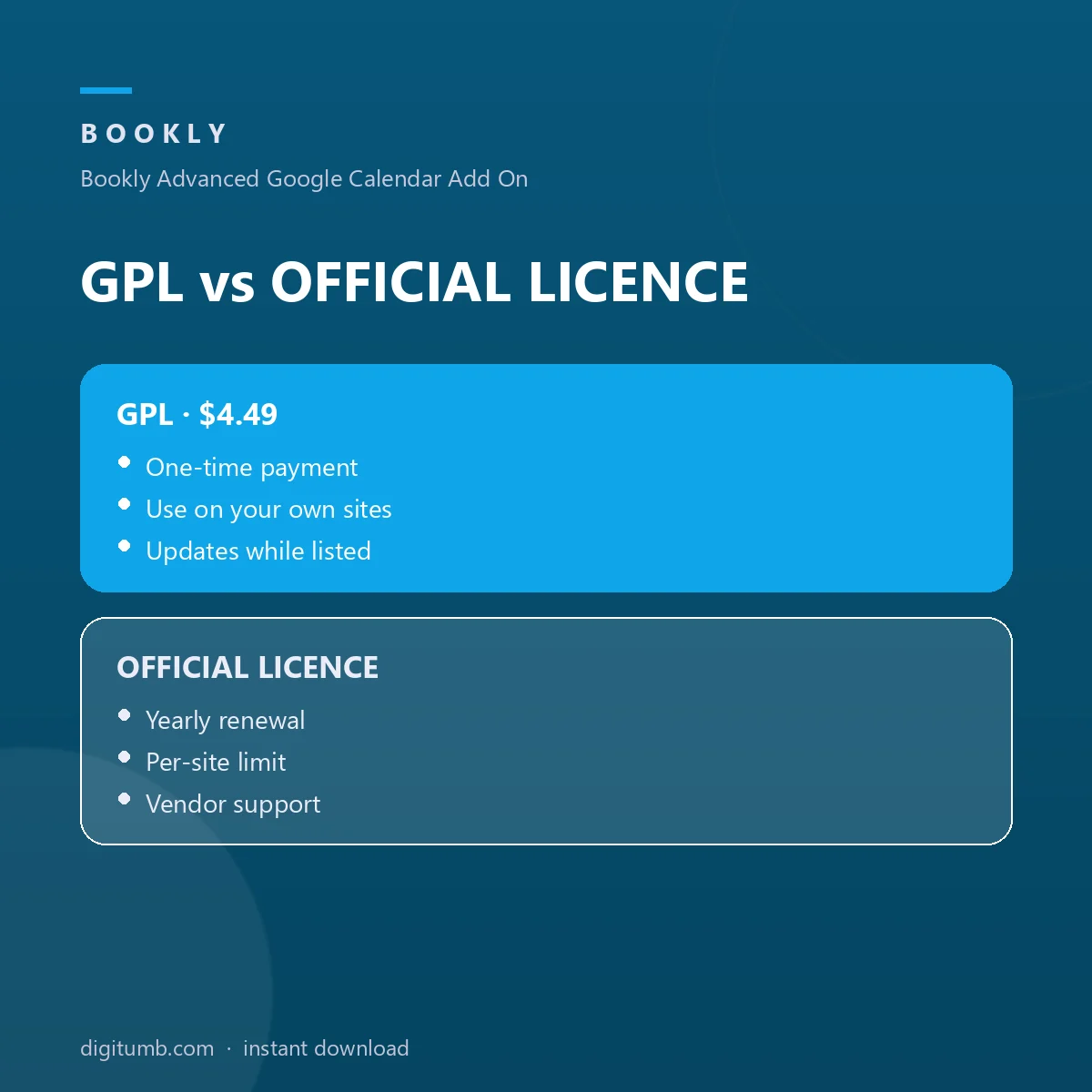
This is the same archive the developer publishes, redistributed under the GNU General Public License: you get the working files for $4.49 with no vendor update channel and no vendor support desk. If you need automatic updates or a support contract, buy the official license from the developer.
| This GPL build | Official license | |
|---|---|---|
| Price | $4.49 one time | Vendor subscription |
| Automatic updates | No | Yes |
| Developer support | No | Yes |
| Number of sites | Unlimited | Depends on plan |
Browse the rest of the WordPress plugins category or the full shop. The licence text is at GNU GPL v2, and general documentation is at WordPress.org.
You must be logged in to post a review.
You may also like…

Related products








Reviews
Clear filtersThere are no reviews yet.