



Eventon Qr Code GPL
$4.49
EventOn QR Code is a QR Code addon for EventON that gives each event its own unique QR code.
EventOn QR Code is a QR Code addon for EventON that gives each event its own unique QR code. Attendees scan the code with a smartphone, which makes check-in quick and keeps attendance tracking tied to the event itself. The plugin installs like a standard WordPress plugin and is configured from the EventOn menu in the admin dashboard. This GPL build ships the same files as the developer's release at $4.49, with no vendor update channel and no vendor support desk.
| Product | eventon-qr-code |
|---|---|
| Version | 2.1 |
| Works with | WordPress 6.x+ / PHP 8.x+ |
| Tested up to | WordPress current |
| License | GPLv2 or later |
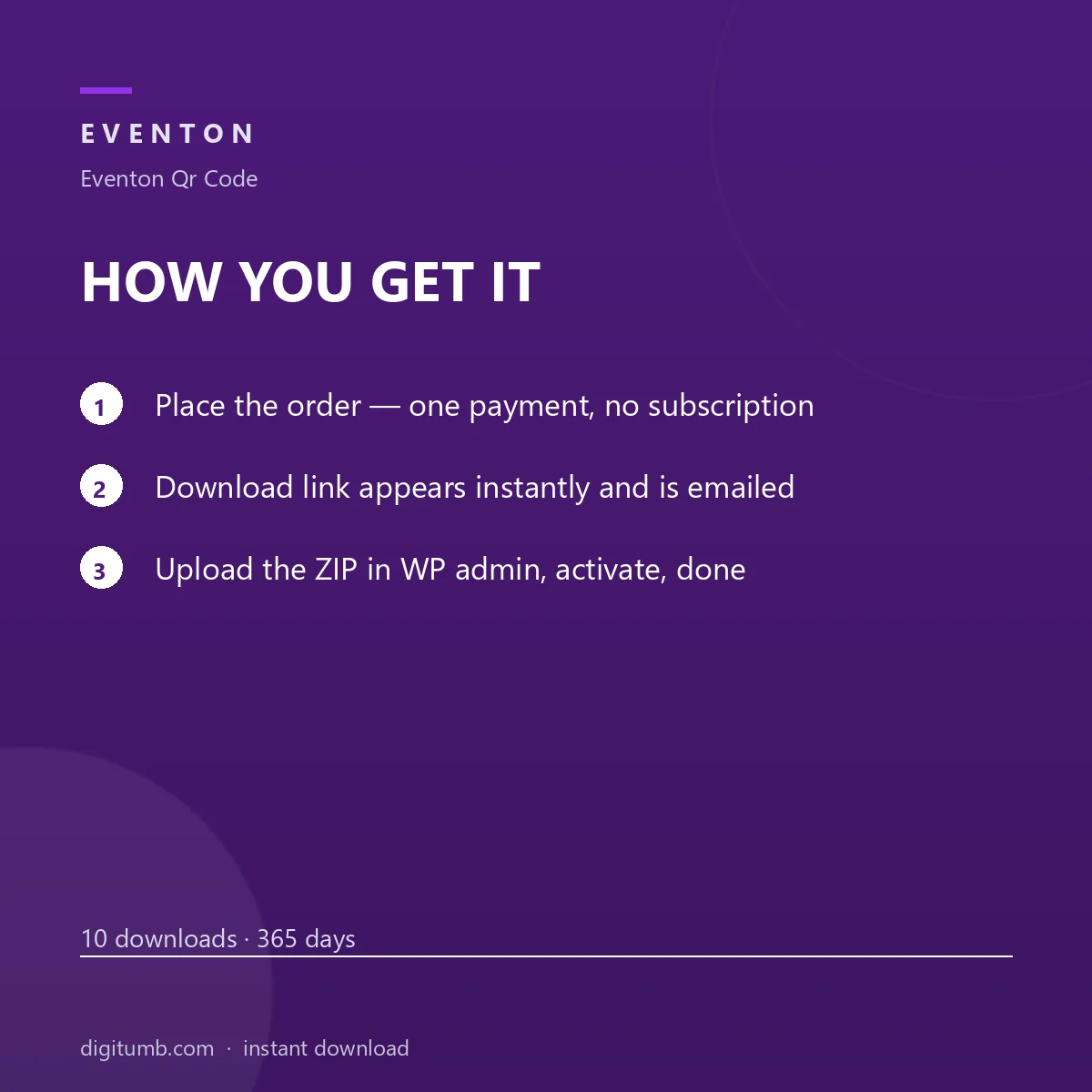
| Delivery | Instant ZIP download, 10 downloads, 365 days |
How does EventOn QR Code change event check-in?
Instead of a paper list or a manual search, each event carries its own QR code. Scanning that code with a smartphone is the check-in step, which is what the addon is built around: quick check-ins and a smoother experience for the attendee at the door.
Because the code belongs to a single event, the check-in action is tied to that event rather than to a shared list. The addon is aimed at attendance tracking for events managed inside EventON.
Does it work with WooCommerce and other WordPress plugins?
EventOn QR Code is designed to work with other popular WordPress plugins, including WooCommerce and various event management tools. That matters when tickets are sold through a shop and the event itself lives in EventON.
It also integrates with EventOn themes, so the addon adds its check-in functionality to the theme you already use for your event pages rather than sitting beside it.
Where do you generate and manage the QR codes?
After activation, the addon's settings sit under the EventOn menu in the WordPress admin dashboard. That is where you configure it and start generating QR codes for your events.
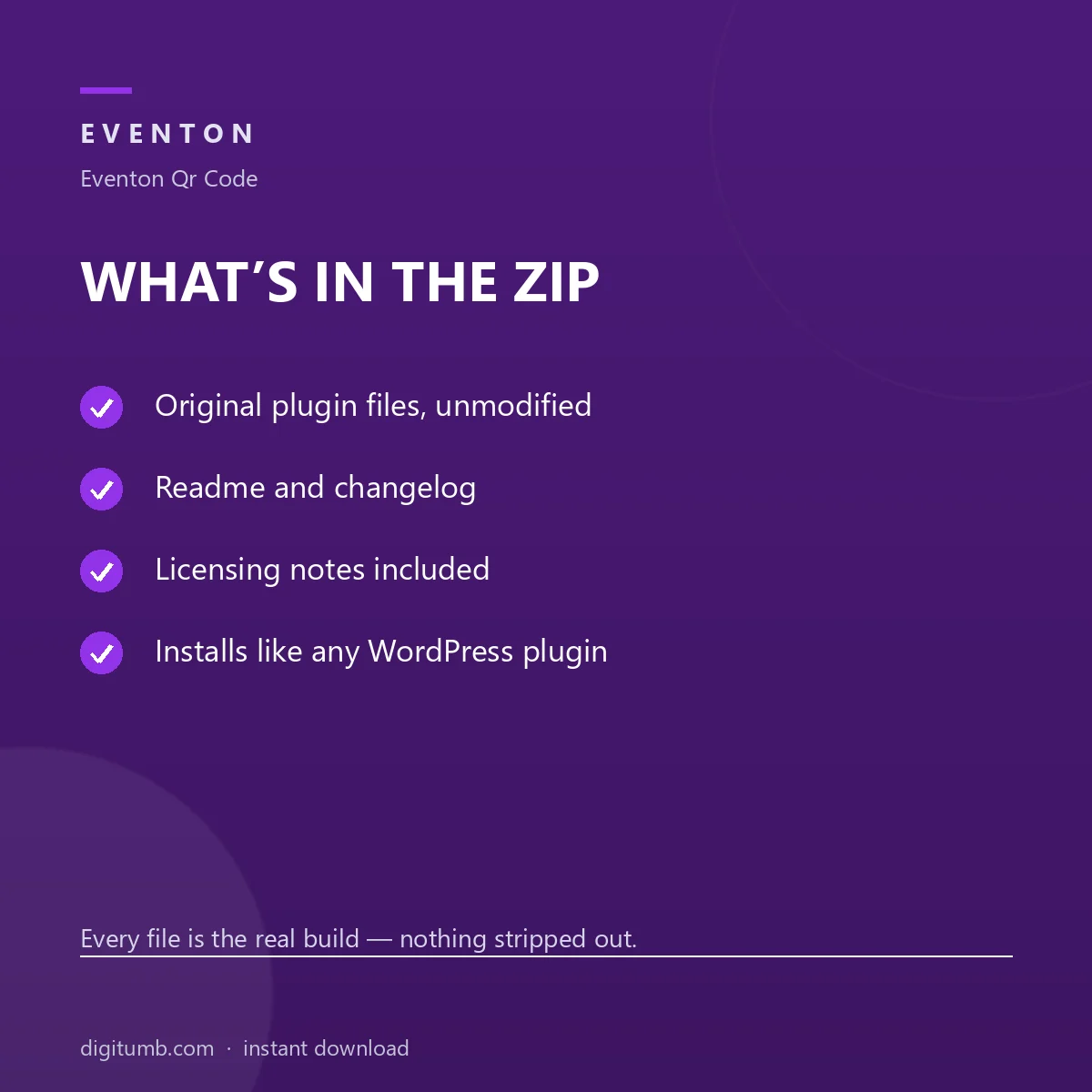
The zip contains a templates folder, which is where the addon's template files live. Day-to-day work happens in the WordPress admin, not in the file system.
What does the GPL build at $4.49 include?
You get the same plugin files the developer ships, delivered as a GPL build for $4.49. The download is a 0.2 MB zip, version 2.1.
This build has no vendor update channel and no vendor support desk. Setup and configuration are done from the WordPress admin dashboard as described above.
What this build includes
| Unique QR code per event | Create a distinct QR code for each event so the code scanned at the door points to that specific event. |
|---|---|
| Smartphone check-in | Use a smartphone to scan the event QR code and record the check-in, replacing manual attendance entry. |
| Attendance tracking | Track attendance through the check-ins made with the event QR codes you generate. |
| Works with WooCommerce | Designed to work alongside WooCommerce and other popular WordPress plugins, including event management tools. |
| EventOn theme integration | Built to integrate with EventOn themes, adding QR check-in functionality to the event pages those themes render. |
| Admin settings under EventOn | Configure the addon and start generating QR codes from the settings under the EventOn menu in the WordPress dashboard. |
Installing it on a WordPress site
- Upload the plugin file through the WordPress admin dashboard.
- Activate the plugin.
- Open the settings under the EventOn menu and configure them to start generating QR codes for your events.
Latest changes
This listing is for version 2.1 of EventOn QR Code.
Frequently asked questions
What does EventOn QR Code actually do?
It creates a unique QR code for each event, so attendees can check in quickly by scanning the code with a smartphone. The addon is built for event check-ins and attendance tracking inside EventON.
Do I need EventON to use this addon?
EventOn QR Code is a QR Code addon for EventON. Its settings live under the EventOn menu and it is designed to integrate with EventOn themes, so it is used alongside the EventON event setup rather than on its own.
Will it work with WooCommerce?
Yes. The addon is designed to work with other popular WordPress plugins, including WooCommerce and various event management tools, so it can sit alongside a shop setup.
How do I set it up?
Upload the plugin file via the WordPress admin dashboard, activate it, then configure the settings under the EventOn menu. From there you can start generating QR codes for your events.
What is in the download?
The download is a 0.2 MB zip for version 2.1. It contains a templates folder with the addon's template files. You install it through the WordPress admin dashboard like any other plugin.
Does this build come with vendor updates or support?
No. This is a GPL build sold for $4.49: the same files the developer ships, without a vendor update channel and without a vendor support desk. Configuration is handled in your WordPress admin.
What the GPL build means for you
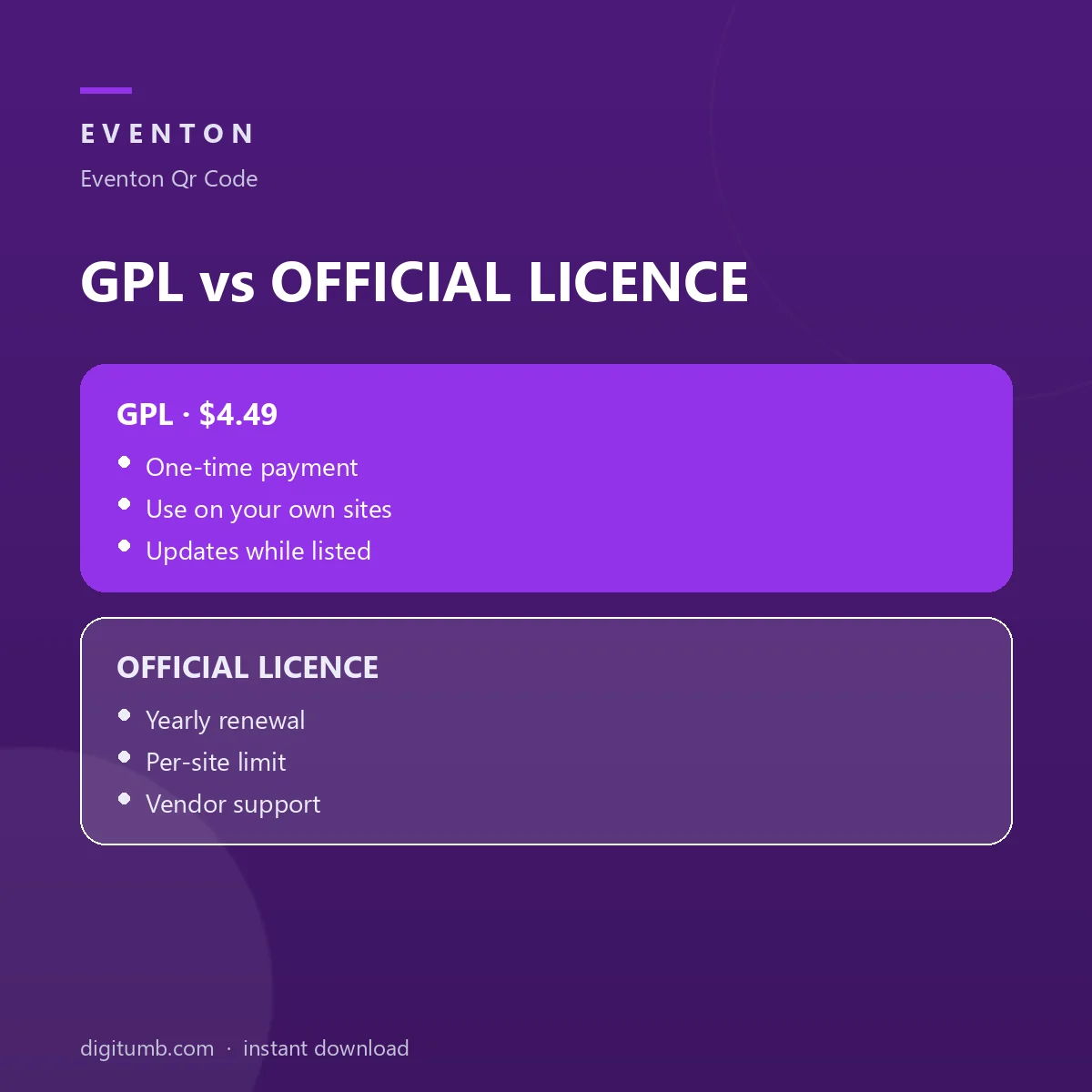
This is the same archive the developer publishes, redistributed under the GNU General Public License: you get the working files for $4.49 with no vendor update channel and no vendor support desk. If you need automatic updates or a support contract, buy the official license from the developer.
| This GPL build | Official license | |
|---|---|---|
| Price | $4.49 one time | Vendor subscription |
| Automatic updates | No | Yes |
| Developer support | No | Yes |
| Number of sites | Unlimited | Depends on plan |
Browse the rest of the WordPress plugins category or the full shop. The licence text is at GNU GPL v2, and general documentation is at WordPress.org.
You must be logged in to post a review.
You may also like…

Related products






Reviews
Clear filtersThere are no reviews yet.