


Exclusive Addons Elementor Pro For GPL
$4.49
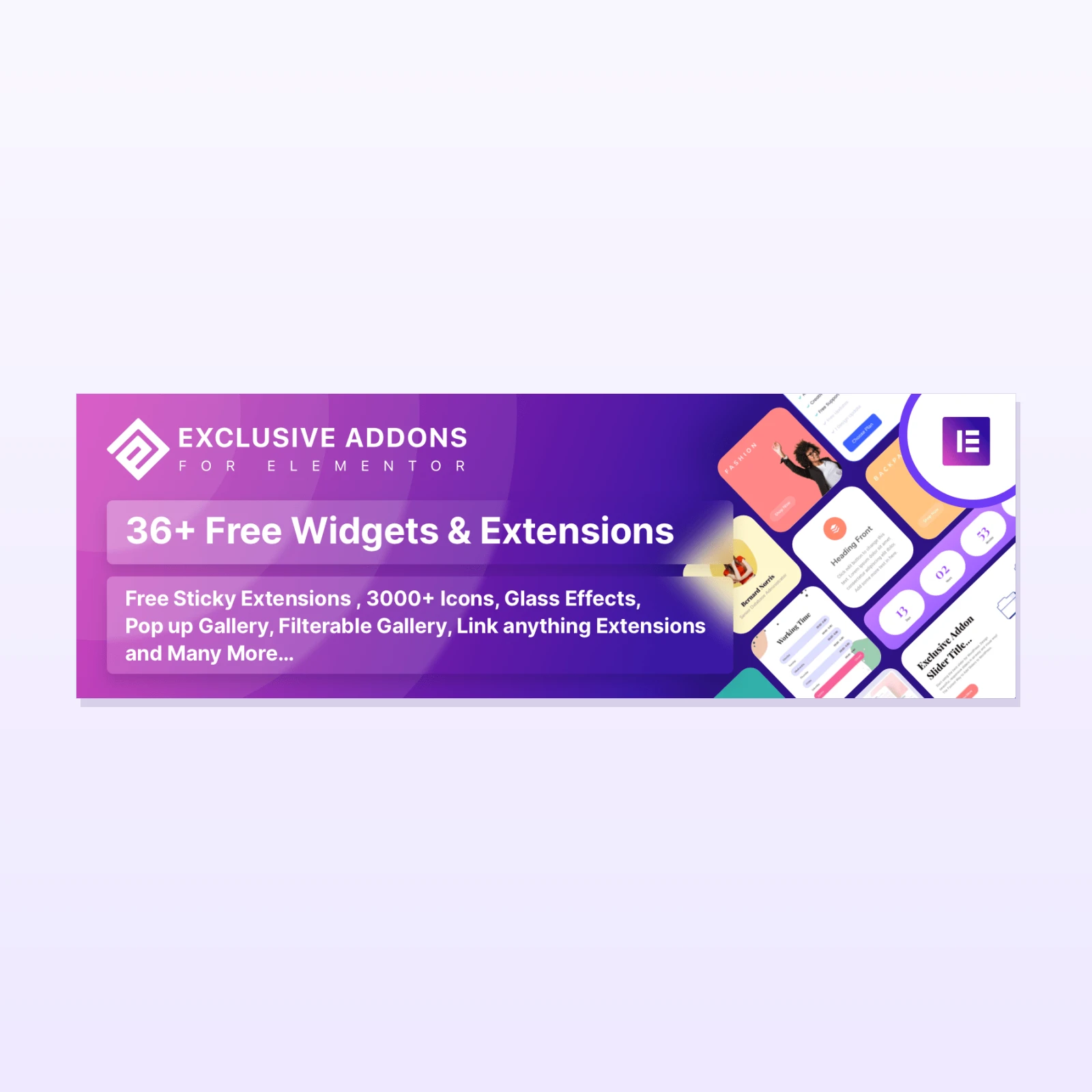
Exclusive Addons Elementor Pro is an addon pack for the Elementor page builder that supplies 85+ widgets and extensions, each with ready-made presets and styling options.
Exclusive Addons Elementor Pro is an addon pack for the Elementor page builder that supplies 85+ widgets and extensions, each with ready-made presets and styling options. It is built for site owners who want finished design elements without designing them from scratch, and it adds Live Preview to most elements so edits appear as you make them. Elementor must be installed and active before this plugin does anything.
| Product | Exclusive Addons Elementor Pro |
|---|---|
| Version | 1.5.9.4 |
| Works with | WordPress 4.6+ / PHP 7.0+ |
| Tested up to | WordPress 6.9 |
| License | GPLv2 or later |
| Delivery | Instant ZIP download, 10 downloads, 365 days |
Which widgets and extensions does Exclusive Addons Elementor Pro add?
The package ships more than 85 Elementor widgets and extensions, and the collection is described as continuing to grow. Named items include Business Hours, Comparison Table, Content Switcher, Cookie Consent, Demo Previewer, Image Carousel, Instagram Feed, Lottie Animation, Navigation Menu, Post Navigation and Post Carousel. A set of WooCommerce-oriented widgets is also present: Product Breadcrumb, Product Image, Product Rating, Product Add to Cart and Product Short Description.
Several widgets expose deeper controls than a basic drag-and-drop block. The gradient controls are split into First Gradient, Second Gradient and Third Gradient. Particle and animation settings include Enable Particles, Particle Color, Link Line Color, Particle Number, Line Link Distance, Moving Direction, Enable OnHover, Enable OnClick, Animated Shape and Floating Animation. Parallax options cover Parallax Title, Parallax Image, Image X Position, Image Y Position and Image Custom Size.
How do presets and Live Preview change the way you build pages?
Every element starts from a preset, so you can place a finished-looking widget and adjust from there instead of designing the element from scratch. When a preset does not fit, the widgets carry a set of options for designing them to your own needs. This keeps the first build fast while leaving room for customisation on the same element.
Live Preview is enabled for most elements, which means the change you make in the panel is visible in the canvas without a reload delay. The workflow stays inside the Elementor editor: type "Ex" on the element tabs to filter down to the available Exclusive Addons elements, or open the category named "Exclusive Addons" in the widget list.
Is Exclusive Addons Elementor Pro light on a site?
Only a handful of third party scripts are bundled with the plugin, and the images and code are optimised for fast loading. The zip you install is 2.3 MB. The plugin requires WordPress 4.6 and PHP 7.0, and is tested up to WordPress 6.9.
The zip contains four top-level folders: elements, admin, templates and extensions. The plugin is dependent on Elementor, so the Elementor plugin has to be installed before activation.
What does the GPL build from this store include?
You receive the same plugin files the developer ships, distributed as a GPL build for $4.49. There is no vendor update channel attached and no vendor support desk; the developer's own update stream and support service are not part of this purchase. For your own reference, the build offered here is version 1.5.9.4.
What this build includes
| 85+ Elementor widgets and extensions | Adds more than 85 widgets and extensions to the Elementor editor, covering layout, content and WooCommerce product blocks. |
|---|---|
| Preset-based element design | Start each element from a ready preset, then adjust it with the widget's own options when you need a different look. |
| Live Preview on most elements | See your edits in the Elementor canvas as you make them, without waiting for a second delay. |
| Quick element search | Type "Ex" on the element tabs to filter the list, or browse the "Exclusive Addons" category in the widget panel. |
| Gradient and particle controls | Set three separate gradients and control particles, line link distance, particle number, moving direction and hover or click triggers. |
| Parallax and floating animation settings | Position parallax titles and images on X and Y axes, set a custom image size, and apply animated shapes or floating animation. |
| WooCommerce product widgets | Place product breadcrumb, image, rating, add to cart and short description blocks on Elementor-built product pages. |
| Lightweight script footprint | Only a handful of third party scripts ship with the plugin, with images and code optimised for fast loading. |
Installing it on a WordPress site
- Install Elementor first; Exclusive Addons Elementor Pro depends on it and will not work without it.
- Go to the Plugins page, click Add new, and upload the plugin zip file (ExclusiveAddonsElementor.zip), or extract the zip contents directly into wp-content/plugins/.
- Activate the plugin, then open the Elementor editor and type "Ex" on the element tabs or open the "Exclusive Addons" widget category.
Frequently asked questions
Can I use Exclusive Addons Elementor Pro without Elementor?
No. The plugin is dependent on Elementor and requires it to be installed and active. Without Elementor the addon has no page builder to extend, so install Elementor before activating this plugin.
Will updating break the elements already on my site?
The plugin is built so that updates do not break existing elements, and the developer states that most effort goes into ensuring this. Existing elements keep working after an update.
Does it work alongside other WordPress plugins?
Yes. It has been checked with some popular plugins and reported as compatible. If you find a compatibility issue with another plugin on your site, report it so it can be looked at.
Which WordPress and PHP versions do I need?
The plugin requires WordPress 4.6 or later and PHP 7.0 or later. It is tested up to WordPress 6.9.
Is the plugin compatible with Elementor Pro?
Yes. Recent releases increased support for Elementor and Elementor Pro, and version 1.5.9.2 fixed a crash issue with the latest Elementor Pro. The plugin also supports Cross Site Copy Paste in Elementor containers.
Where do the Exclusive Addons elements appear in the editor?
Type "Ex" on the element tabs within the Elementor editor and the available Exclusive Addons elements are filtered into view. You can also find them under the "Exclusive Addons" category in the element and widget list.
Does this purchase include vendor updates and support?
No. You get the same plugin files the developer ships as a GPL build for $4.49, with no vendor update channel and no vendor support desk. Version 1.5.9.4 improves support for all Elementor icons.
What the GPL build means for you
This is the same archive the developer publishes, redistributed under the GNU General Public License: you get the working files for $4.49 with no vendor update channel and no vendor support desk. If you need automatic updates or a support contract, buy the official license from the developer.
| This GPL build | Official license | |
|---|---|---|
| Price | $4.49 one time | Vendor subscription |
| Automatic updates | No | Yes |
| Developer support | No | Yes |
| Number of sites | Unlimited | Depends on plan |
Browse the rest of the WordPress plugins category or the full shop. The licence text is at GNU GPL v2, and general documentation is at WordPress.org.
You must be logged in to post a review.
You may also like…

Related products







Reviews
Clear filtersThere are no reviews yet.