


Essential Addons for Elementor – Pro GPL
$4.49
Essential Addons for Elementor – Pro is an elements library plugin for the Elementor page builder on WordPress.
Essential Addons for Elementor – Pro is an elements library plugin for the Elementor page builder on WordPress. It ships more than 70 widgets and seven extensions, so you can assemble post grids, pricing tables, forms integrations, WooCommerce product layouts and interactive cards without writing code. Each element can be switched on or off from the settings to keep page loading lean. The build sold here is GPL, version 7.0.9, and the zip is 3.0 MB.
| Product | Essential Addons for Elementor – Pro |
|---|---|
| Version | 7.0.9 |
| Works with | WordPress 6.x+ / PHP 8.x+ |
| Tested up to | WordPress 7.1 |
| License | GPLv2 or later |
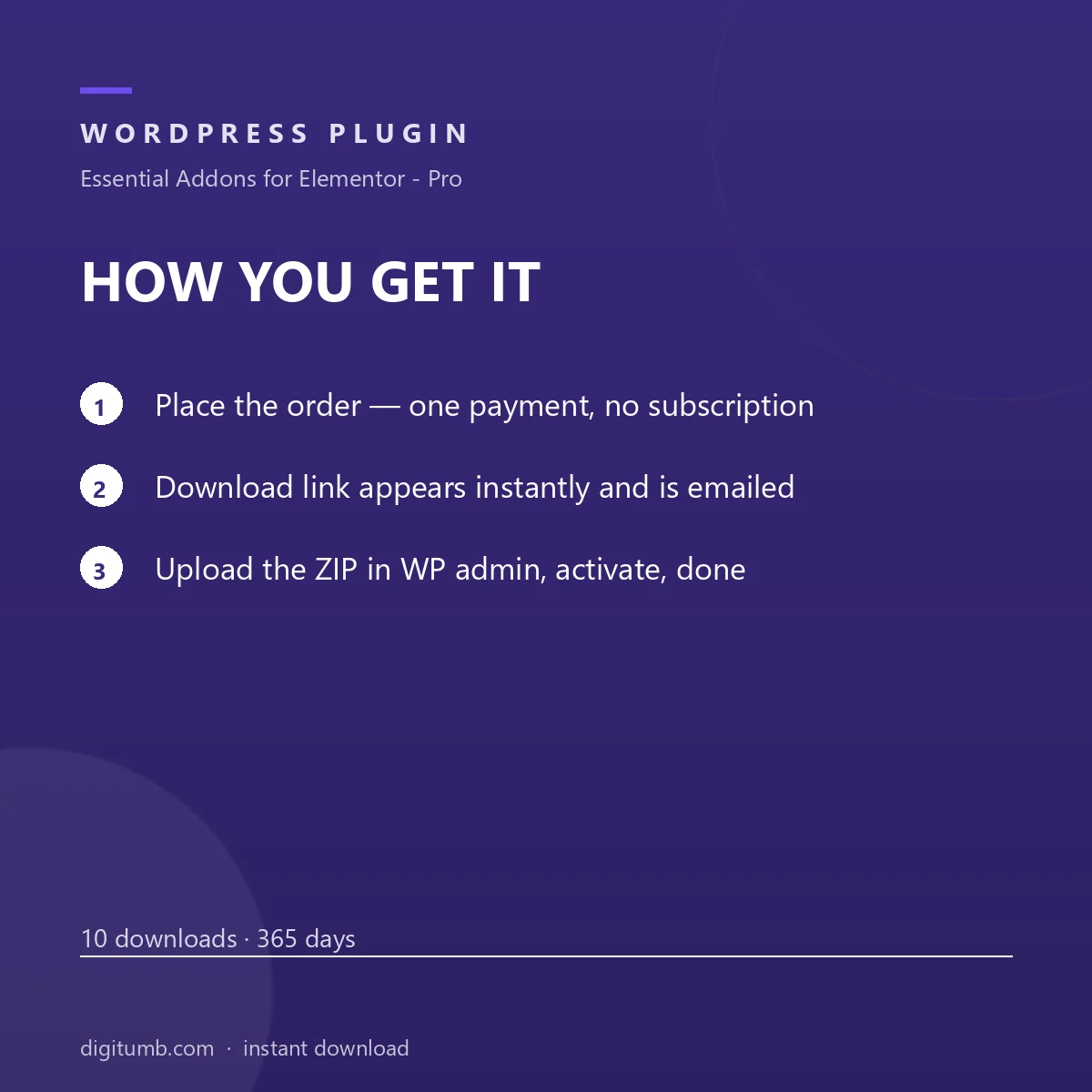
| Delivery | Instant ZIP download, 10 downloads, 365 days |
Which widgets does the Essential Addons library add to Elementor?
The widget list covers content layouts and marketing blocks. Post Grid, Post Block, Post List, Post Timeline, Post Carousel and Content Timeline handle blog and archive presentation. Fancy Text, Dual Color Headline, Call to Action, Info Box, Flip Box, Interactive Cards, Interactive Promo and Creative Buttons cover headline and promo sections. Testimonials, Testimonial Slider, Team Members, Team Member Carousel, Counter, Progress Bar, Price Menu and Pricing Table fill out social proof and pricing areas.
Commerce and media widgets are included as well: WooCommerce Product Grid, Woo Product Collections, Woo Product Slider, Static Product, Filterable Gallery, Dynamic Filterable Gallery, Image Comparison, Image Accordion, Image Hotspot, Image Scroller and Logo Carousel. Form and feed integrations appear in the same library — Contact Form 7, WPForms, weForms, Ninja Forms, Gravity Forms, Caldera Forms, Formstack, Typeform, Mailchimp, Facebook Feed, Twitter Feed and Instagram Feed. Navigation and utility elements such as Advanced Menu, One Page Navigation, Advanced Tabs, Advanced Accordion, Content Toggle, Content Ticker, Advanced Google Map, Tooltip, Countdown, Lightbox & Modal, Offcanvas Content, Protected Content, Fancy Divider and LearnDash Course List round out the set.
How do the seven extensions change an Elementor section?
Extensions apply at section level rather than as standalone widgets. Particles and Parallax add background motion to a section, while Advanced Tooltip and Content Protection control what visitors can see and hover over. A Reading Progress Bar tracks position on long pages, Custom JS lets you attach script to a section, and Conditional Display decides when a section is shown.
Because elements can be enabled or disabled individually, you can keep only the widgets and extensions your site actually uses. The plugin description states that this improves page loading and that no extra resources slow the website down.
Does Essential Addons Pro work with Elementor Pro, WooCommerce and form plugins?
The vendor states full compatibility with Elementor Pro, so both plugins can run together on the same site. WooCommerce, Yoast SEO and Contact Form 7 are named as compatible plugins. Form widgets for WPForms, weForms, Ninja Forms, Gravity Forms, Caldera Forms, Formstack and Typeform are part of the widget list, alongside Mailchimp for list signups.
The plugin is tested up to WordPress 7.1. FigWP, the Figma-to-Elementor connection added in this release, needs an active Essential Addons Pro license and Elementor 3.6 or newer; it shows a clear message when Elementor is missing or too old.
What this build includes
| Post Grid and Post Block | Lay out blog posts in grid or block format inside Elementor, with additional Post List, Post Carousel and Post Timeline widgets for other archive styles. |
|---|---|
| WooCommerce product widgets | Build shop pages with WooCommerce Product Grid, Woo Product Collections and Woo Product Slider, plus a Static Product element for single-item promos. |
| Form plugin integrations | Place forms from Contact Form 7, WPForms, weForms, Ninja Forms, Gravity Forms, Caldera Forms, Formstack and Typeform through dedicated widgets. |
| Filterable galleries | Create Filterable Gallery and Dynamic Filterable Gallery layouts, and present images with Image Comparison, Image Accordion, Image Hotspot and Image Scroller. |
| Section extensions | Add Particles, Parallax, Advanced Tooltip, Content Protection, Reading Progress Bar, Custom JS and Conditional Display to Elementor sections. |
| Element toggle controls | Enable or disable individual elements from the settings so unused widgets do not load, which the plugin describes as improving page loading. |
| FigWP Figma connection | Connect the site from the FigWP tab in the Essential Addons dashboard to build Elementor draft pages from Figma designs with AI apps. |
| Design system backup | Global colors and fonts are saved before each FigWP design-system sync and can be restored, and draft updates keep a backup for rollback in Elementor. |
| Search and menu controls | Configure Advanced Search with post type, category include and exclude rules, popular keywords, result counts and title priority, and set hamburger menu alignment and dropdown width. |
Installing it on a WordPress site
- Upload the 3.0 MB zip through Plugins > Add New > Upload Plugin in WordPress, or place the extracted folder in wp-content/plugins.
- Activate Essential Addons for Elementor, then open its dashboard and switch on only the widgets and extensions you plan to use.
- Edit a page with Elementor and drag any enabled element from the Essential Addons panel into your layout; for FigWP, connect the site from the FigWP tab first.
Latest changes
Version 7.0.9 adds the FigWP tab for building Elementor draft pages from Figma designs, saves global colors and fonts before each design-system sync, backs up drafts before updates, and improves screen-reader labels on Team Member social links.
Frequently asked questions
Is this the same plugin file set the developer ships?
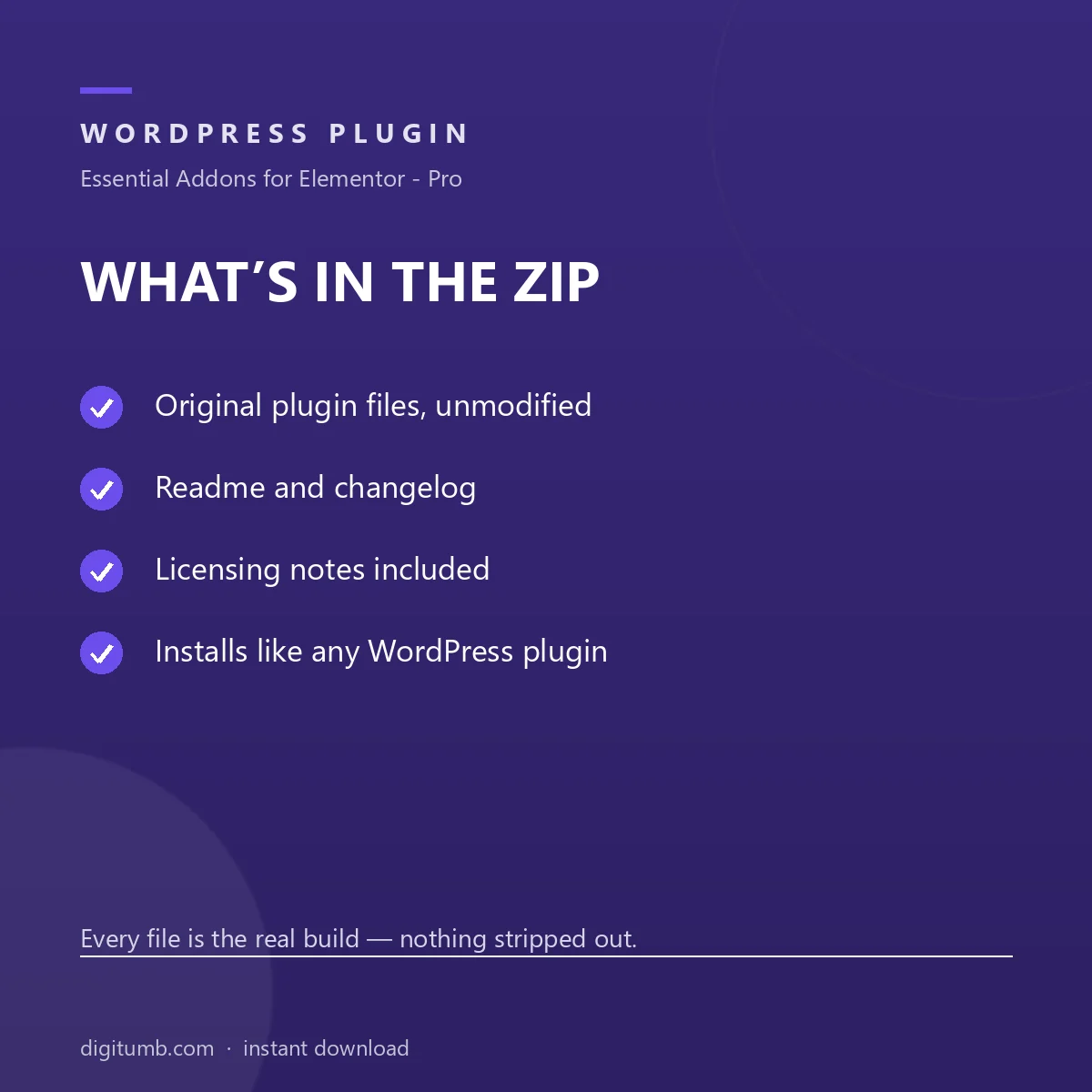
Yes. The zip contains the same files as the developer's release, distributed as a GPL build for $4.49 through digitumb.com. There is no vendor update channel and no vendor support desk attached to this purchase, so plan your own update and support route.
Can I turn off widgets I do not use?
Yes. The plugin provides an option to enable or disable certain elements to improve page loading. Disabling unused widgets and extensions keeps the Elementor panel shorter and avoids loading elements your site does not need.
Does it work alongside Elementor Pro?
The vendor states the plugin is fully compatible with Elementor Pro, so you can use both on the same site and combine their design options. It is also described as compatible with WooCommerce, Yoast SEO and Contact Form 7.
What is required for the FigWP feature?
FigWP connects your site to the live FigWP service and needs an active Essential Addons Pro license. Elementor 3.6 or newer must be installed; the plugin shows clear messages when Elementor is missing or older than that, and only enabled widgets are used.
Which WordPress version is supported?
The plugin is tested up to WordPress 7.1. The build offered here is version 7.0.9 in a 3.0 MB zip.
What the GPL build means for you
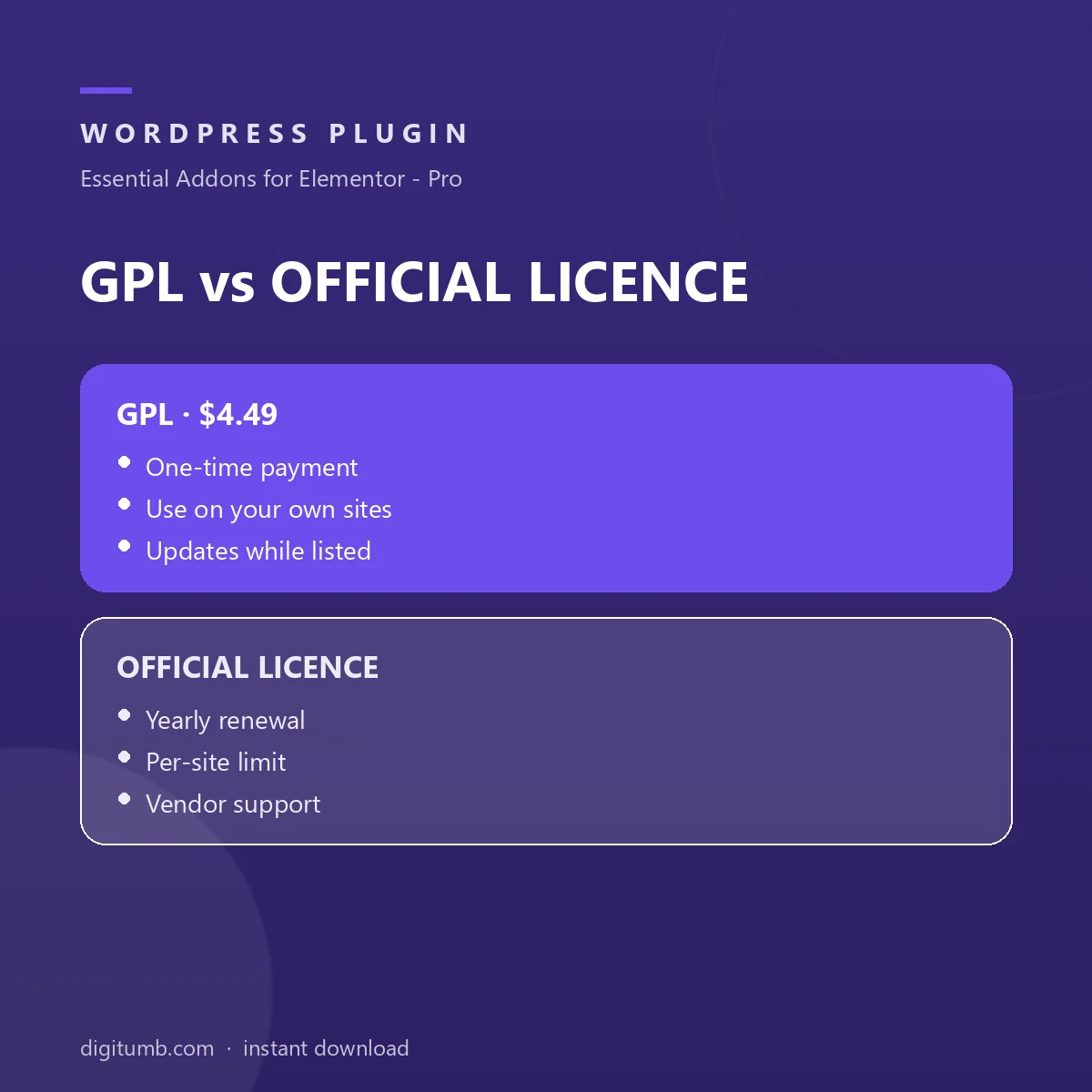
This is the same archive the developer publishes, redistributed under the GNU General Public License: you get the working files for $4.49 with no vendor update channel and no vendor support desk. If you need automatic updates or a support contract, buy the official license from the developer.
| This GPL build | Official license | |
|---|---|---|
| Price | $4.49 one time | Vendor subscription |
| Automatic updates | No | Yes |
| Developer support | No | Yes |
| Number of sites | Unlimited | Depends on plan |
Browse the rest of the WordPress plugins category or the full shop. The licence text is at GNU GPL v2, and general documentation is at WordPress.org.
You must be logged in to post a review.
You may also like…

Related products








Reviews
Clear filtersThere are no reviews yet.