

AutomatorWP – LearnPress GPL
$4.49
AutomatorWP – LearnPress is an add-on that connects the LearnPress LMS plugin to AutomatorWP, so course activity can drive automated actions across your WordPress site.
AutomatorWP – LearnPress is an add-on that connects the LearnPress LMS plugin to AutomatorWP, so course activity can drive automated actions across your WordPress site. It adds LearnPress-specific triggers for quiz attempts, lesson and course completion, and course enrollment, plus actions that enroll or unroll users and mark lessons or courses as completed. The build sold here is version 1.1.5, a GPL build priced at $4.49.
| Product | AutomatorWP – LearnPress |
|---|---|
| Version | 1.1.5 |
| Works with | WordPress 4.4+ / PHP 8.x+ |
| Tested up to | WordPress 6.7 |
| License | GPLv2 or later |
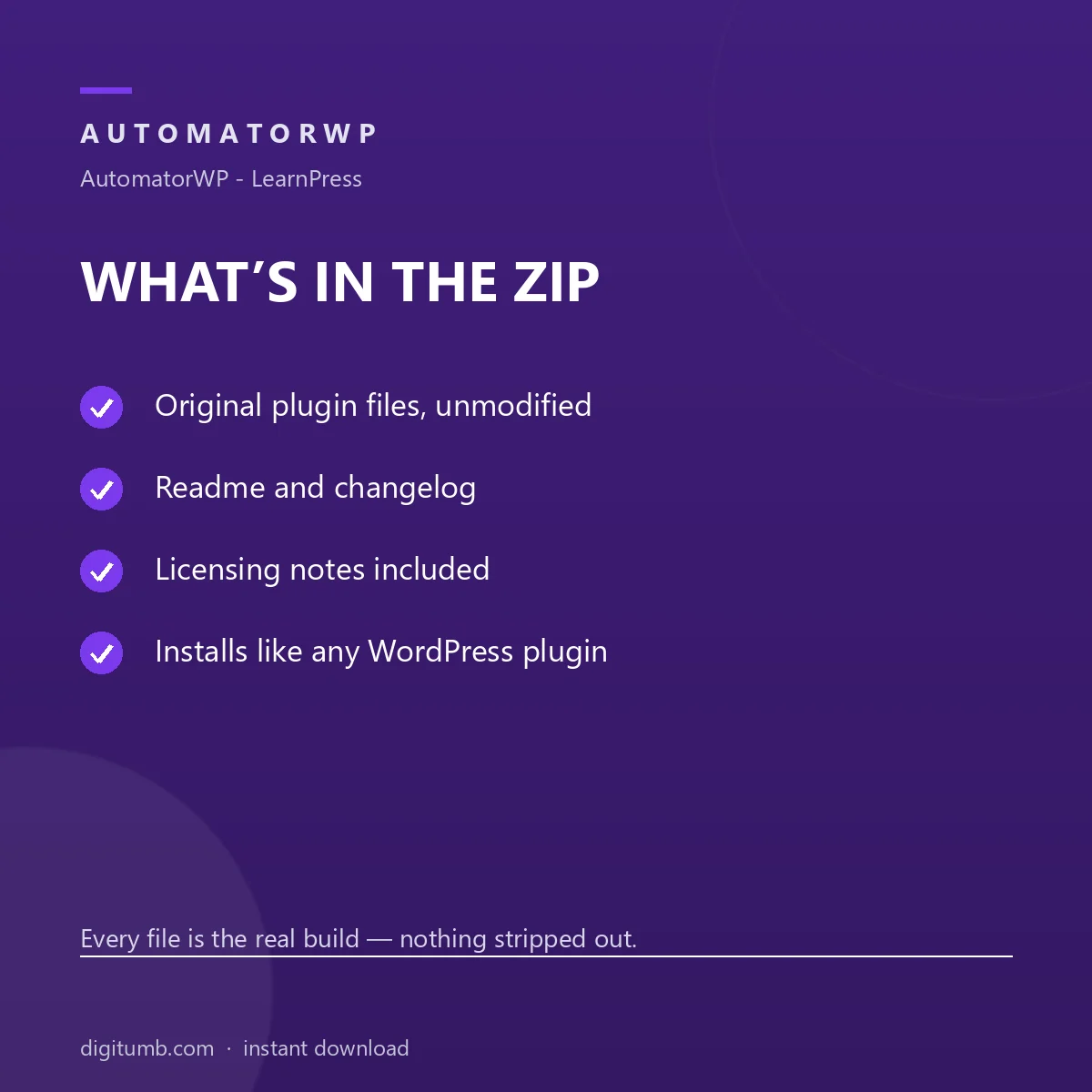
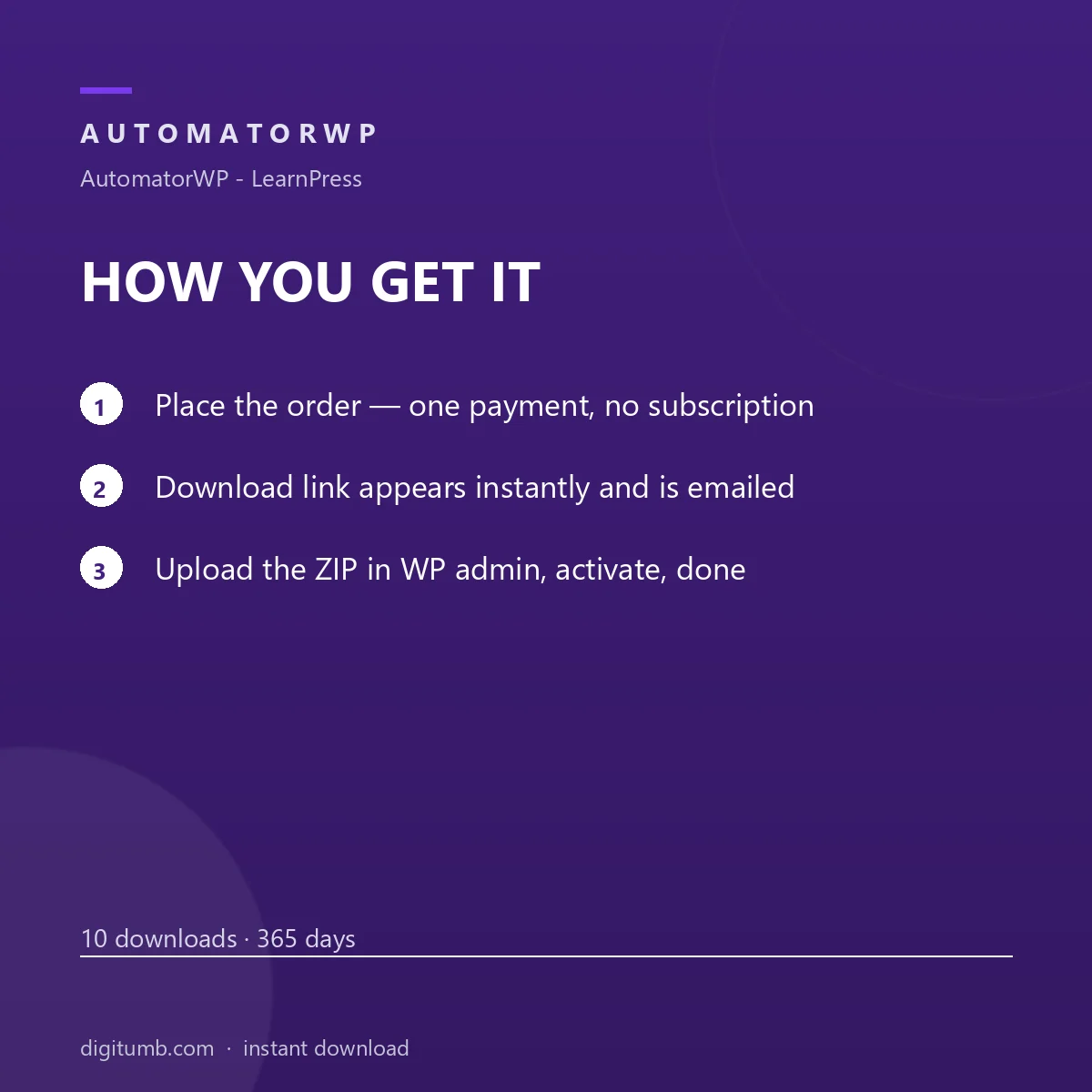
| Delivery | Instant ZIP download, 10 downloads, 365 days |
Which LearnPress events can start an automation?
The add-on registers four LearnPress triggers. A user attempting, passing or failing a quiz can start an automation, either for any quiz or for a specific one. Lesson completion works the same way: any lesson or a named lesson. Course enrollment and course completion are the other two triggers, each available for any course or a specific course.
Because the triggers are scoped, you can build broad rules that fire on any course activity or narrow rules tied to one course or one quiz. A quiz-fail trigger can run a different recipe from a quiz-pass trigger on the same site, which keeps each automation focused on a single event.
What can an automation do inside LearnPress?
Three actions write back to LearnPress. The first enrolls or unrolls a user from a course, either all courses or a specific course. The second marks a lesson as completed for the user, and the third marks a course as completed for the user.
In the recipe editor these appear as "Enroll or unroll user from a course", "Mark lesson as completed for the user" and "Mark course as completed for the user", each with a selector for the course or lesson. The combination lets one event in LearnPress update a learner's progress without manual admin work.
How AutomatorWP – LearnPress fits with other plugins
What this build includes
| Quiz result triggers | Start an automation when a user attempts, passes or fails a quiz, for any quiz or one specific quiz. |
|---|---|
| Lesson completion trigger | React when a user completes a lesson, with the option to target any lesson or a specific lesson. |
| Course enrollment trigger | Fire an automation when a user is enrolled in a course, for any course or a chosen course. |
| Course completion trigger | Run a recipe when a user completes a course, scoped to all courses or a single course. |
| Enroll or unroll action | Add or remove a user's enrollment in all courses or a specific course from inside an AutomatorWP recipe. |
| Lesson completion action | Mark a selected lesson as completed for the user without opening the LearnPress course editor. |
| Course completion action | Mark a selected course as completed for the user as the result of any AutomatorWP trigger. |
Installing it on a WordPress site
- In the WordPress backend, go to Plugins -> Add new and click "Upload Plugin" next to the "Add plugins" title.
- Upload the downloaded zip file and activate the plugin.
- Alternatively, upload the zip into wp-content/plugins/, unzip it there, then open the Plugins menu and activate AutomatorWP – LearnPress.
Latest changes
Version 1.1.5 adds actions support with the latest LearnPress version.
Frequently asked questions
Do I need AutomatorWP installed for this to work?
Yes. This is an add-on that supplies LearnPress triggers and actions to AutomatorWP. The integration points appear in the AutomatorWP recipe editor, where you pick a LearnPress trigger and one of the LearnPress actions.
Can automations target one specific course instead of every course?
Yes. Each trigger and action offers a choice between any course and a specific course. The course completion trigger, the enrollment trigger, the enroll or unroll action and the mark course as completed action all use a course selector.
What happens when a user fails a quiz?
The quiz trigger covers attempts, passes and fails. You can build a recipe that starts on a failed attempt and then runs any AutomatorWP action, including marking a lesson as completed or changing the user's course enrollment.
Which WordPress version does this build support?
The plugin requires WordPress 4.4 and has been tested up to WordPress 6.7. The package here is version 1.1.5.
Is this the developer's own build, and do I get updates or support?
It is the same GPL build the developer ships, distributed here at $4.49. There is no vendor update channel and no vendor support desk with this purchase; you install the zip and manage updates yourself.
What the GPL build means for you
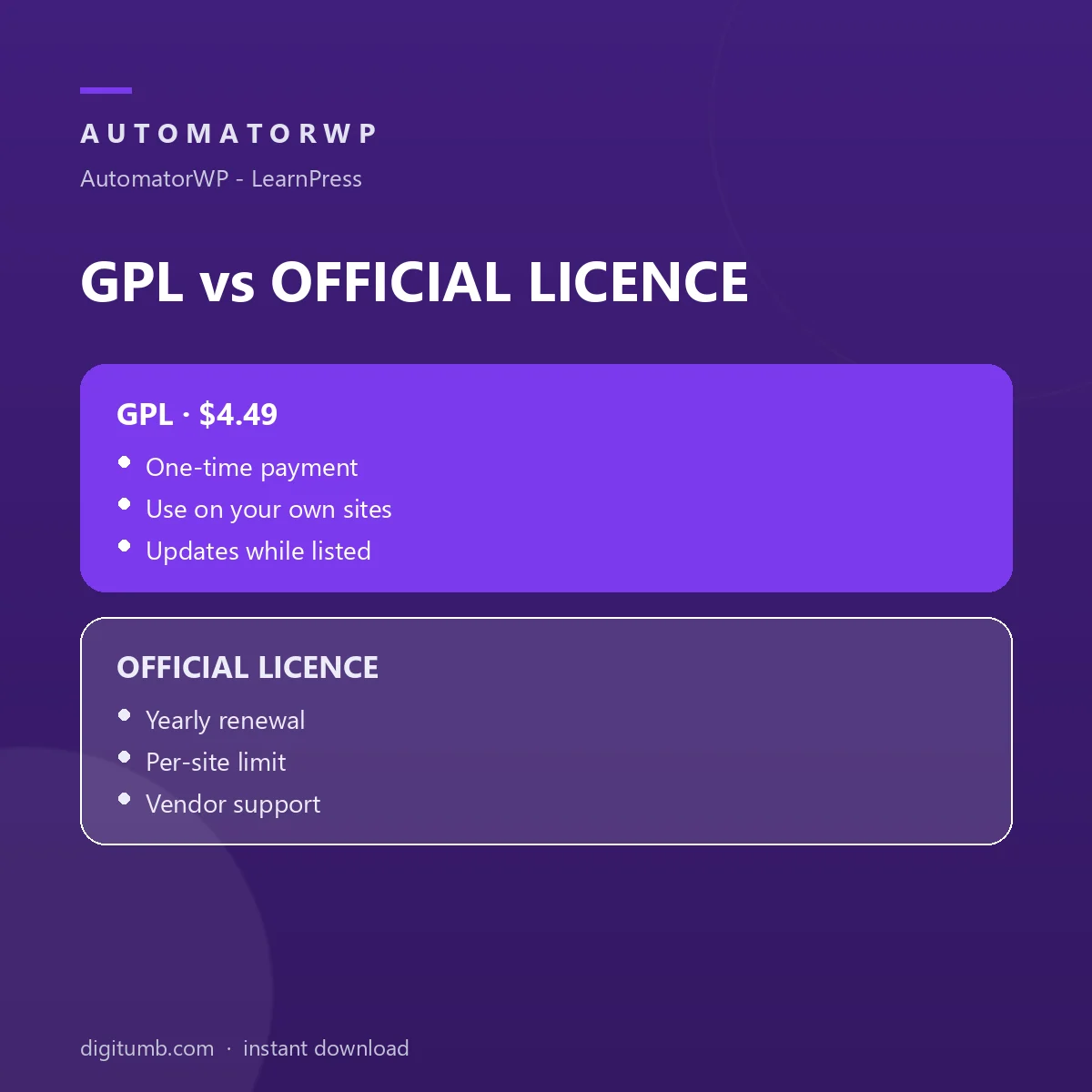
This is the same archive the developer publishes, redistributed under the GNU General Public License: you get the working files for $4.49 with no vendor update channel and no vendor support desk. If you need automatic updates or a support contract, buy the official license from the developer.
| This GPL build | Official license | |
|---|---|---|
| Price | $4.49 one time | Vendor subscription |
| Automatic updates | No | Yes |
| Developer support | No | Yes |
| Number of sites | Unlimited | Depends on plan |
Browse the rest of the WordPress plugins category or the full shop. The licence text is at GNU GPL v2, and general documentation is at WordPress.org.
You must be logged in to post a review.
You may also like…

Related products









Reviews
Clear filtersThere are no reviews yet.