

Uncanny Automator Pro GPL
$4.49
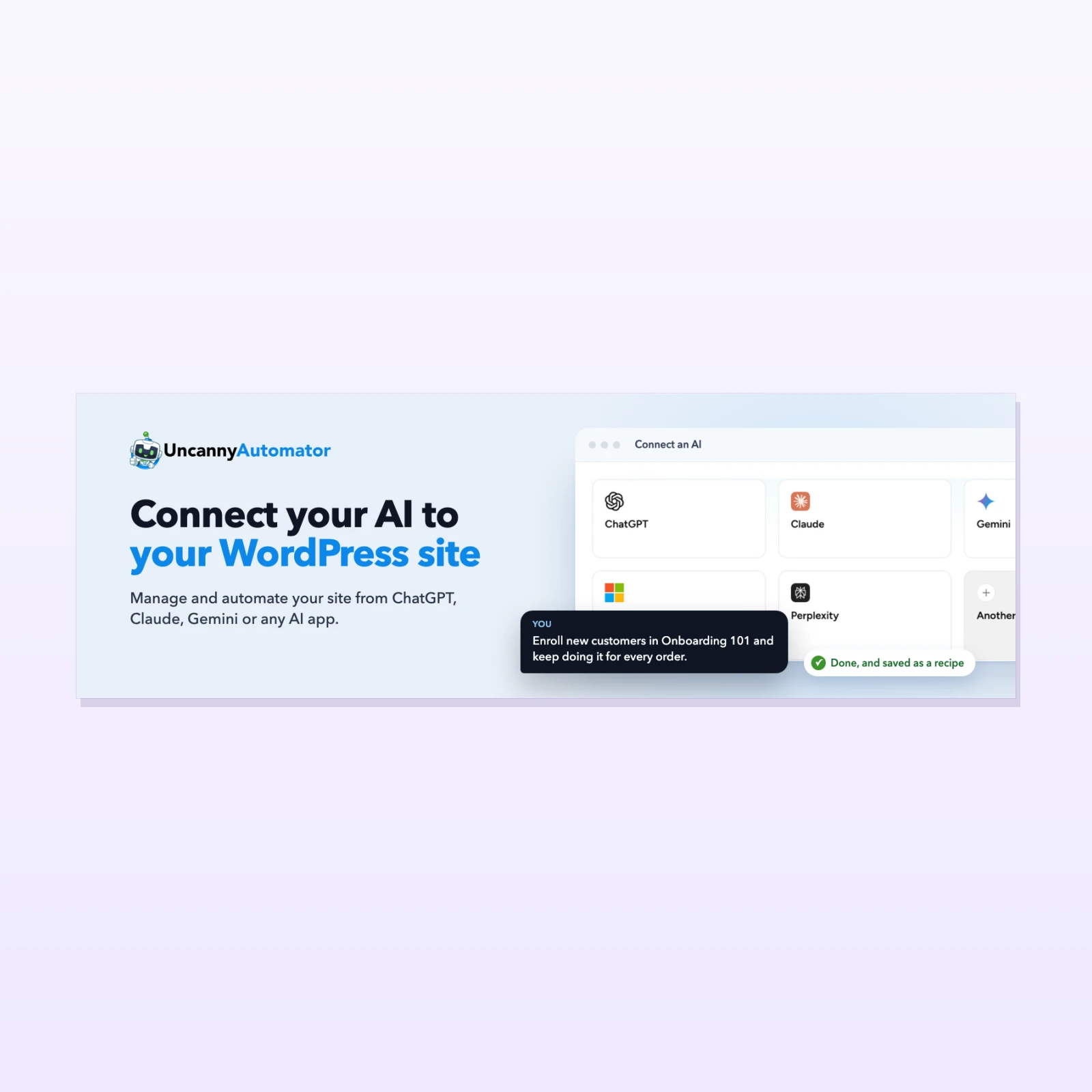
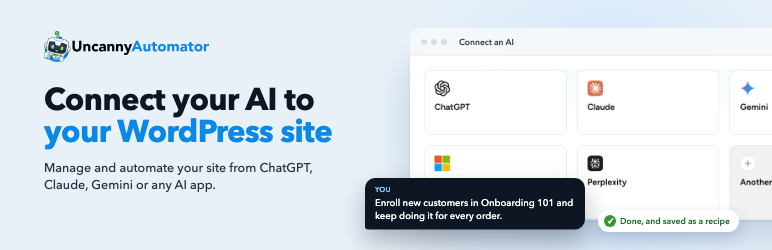
Uncanny Automator Pro is a no-code automation plugin for WordPress that connects the plugins and services already running on a site and turns them into automated workflows.
Uncanny Automator Pro is a no-code automation plugin for WordPress that connects the plugins and services already running on a site and turns them into automated workflows. Instead of writing custom code, a site owner defines a trigger in one plugin and an action in another, and the workflow runs on its own. It is sold here as a GPL build for $4.49, with the premium features included in the package.
| Product | uncanny-automator-pro |
|---|---|
| Version | 7.6.1 |
| Works with | WordPress 6.x+ / PHP 8.x+ |
| Tested up to | WordPress current |
| License | GPLv2 or later |
| Delivery | Instant ZIP download, 10 downloads, 365 days |
How Uncanny Automator Pro connects plugins into workflows
The plugin works by linking what happens in one part of a WordPress site to what should happen in another. You build a recipe-style workflow: one plugin event serves as the trigger, and a second plugin or service carries out the resulting action. Because the connection is configured in the WordPress admin rather than in code, the people who manage content, courses or orders can set up their own automations.
This is the core of the product: automation through connections between plugins and services, aimed at improving user experience and streamlining the processes a site runs on. The Pro build ships with all premium features included, so the workflow options are not limited to a free tier.
WooCommerce automation with Uncanny Automator Pro
Uncanny Automator Pro is fully compatible with WooCommerce. Store owners can automate eCommerce tasks, and the vendor names order confirmations and customer notifications as examples of what those automations cover. That means the events around an order can be wired to follow-up actions without manual work each time.
For a shop, this removes repeated admin steps from the order flow. The automation is set up once as a workflow, and from then on the connected action runs whenever the matching WooCommerce event occurs on the site.
LearnDash course automation with Uncanny Automator Pro
The plugin integrates with LearnDash, so course management and user progress tracking can be automated. A course-related event can trigger an action elsewhere on the site, which keeps learners and administrators moving through the same process without manual follow-up.
Course creators who already run LearnDash get a way to tie course activity to the rest of the WordPress site. The integration is described by the vendor as seamless, and it is one of the named plugin connections in the product.
Who the Uncanny Automator Pro GPL build is for
This build suits site owners who want the automation features without writing PHP, and who are comfortable managing a plugin themselves. You receive the same files the developer ships. There is no vendor update channel and no vendor support desk attached to this purchase; the price is $4.49.
A WooCommerce store and a LearnDash course site are both covered by the compatibility the vendor states. If your site depends on those two plugins, the automations described above are the ones you can build with this package.
What this build includes
| No-code workflow builder | Create automations by connecting a trigger in one plugin to an action in another, configured in WordPress without writing code. |
|---|---|
| Cross-plugin connections | Link different WordPress plugins and services together so an event in one produces a result in another. |
| WooCommerce task automation | Automate eCommerce tasks such as order confirmations and customer notifications on a WooCommerce store. |
| LearnDash integration | Automate course management and user progress tracking tasks on sites that run LearnDash. |
| All premium features included | The Pro package ships with the premium feature set included, so automations are not restricted to a free tier. |
| Process streamlining | Replace repeated manual steps with workflows that run whenever the connected event occurs on the site. |
Installing it on a WordPress site
- Upload the 15.2 MB zip file through Plugins > Add New > Upload Plugin in WordPress, then activate Uncanny Automator Pro.
- Open the Automator menu in the admin and start a new workflow by choosing the trigger plugin event that should start the automation.
- Add the action from the second plugin or service, save the workflow and test it on a staging copy of the site before relying on it in production.
Latest changes
This package contains Uncanny Automator Pro 7.6.1.
Frequently asked questions
What does Uncanny Automator Pro actually do?
It automates tasks on a WordPress site by connecting different plugins and services. You define workflows in which one plugin event triggers an action elsewhere, which the vendor describes as improving user experience and streamlining site processes. No custom code is needed to build those connections.
Does Uncanny Automator Pro work with WooCommerce?
Yes. The vendor states full compatibility with WooCommerce and names order confirmations and customer notifications as examples of eCommerce tasks you can automate. You set up the workflow once in the WordPress admin, and it runs when the matching order event occurs.
Can I automate LearnDash courses with this plugin?
Yes. Uncanny Automator Pro integrates with LearnDash and supports automating course management and user progress tracking. Course events can be connected to actions in other plugins on the same site, so learner activity feeds into the rest of your WordPress setup.
What do I get for $4.49 and what is not included?
You get a GPL build of the plugin: the same files the developer ships, with all premium features included, at $4.49. This purchase carries no vendor update channel and no vendor support desk, so updates and help come from your own site management rather than from the developer.
Which version is this build?
The package is Uncanny Automator Pro 7.6.1, delivered as a 15.2 MB zip file that you install through the standard WordPress plugin upload screen.
What the GPL build means for you
This is the same archive the developer publishes, redistributed under the GNU General Public License: you get the working files for $4.49 with no vendor update channel and no vendor support desk. If you need automatic updates or a support contract, buy the official license from the developer.
| This GPL build | Official license | |
|---|---|---|
| Price | $4.49 one time | Vendor subscription |
| Automatic updates | No | Yes |
| Developer support | No | Yes |
| Number of sites | Unlimited | Depends on plan |
Browse the rest of the WordPress plugins category or the full shop. The licence text is at GNU GPL v2, and general documentation is at WordPress.org.
You must be logged in to post a review.
You may also like…











Reviews
Clear filtersThere are no reviews yet.