

AutomatorWP – WPAdverts GPL
$4.49
AutomatorWP – WPAdverts is an integration plugin that connects the WPAdverts classifieds plugin to AutomatorWP.
AutomatorWP – WPAdverts is an integration plugin that connects the WPAdverts classifieds plugin to AutomatorWP. It adds a set of advert-related triggers to AutomatorWP, so actions in your workflow can fire when a user publishes, pays for, renews or messages about an advert. WPAdverts itself is a lightweight plugin for building a classifieds site with full frontend advert management for your users.
| Product | AutomatorWP – WPAdverts |
|---|---|
| Version | 1.0.1 |
| Works with | WordPress 4.4+ / PHP 8.x+ |
| Tested up to | WordPress 6.1 |
| License | GPLv2 or later |
| Delivery | Instant ZIP download, 10 downloads, 365 days |
Which WPAdverts events can start an AutomatorWP workflow?
The integration exposes eight triggers that cover the main advert lifecycle. A workflow can start when a user publishes any advert, a free advert or a paid advert, and there is a separate trigger for publishing an advert in a category. Version 1.0.1 added that category trigger.
Messaging and money events are covered too. Triggers exist for a user sending a message to an advert author, receiving a message from an advert, paying an advert and renewing an advert. Each trigger appears in the AutomatorWP trigger list with the label you see in the plugin settings, such as “User publishes an advert” or “User renews an advert”.
How the triggers fit into an AutomatorWP recipe
AutomatorWP builds workflows from a trigger plus one or more actions. This plugin supplies the WPAdverts side of that pairing, so you choose an advert event as the trigger and then attach whatever actions your AutomatorWP setup already offers. The plugin does not add its own action types; it makes WPAdverts events available as starting points.
Because the triggers are split by advert type and by category, you can keep workflows narrow. A recipe triggered by “User publishes a paid advert” stays separate from one triggered by “User publishes a free advert”, and the category trigger lets you react only to adverts posted in a particular category.
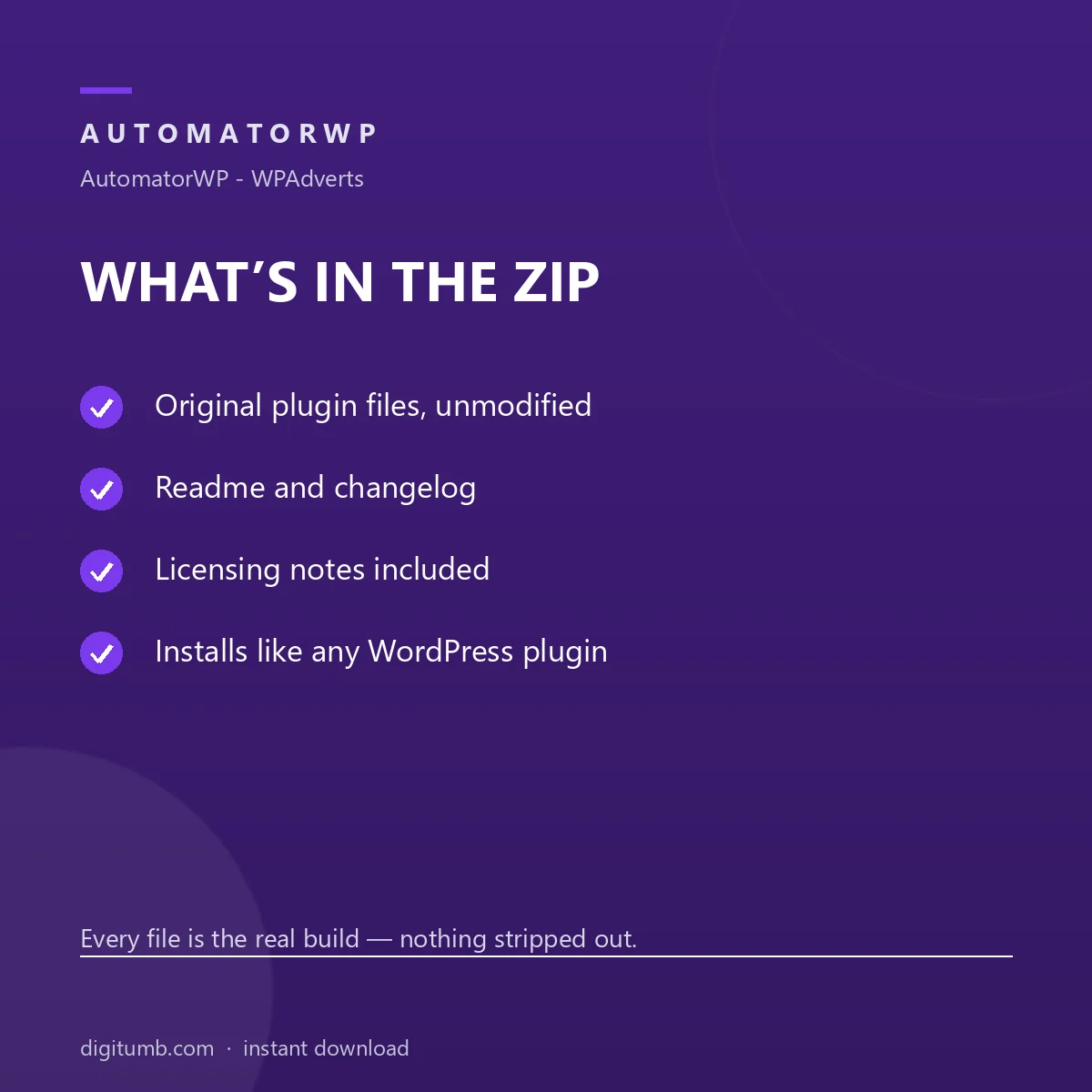
What you receive with this GPL build
You get the same plugin files the developer ships, distributed under the GPL, for $4.49. The download is a zip of 0.0 MB containing version 1.0.1. There is no vendor update channel and no vendor support desk attached to this build; updates are included for life from the store.
Install it like any other WordPress plugin and activate it alongside WPAdverts and AutomatorWP. The plugin requires WordPress 4.4 or newer and is tested up to WordPress 6.1.
What this build includes
| Publish-any-advert trigger | Starts an AutomatorWP workflow whenever a user publishes an advert, whatever its type or category. |
|---|---|
| Free and paid advert triggers | Separate triggers for free adverts and paid adverts let you route each advert type to a different workflow. |
| Category publishing trigger | Fires when a user publishes an advert in a category, so workflows can target one category of listings. |
| Message-sent trigger | Runs a workflow when a user sends a message to an advert author through WPAdverts. |
| Message-received trigger | Runs a workflow when a user receives a message from an advert. |
| Advert payment trigger | Starts a workflow when a user pays an advert, letting you respond to completed payments. |
| Advert renewal trigger | Starts a workflow when a user renews an advert, useful for repeat-listing follow-ups. |
| Frontend classifieds base | Works with WPAdverts, the lightweight plugin that gives your users full frontend advert management. |
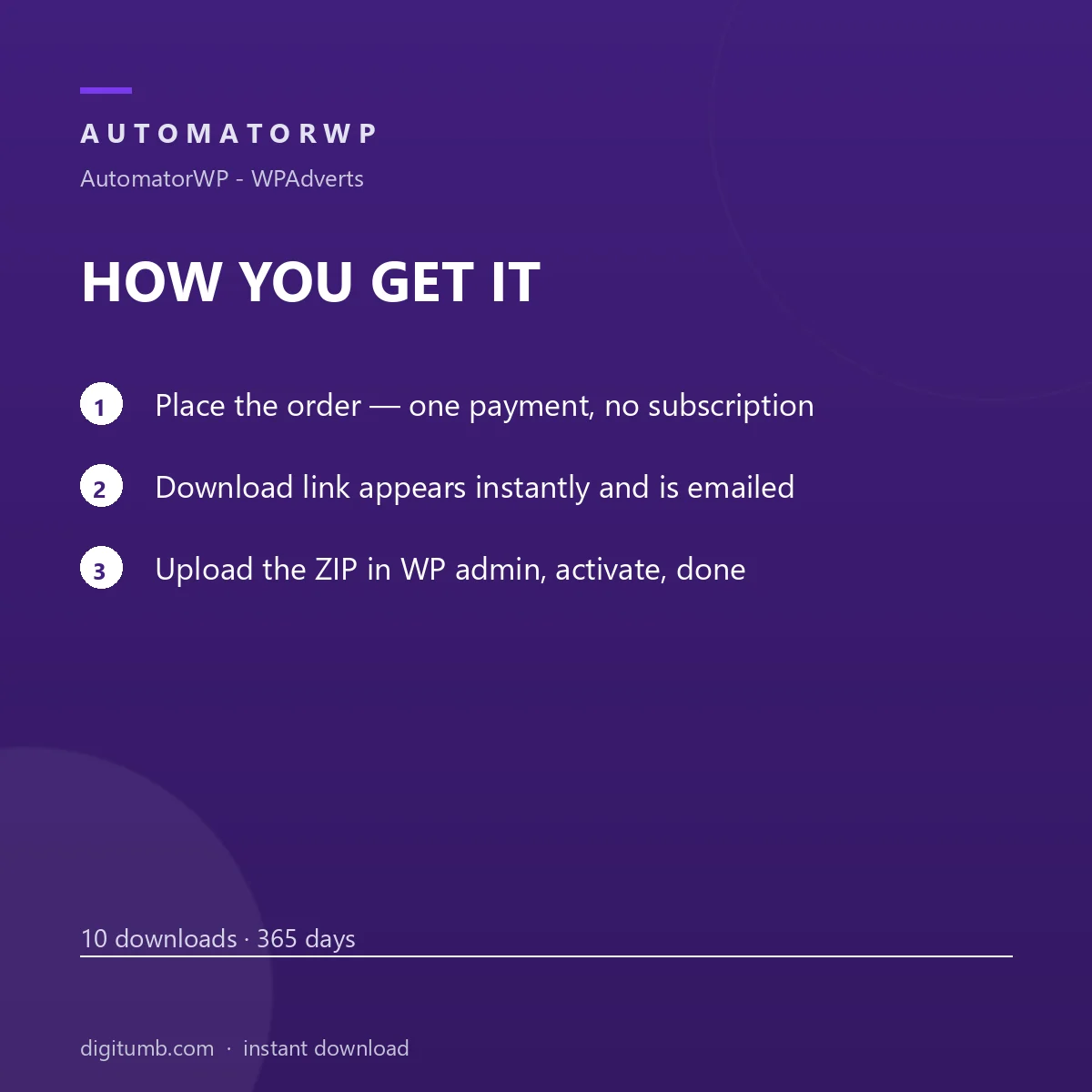
Installing it on a WordPress site
- In your WordPress backend, go to Plugins -> Add new and click “Upload Plugin” next to the Add plugins title.
- Upload the downloaded zip file and activate the plugin.
- Alternatively, upload the zip into your wp-content/plugins/ folder, unzip it, then open the Plugins menu and activate AutomatorWP – WPAdverts.
Latest changes
Version 1.0.1 adds the trigger for a user publishing an advert in a category.
Frequently asked questions
Do I need WPAdverts and AutomatorWP installed as well?
Yes. This plugin is the bridge between the two: WPAdverts provides the classifieds site and frontend advert management, and AutomatorWP runs the workflows. The integration adds WPAdverts triggers to AutomatorWP, so both plugins need to be active for the triggers to be useful.
Can I build a workflow for paid adverts only?
Yes. The plugin has distinct triggers for any advert, a free advert and a paid advert, plus one for an advert published in a category. Choosing “User publishes a paid advert” as the trigger keeps the workflow away from free listings, and the category trigger narrows it further.
Which WordPress version does this build support?
The plugin requires WordPress 4.4 or newer and has been tested up to WordPress 6.1. The build in this listing is version 1.0.1.
Does this build come with vendor updates and support?
No. You receive the same GPL files the developer ships, with no vendor update channel and no vendor support desk. The price is $4.49, and updates are included for life from the store.
What changed in version 1.0.1?
Version 1.0.1 added one new trigger: User publishes an advert in a category. The 1.0.0 release was the initial release of the integration.
What the GPL build means for you
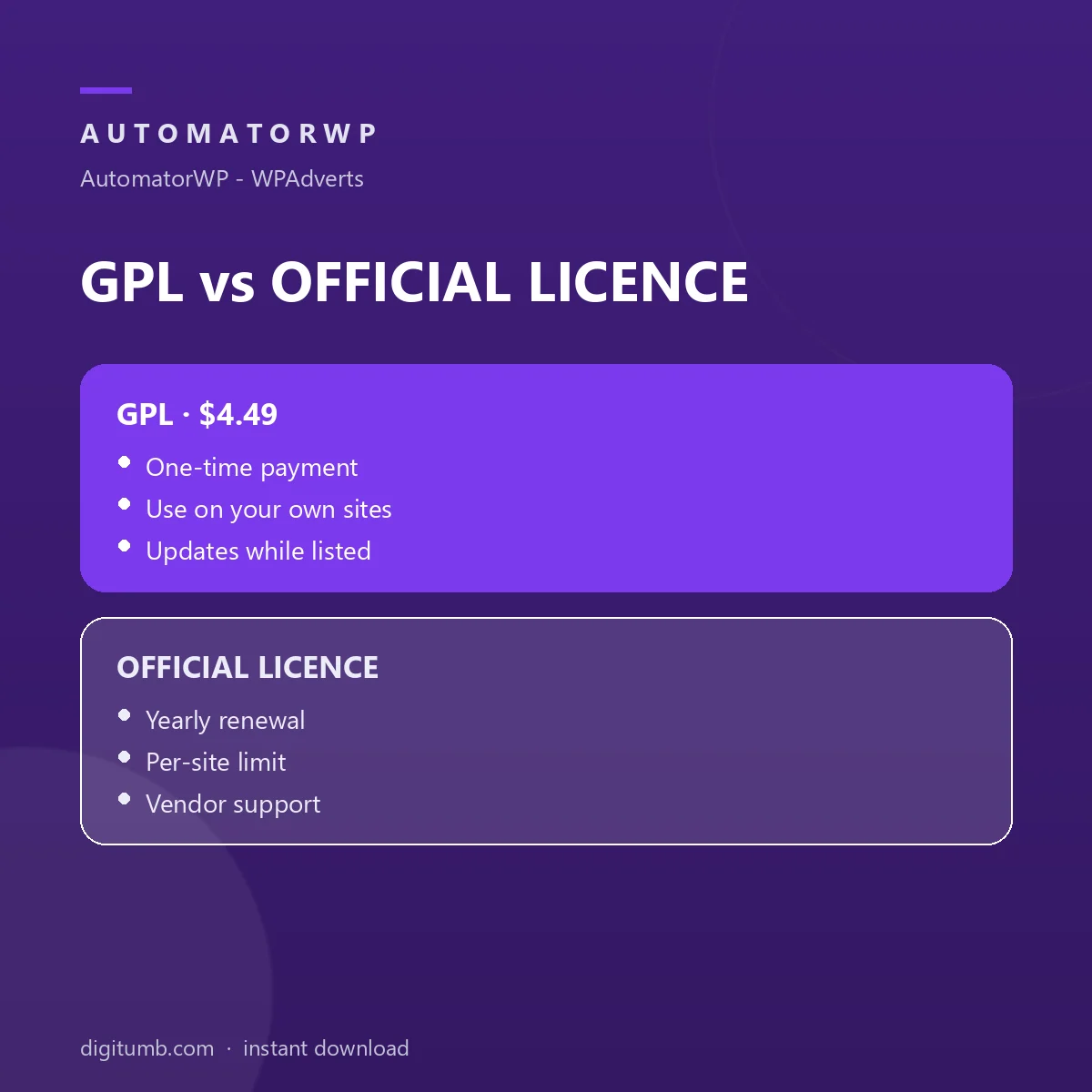
This is the same archive the developer publishes, redistributed under the GNU General Public License: you get the working files for $4.49 with no vendor update channel and no vendor support desk. If you need automatic updates or a support contract, buy the official license from the developer.
| This GPL build | Official license | |
|---|---|---|
| Price | $4.49 one time | Vendor subscription |
| Automatic updates | No | Yes |
| Developer support | No | Yes |
| Number of sites | Unlimited | Depends on plan |
Browse the rest of the WordPress plugins category or the full shop. The licence text is at GNU GPL v2, and general documentation is at WordPress.org.
You must be logged in to post a review.
You may also like…











Reviews
Clear filtersThere are no reviews yet.