




AutomatorWP – AnsPress GPL
$4.49
AutomatorWP – AnsPress is an integration plugin that connects the AnsPress question-and-answer plugin with AutomatorWP.
AutomatorWP – AnsPress is an integration plugin that connects the AnsPress question-and-answer plugin with AutomatorWP. It exposes AnsPress activity as triggers, so a recipe in AutomatorWP can start when a user asks a question, answers one, votes on an answer, receives a vote or marks an answer as best. This is a GPL build of the plugin: the same files the developer ships, with no vendor update channel and no vendor support desk, at $4.49.
| Product | AutomatorWP – AnsPress |
|---|---|
| Version | 1.0.0 |
| Works with | WordPress 4.4+ / PHP 8.x+ |
| Tested up to | WordPress 5.4 |
| License | GPLv2 or later |
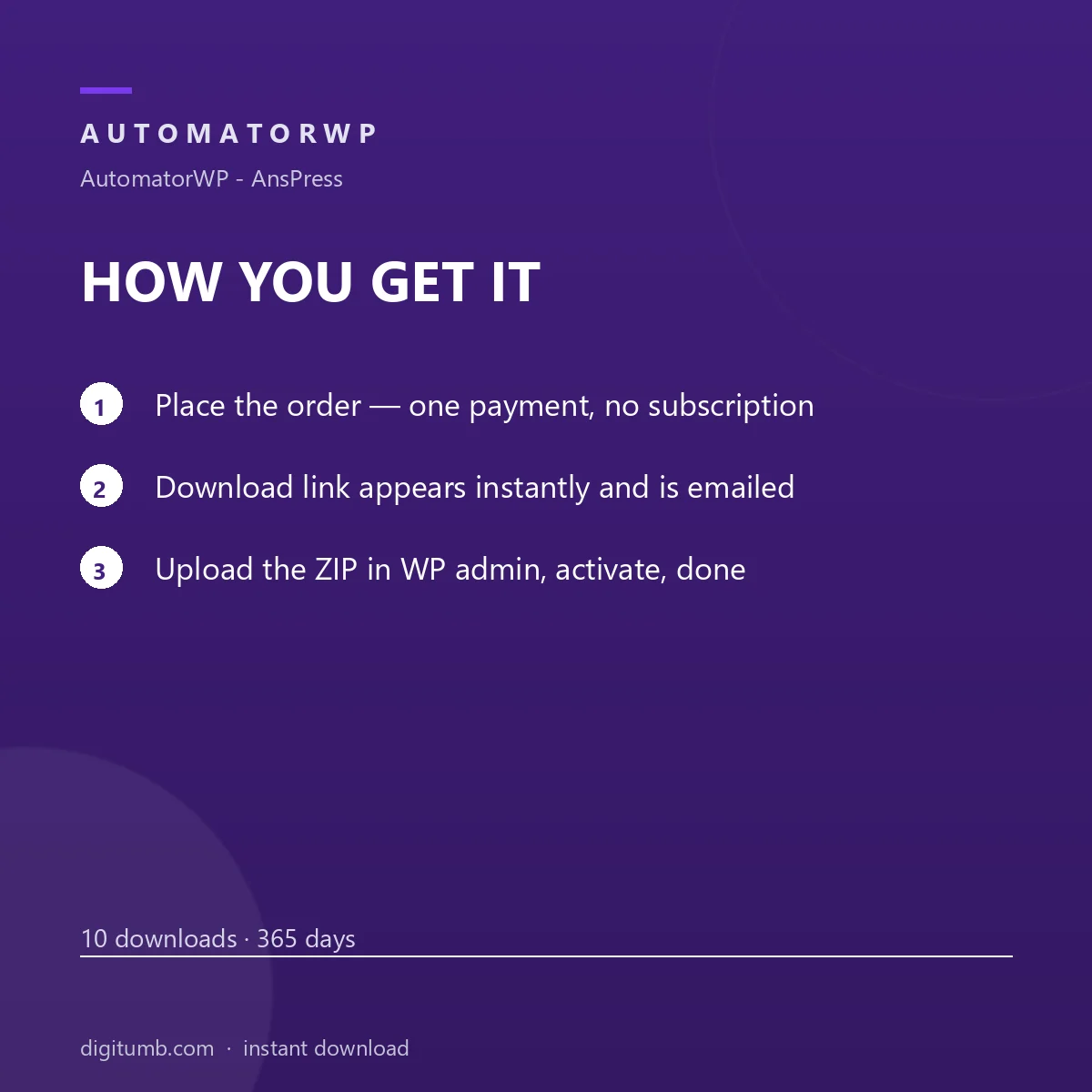
| Delivery | Instant ZIP download, 10 downloads, 365 days |
Which AnsPress actions can start an AutomatorWP recipe?
The plugin registers ten AnsPress triggers in AutomatorWP. Four cover content creation and selection: a user asks a question, a user answers a question, a user answer is selected as best, and a user selects an answer as best.
The remaining six cover voting and comments: a user votes up an answer, a user votes down an answer, a user gets a vote up on an answer, a user gets a vote down on an answer, and a user comments on an answer or question. Each trigger appears in the AutomatorWP trigger list with its own label, such as User answers a question or User gets a vote down on an answer.
How the AnsPress triggers fit into an AutomatorWP recipe
AutomatorWP recipes pair a trigger with one or more actions. With this integration installed, the AnsPress events above become available as the trigger side of those recipes, so the Q&A activity on your site can drive the workflows you already build in AutomatorWP.
Because the triggers are split between what a user does and what happens to a user, you can distinguish the acting side from the receiving side. Voting up an answer and getting a vote up on an answer are separate triggers, and so are selecting an answer as best and having your answer selected as best.
Where AutomatorWP – AnsPress sits alongside WooCommerce
AutomatorWP – AnsPress is built to work with other popular plugins, and it is compatible with WooCommerce. That means an AnsPress trigger can be used in the same AutomatorWP setup as WooCommerce-related automation, letting Q&A activity and shop activity be handled in one workflow tool.
The integration itself adds the AnsPress trigger set; the actions in a recipe come from AutomatorWP and the other integrations you have active. The plugin's job is to make AnsPress events available to that recipe builder.
What this build includes
| Question trigger | Start an AutomatorWP recipe when a user asks a question on your AnsPress Q&A section. |
|---|---|
| Answer trigger | Start a recipe when a user answers a question, so answer activity can drive automated workflows. |
| Best answer triggers | React when a user answer is selected as best, or when a user selects an answer as best. |
| Vote cast triggers | Fire a recipe when a user votes up an answer or votes down an answer. |
| Vote received triggers | Fire a recipe when a user gets a vote up on an answer or gets a vote down on an answer. |
| Comment trigger | Start a recipe when a user comments on an answer or a question in AnsPress. |
| WooCommerce compatibility | Use AnsPress triggers in AutomatorWP setups that also work with WooCommerce, as stated for this integration. |
| Works with other plugins | The integration is designed to work with various popular plugins, so AnsPress triggers can join your existing AutomatorWP automations. |
Installing it on a WordPress site
- In the WordPress backend, go to Plugins -> Add new and click Upload Plugin next to the Add plugins title.
- Upload the downloaded zip file and activate the plugin.
- Alternatively, upload the zip into your wp-content/plugins/ folder, unzip it, then open the Plugins menu in the WordPress admin area and activate AutomatorWP – AnsPress.
Latest changes
Version 1.0.0 is the initial release of the integration.
Frequently asked questions
Do I need AutomatorWP and AnsPress installed for this to work?
Yes. AutomatorWP – AnsPress is an integration between the two: it adds AnsPress triggers to AutomatorWP. The zip contains the integration folder automatorwp-anspress, which you activate alongside your AnsPress question-and-answer plugin and your AutomatorWP setup.
Can I tell the difference between a user voting and a user receiving a vote?
Yes. Voting up an answer and getting a vote up on an answer are listed as separate triggers, and the same applies to voting down and getting a vote down. You can therefore build a recipe around the person who votes or around the person whose answer received the vote.
Does this plugin work with WooCommerce?
Yes. The integration is stated to be compatible with WooCommerce, so AnsPress triggers can be used in AutomatorWP workflows that also involve WooCommerce. The plugin supplies the AnsPress trigger set; the actions in each recipe come from AutomatorWP and the integrations you have active.
What WordPress version does it need?
The plugin requires WordPress 4.4 and is tested up to WordPress 5.4. Install it on a site that meets that requirement and has AnsPress and AutomatorWP available.
What do I get for $4.49?
You get the GPL build of AutomatorWP – AnsPress version 1.0.0, a 0.0 MB zip containing the automatorwp-anspress folder. It is the same files the developer ships, with no vendor update channel and no vendor support desk. Updates are listed as included for life through the store.
What the GPL build means for you
This is the same archive the developer publishes, redistributed under the GNU General Public License: you get the working files for $4.49 with no vendor update channel and no vendor support desk. If you need automatic updates or a support contract, buy the official license from the developer.
| This GPL build | Official license | |
|---|---|---|
| Price | $4.49 one time | Vendor subscription |
| Automatic updates | No | Yes |
| Developer support | No | Yes |
| Number of sites | Unlimited | Depends on plan |
Browse the rest of the WordPress plugins category or the full shop. The licence text is at GNU GPL v2, and general documentation is at WordPress.org.
You must be logged in to post a review.
You may also like…

Related products










Reviews
Clear filtersThere are no reviews yet.