

Ninja Forms – MailChimp GPL
$4.49
Ninja Forms MailChimp is a WordPress plugin that connects Ninja Forms to MailChimp. It adds an option so customers can sign up for your newsletter lists while submitting a form.
Ninja Forms MailChimp is a WordPress plugin that connects Ninja Forms to MailChimp. It adds an option so customers can sign up for your newsletter lists while submitting a form. The plugin ships as a GPL build: the same files as the developer ships, with no vendor update channel and no vendor support desk, priced at $4.49.
| Product | Ninja Forms – MailChimp |
|---|---|
| Version | 3.3.7 |
| Works with | WordPress 6.7+ / PHP 8.x+ |
| Tested up to | WordPress 6.9 |
| License | GPLv2 or later |
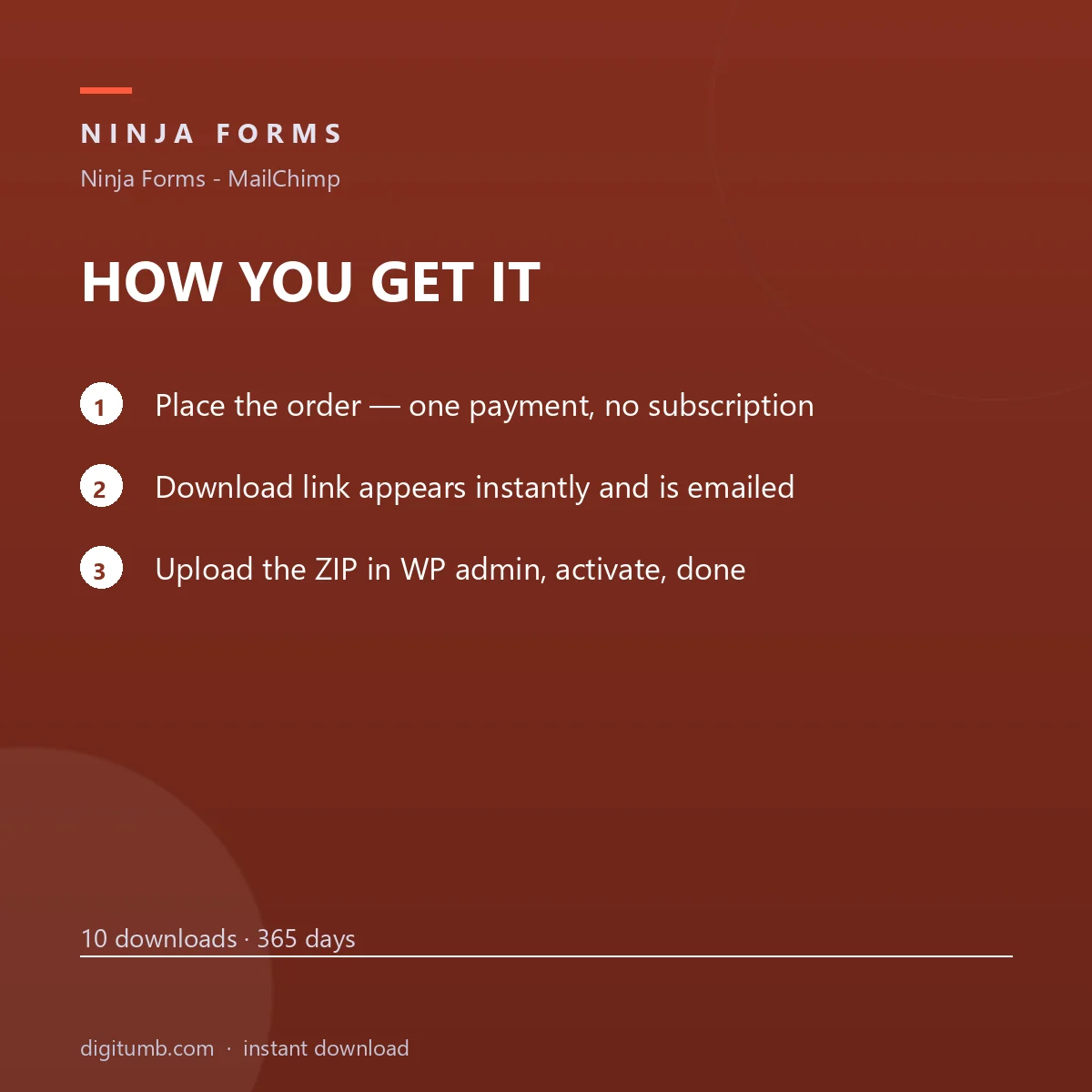
| Delivery | Instant ZIP download, 10 downloads, 365 days |
How Ninja Forms MailChimp connects forms to newsletter lists
The extension integrates Ninja Forms with MailChimp by providing an option for your customers to sign up for your newsletter lists while submitting a form. Instead of sending visitors to a separate signup page, the subscription happens as part of the form submission they were already completing.
You can sign up for any MailChimp newsletter list with any Ninja Forms form submission. That means a single form can serve its original purpose and still add the respondent to the list you choose.
Which MailChimp lists and forms work with this extension
Any MailChimp newsletter list can be the target of the signup, and any Ninja Forms form can carry the signup option. The plugin works with the standard Ninja Forms submission flow rather than a separate form builder.
Version 3.3.7 of the plugin is a 0.2 MB zip that contains the lib and src folders and installs into the standard WordPress plugins directory.
Compatibility with WooCommerce and Elementor
Ninja Forms MailChimp works well with WooCommerce, enabling you to add email subscription options during the checkout process. Shoppers can join a list while they complete an order.
The plugin is also compatible with Elementor, allowing you to design your forms using the Elementor page builder. The MailChimp-specific fields are added to the form in Ninja Forms.
What this build includes
| Newsletter signup on form submission | Adds an option for customers to sign up for your newsletter lists while submitting a Ninja Forms form. |
|---|---|
| Any MailChimp list | Sign up respondents for any MailChimp newsletter list with any Ninja Forms form submission. |
| WooCommerce checkout subscriptions | Works well with WooCommerce so you can add email subscription options during the checkout process. |
| Elementor form design | Compatible with Elementor, so you can design your forms using the Elementor page builder. |
| MailChimp-specific form fields | After connecting your MailChimp account, you can add MailChimp-specific fields to a new form in Ninja Forms. |
| Interest group selection in action settings | Version 3.3.4 ensured the action settings interest group selection is set when a form submission runs. |
| New tags from form submissions | Version 3.3.4 enables the creation of new tags with a form submission. |
| Communication results on the Submissions page | A metabox displays communication results on the new Submissions page so you can review what happened with a submission. |
Installing it on a WordPress site
- Upload the ninja-forms-mail-chimp directory to your /wp-content/plugins/ directory.
- Activate the plugin through the Plugins menu in WordPress.
- Go to the Ninja Forms settings, connect your MailChimp account, and create a new form with MailChimp-specific fields.
Latest changes
Version 3.3.7 (January 19, 2026) fixes a jsonSerialize deprecation notice, a dynamic property deprecation notice, and a call to a function on null, and updates plugin information.
Frequently asked questions
What does Ninja Forms MailChimp do?
It connects your WordPress forms to your MailChimp account, allowing you to collect email addresses and other information from users directly through your website. The signup option appears as part of a Ninja Forms form submission, so visitors join your list without leaving the form.
Is Ninja Forms MailChimp compatible with WooCommerce?
Yes. Ninja Forms MailChimp works well with WooCommerce, enabling you to add email subscription options during the checkout process. Customers can opt in to a MailChimp list while they place an order.
How do I set up Ninja Forms MailChimp on my WordPress site?
First install and activate the plugin. Then navigate to the Ninja Forms settings, connect your MailChimp account, and create a new form. You can then add MailChimp-specific fields to your form. The plugin requires WordPress 6.7 and is tested up to WordPress 6.9.
Does Ninja Forms MailChimp work with Elementor?
Yes. Ninja Forms MailChimp is compatible with Elementor, allowing you to design your forms using the Elementor page builder. The MailChimp signup option is configured through Ninja Forms.
What am I buying for $4.49?
You get a GPL build of Ninja Forms MailChimp, version 3.3.7, as a 0.2 MB zip with the lib and src folders. It is the same files as the developer ships. There is no vendor update channel and no vendor support desk; the price is $4.49.
What the GPL build means for you
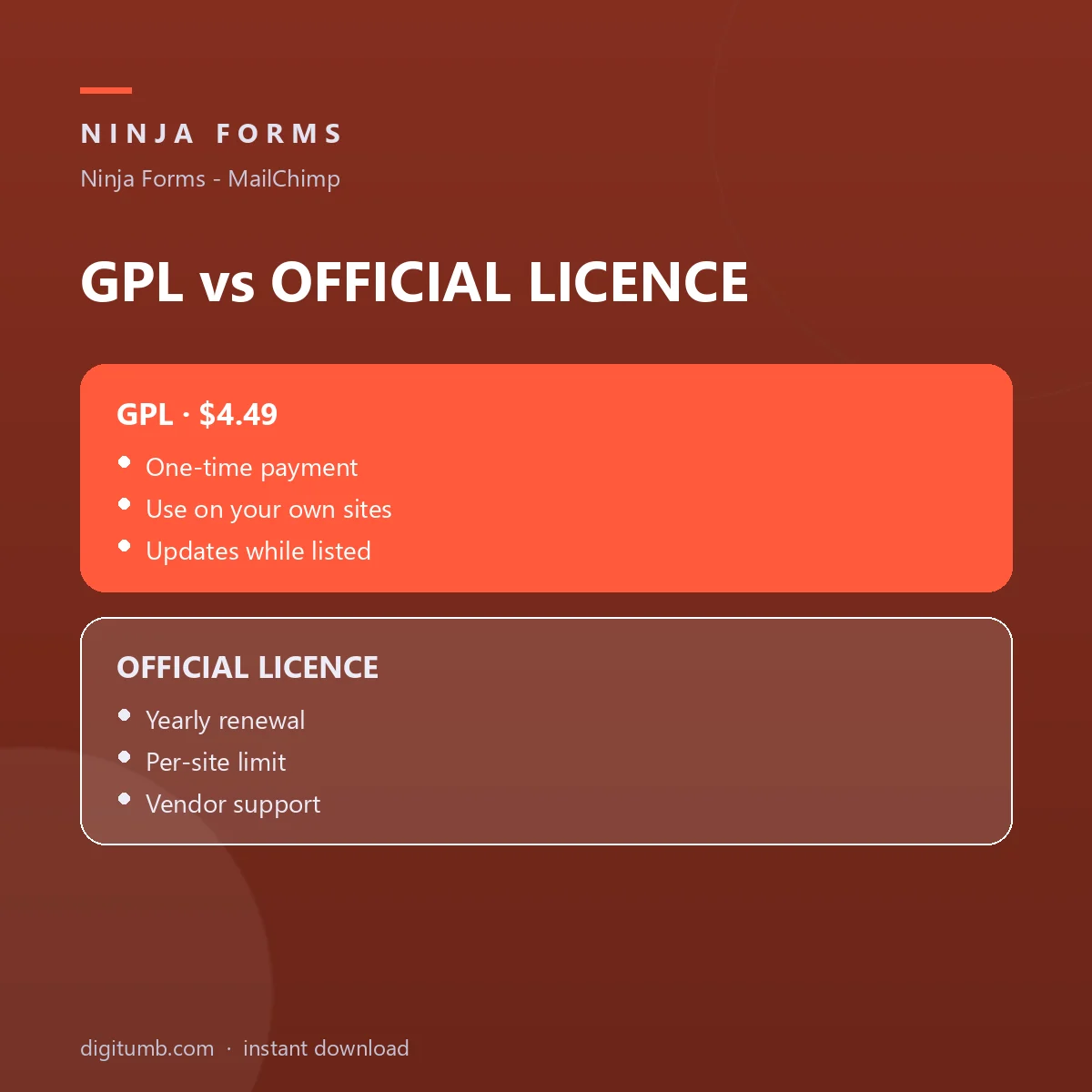
This is the same archive the developer publishes, redistributed under the GNU General Public License: you get the working files for $4.49 with no vendor update channel and no vendor support desk. If you need automatic updates or a support contract, buy the official license from the developer.
| This GPL build | Official license | |
|---|---|---|
| Price | $4.49 one time | Vendor subscription |
| Automatic updates | No | Yes |
| Developer support | No | Yes |
| Number of sites | Unlimited | Depends on plan |
Browse the rest of the WordPress plugins category or the full shop. The licence text is at GNU GPL v2, and general documentation is at WordPress.org.
You must be logged in to post a review.
You may also like…

Related products









Reviews
Clear filtersThere are no reviews yet.