


Gravity Perks Gravity Forms Price Range GPL
$4.49
Gravity Forms Price Range is a Gravity Perks add-on that sets minimum and maximum price ranges for User Defined Price fields in Gravity Forms.
Gravity Forms Price Range is a Gravity Perks add-on that sets minimum and maximum price ranges for User Defined Price fields in Gravity Forms. It gives form builders control over what customers can enter as a price, so a submitted amount stays inside the range you define. The plugin is installed through the WordPress dashboard and configured from the Gravity Forms settings.
| Product | gravity-perks-gravity-forms-price-range |
|---|---|
| Version | 1.2.3 |
| Works with | WordPress 6.x+ / PHP 8.x+ |
| Tested up to | WordPress current |
| License | GPLv2 or later |
| Delivery | Instant ZIP download, 10 downloads, 365 days |
What does the Price Range setting do to a User Defined Price field?
On a User Defined Price field, the plugin adds a price range control. You specify a minimum and/or maximum price that users can enter for that field, and the field then accepts only amounts inside those limits. The setting screen labels the control GP Price Range and describes it as a minimum/maximum price for User Defined Price product fields.
This matters when a form asks the customer to name their own price. Without limits, any number can be typed in. With the range set, the form keeps the entered price within the boundaries you choose, so a User Defined Price field behaves as a bounded input rather than an open one.
Does it work alongside other Gravity Forms add-ons?
Gravity Forms Price Range is designed to work with other Gravity Forms add-ons. That means the price range control can sit on the same form as the other Gravity Forms functionality you already run, rather than replacing it.
Compatibility with most popular WordPress themes is also part of the product's stated scope, so the field integrates with your site's design and layout. The plugin is a Gravity Perks add-on, installed and configured inside the Gravity Forms settings area.
How is the plugin packaged and licensed at digitumb.com?
You receive a GPL build of the plugin: the same files the developer ships, distributed under the GPL. The download is a zip package, version 1.2.3, and the store price is $4.49.
Because this is a GPL build, there is no vendor update channel and no vendor support desk attached to the purchase. Updates and help come from the GPL distribution you buy here, not from the original developer's accounts.
What this build includes
| Minimum price limit | Set a minimum price users can enter for a User Defined Price field, so submitted amounts cannot fall below the floor you choose. |
|---|---|
| Maximum price limit | Set a maximum price users can enter for a User Defined Price field, capping the amount at the ceiling you define. |
| Minimum and maximum together | Apply a minimum and/or maximum price on the same field, giving the price input a full range rather than a single bound. |
| User Defined Price field support | The range control targets Gravity Forms User Defined Price product fields, the field type where the customer types the price. |
| Gravity Forms add-on compatibility | Designed to work with other Gravity Forms add-ons, so the price range setting can be used on forms that already rely on them. |
| Theme compatibility | Compatible with most popular WordPress themes, so the field fits the design and layout of an existing site. |
Installing it on a WordPress site
- Install the plugin through the WordPress dashboard.
- Activate the plugin.
- Open the Gravity Forms settings and configure the price range fields as needed, setting the minimum and/or maximum price on your User Defined Price fields.
Latest changes
Current build is version 1.2.3.
Frequently asked questions
What does Gravity Forms Price Range actually do?
It adds a customizable price range feature to Gravity Forms. Customers filling out a form can select a minimum and maximum price, and you set the allowed range on User Defined Price fields. The control appears as GP Price Range in the field settings.
Which field type does the price range apply to?
The range applies to User Defined Price product fields in Gravity Forms. Those are the fields where the person filling out the form enters the price themselves, which is exactly where a minimum and maximum limit is useful.
Can I set only a minimum, or only a maximum?
Yes. The setting lets you specify a minimum and/or maximum price for the field, so you can apply one bound or both. The interface describes it as a minimum/maximum price for User Defined Price product fields.
Is it compatible with other Gravity Forms add-ons?
Gravity Forms Price Range is designed to work with other Gravity Forms add-ons, enhancing the overall functionality of your forms. You do not have to remove other add-ons to use the price range control.
Will it match my theme?
The plugin is compatible with most popular WordPress themes, so it integrates with your site's design and layout. Theme compatibility is stated for most popular themes rather than every theme.
What do I get for $4.49?
You get a GPL build of Gravity Forms Price Range, version 1.2.3, as a zip download. It contains the same files the developer ships. There is no vendor update channel and no vendor support desk with this build.
What the GPL build means for you
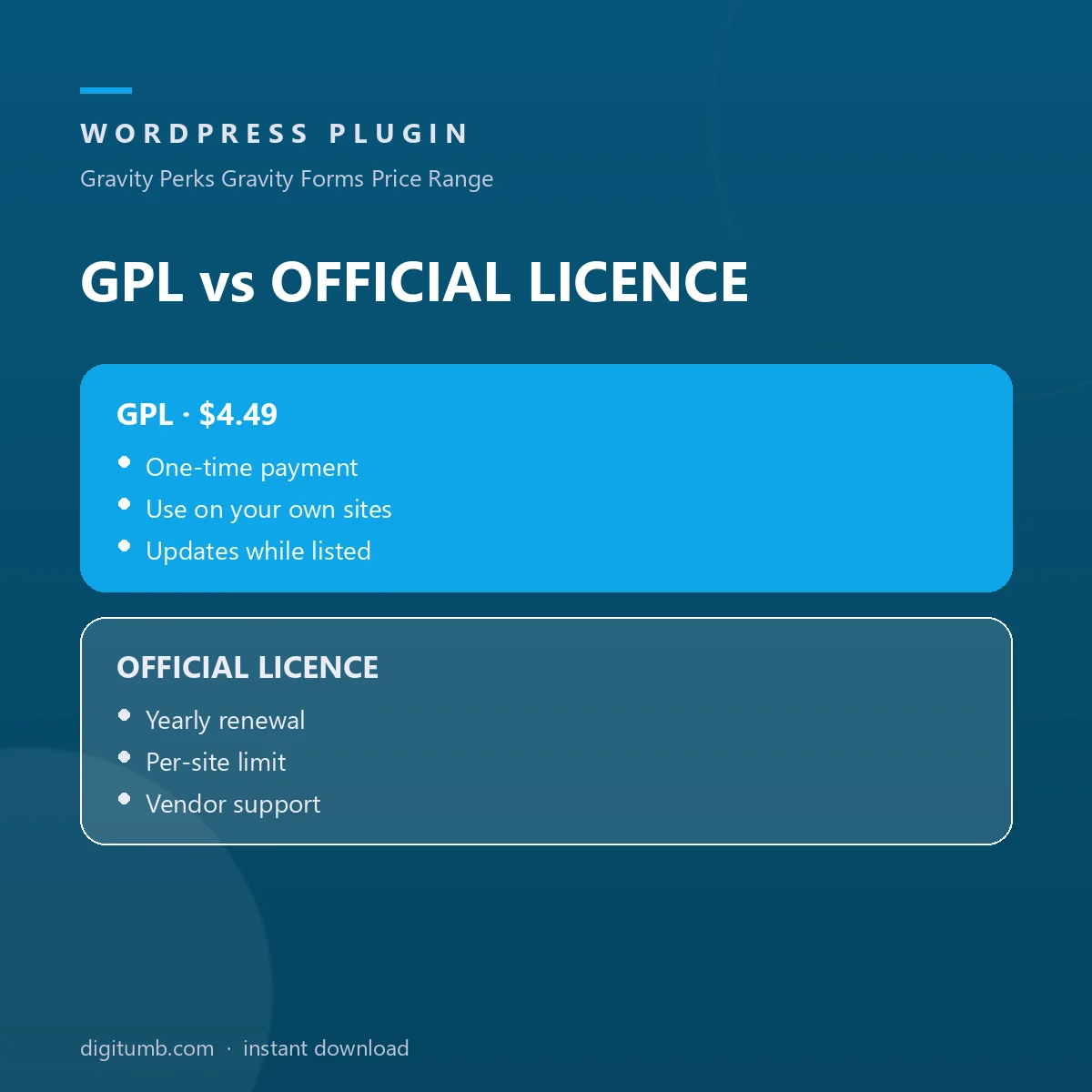
This is the same archive the developer publishes, redistributed under the GNU General Public License: you get the working files for $4.49 with no vendor update channel and no vendor support desk. If you need automatic updates or a support contract, buy the official license from the developer.
| This GPL build | Official license | |
|---|---|---|
| Price | $4.49 one time | Vendor subscription |
| Automatic updates | No | Yes |
| Developer support | No | Yes |
| Number of sites | Unlimited | Depends on plan |
Browse the rest of the WordPress plugins category or the full shop. The licence text is at GNU GPL v2, and general documentation is at WordPress.org.
You must be logged in to post a review.
You may also like…

Related products










Reviews
Clear filtersThere are no reviews yet.