
Gravity Perks Gravity Forms Live Preview GPL
$4.49
Gravity Forms Live Preview is a Gravity Perks add-on that previews your Gravity Forms on the frontend of your site. It loads the form in preview mode so you can see how it behaves before it goes live.
Gravity Forms Live Preview is a Gravity Perks add-on that previews your Gravity Forms on the frontend of your site. It loads the form in preview mode so you can see how it behaves before it goes live. Preview mode can run with AJAX enabled and without enforcing required fields, which makes it useful for checking layouts and multi-page flows quickly.
| Product | gravity-perks-gravity-forms-live-preview |
|---|---|
| Version | 1.6.14 |
| Works with | WordPress 6.x+ / PHP 8.x+ |
| Tested up to | WordPress current |
| License | GPLv2 or later |
| Delivery | Instant ZIP download, 10 downloads, 365 days |
How does the frontend preview of a Gravity Form work?
The plugin creates a post type for previewing Gravity Forms forms on the frontend. Your form is rendered inside your active theme rather than in the form builder, so what you see matches the page a visitor gets. Preview mode can load the form with AJAX enabled, so the page behaves the way a live AJAX-enabled form does.
Preview mode also drops the required-field rule. You can move through the form without filling every mandatory field, which speeds up testing of layouts, conditional logic and page structure.
What can I switch off while previewing a form?
Notifications can be disabled so that a test submission does not send email to your inbox or your clients. The form ignores restrictions defined in the restrictions section while in preview, so a form that is limited on the live site can still be opened and reviewed.
Multi-page forms can be consolidated into a single page. That puts every page in one view, which saves time when you are troubleshooting a long form or checking field order across pages.
Does the preview add-on work with other Gravity Forms add-ons?
The add-on is built to work alongside other Gravity Forms add-ons, adding preview functionality without conflicts. It is also compatible with most popular WordPress themes, so the previewed form follows your site's design.
If the preview screen reports that you do not have permission to preview the form, the message points you at a permissions problem rather than a form problem. GF Dev Tools can be installed and activated from the same screen to help with development work.
What is in the GPL build from Digitum?
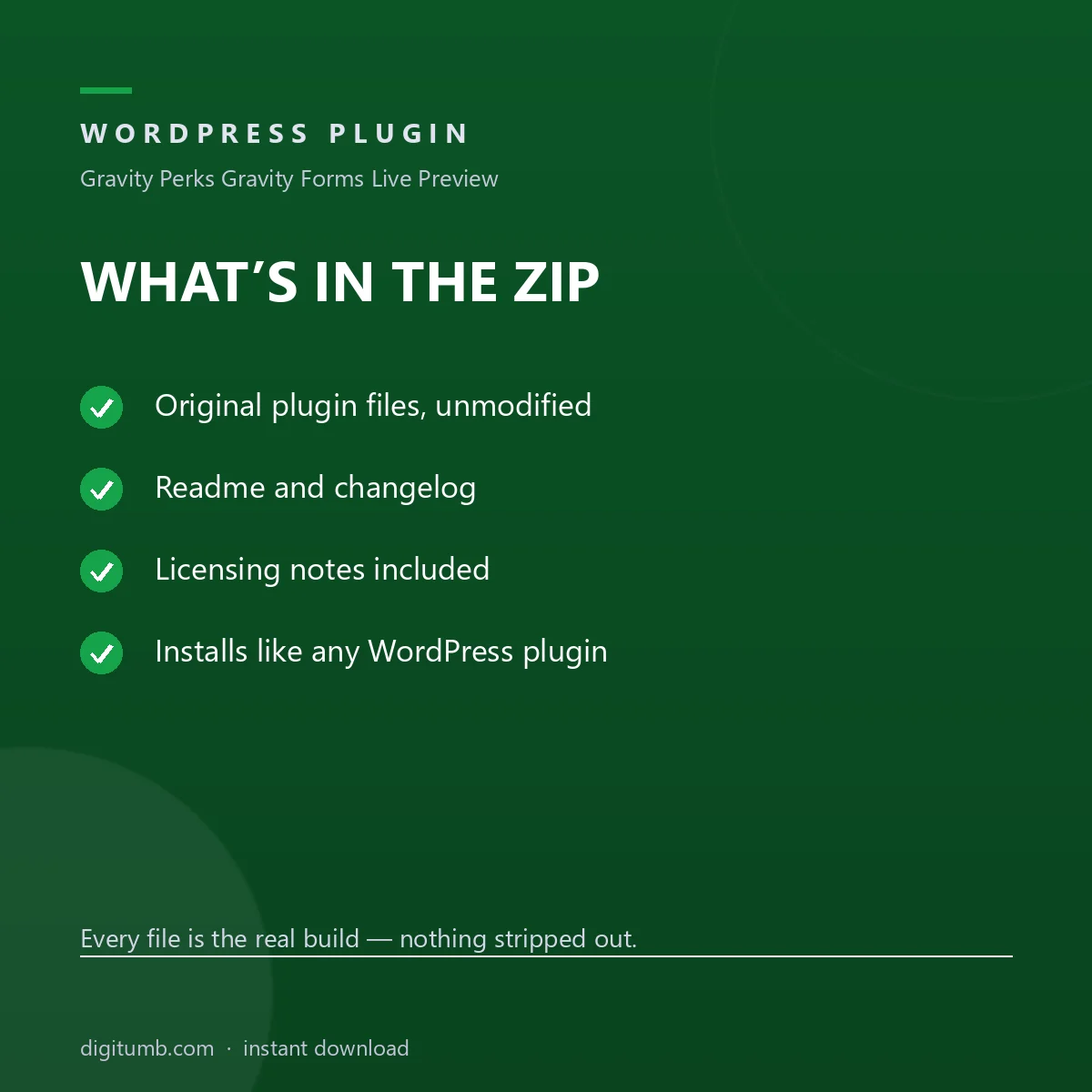
You get the same plugin files the developer ships, version 1.6.14, as a GPL build for $4.49. The zip is small and holds the plugin's css and js folders alongside the plugin code. There is no vendor update channel and no vendor support desk with this build; updates are not promised through the developer.
The preview settings screen notes that Live Preview has been deprecated. The product remains usable, and the same screen offers to install and activate GF Dev Tools, which is the direction the developer points to for development previews.
What this build includes
| Frontend form preview | See a real-time preview of a Gravity Forms form on the frontend of your site, rendered inside your active theme. |
|---|---|
| AJAX-enabled loading | Load the previewed form with AJAX enabled so the preview matches the behaviour of an AJAX form. |
| Skip required validation | Submit the preview without filling required fields, which shortens testing of layout and flow. |
| Single-page multi-page view | Consolidate a multi-page form into one page to save time when troubleshooting a long form. |
| Notification off switch | Prevent notifications from being sent when a form is submitted during a preview. |
| Ignore form restrictions | The previewed form ignores restrictions defined in the restrictions section, so limited forms can still be opened. |
| Preview post type | A post type created for previewing Gravity Forms forms on the frontend keeps previews organised on your site. |
| GF Dev Tools shortcut | Install and activate GF Dev Tools from the preview settings screen when you need development tooling. |
Installing it on a WordPress site
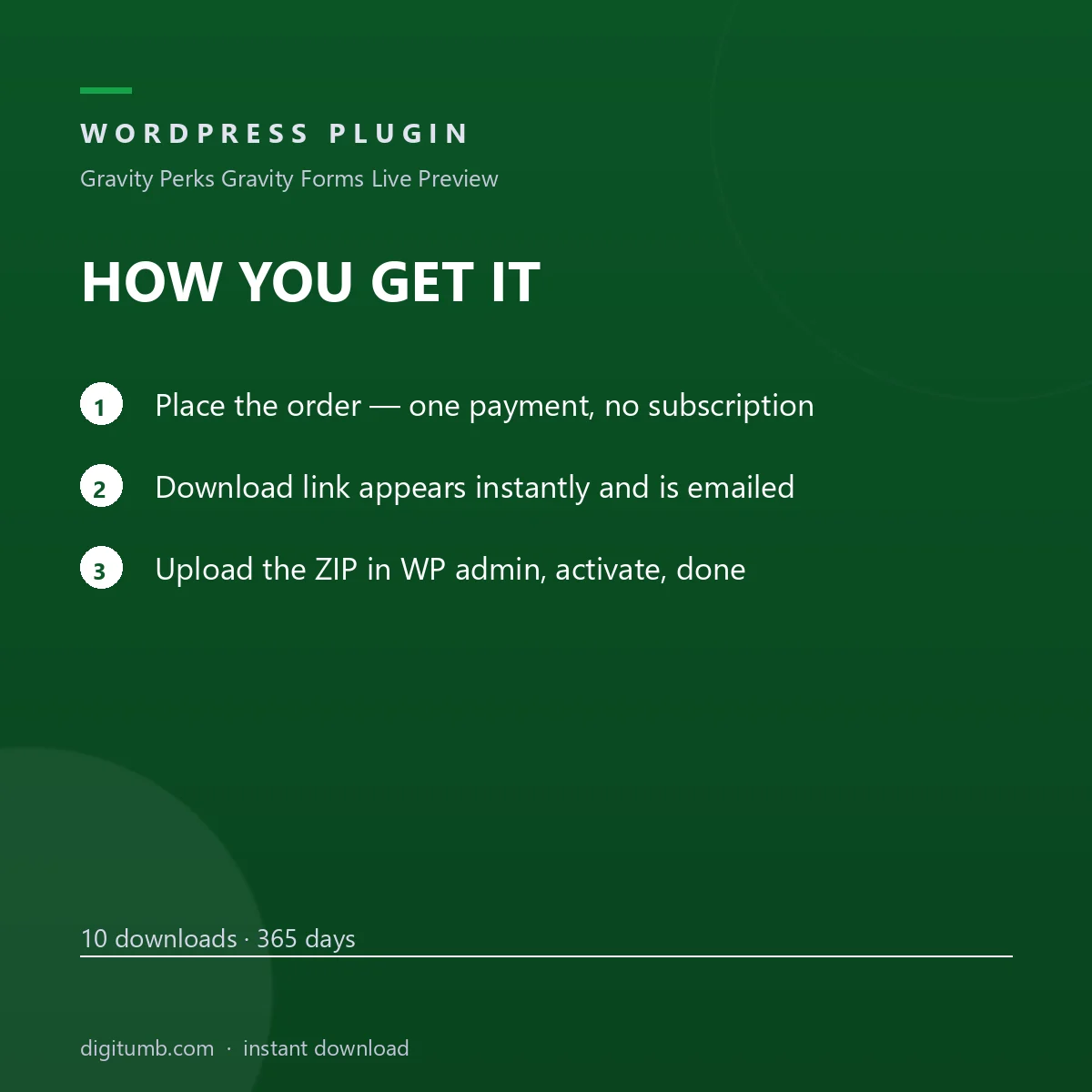
- Upload the plugin zip through Plugins > Add New > Upload Plugin in WordPress and activate it.
- Open the GP Live Preview settings screen and choose the preview options you want, such as AJAX loading, skipping required fields or disabling notifications.
- Create a preview using the preview post type, open it on the frontend, and check your form the way a visitor would see it.
Latest changes
Current build is version 1.6.14; the preview settings screen notes that Live Preview has been deprecated.
Frequently asked questions
What does Gravity Forms Live Preview do?
It lets you see a real-time preview of your form submissions on the frontend, which improves the overall user experience and reduces submission errors. The preview runs inside your theme, with options such as AJAX loading, skipped required fields and disabled notifications.
Can I preview a multi-page form on one page?
Yes. The settings include an option to consolidate multi-page forms into a single page, which saves time when you are troubleshooting a long form and want to see every page at once.
Will a test submission email my clients?
You can disable notifications so no email is sent when the form is submitted during a preview. That keeps test entries out of client inboxes while you check the form.
Why do I see a permission message when previewing?
The preview screen can show a message that you do not have the necessary permission to preview the form. It indicates a permissions issue on the preview rather than a problem with the form itself.
Is this the same code the developer ships?
Yes. The $4.49 GPL build contains the same plugin files the developer ships, version 1.6.14. There is no vendor update channel and no vendor support desk included with this build.
What the GPL build means for you
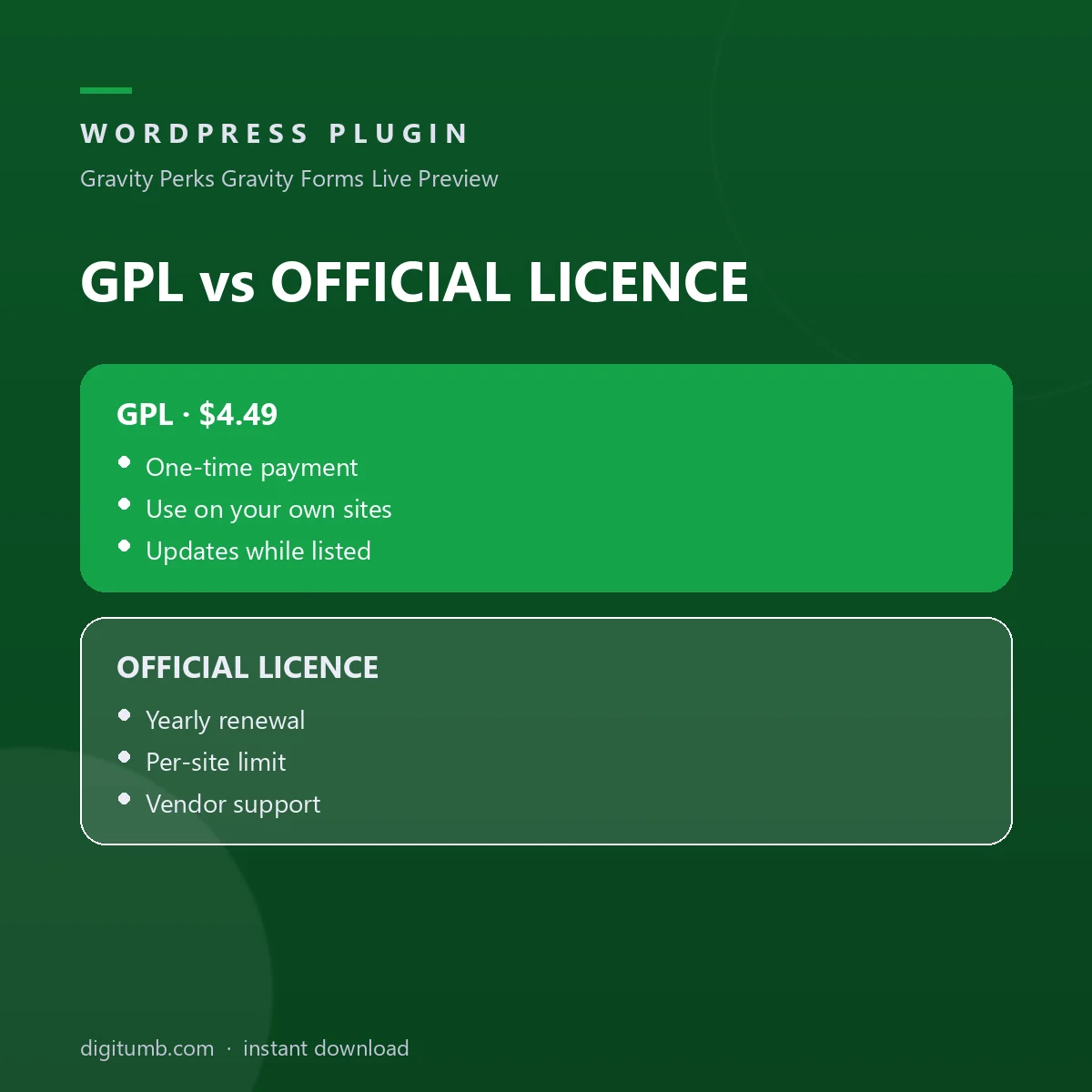
This is the same archive the developer publishes, redistributed under the GNU General Public License: you get the working files for $4.49 with no vendor update channel and no vendor support desk. If you need automatic updates or a support contract, buy the official license from the developer.
| This GPL build | Official license | |
|---|---|---|
| Price | $4.49 one time | Vendor subscription |
| Automatic updates | No | Yes |
| Developer support | No | Yes |
| Number of sites | Unlimited | Depends on plan |
Browse the rest of the WordPress plugins category or the full shop. The licence text is at GNU GPL v2, and general documentation is at WordPress.org.
You must be logged in to post a review.
You may also like…

Related products









Reviews
Clear filtersThere are no reviews yet.