



Popup Builder Contact Popup Extension GPL
$4.49
Popup Builder Contact Popup Extension is a WordPress plugin extension that lets you create customizable popups for collecting visitor inquiries and enhancing communication on your site.
Popup Builder Contact Popup Extension is a WordPress plugin extension that lets you create customizable popups for collecting visitor inquiries and enhancing communication on your site. It works as an add-on for Popup Builder, adding a contact popup type you can publish wherever you want visitors to reach you. The extension is compatible with WooCommerce and Elementor, so contact popups fit alongside an existing store and an existing page design workflow.
| Product | popup-builder-contact-popup-extension |
|---|---|
| Version | 3.0 |
| Works with | WordPress 6.x+ / PHP 8.x+ |
| Tested up to | WordPress current |
| License | GPLv2 or later |
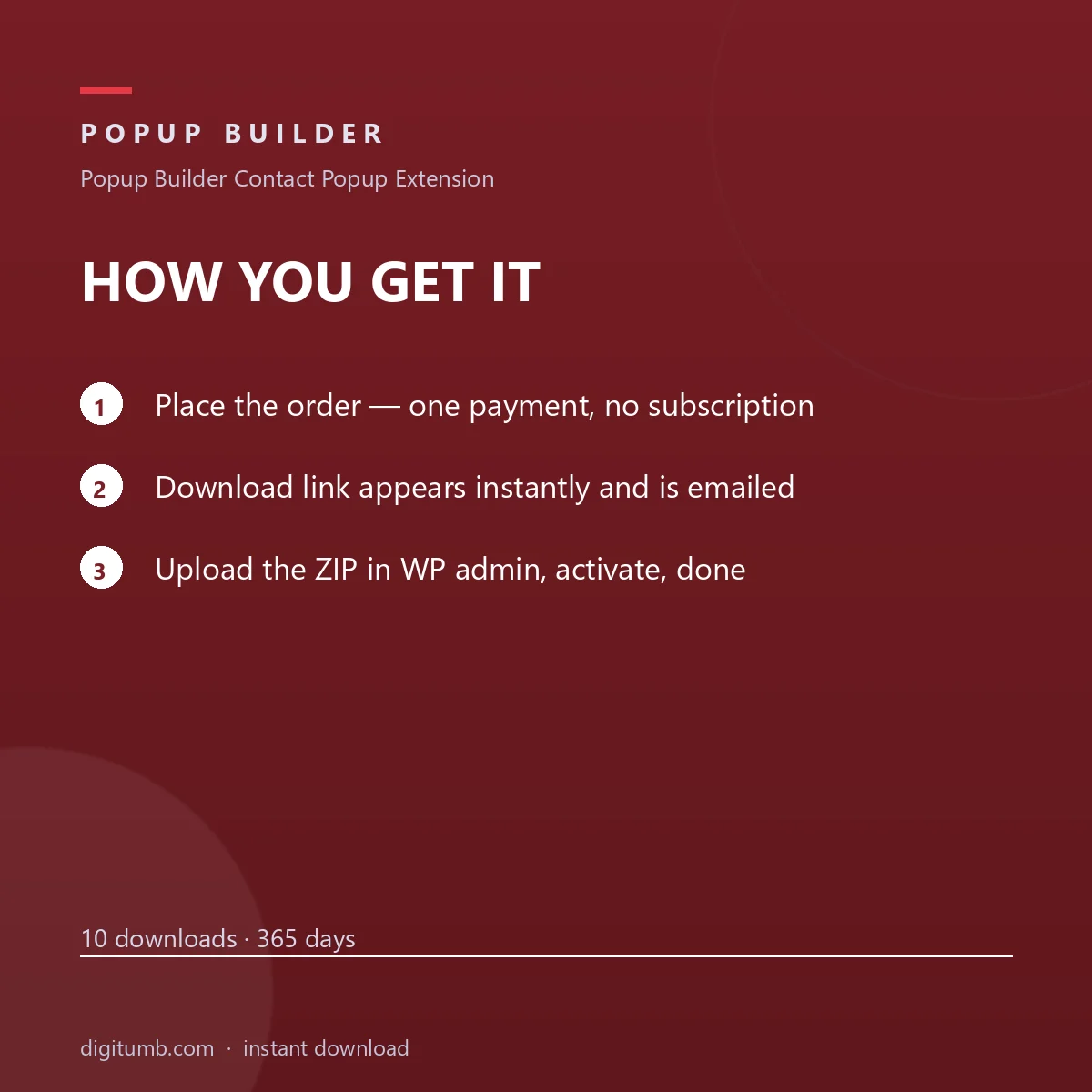
| Delivery | Instant ZIP download, 10 downloads, 365 days |
What a contact popup does on a WordPress site
A contact popup places a short inquiry form in front of the visitor instead of sending them to a separate contact page. Popup Builder Contact Popup Extension is built for exactly this job: creating customizable popups whose purpose is collecting visitor inquiries and enhancing communication with the people who browse your site.
Because the popup is customizable, you decide how the contact form looks and how it fits the rest of your site. The extension does not replace Popup Builder itself. It extends the popup setup you already run on WordPress, so the contact popup lives inside the same popup workflow rather than in a second, separate tool.
Contact popups inside a WooCommerce store
The extension is compatible with WooCommerce, which means a contact popup can sit on a store built with that plugin. The purpose is to engage customers effectively during their shopping experience, so a shopper who has a question about a product can ask it from the page they are already viewing.
This matters because a store visitor who has to leave the catalog to find a contact form may not come back to it. A contact popup keeps the question and the product on the same screen. The popup handles the inquiry; the store keeps running its normal catalog, cart and checkout.
Designing contact popups with Elementor
Popup Builder Contact Popup Extension works well with Elementor, enabling you to design popups using Elementor's intuitive page builder interface. If your site is already built in Elementor, you can style the contact popup with the same tools you use for the rest of the page.
That keeps the contact popup visually consistent with your existing layouts and avoids a second design workflow. You build the popup in Elementor, customize the contact form so it matches the site, and publish it through Popup Builder.
How the GPL build from this store is delivered
The build sold here is GPL: it contains the same plugin files the developer ships. What it does not include is a vendor update channel or a vendor support desk, so updates and support are handled on your side. The price is $4.49 and the download is a 0.1 MB zip.
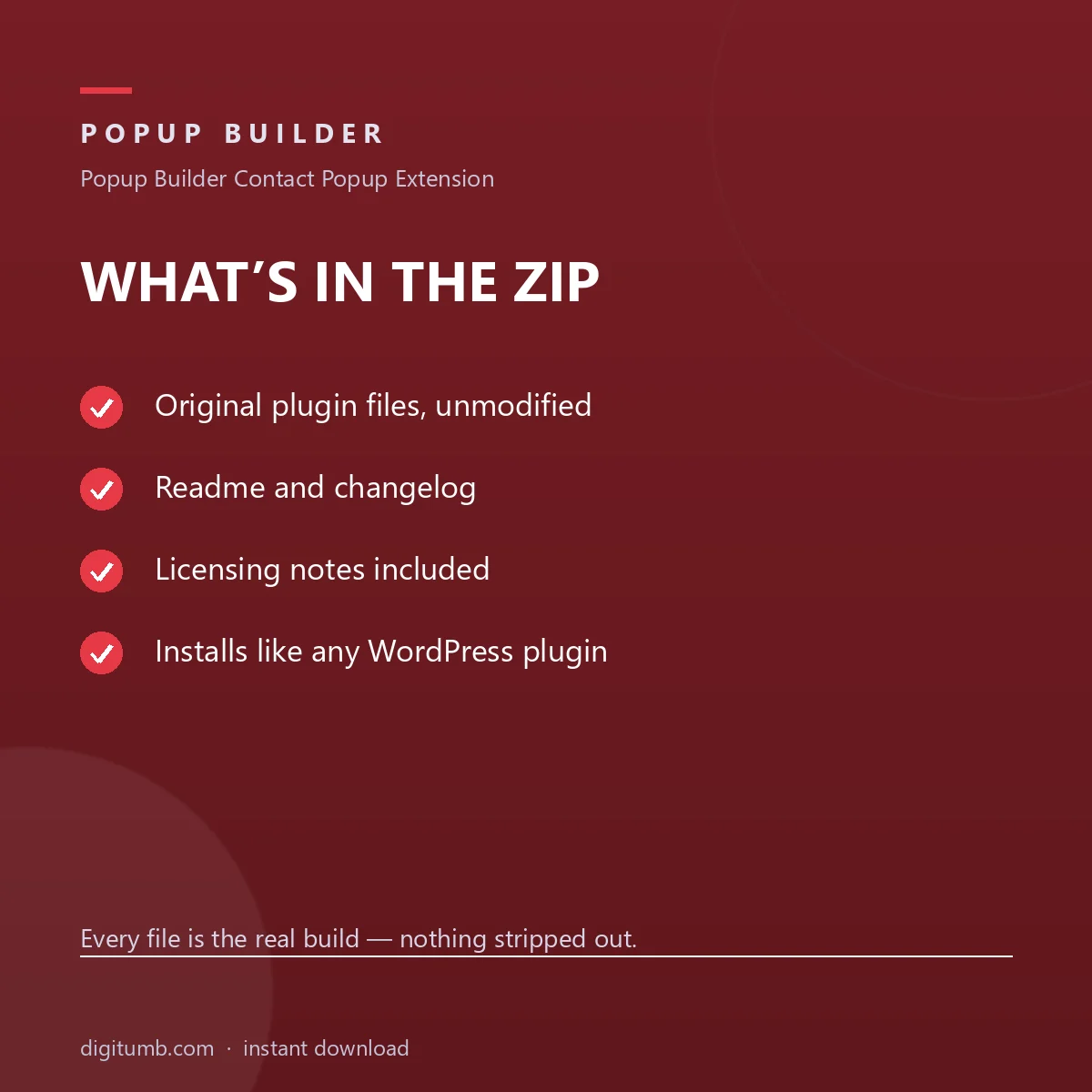
Inside the zip you will find the plugin folders com and public. Install it the same way you would install any WordPress plugin, and it runs as version 3.0 of the extension.
What this build includes
| Customizable contact popups | Create popups built for collecting visitor inquiries, with customization so the contact form matches your site instead of a fixed template. |
|---|---|
| Visitor inquiry collection | Give visitors a direct way to send questions from the page they are on, rather than searching for a contact link elsewhere. |
| WooCommerce compatibility | Run contact popups on a WooCommerce store to engage customers effectively during their shopping experience. |
| Elementor compatibility | Design popups with Elementor's page builder interface, keeping the contact form consistent with your existing layouts. |
| Enhancing site communication | Use contact popups to open a communication channel with visitors and collect the inquiries they send through the form. |
| Popup Builder extension | Adds contact popup capability to Popup Builder, extending the popup workflow you already use on WordPress. |
Installing it on a WordPress site
- Install Popup Builder on your WordPress site, since this extension adds contact popup capability to it.
- Upload the extension zip through the WordPress plugins screen and activate Popup Builder Contact Popup Extension.
- Create a contact popup in Popup Builder, customize the form, and optionally design its layout with Elementor before publishing it.
Latest changes
This build is version 3.0 of Popup Builder Contact Popup Extension.
Frequently asked questions
What does Popup Builder Contact Popup Extension do?
It allows users to create customizable popups for collecting visitor inquiries and enhancing communication on their WordPress sites. In practice you build a contact popup, customize how it looks, and publish it so visitors can send questions without leaving the page they are on.
Is Popup Builder Contact Popup Extension compatible with WooCommerce?
Yes. The extension is compatible with WooCommerce, allowing you to engage customers effectively during their shopping experience. A contact popup gives shoppers a direct route to ask a question while they browse, and your WooCommerce catalog, cart and checkout keep working as usual.
Does Popup Builder Contact Popup Extension work with Elementor?
Yes, it works well with Elementor, enabling you to design popups using Elementor's intuitive page builder interface. If your site is already built in Elementor, you can style the contact popup with the same tools instead of learning a separate design workflow.
Do I need Popup Builder installed for this extension to work?
Yes. This is an extension for Popup Builder, so Popup Builder is the base plugin it extends. The extension adds contact popups to that setup rather than operating as a standalone popup builder with its own popup engine.
What do I get for $4.49 and how is it licensed?
You get a GPL build containing the same plugin files the developer ships, delivered as a 0.1 MB zip with the com and public folders. The build has no vendor update channel and no vendor support desk, so updates and support are handled on your side. The price is $4.49.
What the GPL build means for you
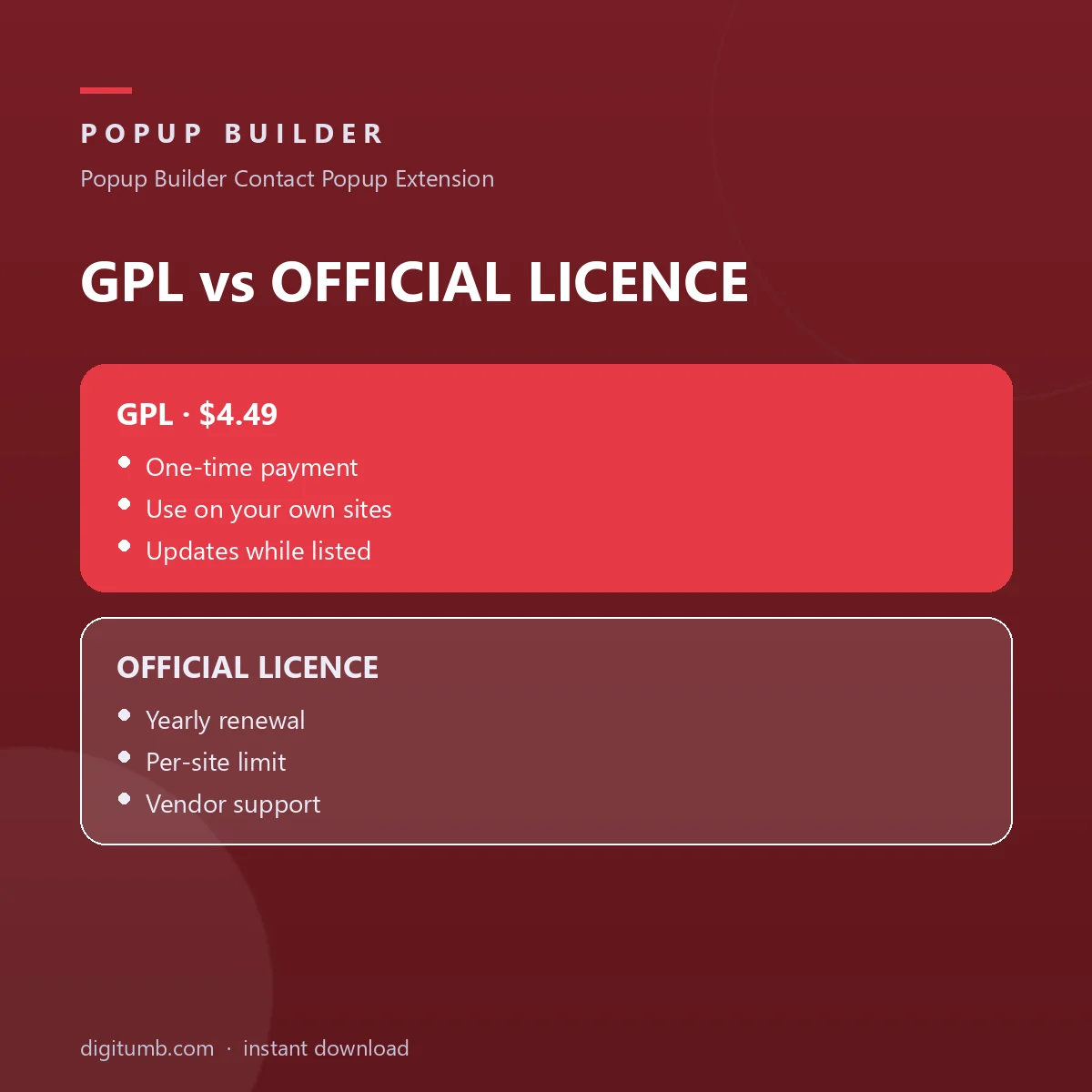
This is the same archive the developer publishes, redistributed under the GNU General Public License: you get the working files for $4.49 with no vendor update channel and no vendor support desk. If you need automatic updates or a support contract, buy the official license from the developer.
| This GPL build | Official license | |
|---|---|---|
| Price | $4.49 one time | Vendor subscription |
| Automatic updates | No | Yes |
| Developer support | No | Yes |
| Number of sites | Unlimited | Depends on plan |
Browse the rest of the WordPress plugins category or the full shop. The licence text is at GNU GPL v2, and general documentation is at WordPress.org.
You must be logged in to post a review.
You may also like…

Related products








Reviews
Clear filtersThere are no reviews yet.