

Yith Woocommerce Quick View – WordPress Plugin
$4.49
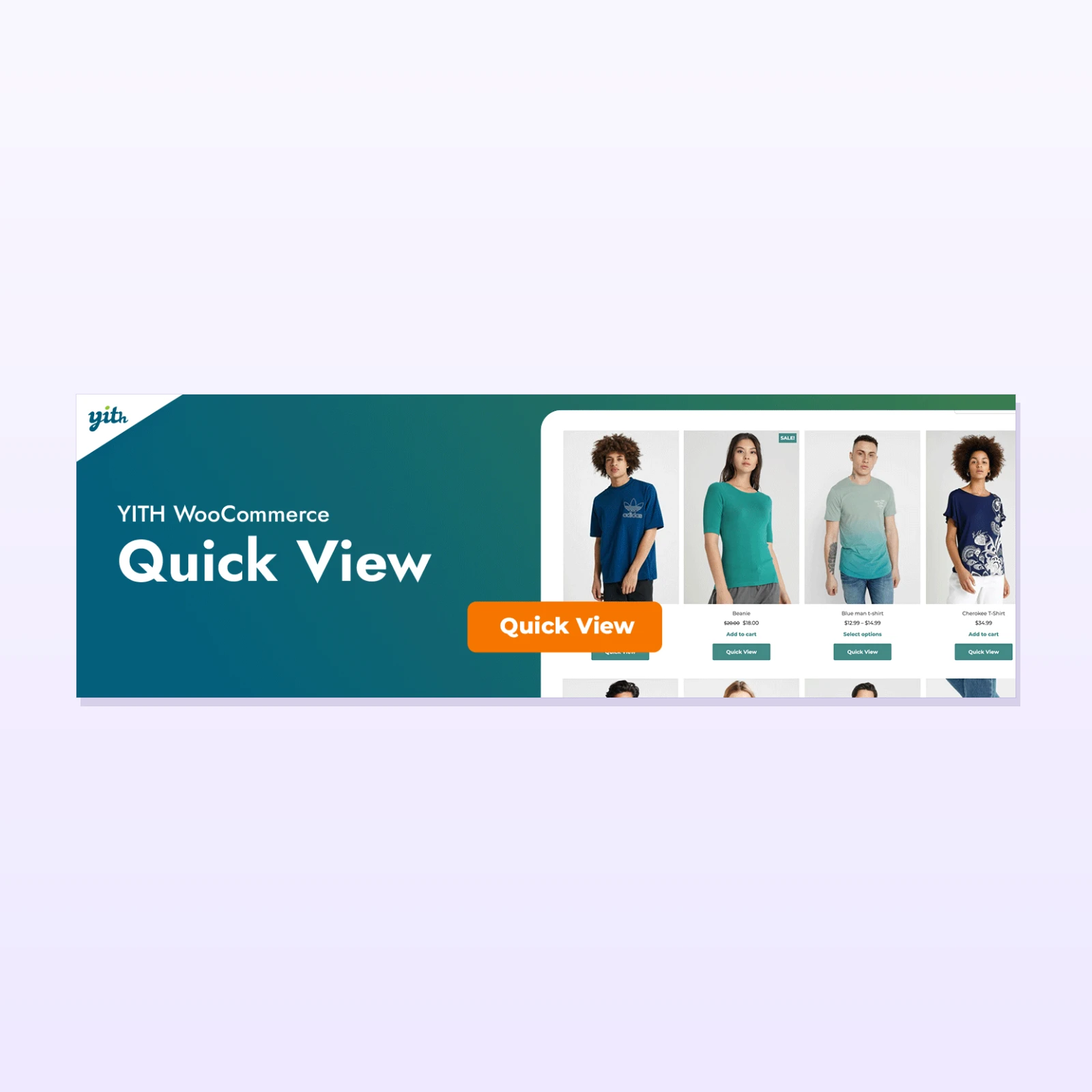
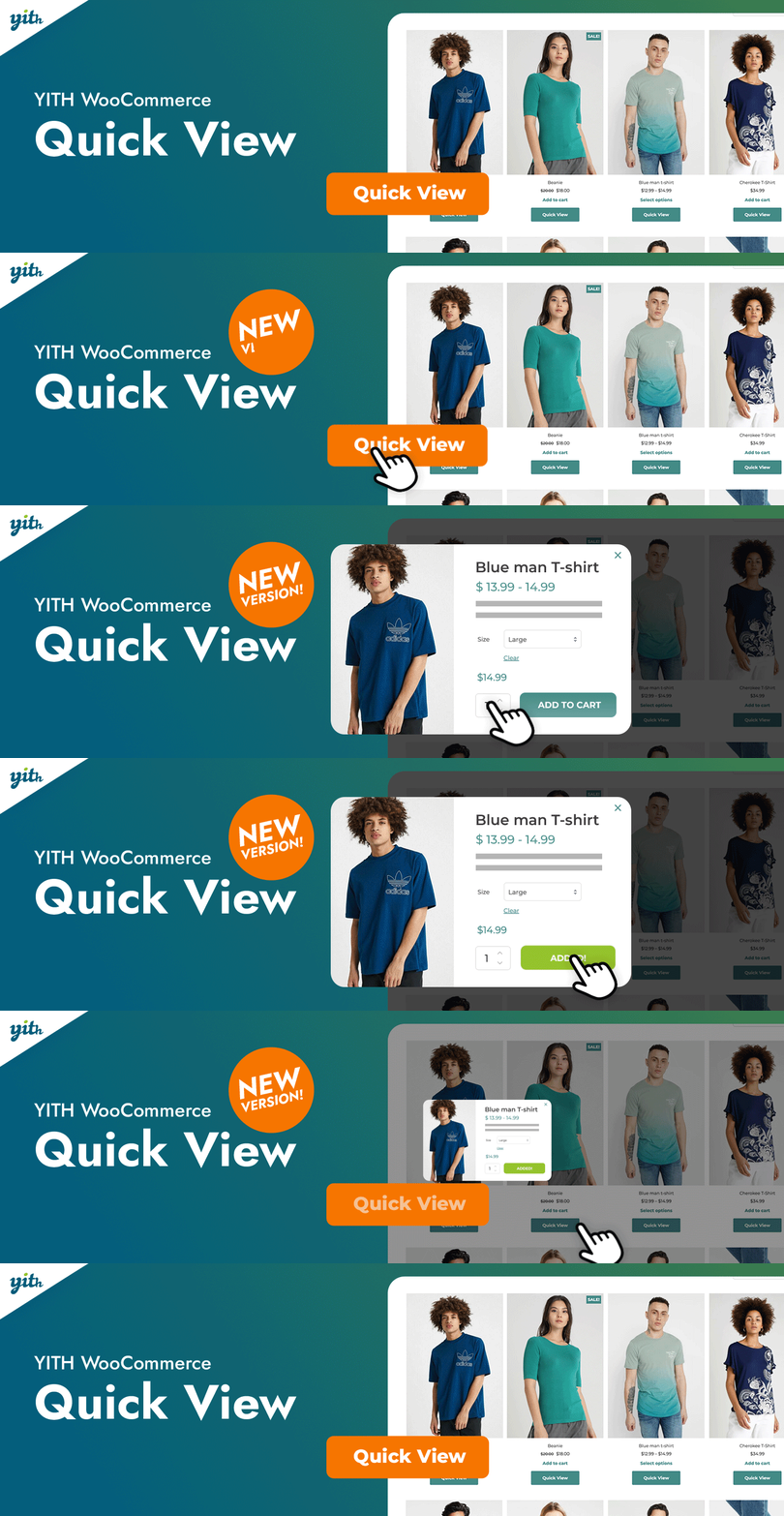
WooCommerce Quick View Premium is a GPL build of the YITH plugin that opens a product in a pop-up window instead of sending the shopper to a separate page. The modal shows what you choose: image.
WooCommerce Quick View Premium is a GPL build of the YITH plugin that opens a product in a pop-up window instead of sending the shopper to a separate page. The modal shows what you choose: image, name, rating, price and excerpt, with an optional lightbox for product images. This store sells the same files the developer ships for $4.49, with no vendor update channel and no vendor support desk.
| Product | yith-woocommerce-quick-view-premium |
|---|---|
| Version | 1.7.3 |
| Works with | WordPress 6.x+ / PHP 8.x+ |
| Tested up to | WordPress current |
| License | GPLv2 or later |
| Delivery | Instant ZIP download, 10 downloads, 365 days |
What the quick view window displays about a product
A group of content options decides what a shopper sees inside the pop-up. Product image, product name, product rating, product price and product excerpt are each switched on their own, so a compact preview and a fuller one both come from the same settings screen.
Images get their own treatment. Enabling the lightbox option means product images open enlarged in a lightbox, so a shopper can look at the photo without leaving the modal or reloading the shop page.
Button type, icon and where it sits in the loop
The trigger is configured in a Button Options group. You set the button type, the label shown in the WooCommerce loop and the icon, then choose the position: after the add to cart button or inside the product image.
Quick view can also be enabled on the wishlist. Shoppers browsing saved products then get the same preview window instead of a plain product link.
Mobile behaviour and the loading overlay
Two separate switches handle small screens: one enables quick view on mobile, the second enables the quick view features on mobile devices too. Keeping them apart lets a shop show the button on phones while controlling how much of the preview functionality travels with it.
While the modal loads, an overlay can be displayed with your own loading text. The same panel sets the width and height of the modal window, and a modal effect selector changes how the window appears on screen.
Navigation between products and closing behaviour
Navigation inside the modal can be restricted to the same product category, so a shopper moves through related items without returning to the grid. The navigation style is either a slide that shows the thumbnail and product name, or a rotate style that shows the thumbnail alone.
Closing is configurable in three ways. One setting closes the quick view and keeps the shopper in the same row, another closes it and scrolls to the row of the selected product, and a third uses the closing cascading quick view behaviour. On a long catalogue that choice decides whether the shopper keeps their place.
WooCommerce and WordPress versions covered by this build
The changelog records support for WooCommerce 5.3 in release 1.7.2, with earlier entries adding support for WooCommerce 5.2, 5.1, 5.0 and 4.9. WordPress 5.7 support arrived in 1.7.0, which also fixed an issue with the YITH Proteo theme and the add to cart button position on image hover.
Release 1.6.6 added rendering of shortcodes inside the product description, which matters if your product copy relies on shortcode output near the quick view excerpt. Language file updates ship alongside the framework updates in several of these releases.
What this build includes
| Pop-up product preview | Opens product details in a modal window from the WooCommerce loop, so shoppers can inspect an item without navigating away from the current page. |
|---|---|
| Selectable modal content | Pick which elements appear in the window: product image, product name, product rating, product price and product excerpt, each switched on its own. |
| Image lightbox | An optional lightbox lets product images open enlarged from inside the quick view window, without a page reload. |
| Button placement and label | Place the quick view button after the add to cart button or inside the product image, with a custom label and icon. |
| Category navigation | Step through products in the same category from inside the modal, using a slide or rotate navigation style. |
| Mobile quick view | Dedicated settings enable quick view and its features on mobile devices, configured separately from the desktop shop. |
| Loading overlay | Show an overlay with custom loading text while the modal window loads, and set the modal width and height. |
| Wishlist support | Quick view can be enabled on the wishlist, giving saved products the same preview window as the shop loop. |
| Shortcode rendering in descriptions | Shortcodes inside the product description are rendered, so product copy built with shortcodes displays as intended. |
Installing it on a WordPress site
- Upload the plugin zip through the WordPress admin Plugins screen and activate it.
- Open the plugin settings and switch on Enable Quick View, then choose the button type, label, icon and position.
- Select the content elements to show in the modal, set the modal width and height, and configure navigation and closing behaviour.
Latest changes
Version 1.7.3, released on 3 May 2021, fixes a modal scrollbar issue that appeared when the product variation changed.
Frequently asked questions
Does the quick view work on phones?
Yes. There are two mobile settings: one enables quick view on mobile, and a second enables the quick view features on mobile devices as well. Both sit in the General Options panel, so mobile behaviour is configured separately from the desktop shop.
Can shoppers stay inside the same category while previewing products?
Yes. Enable navigation in the same product category and the modal gets controls that stay within that category. You then choose a navigation style, either a slide showing thumbnail and product name or a rotate style showing only the thumbnail.
What happens after a shopper closes the quick view?
You choose. The setting can close the quick view and leave the shopper in the same row, close it and scroll to the row of the selected product, or use the closing cascading quick view behaviour. This matters most on long product grids.
Is this the same plugin the developer publishes?
This is a GPL build: the files are the same ones the developer ships, sold here for $4.49. There is no vendor update channel and no vendor support desk behind this copy, so plan updates and assistance around your own site workflow.
Which WooCommerce versions does this build cover?
The changelog records support for WooCommerce 5.3 in release 1.7.2, and earlier entries add support for WooCommerce 5.2, 5.1, 5.0 and 4.9. WordPress 5.7 support was added in 1.7.0.
What the GPL build means for you
This is the same archive the developer publishes, redistributed under the GNU General Public License: you get the working files for $4.49 with no vendor update channel and no vendor support desk. If you need automatic updates or a support contract, buy the official license from the developer.
| This GPL build | Official license | |
|---|---|---|
| Price | $4.49 one time | Vendor subscription |
| Automatic updates | No | Yes |
| Developer support | No | Yes |
| Number of sites | Unlimited | Depends on plan |
Browse the rest of the WordPress plugins category or the full shop. The licence text is at GNU GPL v2, and general documentation is at WordPress.org.
You must be logged in to post a review.
You may also like…

Related products





Reviews
Clear filtersThere are no reviews yet.