



YITH WooCommerce Ajax Navigation Premium Product Filter GPL
$4.49
YITH WooCommerce Ajax Navigation Premium is a WooCommerce plugin that lets shoppers filter products in real time, without reloading the page.
YITH WooCommerce Ajax Navigation Premium is a WooCommerce plugin that lets shoppers filter products in real time, without reloading the page. Customers narrow a catalog by the criteria you configure, so they reach the specific items they want faster. The plugin ships filter presets, sort and reset widgets, plus on-sale and in-stock filters, all managed from the WordPress admin.
| Product | YITH WooCommerce Ajax Navigation Premium |
|---|---|
| Version | 5.22.0 |
| Works with | WordPress 6.8+ / PHP 8.x+ |
| Tested up to | WordPress 7.0 |
| License | GPLv2 or later |
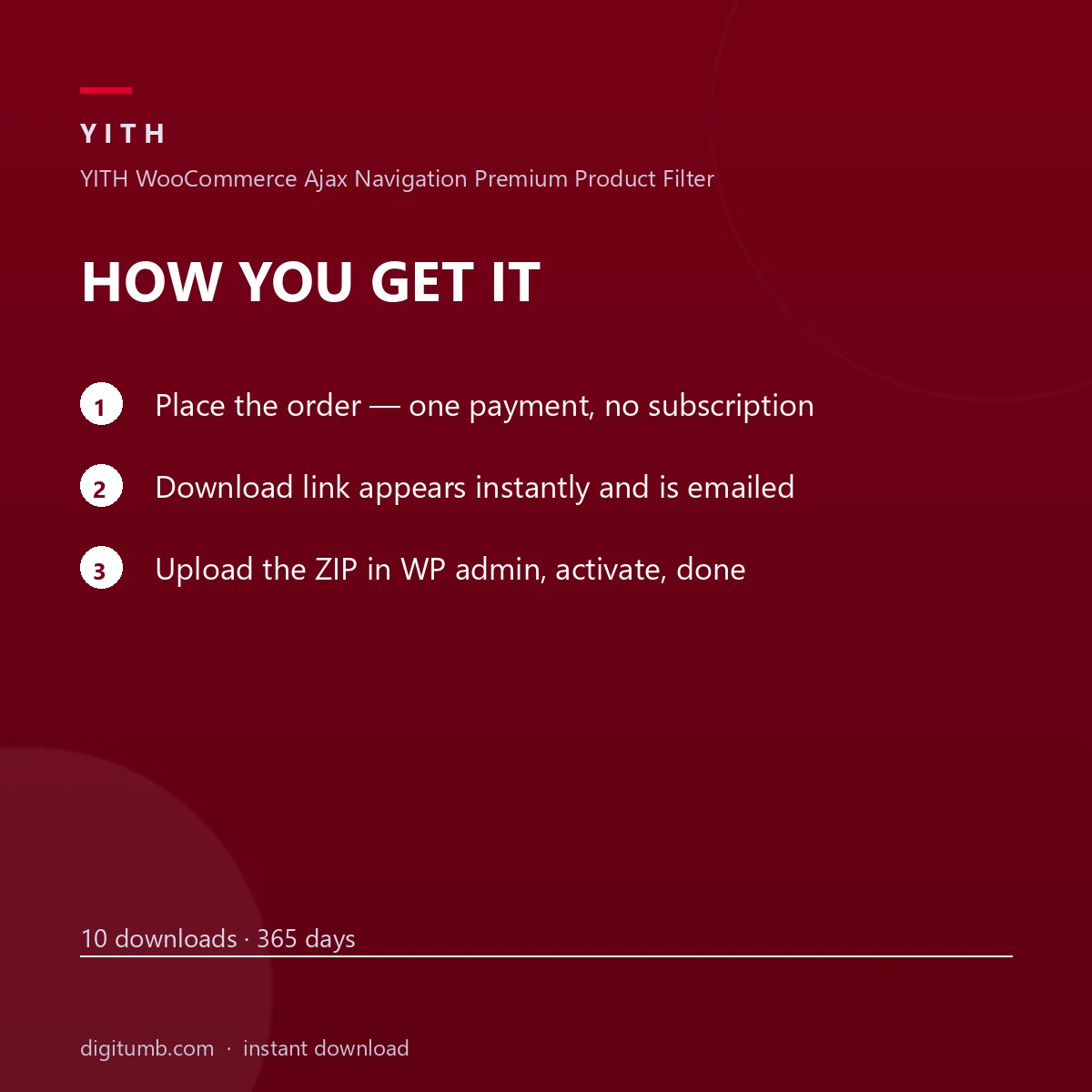
| Delivery | Instant ZIP download, 10 downloads, 365 days |
How live Ajax filtering changes the shopping experience
Filtering happens without a page reload. A shopper picks an option in a filter widget and the product list updates in place, so browsing a large catalog stays quick. You decide which filter set each shop area uses, and you can build a preset of filters or customize the default one.
Each filter set appears in a list of all sets created and configured for your shop, so you can review what is active before changing anything. Options inside a filter can show as custom images or icons instead of plain text, which helps when categories or attributes are easier to recognize visually.
Filter widgets included in the plugin
The plugin provides several dedicated widgets. The YITH AJAX Price List Filter handles price ranges, the YITH AJAX Sort By widget lets you choose how WooCommerce products are sorted, and the YITH AJAX Reset Filter widget clears selections with a Reset All Filters button.
A separate YITH AJAX In Stock/On Sale Filters widget displays on-sale and in-stock WooCommerce products. Category and tag filters include controls for the "See all categories/tags" link text, current categories text and current tags text, and you can hide the product count in the list. When a tag list is empty, the interface shows the message "No tags found."
Styling and display controls for filter lists
Display options cover the hierarchy of the list: default All, All (no hierarchical) or All (hierarchical). A widget dropdown can be shown or hidden, and a CSS custom class field lets you target individual filter elements with your own styles.
The reset button accepts a custom style, with background color, background color on hover, text color on hover and border color on hover settings. These controls let the filter match the rest of your storefront without editing templates.
What this build includes
| Real-time Ajax filtering | Filter the list of products without reloading the page, so customers refine results instantly as they select filter options. |
|---|---|
| Filter presets | Create your preset of filters or customize the default one, so customers can easily find the products they love. |
| Filter set management | Review the list of all filter sets created and configured for your shop in one admin screen. |
| Image and icon options | Show filter options using custom images or icons instead of plain text labels. |
| Price list filter | The YITH AJAX Price List Filter widget lets shoppers narrow products by price. |
| Sort By widget | Choose how to sort WooCommerce products and expose that sorting to customers through the YITH AJAX Sort By widget. |
| Reset All Filters widget | The YITH AJAX Reset Filter widget clears every active selection with a Reset All Filters button. |
| Stock and sale filter | Display on-sale and in-stock WooCommerce products through the YITH AJAX In Stock/On Sale Filters widget. |
| Category and tag link text | Set the "See all categories/tags" link text, current categories text and current tags text, or leave fields empty to use the default text. |
| Product count control | Hide product count in the filter list when you prefer a cleaner widget. |
| Hierarchy display modes | Pick the list display: default All, All (no hierarchical) or All (hierarchical). |
| Reset button styling | Use custom style for the reset button and set background color, hover background, hover text color and hover border color. |
| Elementor compatibility | Integrate the filter into pages built with Elementor. |
| WooCommerce Product Table compatibility | Pair the filter with WooCommerce Product Table to enhance product display and filtering in your store. |
Installing it on a WordPress site
- Upload the plugin ZIP file through the WordPress Plugins screen and activate YITH WooCommerce Ajax Navigation Premium.
- Open the plugin settings, read the plugin documentation or watch the first steps video, then create a preset of filters or customize the default one.
- Place the filter widgets (price, sort, reset, stock/on-sale, category and tag) where you want them and adjust display and style options to match your storefront.
Latest changes
Version 5.22.0 is the current build available here, packaged as a 2.6 MB ZIP.
Frequently asked questions
Do customers have to reload the page to filter products?
No. The plugin filters the list of products without reloading the page, so the results update in place as shoppers choose options. This keeps browsing responsive on catalogs with many products, and the Reset All Filters button returns the list to its unfiltered state.
Does this plugin work with Elementor?
Yes. YITH WooCommerce Ajax Navigation Premium is compatible with Elementor, so you can integrate the filter into pages you build with the Elementor page builder. The plugin settings are managed in WordPress, and the filter widgets are placed on the pages you design.
Can I filter products by stock status or sale status?
Yes. The YITH AJAX In Stock/On Sale Filters widget displays on-sale and in-stock WooCommerce products, giving shoppers a direct way to show only discounted items or only products currently available.
What kind of license do I get at $4.49?
You receive a GPL build containing the same files the developer ships, for $4.49. There is no vendor update channel and no vendor support desk with this purchase. The download is a 2.6 MB ZIP, version 5.22.0, and it requires WordPress 6.8 or later, tested up to WordPress 7.0.
Can I change the colors of the reset button?
Yes. The reset button has a custom style option with background color, background color on hover, text color on hover and border color on hover settings. A CSS custom class field is also available for further styling.
What the GPL build means for you
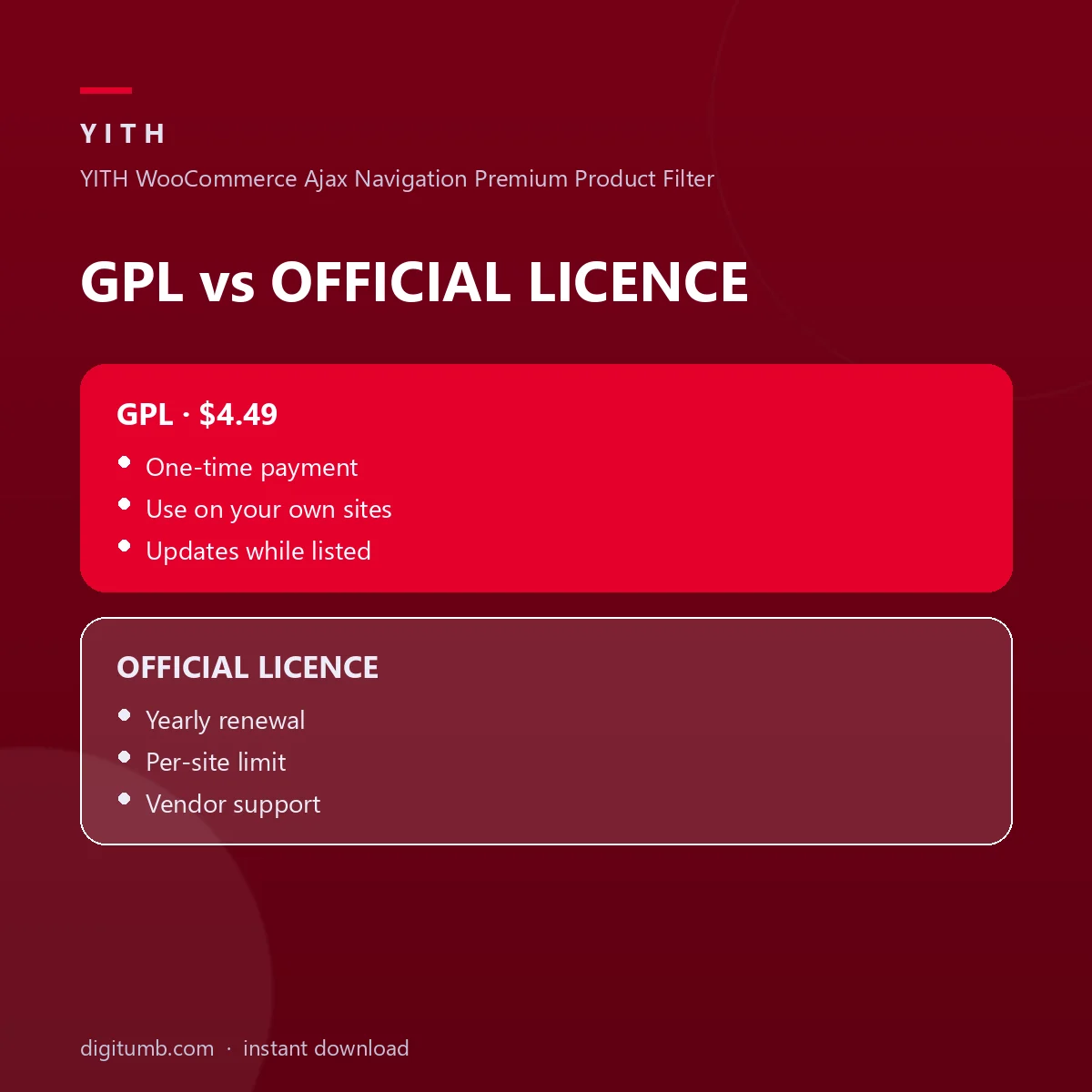
This is the same archive the developer publishes, redistributed under the GNU General Public License: you get the working files for $4.49 with no vendor update channel and no vendor support desk. If you need automatic updates or a support contract, buy the official license from the developer.
| This GPL build | Official license | |
|---|---|---|
| Price | $4.49 one time | Vendor subscription |
| Automatic updates | No | Yes |
| Developer support | No | Yes |
| Number of sites | Unlimited | Depends on plan |
Browse the rest of the WordPress plugins category or the full shop. The licence text is at GNU GPL v2, and general documentation is at WordPress.org.
You must be logged in to post a review.
You may also like…

Related products








Reviews
Clear filtersThere are no reviews yet.