



Yith Woocommerce Added To Cart Popup Premium GPL
$4.49
YITH WooCommerce Added to Cart Popup Premium is a WooCommerce plugin that displays a popup notification the moment a customer adds a product to the cart.
YITH WooCommerce Added to Cart Popup Premium is a WooCommerce plugin that displays a popup notification the moment a customer adds a product to the cart. The popup shows the added items and their costs, so shoppers see what they just selected without leaving the page. It is built to improve the shopping experience and encourage customers to keep browsing and buying.
| Product | yith-woocommerce-added-to-cart-popup-premium |
|---|---|
| Version | 2.38.0 |
| Works with | WordPress 6.x+ / PHP 8.x+ |
| Tested up to | WordPress current |
| License | GPLv2 or later |
| Delivery | Instant ZIP download, 10 downloads, 365 days |
How the added-to-cart popup works on a WooCommerce store
When a shopper clicks add to cart, the plugin opens a popup notification instead of leaving them guessing. Inside the popup, the product that was just added is listed together with the cost, so the customer gets immediate confirmation of the action.
The popup is a notification layer, not a replacement for the cart page. It appears on top of the current page and then lets the shopper continue shopping. Store owners configure how the popup behaves from the plugin settings after activation.
What the popup shows the customer after adding a product
The popup displays the added item and its cost. That gives the shopper a clear view of what went into the cart and what it costs before they move on to the next product or to checkout.
Because the confirmation happens in a popup, the customer does not have to navigate away from the category or product page they were browsing. The flow stays uninterrupted, which supports further shopping on the same visit.
Compatibility with WooCommerce extensions and popular themes
The plugin is designed to work with most WooCommerce extensions, so it can sit alongside the other tools already running on your store. It is also compatible with many popular WordPress themes, which helps the popup fit the design and layout of your site.
Compatibility with themes and extensions means you can add the popup without rebuilding your storefront. The plugin integrates into the existing WooCommerce flow rather than replacing it.
GPL build from Digitumb: what you receive for $4.49
Digitumb sells this as a GPL build for $4.49. You receive the same plugin files the developer ships, packaged as a 2.0 MB zip. The current version is 2.38.0.
This build does not include a vendor update channel or a vendor support desk. Updates are not delivered from the developer through this purchase; the files themselves are what you install on your site.
What this build includes
| Popup cart notification | Shows a popup when a customer adds a product to the cart, confirming the action right on the current page. |
|---|---|
| Added item and cost display | Lists the product just added together with its cost inside the popup, so shoppers see what they selected. |
| Encourages continued shopping | Keeps the shopper on the browsing page after adding an item, supporting further shopping in the same session. |
| Works with most WooCommerce extensions | Designed to run alongside the other WooCommerce extensions already active on your store. |
| Theme compatibility | Compatible with many popular WordPress themes, so the popup fits the design and layout of your site. |
| Configurable popup settings | After activation, the popup can be customized from the plugin settings to match your preferences. |
Installing it on a WordPress site
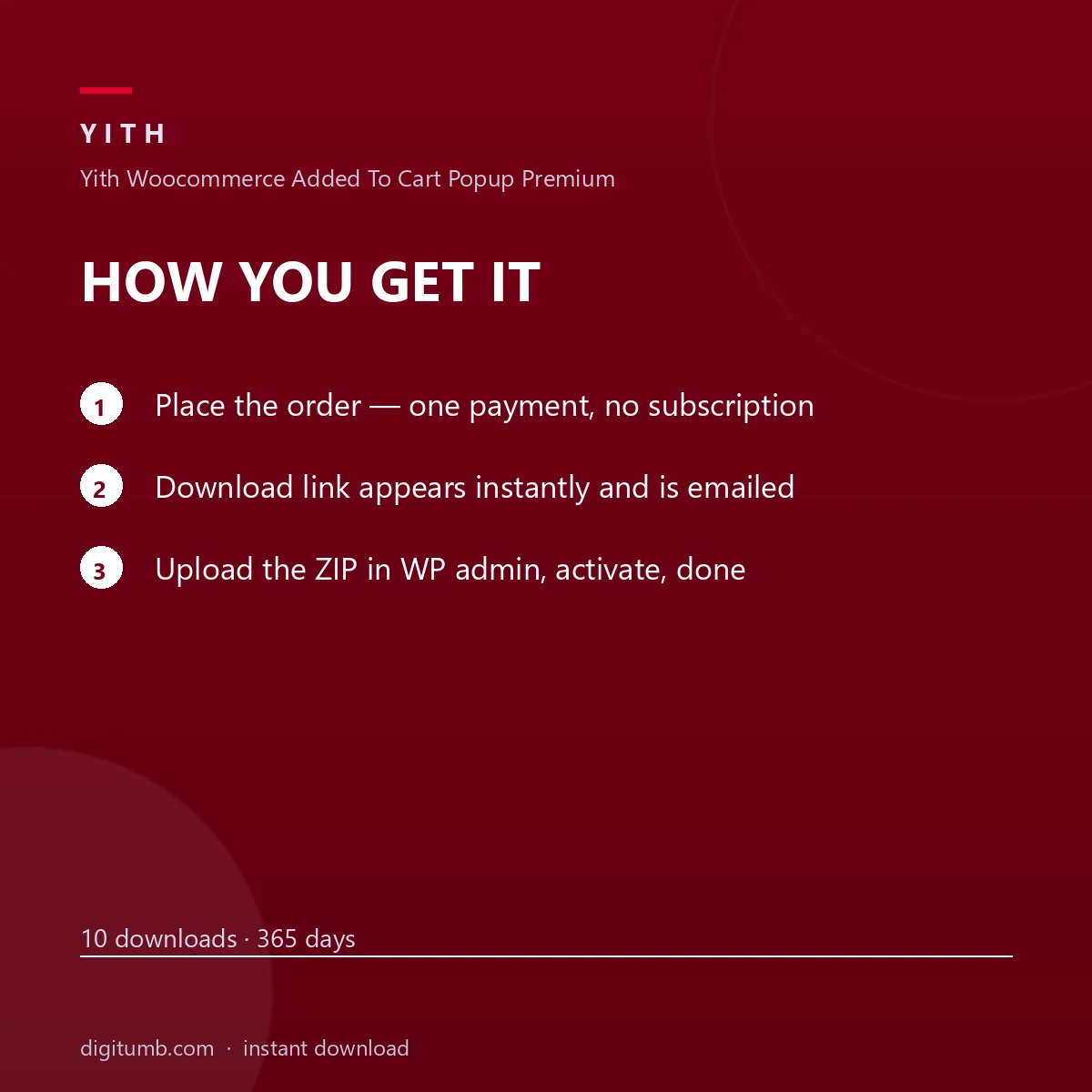
- Download the plugin zip file from your Digitumb order.
- In the WordPress admin panel, go to Plugins and upload the downloaded plugin file.
- Activate the plugin, then open its settings to configure the popup to your preferences.
Latest changes
Current version: 2.38.0, delivered as a 2.0 MB zip.
Frequently asked questions
What does YITH WooCommerce Added to Cart Popup Premium do?
It provides a popup notification that appears when a customer adds a product to the cart. The popup shows the added items and their costs, improving the shopping experience and encouraging customers to keep shopping on your store.
Does the popup work with other WooCommerce extensions?
Yes. The plugin is designed to work with most WooCommerce extensions, so it can run alongside the other tools on your store and add to the overall functionality of your online shop.
Will the popup match my WordPress theme?
The plugin is compatible with many popular WordPress themes. That compatibility helps the popup integrate with your site's design and layout rather than looking out of place.
How do I install and set up the plugin?
Upload the downloaded plugin file through the WordPress admin panel under Plugins, then activate it. Once active, open the settings to customize the popup according to your preferences.
Is this a GPL build, and what does that mean for updates and support?
Yes, Digitumb sells this as a GPL build for $4.49 with the same files the developer ships. It does not include a vendor update channel or a vendor support desk, so plan your update and support arrangements accordingly.
What the GPL build means for you
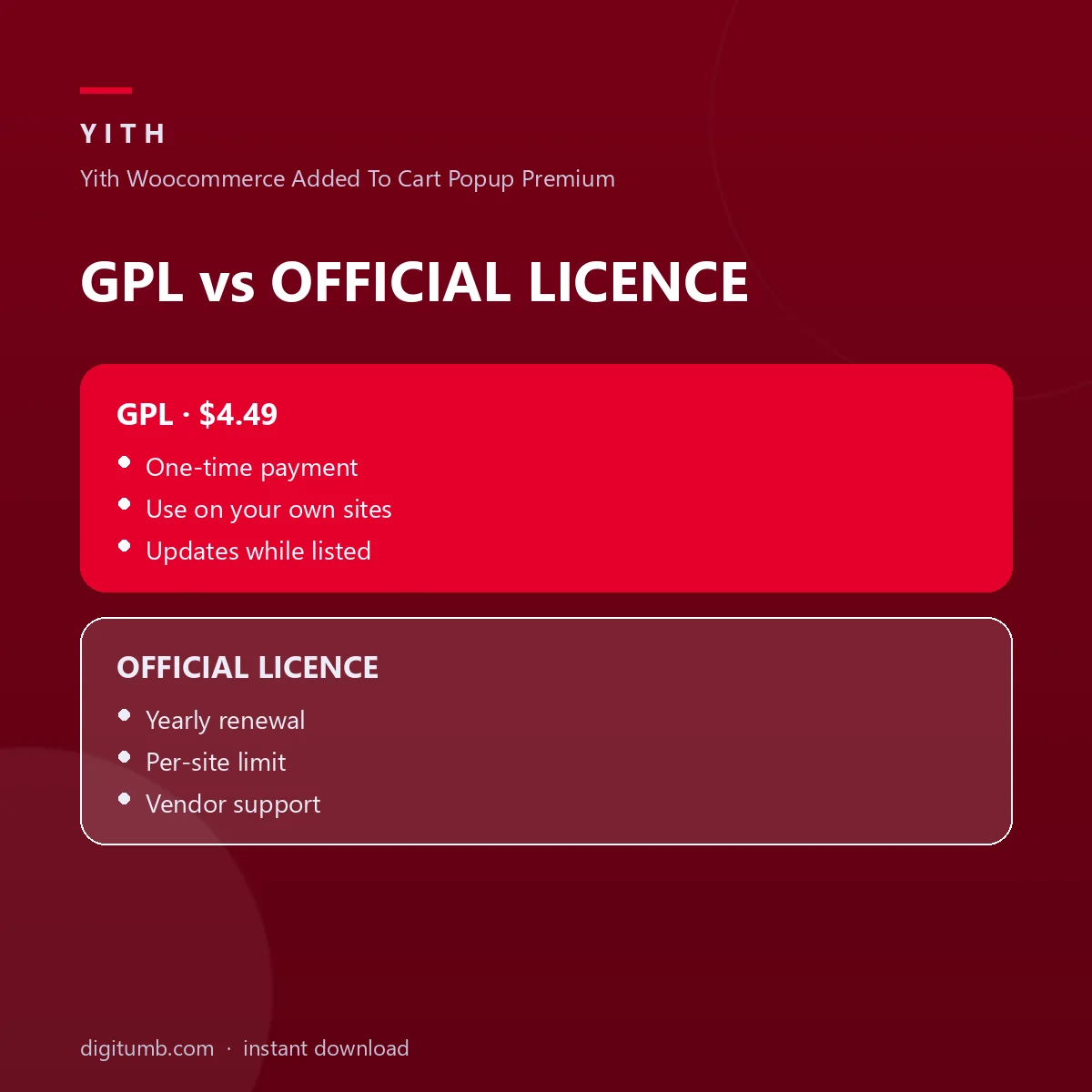
This is the same archive the developer publishes, redistributed under the GNU General Public License: you get the working files for $4.49 with no vendor update channel and no vendor support desk. If you need automatic updates or a support contract, buy the official license from the developer.
| This GPL build | Official license | |
|---|---|---|
| Price | $4.49 one time | Vendor subscription |
| Automatic updates | No | Yes |
| Developer support | No | Yes |
| Number of sites | Unlimited | Depends on plan |
Browse the rest of the WordPress plugins category or the full shop. The licence text is at GNU GPL v2, and general documentation is at WordPress.org.
You must be logged in to post a review.
You may also like…

Related products










Reviews
Clear filtersThere are no reviews yet.