

WP AMP For WordPress And Woocommerce – WordPress Plugin
$4.49
WP AMP for WordPress and WooCommerce converts your website pages into AMP format so mobile visitors get faster loading times. It works alongside Yoast SEO, WooCommerce and the Elementor page builder.
WP AMP for WordPress and WooCommerce converts your website pages into AMP format so mobile visitors get faster loading times. It works alongside Yoast SEO, WooCommerce and the Elementor page builder, so you can keep your existing site functionality while serving an AMP version of your content. The plugin runs from its own settings screen, where you control the AMP endpoint, content overrides and ad blocks.
| Product | wp-amp-for-wordpress-and-woocommerce |
|---|---|
| Version | 9.3.35 |
| Works with | WordPress 6.x+ / PHP 8.x+ |
| Tested up to | WordPress current |
| License | GPLv2 or later |
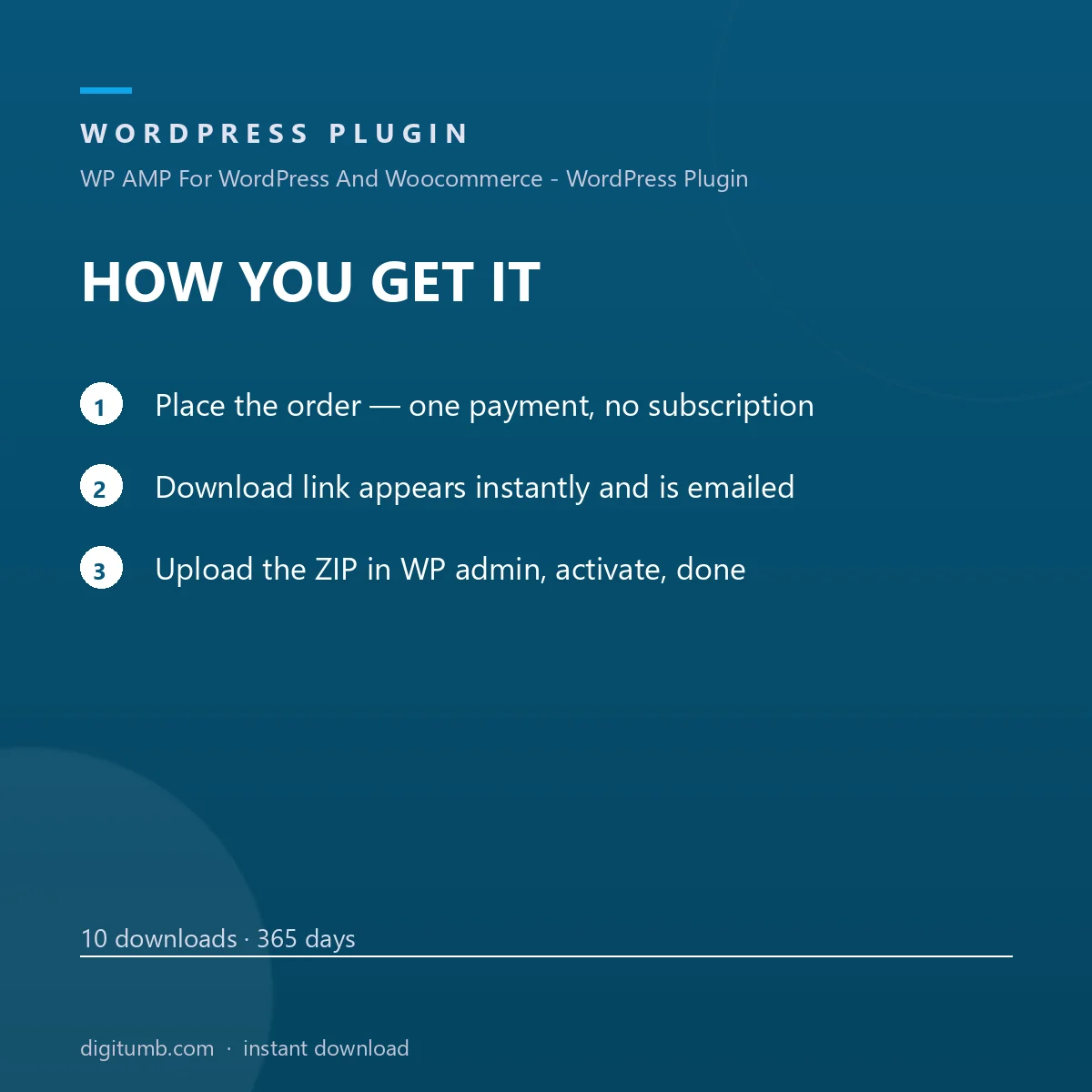
| Delivery | Instant ZIP download, 10 downloads, 365 days |
How does WP AMP turn pages into AMP format?
The plugin generates an AMP version of your website pages. Visitors on mobile devices load that version, which the vendor describes as significantly improving loading times and therefore user experience and search engine visibility.
From the settings screen you can open the AMP version of a page with the View AMP Version and Visit AMP Site actions, so you can check the output before you point traffic at it. A WP AMP Endpoint field lets you set the endpoint used for AMP pages, and the field validates the value you insert.
Which plugins and page builders does WP AMP work with?
WP AMP is built to run alongside popular WordPress plugins. The vendor names Yoast SEO and WooCommerce, so an existing shop and SEO setup can stay in place while AMP pages are served. Elementor is also supported: you build AMP pages through the Elementor interface and keep design flexibility and functionality.
Compatibility is stated for these integrations specifically. If your site depends on other plugins, test the AMP output on a staging copy before switching the live site.
What can you control per page in the WP AMP settings?
Each page can be handled individually. Override AMP Content and Override AMP Title let you replace the body or the title used in the AMP version, and Disable AMP version of this page turns AMP off for a single page.
Featured images are managed from the same screen: set a WP AMP featured image, choose an image, or remove the featured image. An AMP Menu Footer option and a Switch to default version action are also available, and troubleshooting tools sit in the settings area.
Can you place AdSense and analytics on AMP pages?
Advertising controls are part of the plugin. You enter an AdSense Client, an ad slot, and the ad block width and height in pixels; each field validates the value you insert. AdSense Auto Ads can be enabled from the same settings.
A Google Analytics Code field lets you add your tracking code to the AMP output. Search Results settings are included as well, and a You May Also Like block plus a Latest blog posts block give the AMP template extra content sections.
What this build includes
| AMP page conversion | Converts website pages into AMP format to improve loading times on mobile devices, which the vendor links to user experience and search engine visibility. |
|---|---|
| Per-page AMP overrides | Override AMP Content and Override AMP Title let you replace the body and title of the AMP version for individual pages. |
| Disable AMP per page | Turn off the AMP version of a single page from its settings while the rest of the site keeps serving AMP. |
| Featured image control | Set a WP AMP featured image, choose an image from the media library, or remove the featured image for AMP output. |
| AdSense ad blocks | Enter AdSense Client, ad slot, width and height in pixels, with validation on each field, and enable AdSense Auto Ads. |
| Google Analytics code | Add your Google Analytics Code to the AMP pages from the plugin settings screen. |
| AMP endpoint setting | Define the WP AMP Endpoint used for AMP pages; the field checks that the endpoint you insert is valid. |
| Content blocks for AMP | Add a You May Also Like block and a Latest blog posts block to the AMP template, plus an AMP Menu Footer option. |
Installing it on a WordPress site
- Upload the 2.8 MB zip through Plugins > Add New > Upload Plugin in WordPress, then activate WP AMP for WordPress and WooCommerce.
- Open the WP AMP Settings screen, insert a valid WP AMP Endpoint, and save so the AMP pages resolve at the address you want.
- Open a page, use View AMP Version to check the output, then set Override AMP Content, Override AMP Title or the featured image as needed.
Frequently asked questions
Does WP AMP work with WooCommerce shops?
Yes. The vendor states the plugin is designed to work alongside WooCommerce, so you can keep shop functionality while optimizing for mobile. It also names Yoast SEO as a compatible plugin. Test the AMP output of your product and category pages on a staging copy before going live.
Can I build AMP pages with Elementor?
Elementor is supported. You create AMP pages using the Elementor interface and retain design flexibility and functionality, as described by the vendor. The settings screen also gives you per-page overrides if a particular Elementor layout needs a different AMP title or content.
Can I turn AMP off for one page only?
Yes. The settings include a Disable AMP version of this page option, so a single page can keep its default version while the rest of the site serves AMP. You can also switch back to the default version from the same controls.
How do I check the AMP version of a page?
Use the View AMP Version action in the plugin settings to open the AMP page, or Visit AMP Site to see the AMP site. If the AMP output needs a different title or body, set Override AMP Title or Override AMP Content for that page.
What is included in this GPL build?
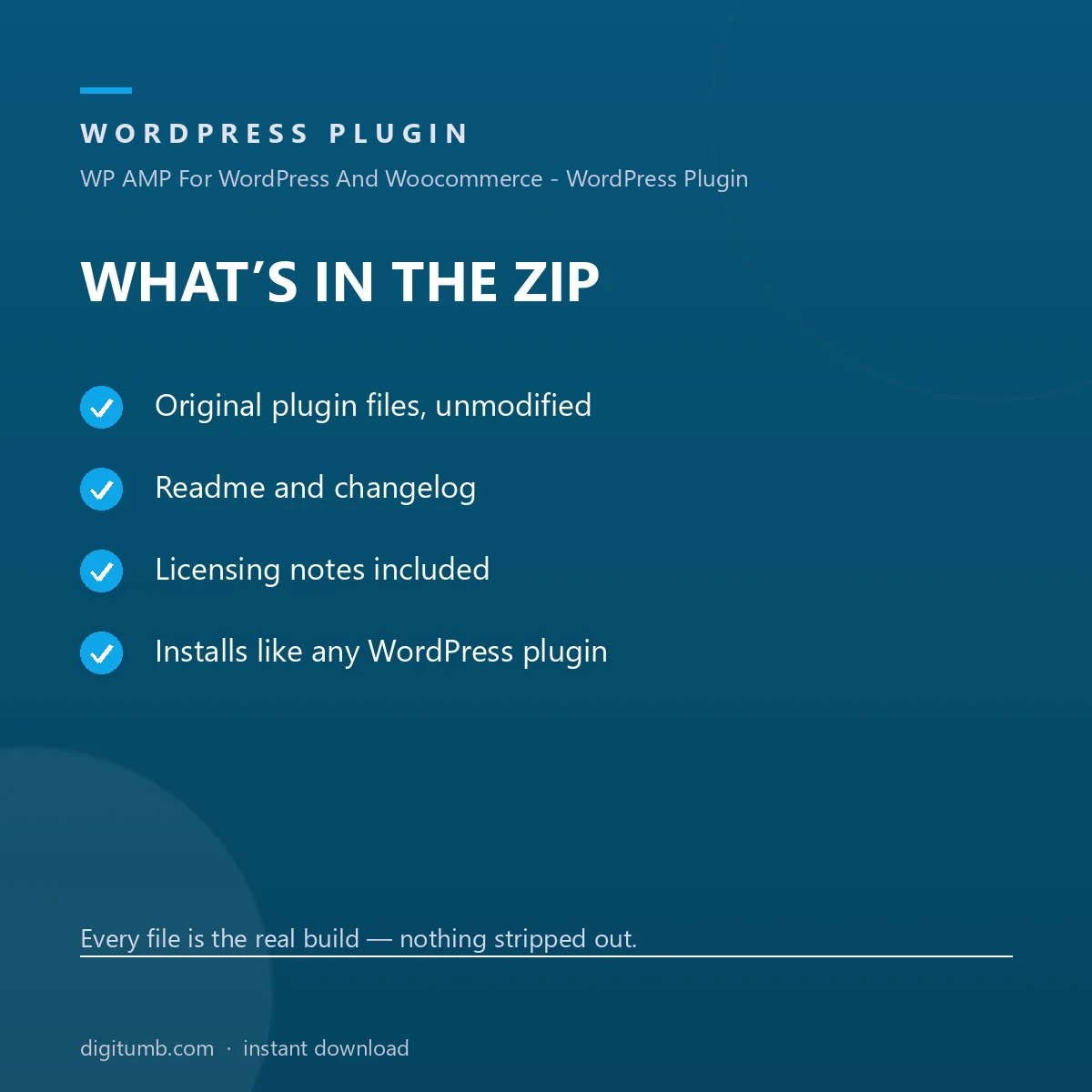
You get the same plugin files the developer ships, version 9.3.35, in a 2.8 MB zip, for $4.49. There is no vendor update channel and no vendor support desk with this build. The zip contains the WP AMP folder plus templates, css, modules, js, Licensing and img folders.
What the GPL build means for you
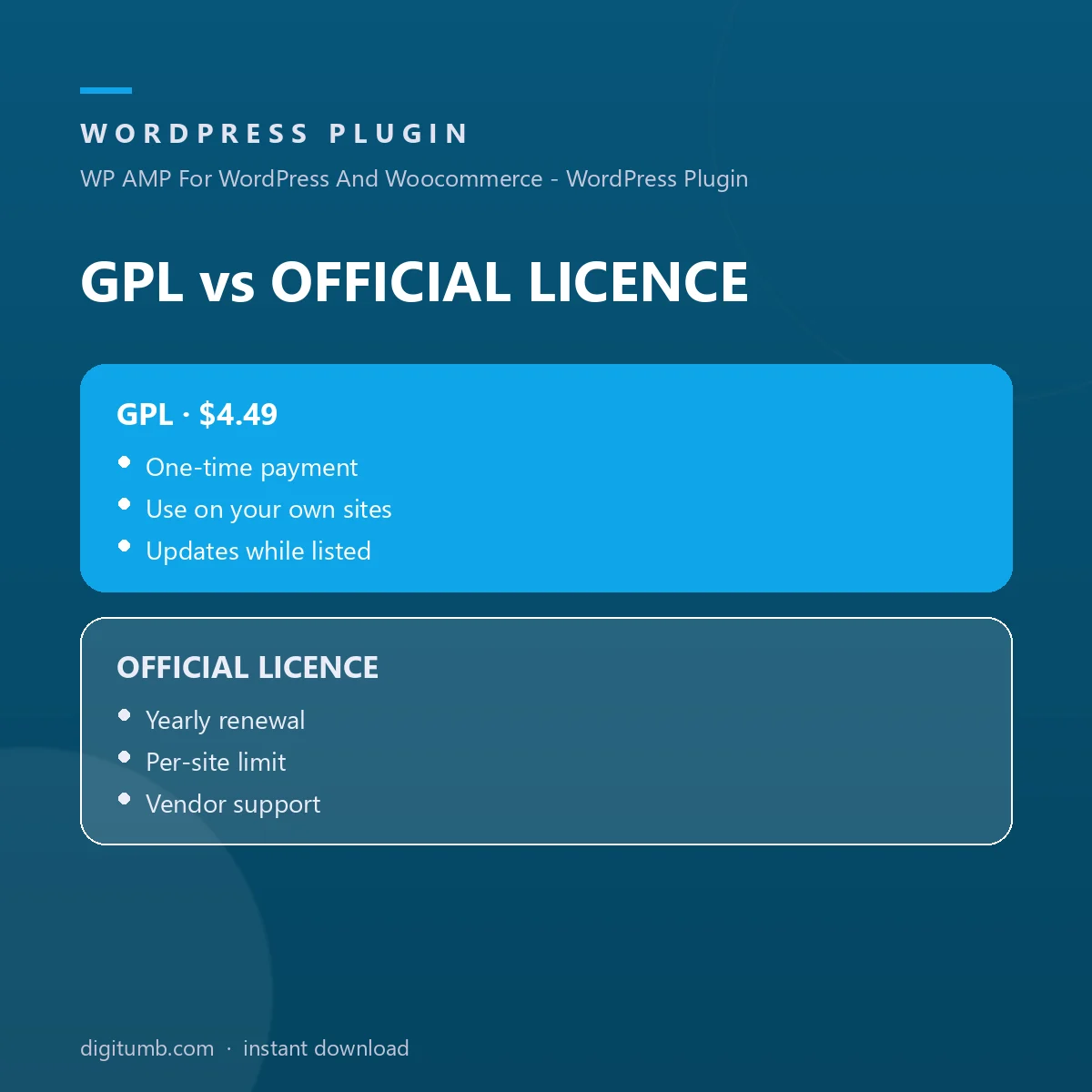
This is the same archive the developer publishes, redistributed under the GNU General Public License: you get the working files for $4.49 with no vendor update channel and no vendor support desk. If you need automatic updates or a support contract, buy the official license from the developer.
| This GPL build | Official license | |
|---|---|---|
| Price | $4.49 one time | Vendor subscription |
| Automatic updates | No | Yes |
| Developer support | No | Yes |
| Number of sites | Unlimited | Depends on plan |
Browse the rest of the WordPress plugins category or the full shop. The licence text is at GNU GPL v2, and general documentation is at WordPress.org.
You must be logged in to post a review.
You may also like…

Related products










Reviews
Clear filtersThere are no reviews yet.