



Zapier Integration for WooCommerce – WordPress Plugin
$4.49
Zapier Integration for WooCommerce is a WooCommerce extension that connects your store to the Zapier web automation service, giving you a bridge to 9,000+ third-party web services. It sends order.
Zapier Integration for WooCommerce is a WooCommerce extension that connects your store to the Zapier web automation service, giving you a bridge to 9,000+ third-party web services. It sends order, customer, product, coupon, booking, membership and subscription data out to Zapier-enabled apps, and it lets a Zap create or update that same store data. This GPL build ships the same files as the developer releases, with no vendor update channel and no vendor support desk, for $4.49.
| Product | Zapier Integration for WooCommerce |
|---|---|
| Version | 2.22.0 |
| Works with | WordPress 6.4+ / PHP 7.4.0+ |
| Tested up to | WordPress 7.0 |
| License | GPLv2 or later |
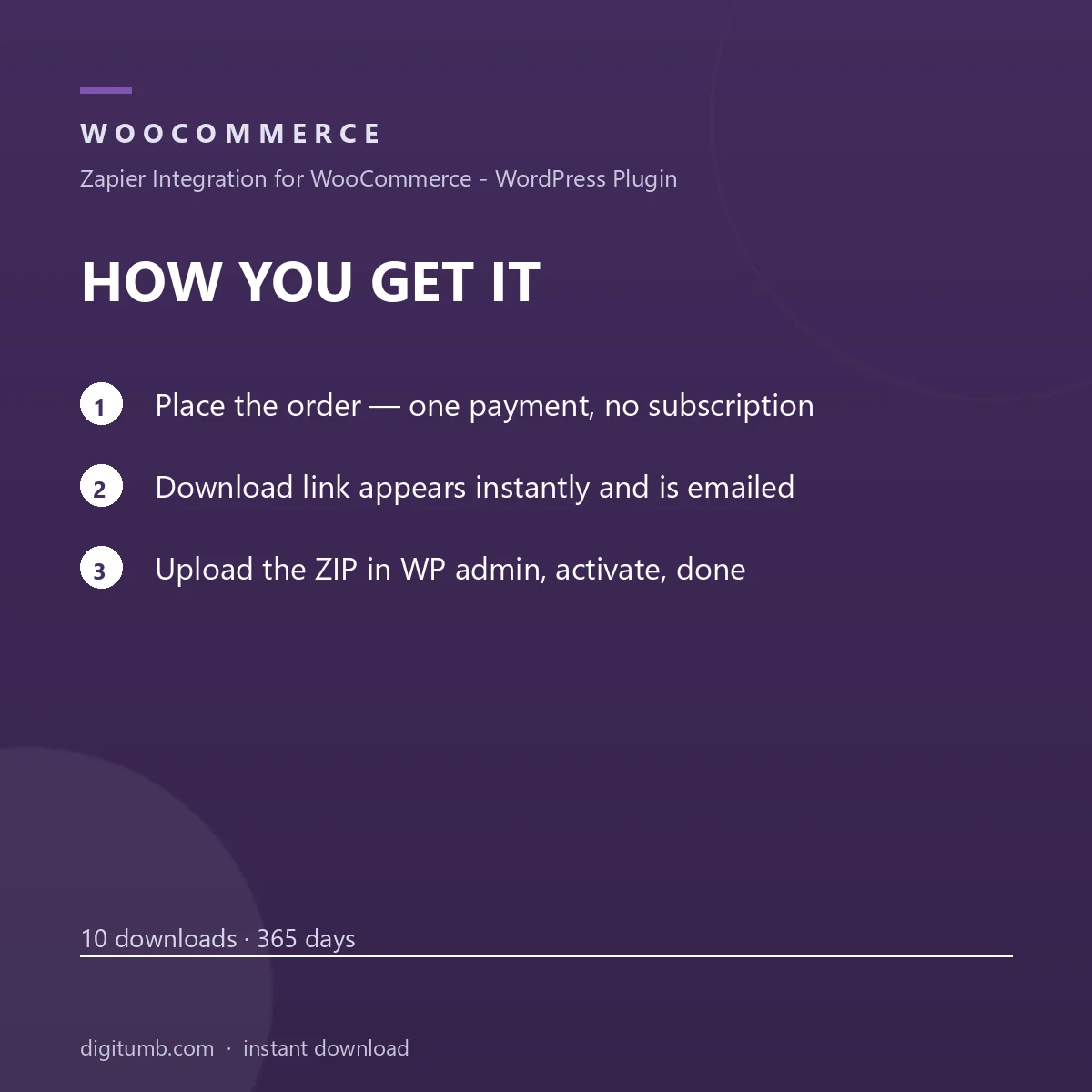
| Delivery | Instant ZIP download, 10 downloads, 365 days |
What Data Can You Send From WooCommerce to Zapier?
The plugin covers the main WooCommerce record types. You can send order, customer, product, coupon, booking, membership and subscription data to any of the 9,000+ Zapier-enabled apps. Each record type is exposed as a webhook topic with its own key and friendly name, so a Zap can subscribe to the events you care about.
Booking events include created, ordered, deleted, restored, updated and cancelled, plus status changes for any status. User membership status changes are available the same way, and subscription notes support creation and deletion events. The settings screens also expose subscription identifiers and note operations, so a Zap can target a specific subscription by ID.
Can a Zap Write Back Into Your Store?
Data flows both ways. A Zap can automatically create or update WooCommerce order, customer, product, coupon, membership or subscription data, which means an app outside WordPress can push records into the store without manual entry.
The plugin exposes listing and sorting controls for these resources, including result limits, page selection and sort direction, so a Zap can request a bounded set of records rather than the whole store. Subscription notes can be added to a named subscription ID from outside WooCommerce.
Which WooCommerce Extensions Does It Work With?
What this build includes
| Send orders to Zapier apps | Push WooCommerce order data to any of 9,000+ Zapier-enabled third-party web services you connect. |
|---|---|
| Sync customers, products and coupons | Send customer, product and coupon records out through the Zapier web automation service. |
| Booking event triggers | Trigger Zaps on booking created, ordered, deleted, restored, updated, cancelled and any status change. |
| Membership and subscription triggers | Fire on user membership status changes and on subscription note creation or deletion. |
| Create or update records from a Zap | Let a Zap write order, customer, product, coupon, membership or subscription data back into WooCommerce. |
| Filtered resource listing | Limit results by string, by plan name, by subscription ID, and control page size and sort direction. |
| Webhook topic management | Each topic carries a required key and a friendly name, with validation of the webhook topic on save. |
Installing it on a WordPress site
- Install the plugin ZIP in WordPress and activate it; the package requires WordPress 6.4 and PHP 7.4.0, and is tested up to WordPress 7.0.
- Open the Zapier Integration settings in WooCommerce and confirm the webhook topics you want to expose, giving each a valid key and a friendly name.
- Follow the install and configuration instructions at docs.tectalic.com/woocommerce-zapier/install/ to connect the store to your Zapier account.
Frequently asked questions
How many apps can I connect my store to?
The plugin integrates WooCommerce with 9,000+ third-party web services through the Zapier web automation service. You send order, customer, product, coupon, booking, membership or subscription data to those Zapier-enabled apps, or use a Zap to create and update the same record types in WooCommerce.
Does it work with WooCommerce Subscriptions and Bookings?
Yes. The plugin is designed to work alongside WooCommerce Subscriptions and WooCommerce Bookings without conflicts, and it exposes booking and subscription events such as booking created, booking cancelled, membership status changes and subscription note creation.
Will it work with my existing theme?
The plugin is compatible with most WordPress themes, so it works with your current design and layout. It is an integration layer for data exchange rather than a front-end component, so your theme output stays as it is.
What are the server requirements?
The package requires WordPress 6.4 or later and PHP 7.4.0 or later, and is tested up to WordPress 7.0. Check these before activating the plugin on a production store.
Where do I get help with setup?
Installation and configuration instructions are published at docs.tectalic.com/woocommerce-zapier/install/, and the full documentation sits at docs.tectalic.com/woocommerce-zapier/. This GPL build does not include a vendor support desk or a vendor update channel.
How is this build licensed and priced?
You receive the same files the developer ships, under GPL, for $4.49. There is no vendor update channel and no vendor support desk attached to this build; the ZIP is 0.2 MB and contains the src and templates folders.
What the GPL build means for you
This is the same archive the developer publishes, redistributed under the GNU General Public License: you get the working files for $4.49 with no vendor update channel and no vendor support desk. If you need automatic updates or a support contract, buy the official license from the developer.
| This GPL build | Official license | |
|---|---|---|
| Price | $4.49 one time | Vendor subscription |
| Automatic updates | No | Yes |
| Developer support | No | Yes |
| Number of sites | Unlimited | Depends on plan |
Browse the rest of the WordPress plugins category or the full shop. The licence text is at GNU GPL v2, and general documentation is at WordPress.org.
You must be logged in to post a review.
You may also like…

Related products





Reviews
Clear filtersThere are no reviews yet.