


Learndash LMS Gradebook – WordPress Plugin
$4.49
LearnDash LMS Gradebook is a LearnDash LMS addon that gives a single place to manage and track student grades inside your courses. It tracks quiz and assignment weights, shows letter and percentage.
LearnDash LMS Gradebook is a LearnDash LMS addon that gives a single place to manage and track student grades inside your courses. It tracks quiz and assignment weights, shows letter and percentage grades, and lets teachers create their own gradebooks. The build here is version 4.4.0.1, a 1.3 MB zip, sold as a GPL build for $4.49.
| Product | learndash-lms-gradebook |
|---|---|
| Version | 4.4.0.1 |
| Works with | WordPress 6.x+ / PHP 8.x+ |
| Tested up to | WordPress current |
| License | GPLv2 or later |
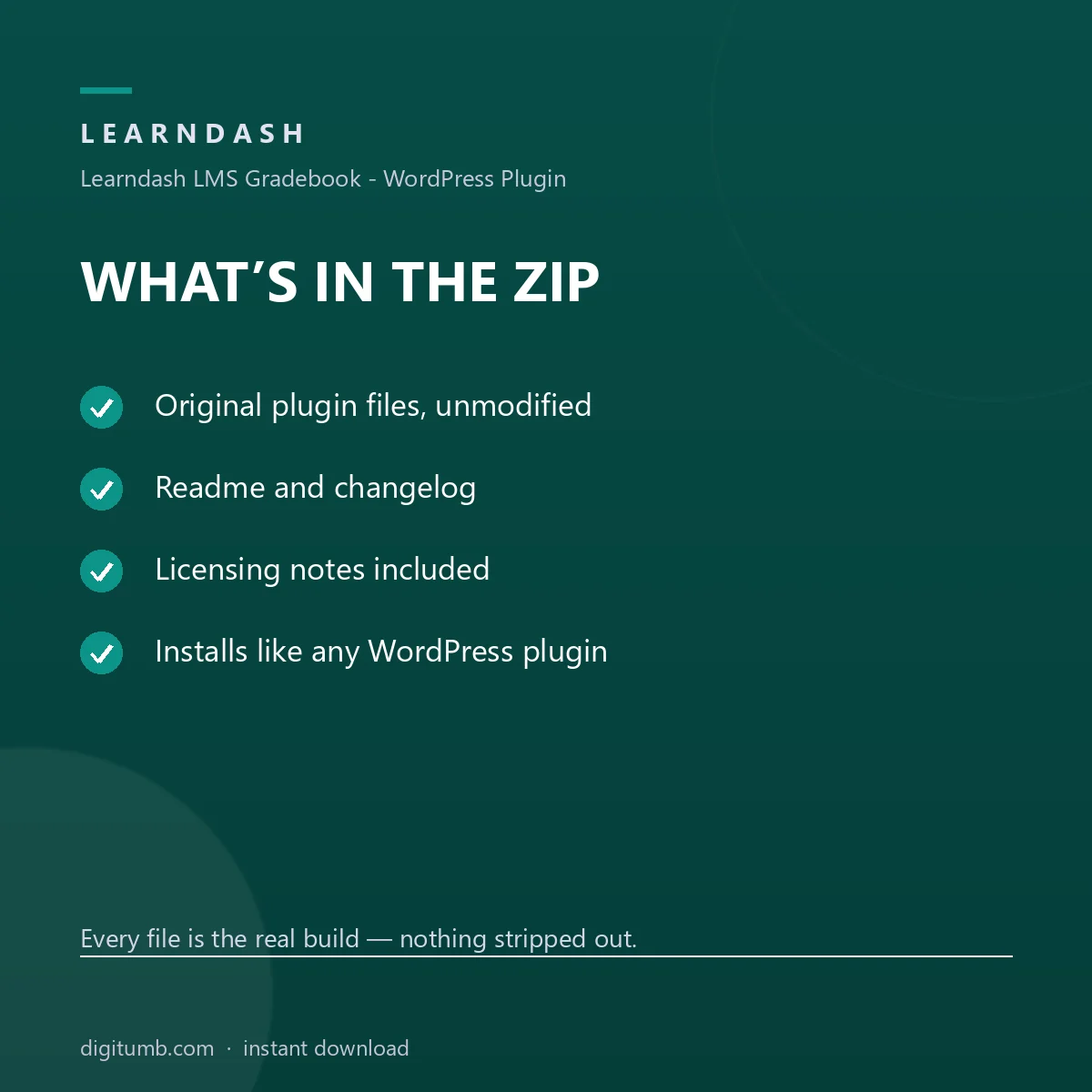
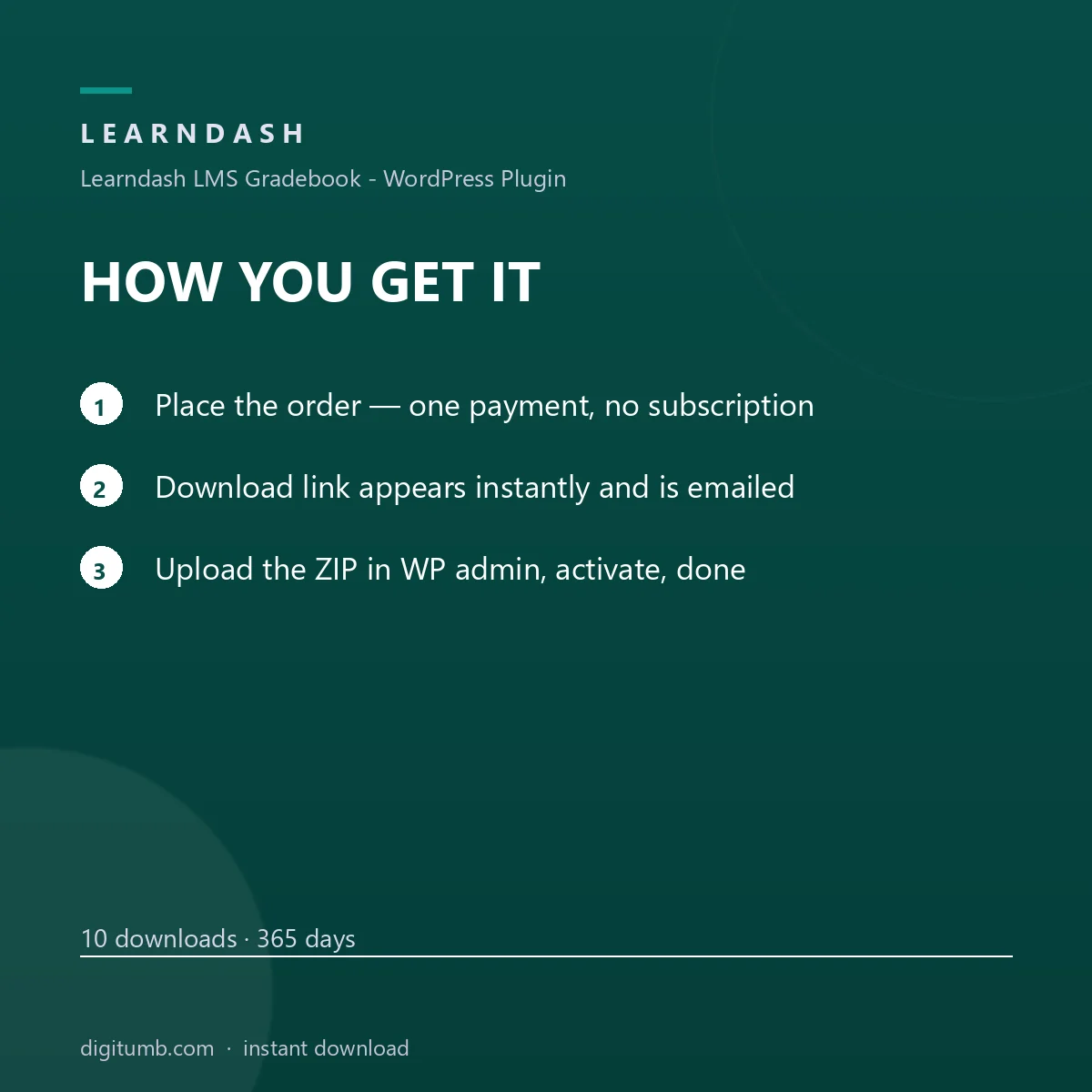
| Delivery | Instant ZIP download, 10 downloads, 365 days |
How Gradebook tracks quiz and assignment weights
The addon records the weight of each graded component, so a final course grade reflects how much a quiz or assignment is worth rather than a simple average. Each gradebook shows an Overall Grade plus its Component columns, which stay visible when you choose which other columns to display.
Teachers can create and edit their own gradebooks, and a Manage Gradebooks screen lists the gradebooks on the site. Opening a gradebook shows student results in one view, which is the central place for grading work in a LearnDash course.
Grade display modes, rounding and colour scales
General Settings control how grades appear. Grade Display Mode offers Letter and Percentage, so students can see either form. Grade Rounding Precision and Grade Rounding Mode set how decimal grades are rounded, and those rounding options do not apply while you are editing a gradebook.
Two scales are configured on the settings page: a Letter Grade Scale and a Grade Color Scale. Both are sorted by grade automatically when you save, so the order stays consistent without manual sorting.
Manual grades and the controls that limit them
Instructors can enter manual grades where a score comes from outside the quiz system. Two switches give you control over that: Disable Manual Grades stops manual entry entirely, and Disable Component Grade Override stops anyone from overriding a component grade.
A third option disables sorting by grades in the backend gradebook. When manual grades are turned off, the interface reports that manual grades have been disabled, and score fields reject non-numeric input with a message asking for a name and a numeric score.
Working alongside WooCommerce and membership plugins
The addon is built to work with other popular WordPress plugins, including membership and eCommerce plugins. WooCommerce compatibility means course sales and grading can be handled in one system rather than two.
On the settings screen you can restart the Quickstart guide and control Quickstart Guide visibility, which helps when a new instructor joins the site or when settings need to be reviewed again.
What this build includes
| Weighted component grading | Tracks quiz and assignment weights so the Overall Grade reflects how much each component counts toward the course result. |
|---|---|
| Letter and percentage display | Grade Display Mode lets you show grades as letters, percentages, or both, depending on what students and instructors need to see. |
| Rounding controls | Set Grade Rounding Precision and Grade Rounding Mode to decide how decimal grades are rounded, with the setting excluded while editing a gradebook. |
| Configurable grade scales | Define a Letter Grade Scale and a Grade Color Scale; both sort themselves by grade when saved. |
| Column selection | Choose which columns appear in a gradebook, while the Overall Grade and Component columns always remain visible. |
| Manual grade switches | Disable Manual Grades and Disable Component Grade Override give you control over who can enter or override scores. |
| Instructor-owned gradebooks | Teachers can create and edit their own gradebooks, and administrators manage them from a Manage Gradebooks screen. |
| Quickstart guidance | A Quickstart guide can be restarted and its visibility controlled from the settings page. |
Installing it on a WordPress site
- Upload the plugin zip through the Plugins section of your WordPress dashboard and activate it.
- Open the Gradebook by LearnDash Settings page to configure general settings, display mode, rounding and scales.
- Create or open a gradebook, choose the columns to show, and start recording component grades.
Latest changes
This is version 4.4.0.1 of the plugin.
Frequently asked questions
Does LearnDash LMS Gradebook work with WooCommerce?
Yes. The addon is compatible with WooCommerce, so course sales and grading can be managed in one unified system. It is also designed to integrate with other popular WordPress plugins, including membership and eCommerce plugins.
Can I stop instructors from entering manual grades?
Yes. Turn on Disable Manual Grades in the settings to block manual grade entry. A separate option, Disable Component Grade Override, stops anyone from overriding a component grade, and another disables grade sorting in the backend gradebook.
How are final grades calculated?
The addon tracks quiz and assignment weights, and each gradebook shows an Overall Grade alongside its Component columns. You set the display mode to Letter and Percentage, and control rounding through Grade Rounding Precision and Grade Rounding Mode.
What do I get for $4.49?
You get the GPL build of LearnDash LMS Gradebook version 4.4.0.1 as a 1.3 MB zip: the same files the developer ships. There is no vendor update channel and no vendor support desk with this purchase.
What the GPL build means for you
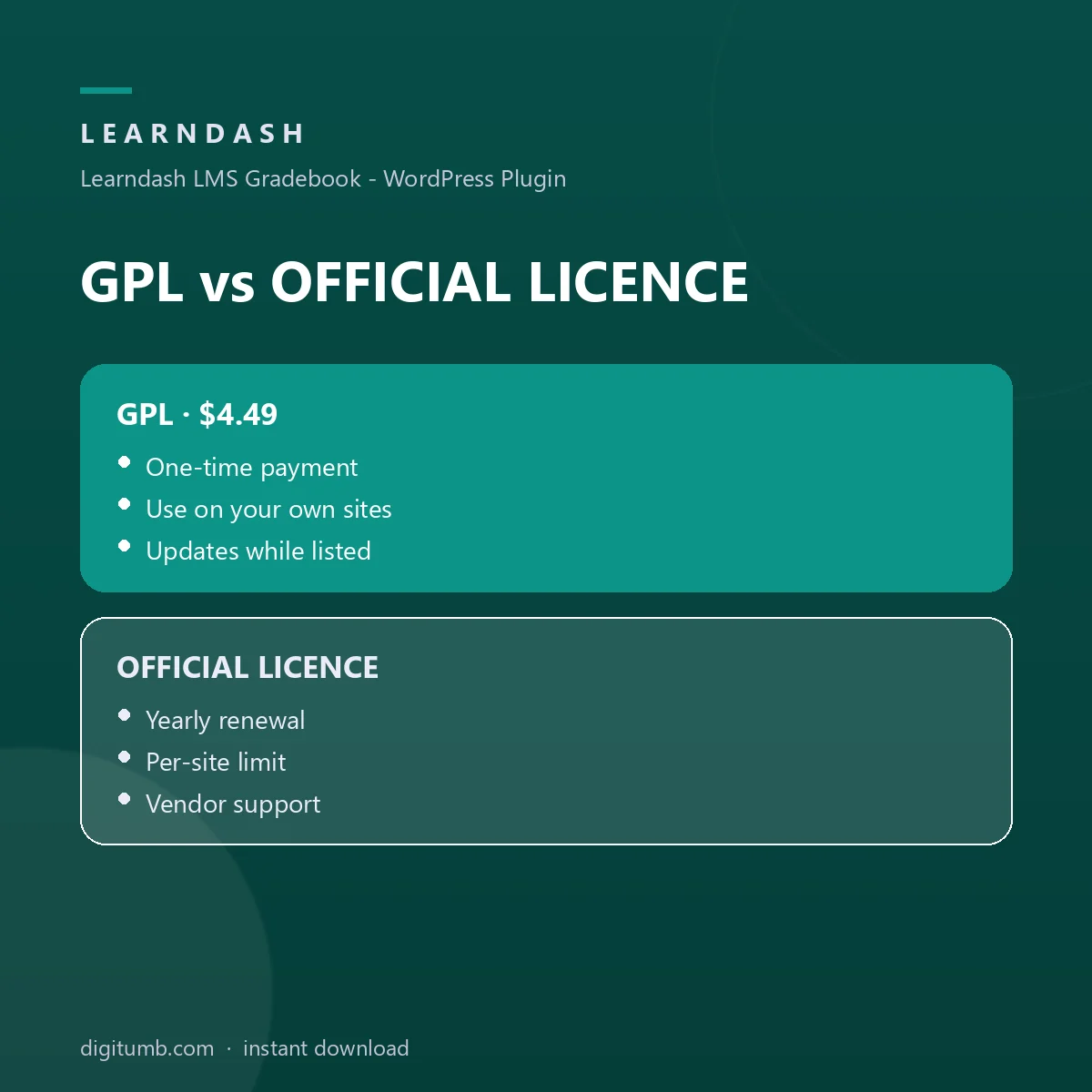
This is the same archive the developer publishes, redistributed under the GNU General Public License: you get the working files for $4.49 with no vendor update channel and no vendor support desk. If you need automatic updates or a support contract, buy the official license from the developer.
| This GPL build | Official license | |
|---|---|---|
| Price | $4.49 one time | Vendor subscription |
| Automatic updates | No | Yes |
| Developer support | No | Yes |
| Number of sites | Unlimited | Depends on plan |
Browse the rest of the WordPress plugins category or the full shop. The licence text is at GNU GPL v2, and general documentation is at WordPress.org.
You must be logged in to post a review.
You may also like…

Related products





Reviews
Clear filtersThere are no reviews yet.