



WooCommerce Twilio SMS Notifications – WordPress Plugin
$4.49
WooCommerce Twilio SMS Notifications is a WordPress plugin that sends automated SMS messages to customers about their order status, shipping updates and other important notifications. It connects.
WooCommerce Twilio SMS Notifications is a WordPress plugin that sends automated SMS messages to customers about their order status, shipping updates and other important notifications. It connects your WooCommerce store to Twilio so that order events trigger text messages, and it adds an opt-in checkbox at checkout so customers can choose to receive them. The plugin also supports admin SMS alerts for new orders.
| Product | WooCommerce Twilio SMS Notifications |
|---|---|
| Version | 1.19.4 |
| Works with | WordPress 5.6+ / PHP 7.4+ |
| Tested up to | WordPress 7.0 |
| License | GPLv2 or later |
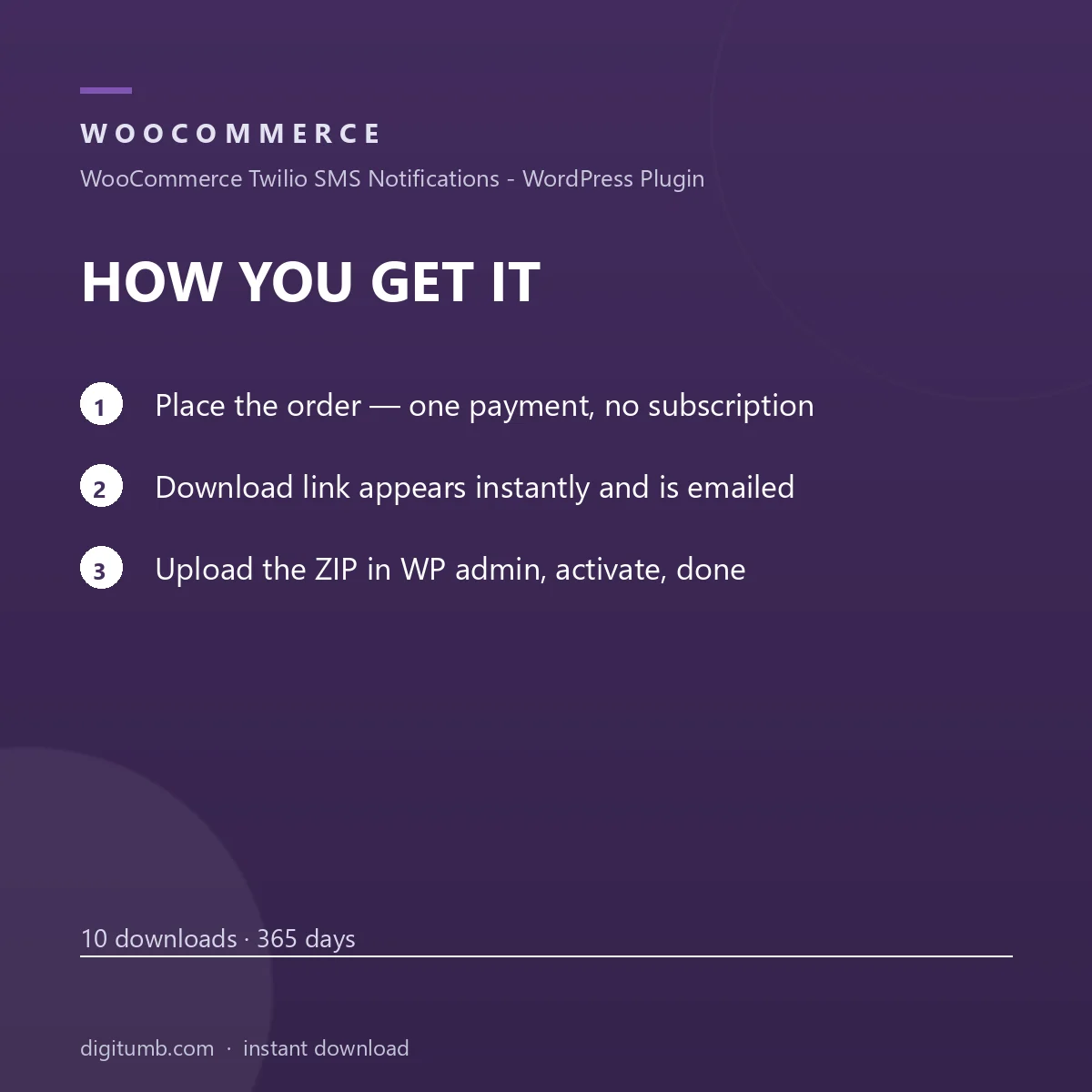
| Delivery | Instant ZIP download, 10 downloads, 365 days |
Which order events can trigger an SMS to the customer?
The Customer Notifications section lets you pick the order statuses that should send a text. Orders that reach a selected status get an SMS notification automatically, so you decide which steps in the order lifecycle are worth a message.
A default customer SMS message covers the standard case, and a separate return SMS message can be enabled with its own response text. This gives you one message for regular order updates and a distinct one for returns.
How does the checkout opt-in checkbox work?
The plugin adds an opt-in checkbox to the checkout page with the label "Please send me order updates via text message". You can edit that label from the General Settings screen and set the checkbox's default status at checkout.
Because the opt-in lives on the checkout page, customers give their consent as part of the order, and the billing phone number on the order becomes the number that receives the SMS. A manual send option is also available: "Send an SMS to the billing phone number for this order."
Admin SMS alerts for new orders
Admin Notifications can be switched on so a text goes out when a new order arrives. You enter an admin mobile number and write the admin SMS message that should be sent.
The settings screen also includes a test flow: enter a mobile phone number and a test message, and the plugin asks you to make sure both are filled in before sending. That lets you confirm your Twilio credentials and message text before live orders start triggering alerts.
Long messages, link shortening and sender ID
Concatenate Messages can be enabled to automatically shorten links in SMS notifications through a URL shortener service. You then choose a remote URL shortener from the available options.
For the shortener, the settings provide fields for a Firebase Web API Key, a Firebase Dynamic Links Domain, and a Google URL Shortener API Key. A separate Enable Sender ID option accepts an alphanumeric sender ID for outgoing messages.
What this build includes
| Status-based customer SMS | Select which order statuses send an SMS, so customers are texted when their order reaches the stages you choose. |
|---|---|
| Checkout opt-in checkbox | Adds an opt-in checkbox on the checkout page with an editable label and a configurable default status. |
| New order admin alerts | Enable admin notifications, enter an admin mobile number and write the SMS message sent for each new order. |
| Return SMS message | Turn on a separate return SMS message with its own response text alongside the default customer message. |
| Manual order SMS | Send an SMS to the billing phone number for a specific order directly from the order screen. |
| Link shortening | Concatenate Messages shortens links in SMS notifications through a remote URL shortener service you select. |
| Alphanumeric sender ID | Enable Sender ID and enter an alphanumeric value so outgoing texts carry your chosen sender name. |
| Test message field | Enter a mobile number and test message to verify your Twilio setup before enabling live order notifications. |
Installing it on a WordPress site
- Upload the entire 'woocommerce-twilio-sms-notifications' folder to the '/wp-content/plugins/' directory.
- Activate the plugin through the 'Plugins' menu in WordPress.
- Open your WooCommerce settings, enter your Twilio API credentials, and customize the SMS notifications you want to send.
Latest changes
Current build is version 1.19.4, distributed as a 1.7 MB zip.
Frequently asked questions
What does WooCommerce Twilio SMS Notifications do?
It sends automated SMS messages to your customers about their order status, shipping updates and other important notifications. It also supports admin SMS alerts for new orders and an opt-in checkbox at checkout, so customers can agree to receive texts when they place an order.
How do I set up the plugin on my WordPress site?
Install and activate the plugin, then navigate to the WooCommerce settings and enter your Twilio API credentials. Customize your SMS notifications as needed, and you are ready to start sending messages. A test message field helps you confirm the setup first.
Is it compatible with the latest WordPress version?
Yes. The plugin is compatible with the latest version of WordPress and works with WooCommerce to provide SMS notifications. It requires WordPress 5.6 and PHP 7.4, and is tested up to WordPress 7.0.
Will it work with themes like Astra or OceanWP?
Yes. The plugin is designed to be compatible with popular themes such as Astra and OceanWP, so SMS notifications work regardless of the theme you choose for your store.
What am I buying at digitumb.com?
You get the GPL build of the plugin, version 1.19.4, as a 1.7 MB zip for $4.49. The files are the same ones the developer ships, with no vendor update channel and no vendor support desk.
What the GPL build means for you
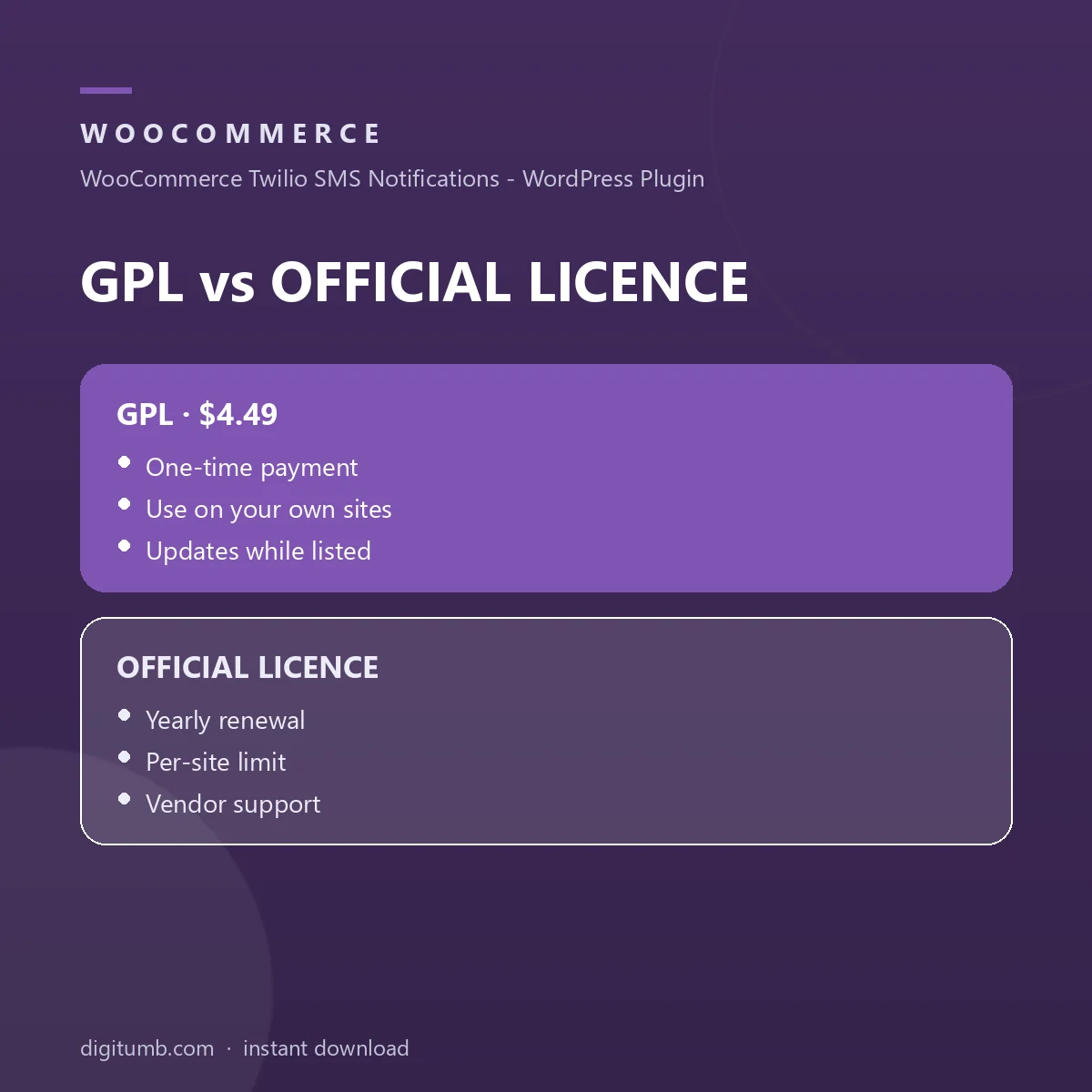
This is the same archive the developer publishes, redistributed under the GNU General Public License: you get the working files for $4.49 with no vendor update channel and no vendor support desk. If you need automatic updates or a support contract, buy the official license from the developer.
| This GPL build | Official license | |
|---|---|---|
| Price | $4.49 one time | Vendor subscription |
| Automatic updates | No | Yes |
| Developer support | No | Yes |
| Number of sites | Unlimited | Depends on plan |
Browse the rest of the WordPress plugins category or the full shop. The licence text is at GNU GPL v2, and general documentation is at WordPress.org.
You must be logged in to post a review.
You may also like…

Related products








Reviews
Clear filtersThere are no reviews yet.