


AWeber for WooCommerce GPL – WordPress Plugin
$4.49
AWeber for WooCommerce is a WooCommerce plugin that connects your store to the AWeber email marketing service. It subscribes customers to your newsletters, adds subscribers during registration and.
AWeber for WooCommerce is a WooCommerce plugin that connects your store to the AWeber email marketing service. It subscribes customers to your newsletters, adds subscribers during registration and checkout, applies tags to those subscribers, and registers abandoned carts so AWeber can manage the emails sent to customers. This build is version 4.0.7, a 0.2 MB zip, sold as a GPL build for $4.49.
| Product | AWeber for WooCommerce |
|---|---|
| Version | 4.0.7 |
| Works with | WordPress 5.0+ / PHP 7.0+ |
| Tested up to | WordPress 7.1.3 |
| License | GPLv2 or later |
| Delivery | Instant ZIP download, 10 downloads, 365 days |
How the checkout subscribe checkbox works
At checkout the plugin places a subscribe checkbox that customers tick to join your AWeber lists. The label shown next to that checkbox is editable, so you can word it for your store, and a setting makes the checkbox checked by default for every customer who reaches the checkout form.
Checkout location lets you choose where the subscription field appears inside the checkout form. Checkout rules define which customers get subscribed to which AWeber lists from that form, and Subscribe on order statuses lets you decide when the subscription is triggered. Leave the order status field empty and customers are always subscribed when the order is created; select specific statuses to subscribe only on those.
Collecting subscribers during account registration
A separate section controls subscription to AWeber when customers register in the store. You pick a registration list from a dropdown, and leaving that field empty deactivates the subscription during registration altogether.
The settings screen also reports subscriber counts: a WooCommerce AWeber subscribers view shows your numbers, with the message that there are no subscriber stats yet until data exists. Before any of this works you authorise WooCommerce to access your AWeber account from the plugin settings.
Tagging subscribers and handling abandoned carts
Tag fields let you define the tags added to subscribers and the tags removed from them, and unlisted tags can be added by separating entries with commas. This keeps AWeber segments aligned with what happens in your store.
For abandoned carts, the plugin uses AWeber to manage the carts and automate the emails sent to your customers. You choose an abandoned cart list in the settings, so the cart records and the follow-up emails sit inside the AWeber account you already use.
Requirements, GPL build and what you receive
The plugin requires WordPress 5.0 and PHP 7.0, and is tested up to WordPress 7.1.3. The zip contains the plugin folders docs and templates, and it is installed like any other WooCommerce extension.
You receive the same plugin files the developer ships, under GPL, for $4.49. There is no vendor update channel and no vendor support desk attached to this build; the changelog for the plugin is published by WooCommerce for reference.
What this build includes
| Checkout subscribe checkbox | Show a subscribe checkbox in the checkout form with an editable label so customers opt in to your AWeber lists. |
|---|---|
| Checked-by-default option | Make the subscribe checkbox checked by default for customers arriving at checkout. |
| Checkout location control | Choose where the subscription field is placed inside the checkout form. |
| Order status subscription rules | Subscribe customers only on selected order statuses, or leave the field empty to subscribe on order creation. |
| Registration list selection | Pick an AWeber list for customers who register in the store, or leave it empty to deactivate registration subscription. |
| Tag add and remove fields | Define tags to add to subscribers and tags to remove from them, including unlisted tags separated by commas. |
| Abandoned cart list | Select an AWeber list for abandoned carts so AWeber can manage the carts and automate customer emails. |
| Subscriber stats view | A WooCommerce AWeber subscribers screen reports subscriber stats once data is available. |
Installing it on a WordPress site
- Unzip the plugin and upload its folder to your /wp-content/plugins/ directory.
- Activate the extension through the Plugins menu in WordPress.
- Go to WooCommerce > Settings > AWeber, authorise WooCommerce to access your AWeber account, and configure lists, checkout rules and tags.
Latest changes
Version 4.0.7 is the current build in this package, and the plugin changelog is published by WooCommerce for reference.
Frequently asked questions
What does AWeber for WooCommerce actually do?
It integrates AWeber's email marketing service with your WooCommerce store so you can collect and manage email subscriptions from customers. Subscriptions can happen at checkout or at registration, tags can be added and removed, and abandoned carts can be registered in AWeber for automated emails.
Where do I configure the plugin after activating it?
All settings live under WooCommerce > Settings > AWeber. There you authorise WooCommerce to access your AWeber account, set the subscribe label and default checkbox state, choose the checkout location, define checkout rules and order statuses, select registration and abandoned cart lists, and manage tags.
Can I choose exactly when a customer is subscribed?
Yes. The Subscribe on order statuses field controls this. Leave it empty and customers are always subscribed when the order is created. Select specific order statuses and the subscription happens only when an order reaches one of those statuses.
Does the plugin work with my theme and other plugins?
The plugin is designed to work with other popular WordPress plugins, including SEO plugins and page builders, and it is compatible with most popular WordPress themes. That means you can keep your existing design and add the AWeber subscription features without conflicts.
What are the server requirements?
The plugin requires WordPress 5.0 and PHP 7.0, and is tested up to WordPress 7.1.3. Check that your host meets the WordPress and PHP versions before installing the zip.
What the GPL build means for you
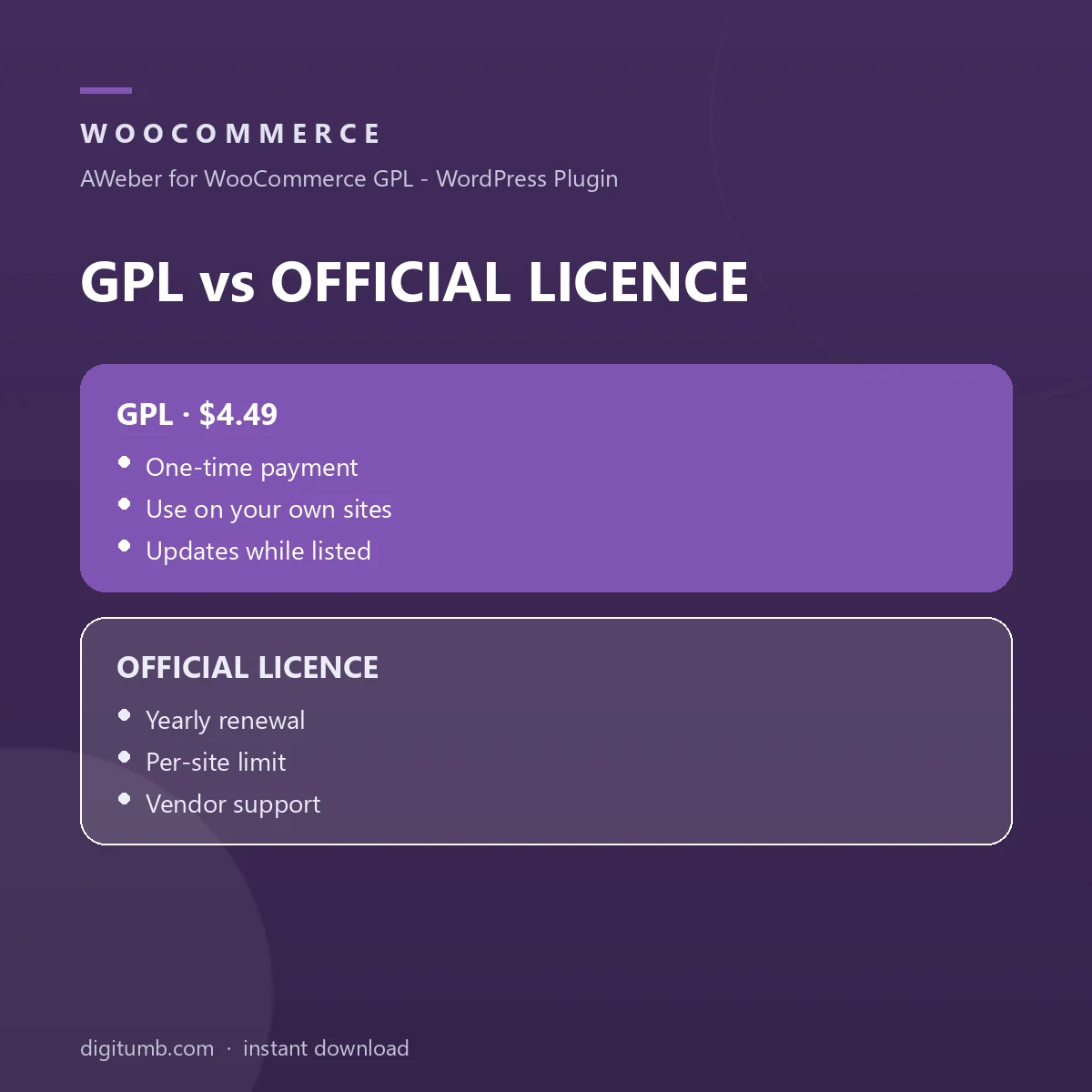
This is the same archive the developer publishes, redistributed under the GNU General Public License: you get the working files for $4.49 with no vendor update channel and no vendor support desk. If you need automatic updates or a support contract, buy the official license from the developer.
| This GPL build | Official license | |
|---|---|---|
| Price | $4.49 one time | Vendor subscription |
| Automatic updates | No | Yes |
| Developer support | No | Yes |
| Number of sites | Unlimited | Depends on plan |
Browse the rest of the WordPress plugins category or the full shop. The licence text is at GNU GPL v2, and general documentation is at WordPress.org.
You must be logged in to post a review.
You may also like…

Related products








Reviews
Clear filtersThere are no reviews yet.