



WooCommerce Sequential Order Numbers – WordPress Plugin
$4.49
WooCommerce Sequential Order Numbers Pro is a WooCommerce plugin that replaces default order IDs with custom incrementing order numbers. You set the starting number, a prefix and a suffix, so every.
WooCommerce Sequential Order Numbers Pro is a WooCommerce plugin that replaces default order IDs with custom incrementing order numbers. You set the starting number, a prefix and a suffix, so every order follows the format your store needs. The plugin also handles free orders separately, with an optional skip rule and their own sequence and prefix. It runs on WordPress 5.6 or newer and PHP 7.4 or newer.
| Product | WooCommerce Sequential Order Numbers Pro |
|---|---|
| Version | 1.21.11 |
| Works with | WordPress 5.6+ / PHP 7.4+ |
| Tested up to | WordPress 7.1.3 |
| License | GPLv2 or later |
| Delivery | Instant ZIP download, 10 downloads, 365 days |
How the order number format is built
The settings screen gives you three fields that decide what a buyer sees on an order: Order Number Start, Order Number Prefix and Order Number Suffix. The start value sets where the sequence begins, and the plugin accepts any number greater than or equal to 0. Prefix and suffix are added around the number, so you can match an existing invoice or packing slip convention.
A Sample order number field shows the result of your current settings before you save, so you can check the format without placing a test order. The plugin validates the start value and returns the message 'Order Number Start must be a number greater than or equal to 0.' when the entry is not valid.
Separate numbering for free orders
Free orders can be kept out of the main sequence. The Skip Free Orders option skips order numbers for free orders, so paid orders keep a gap-free run of numbers while free checkouts do not consume a position in that run.
If you would rather keep free orders numbered but visibly distinct, the plugin provides a Free Order Identifier field and a separate sequence and prefix for them. The settings screen gives the example FREE-123, which keeps free orders identifiable in the order list and in customer emails.
Compatibility with themes and other WooCommerce extensions
The plugin is built to work alongside other popular WooCommerce extensions, so adding it does not require removing the tools already running in your store. It is also compatible with the Storefront theme and with other popular WordPress themes.
Order numbers are set through the plugin's own settings screen, which sits inside WooCommerce. There is no separate dashboard to learn and no template edits to make.
What the GPL build includes and how it is priced
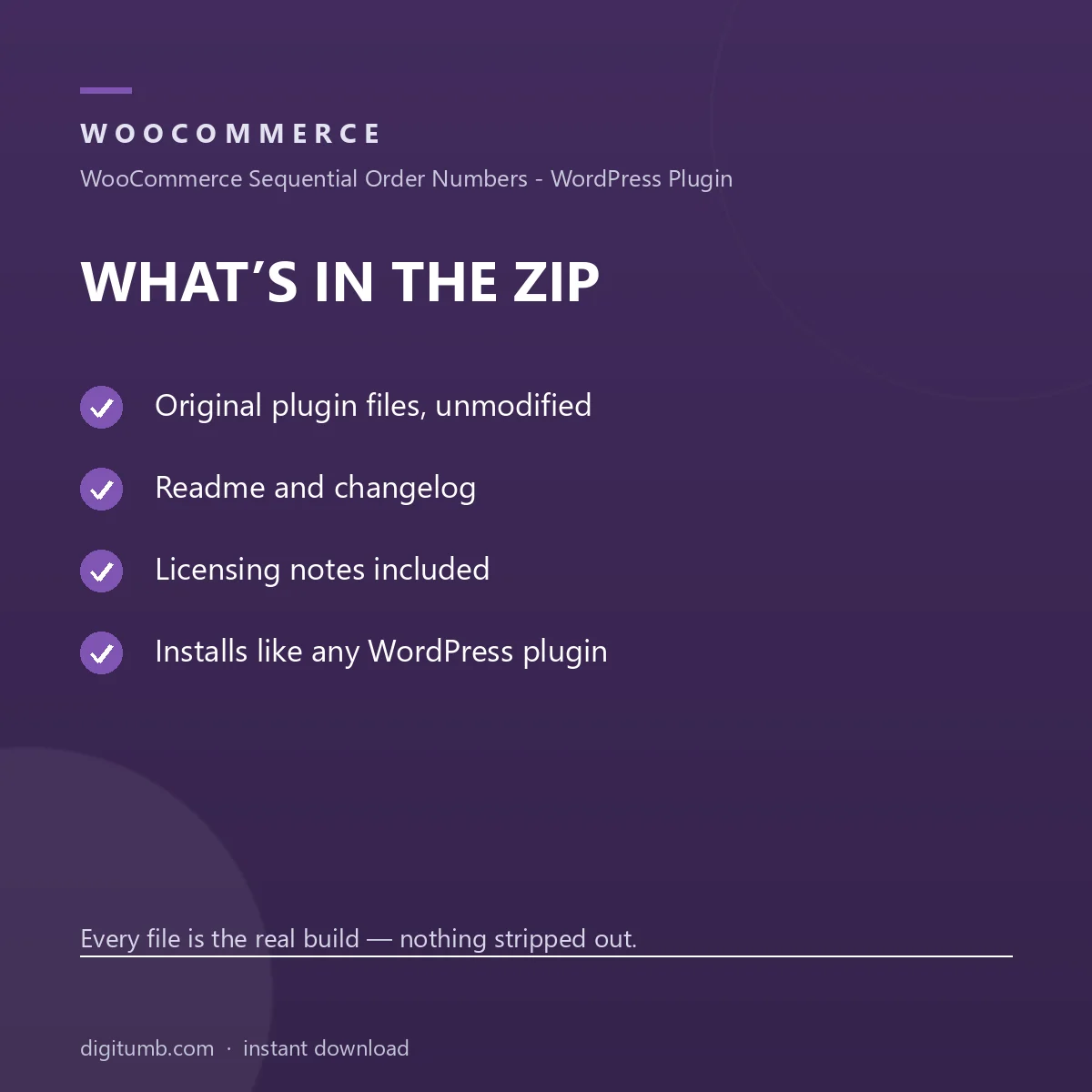
This is a GPL build sold by digitumb.com for $4.49. You receive the same plugin files the developer ships, packaged as a 1.7 MB zip with the plugin folder inside. The build is version 1.21.11.
The purchase does not include a vendor update channel or a vendor support desk. Updates and help with the plugin come from the GPL distribution you buy here, not from the original developer.
What this build includes
| Custom order number format | Set an Order Number Prefix and Order Number Suffix around the sequence to match your invoice or packing slip numbering. |
|---|---|
| Choose where numbering starts | The Order Number Start field sets the first number in the sequence and accepts any value greater than or equal to 0. |
| Sample order number preview | A Sample order number field displays the output of your current prefix, suffix and start settings before you save them. |
| Skip free orders | Turn on Skip Free Orders so free checkouts do not take a position in the paid order sequence. |
| Dedicated free order numbering | Give free orders their own sequence and prefix, with a Free Order Identifier field, following the FREE-123 example. |
| Input validation on the start value | The settings screen rejects an invalid start value and shows a message asking for a number greater than or equal to 0. |
| Works with Storefront and other themes | The plugin is compatible with the Storefront theme and other popular WordPress themes in use on WooCommerce stores. |
| Runs with other WooCommerce extensions | Designed to work alongside other popular WooCommerce extensions without conflicts, so your existing store setup stays in place. |
Installing it on a WordPress site
- Upload the entire 'woocommerce-sequential-order-numbers-pro' folder to the '/wp-content/plugins/' directory.
- Activate the plugin through the 'Plugins' menu in WordPress.
- Open the plugin settings and enter your Order Number Start, Order Number Prefix and Order Number Suffix, then check the Sample order number.
Frequently asked questions
What does WooCommerce Sequential Order Numbers Pro do?
It generates unique, sequential order numbers for your WooCommerce store. Instead of the default order IDs, each order receives a number built from the start value, prefix and suffix you configure, which keeps your order management organized and professional.
Can I give free orders a different number format?
Yes. Enable Skip Free Orders to leave free checkouts out of the main sequence, or use the Free Order Identifier with a separate sequence and prefix for free orders. The settings screen shows FREE-123 as an example of that format.
How do I set the plugin up on my WordPress site?
Upload the plugin file through the WordPress Plugins section, activate it, then configure the settings to customize your order number format. The start value, prefix and suffix are all set on the plugin's settings screen, and a sample order number shows the result.
Is it compatible with the Storefront theme?
Yes, the plugin is fully compatible with the Storefront theme and other popular WordPress themes, so it integrates into an existing website design without template changes.
Does it work with other WooCommerce extensions?
The plugin is designed to work with other popular WooCommerce extensions, so you can add it to a store that already runs additional WooCommerce tools without conflicts.
What are the server requirements?
The plugin requires WordPress 5.6 or newer and PHP 7.4 or newer. It has been tested up to WordPress 7.1.3.
What the GPL build means for you
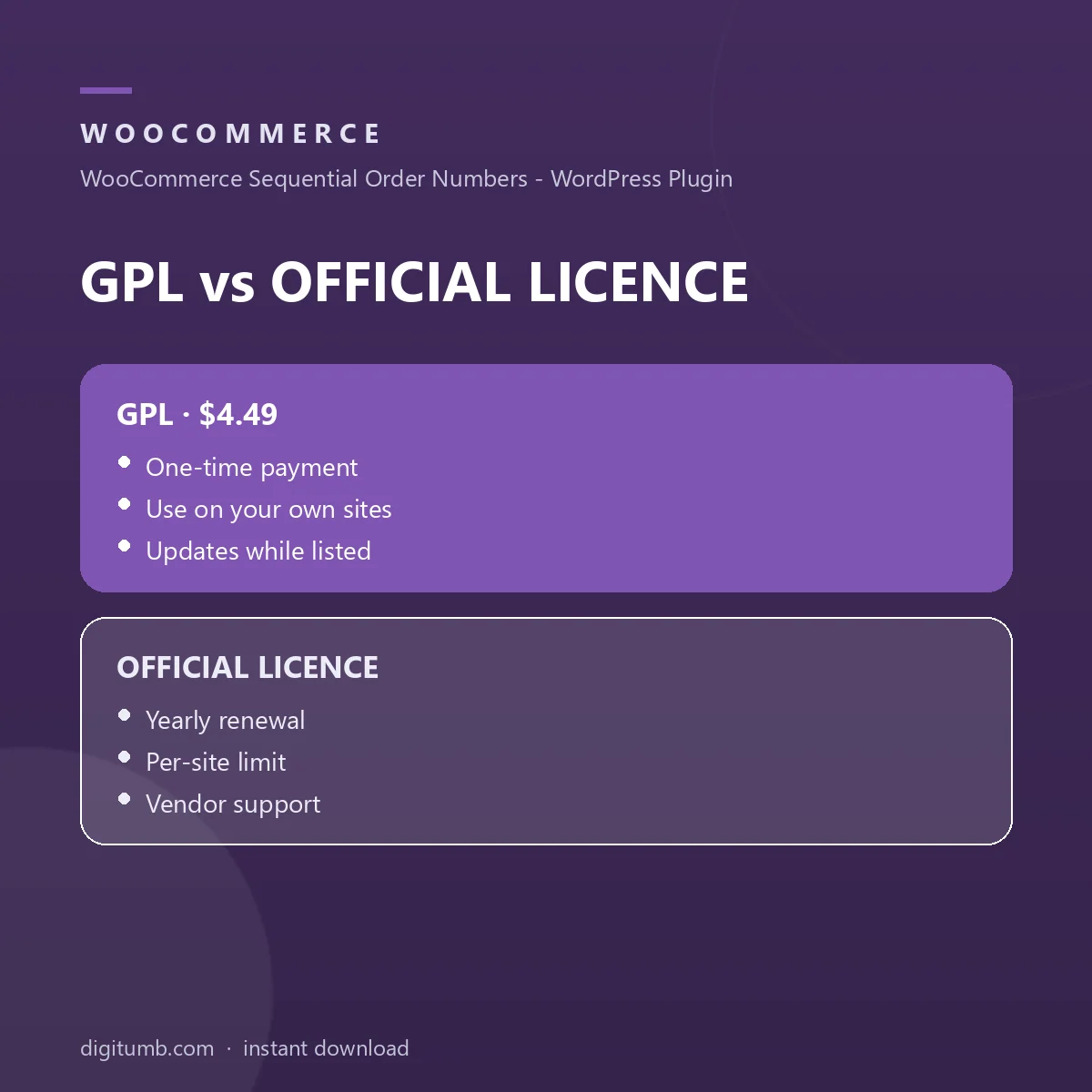
This is the same archive the developer publishes, redistributed under the GNU General Public License: you get the working files for $4.49 with no vendor update channel and no vendor support desk. If you need automatic updates or a support contract, buy the official license from the developer.
| This GPL build | Official license | |
|---|---|---|
| Price | $4.49 one time | Vendor subscription |
| Automatic updates | No | Yes |
| Developer support | No | Yes |
| Number of sites | Unlimited | Depends on plan |
Browse the rest of the WordPress plugins category or the full shop. The licence text is at GNU GPL v2, and general documentation is at WordPress.org.
You must be logged in to post a review.
You may also like…

Related products








Reviews
Clear filtersThere are no reviews yet.