



Extension for WooCommerce Sale Flash Pro GPL
$4.49
WooCommerce Sale Flash Pro is a WooCommerce addon that displays customizable sale flash notifications on your products, alerting shoppers to current promotions and discounts.
WooCommerce Sale Flash Pro is a WooCommerce addon that displays customizable sale flash notifications on your products, alerting shoppers to current promotions and discounts. It gives each product a visible sale marker, with per-product controls for the flash type and a switch to hide the flash. This GPL build ships the same plugin files the developer releases, with no vendor update channel and no vendor support desk, for $4.49.
| Product | Extension for WooCommerce |
|---|---|
| Version | 1.5.0 |
| Works with | WordPress 5.6+ / PHP 7.4+ |
| Tested up to | WordPress 6.9.4 |
| License | GPLv2 or later |
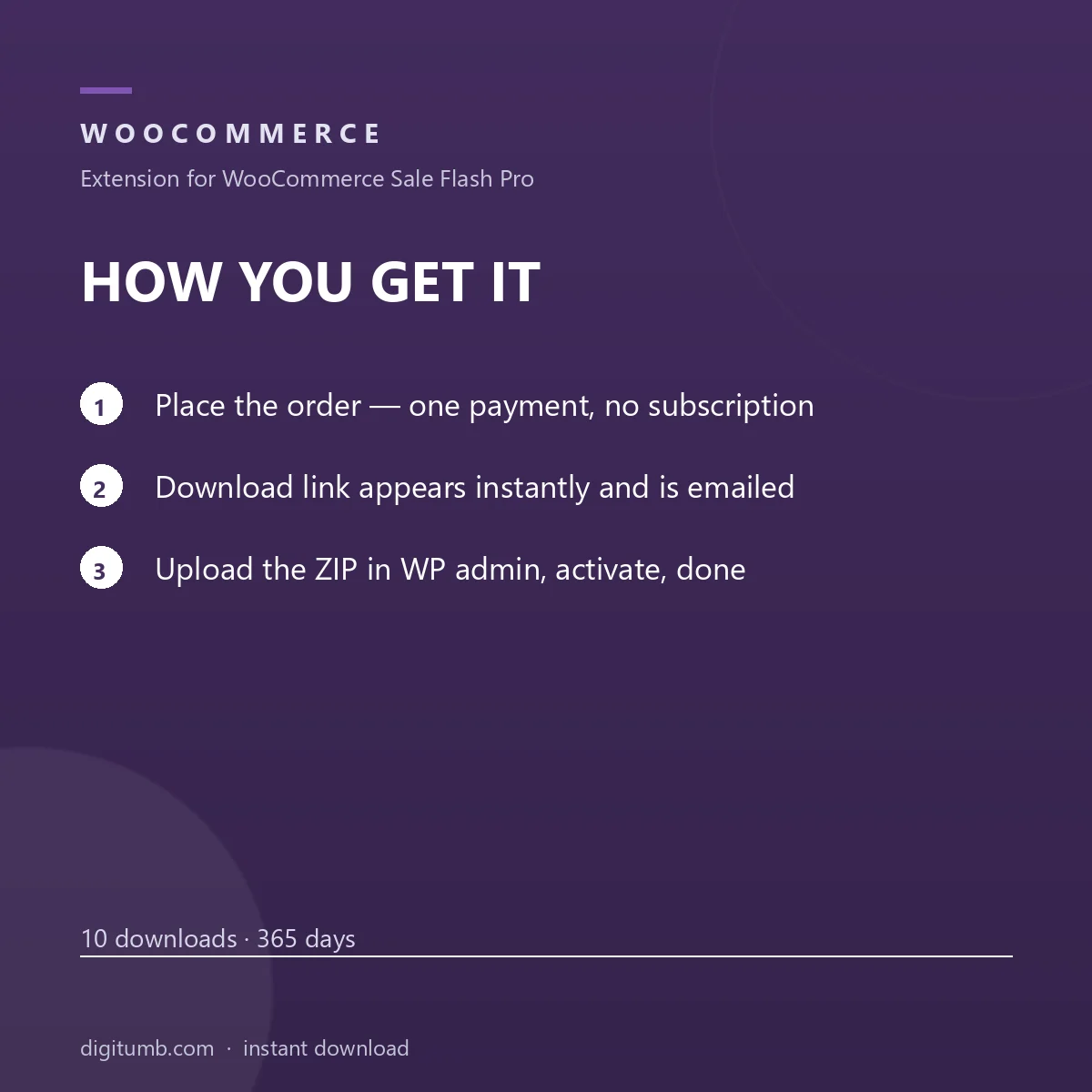
| Delivery | Instant ZIP download, 10 downloads, 365 days |
How WooCommerce Sale Flash Pro shows discounts on products
The plugin puts a sale flash on your products so customers notice active promotions without hunting for a price change. The vendor describes the result as enticing discounts at the top of products, and the settings screen opens with the line 'A flashed product just sold!' as the working example of a flashed product.
Visibility is controlled per product. You pick a sale flash type for each item, and a dedicated 'Hide sale flash' option lets you remove the flash from a product that should not carry one. A setting for 'Enable for variations' controls how sale flashes are displayed across variations, and the same screen notes that this can be overridden by editing individual products.
Sale flash options you can set on each product
Each product has its own sale flash style selector, described in the interface as 'Choose a sale flash style for this product.' A separate 'Sale flash price' option and a 'Show original price?' toggle let you decide what price information appears alongside the flash.
Because variation display can be overridden by editing products, you can keep a store-wide default and still adjust individual items. The settings screen confirms the result with 'Sale flash is configured!' once the choices are saved.
Theme and WordPress compatibility for sale notifications
The vendor states compatibility with popular themes such as Astra and Divi, so sale notifications can be integrated without conflicts. The plugin is also described as compatible with the latest version of WordPress.
For hosting requirements, this build requires WordPress 5.6 and PHP 7.4, and it is tested up to WordPress 6.9.4. The package is a 1.7 MB zip with vendor-scoped, i18n and src folders.
What this build includes
| Per-product sale flash type | Choose a sale flash style for each product so different items can carry different sale markers. |
|---|---|
| Hide the flash on selected products | A 'Hide sale flash' option removes the flash from a product that should not display one. |
| Variation display control | The 'Enable for variations' setting controls how sale flashes are displayed, and product edits can override it. |
| Original price toggle | A 'Show original price?' switch decides whether the original price appears with the sale flash. |
| Sale flash price setting | A dedicated 'Sale flash price' option lets you configure the price information shown with the flash. |
| Plugin information panel | An interface area exposes the plugin identifier, name and the absolute path to the plugin file. |
Installing it on a WordPress site
- Upload the 1.7 MB zip through the WordPress plugin installer, or place the extracted folder in your plugins directory.
- Activate WooCommerce Sale Flash Pro and confirm your site runs WordPress 5.6 or later with PHP 7.4 or later.
- Open the plugin settings, choose a sale flash type, set the price display options, and save until the screen reports the sale flash is configured.
Frequently asked questions
What does WooCommerce Sale Flash Pro add to a WooCommerce store?
It adds customizable sale notifications that alert customers to current promotions and discounts, increasing visibility and driving sales. The flash appears at the top of products, and each product can have its own flash type or have the flash hidden entirely.
Can I turn the sale flash off for a single product?
Yes. The settings include a 'Hide sale flash' option for a product, so you can keep sale markers on the catalogue generally while removing one from a specific item. Variation display can also be overridden by editing products.
Does it work with Astra or Divi?
The vendor lists compatibility with popular themes such as Astra and Divi, allowing you to integrate sale notifications without conflicts. It is also described as compatible with the latest version of WordPress.
What are the server requirements?
This build requires WordPress 5.6 and PHP 7.4, and it is tested up to WordPress 6.9.4. Check that your host meets those versions before activating the plugin.
How is this GPL build priced and supported?
The price is $4.49. You receive the same plugin files the developer ships, but there is no vendor update channel and no vendor support desk through this store.
What the GPL build means for you
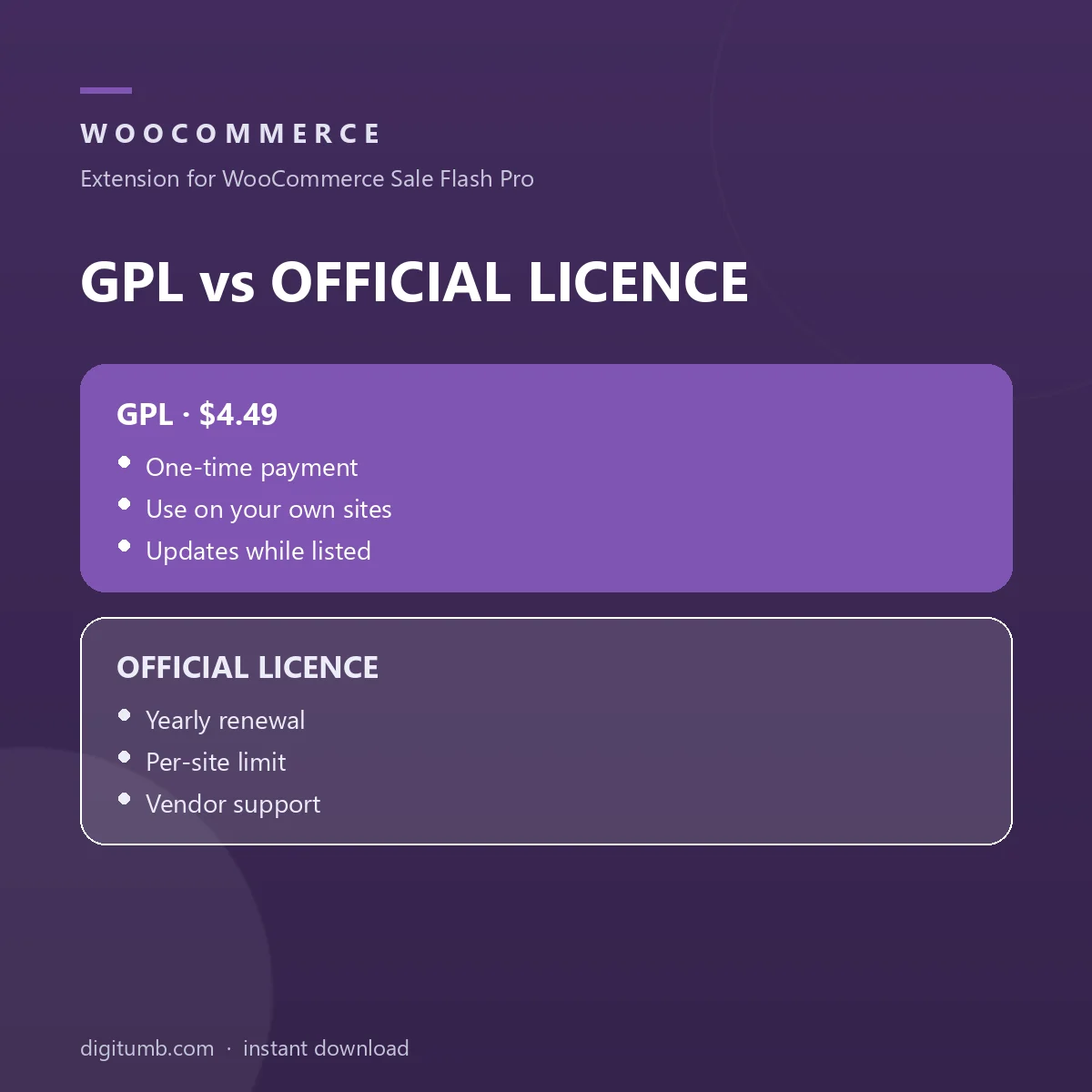
This is the same archive the developer publishes, redistributed under the GNU General Public License: you get the working files for $4.49 with no vendor update channel and no vendor support desk. If you need automatic updates or a support contract, buy the official license from the developer.
| This GPL build | Official license | |
|---|---|---|
| Price | $4.49 one time | Vendor subscription |
| Automatic updates | No | Yes |
| Developer support | No | Yes |
| Number of sites | Unlimited | Depends on plan |
Browse the rest of the WordPress plugins category or the full shop. The licence text is at GNU GPL v2, and general documentation is at WordPress.org.
You must be logged in to post a review.
You may also like…

Related products







Reviews
Clear filtersThere are no reviews yet.