



Userpro Social Wall Add – WordPress Plugin
$4.49
UserPro Social Wall Add On is an add-on for UserPro that lets members display their social media activity in a unified feed on your WordPress site. The feed pulls member social posts into one social.
UserPro Social Wall Add On is an add-on for UserPro that lets members display their social media activity in a unified feed on your WordPress site. The feed pulls member social posts into one social wall, so visitors see community activity in a single place instead of scattered profiles. It is built to increase interaction and community engagement on sites already running UserPro.
| Product | userpro-social-wall-add-on |
|---|---|
| Version | 4.4 |
| Works with | WordPress 6.x+ / PHP 8.x+ |
| Tested up to | WordPress current |
| License | GPLv2 or later |
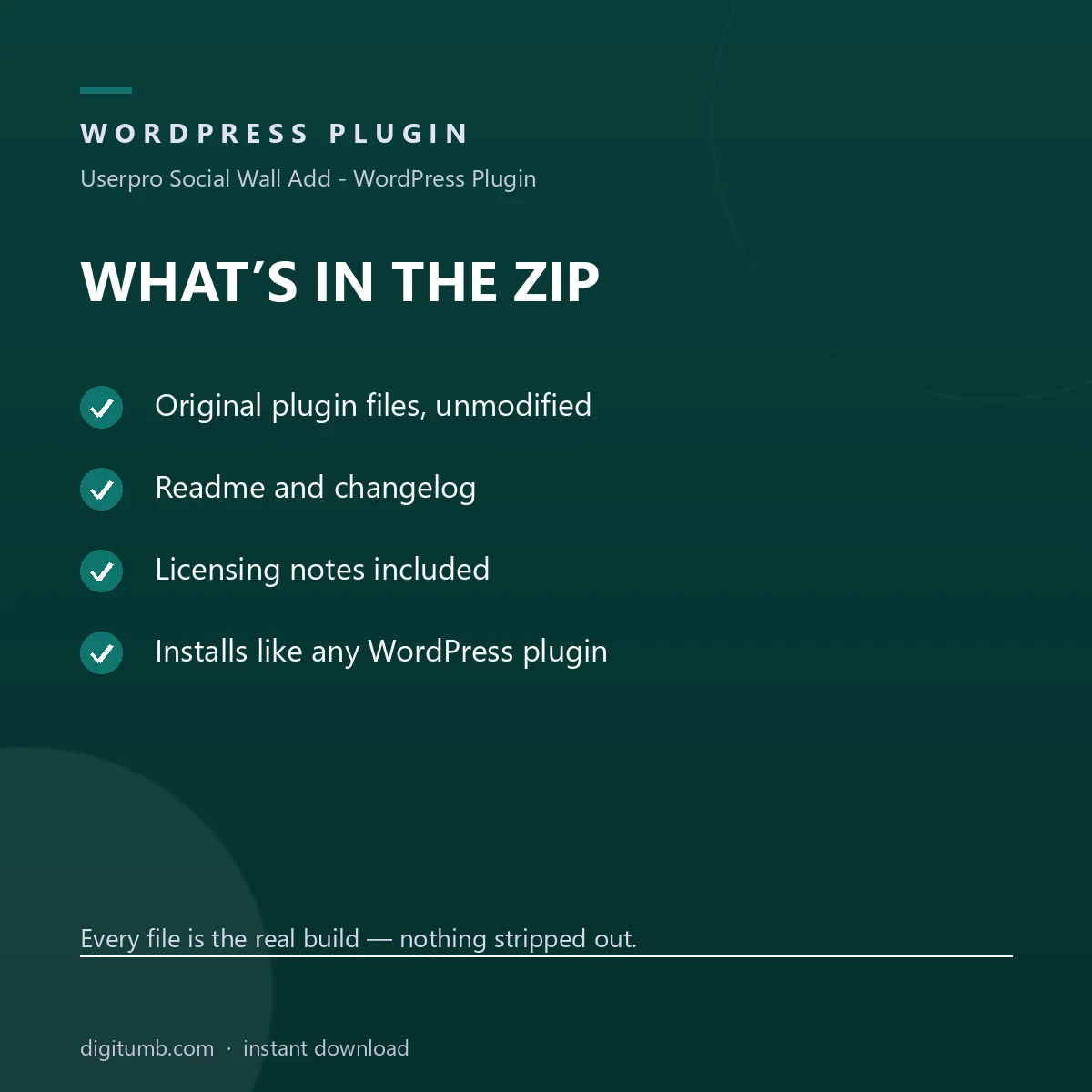
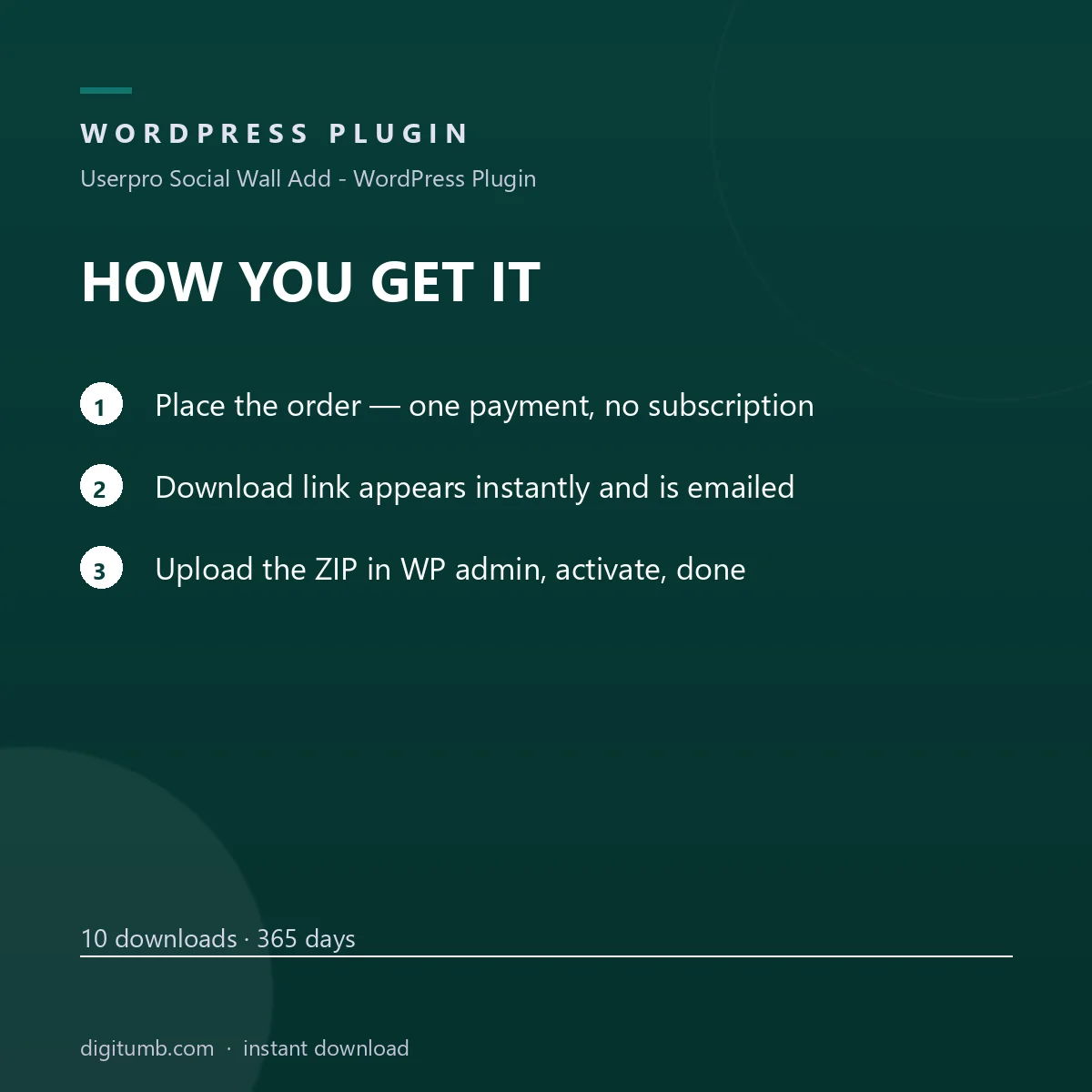
| Delivery | Instant ZIP download, 10 downloads, 365 days |
How the Social Wall Feed Works on Your UserPro Site
The add-on collects the social media activity users share and presents it as one continuous feed. Instead of each member's updates sitting apart, the social wall brings them together so the community can follow what members are posting across their social accounts.
Because the wall is part of UserPro, it runs inside the same membership environment your users already know. The result is a single destination for social activity that keeps visitors on your site rather than sending them out to separate networks.
Adding the Social Wall to Elementor Pages
The add-on is compatible with Elementor, so you can place the social wall on pages you build with the Elementor editor. That means the wall can sit alongside your other Elementor sections without a separate layout workflow.
Elementor compatibility covers the page-building side; the social wall itself is configured through the add-on's settings, where you adjust how the wall appears on your site.
Working Alongside Your Existing WordPress Plugins
The add-on is designed to work well with most popular WordPress plugins, so it can fit into a setup that already uses other tools. You do not need to strip your site down to a single plugin to add a social wall.
Its package includes separate folders for templates, admin screens, functions, scripts, CSS, images and a lib directory, which reflects the way the add-on is organised behind the scenes.
What this build includes
| Unified social feed | Display users' social media activity in one combined feed on your WordPress site, so community posts appear in a single stream. |
|---|---|
| Community engagement | Give members a shared place to see each other's social activity, which supports interaction and engagement within your UserPro community. |
| Elementor compatibility | Add the social wall to pages designed with Elementor, placing it alongside your existing Elementor-built sections. |
| Plugin compatibility | Designed to work well with most popular WordPress plugins, so it can integrate with an existing plugin setup. |
| Configurable social wall | Adjust the add-on's configuration settings to customise how the social wall is set up on your site. |
Installing it on a WordPress site
- Download the add-on file and go to Plugins > Add New in your WordPress dashboard, then upload the file.
- Activate the plugin once the upload completes.
- Open the configuration settings and adjust them to customise your social wall.
Latest changes
This build is version 4.4 of the add-on.
Frequently asked questions
What does UserPro Social Wall Add On actually do?
It lets users display their social media activity in a unified feed on your WordPress site. The feed brings member social posts together on one social wall, which supports interaction and community engagement. It is an add-on for UserPro, so it extends a site that already runs UserPro.
Can I use the social wall on Elementor-designed pages?
Yes. The add-on is compatible with Elementor, so you can add the social wall to pages you build with Elementor. This lets the wall sit with your other Elementor sections instead of requiring a separate page layout.
Will it conflict with the other plugins on my site?
The add-on is designed to work well with most popular WordPress plugins, so it is built to integrate with an existing setup. As with any plugin, check your own combination of plugins on a staging copy before applying changes to a live site.
How do I install and set it up?
Download the plugin, then in your WordPress dashboard go to Plugins > Add New, upload the file and activate it. After activation, follow the configuration settings to customise your social wall. The settings are where you control how the wall is set up on your site.
What am I buying at $4.49?
You get a GPL build of the add-on containing the same files the developer ships, at $4.49. There is no vendor update channel and no vendor support desk with this build. The zip is 0.5 MB and the current version is 4.4.
What the GPL build means for you
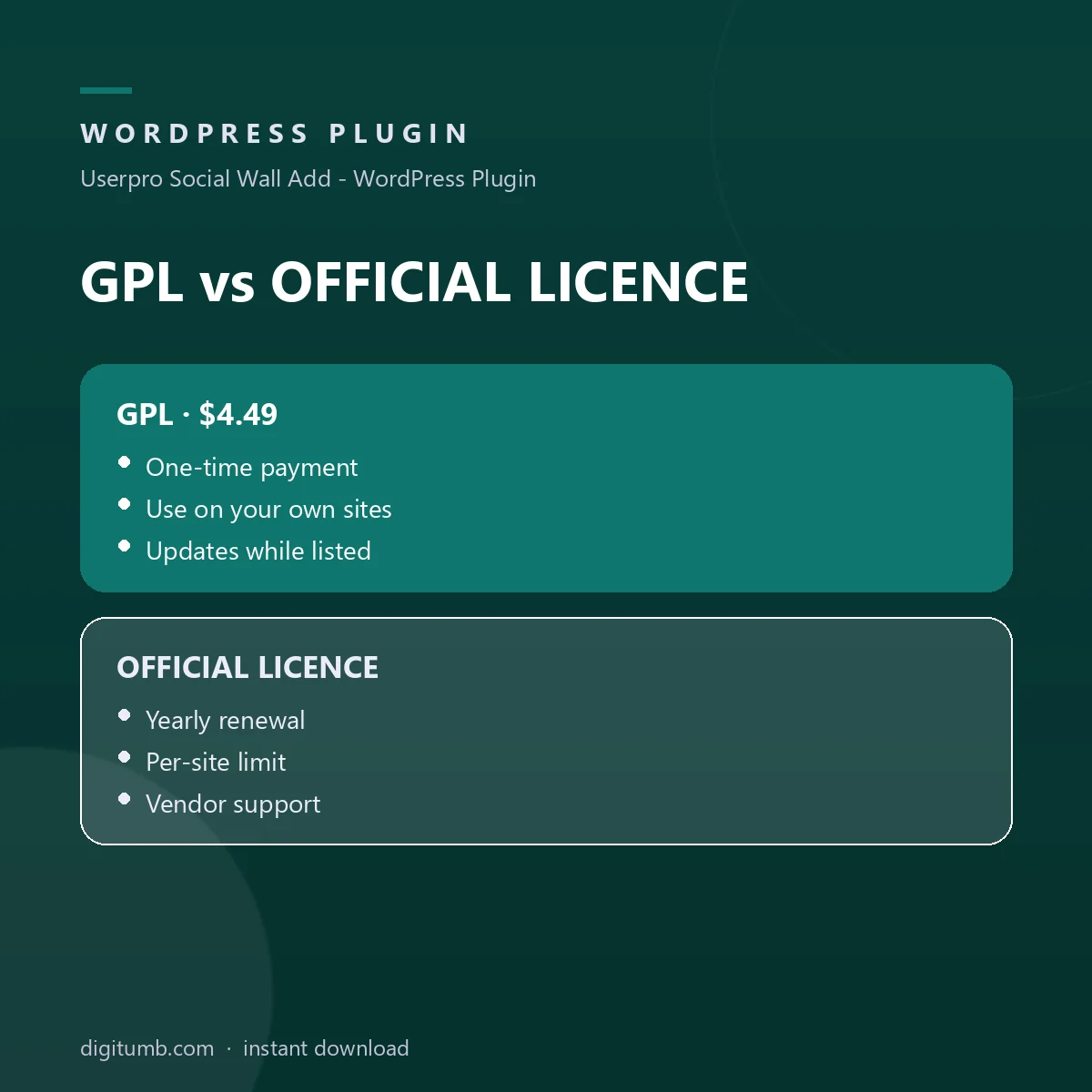
This is the same archive the developer publishes, redistributed under the GNU General Public License: you get the working files for $4.49 with no vendor update channel and no vendor support desk. If you need automatic updates or a support contract, buy the official license from the developer.
| This GPL build | Official license | |
|---|---|---|
| Price | $4.49 one time | Vendor subscription |
| Automatic updates | No | Yes |
| Developer support | No | Yes |
| Number of sites | Unlimited | Depends on plan |
Browse the rest of the WordPress plugins category or the full shop. The licence text is at GNU GPL v2, and general documentation is at WordPress.org.
You must be logged in to post a review.
You may also like…

Related products








Reviews
Clear filtersThere are no reviews yet.