


Meta Box Views GPL
$4.49
Meta Box Views is a WordPress plugin for creating front-end templates that output Meta Box custom fields and content.
Meta Box Views is a WordPress plugin for creating front-end templates that output Meta Box custom fields and content. You build the layout in a template editor, then render field values such as images, maps, checkboxes, dates and embedded media on the front end. It supports Twig and all Meta Box field types, so the templates follow the field structure you already store.
| Product | meta-box-views |
|---|---|
| Version | 1.17.1 |
| Works with | WordPress 6.x+ / PHP 8.x+ |
| Tested up to | WordPress current |
| License | GPLv2 or later |
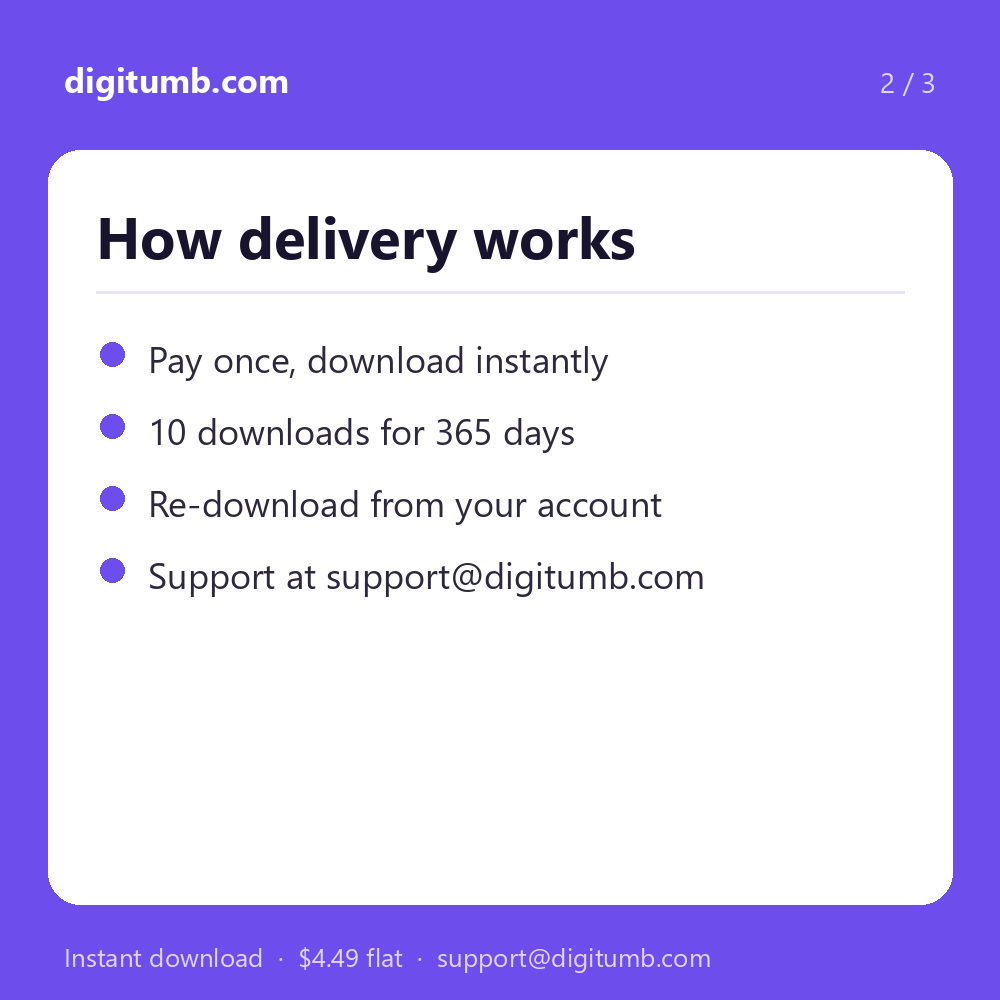
| Delivery | Instant ZIP download, 10 downloads, 365 days |
How the template editor turns Meta Box fields into front-end output
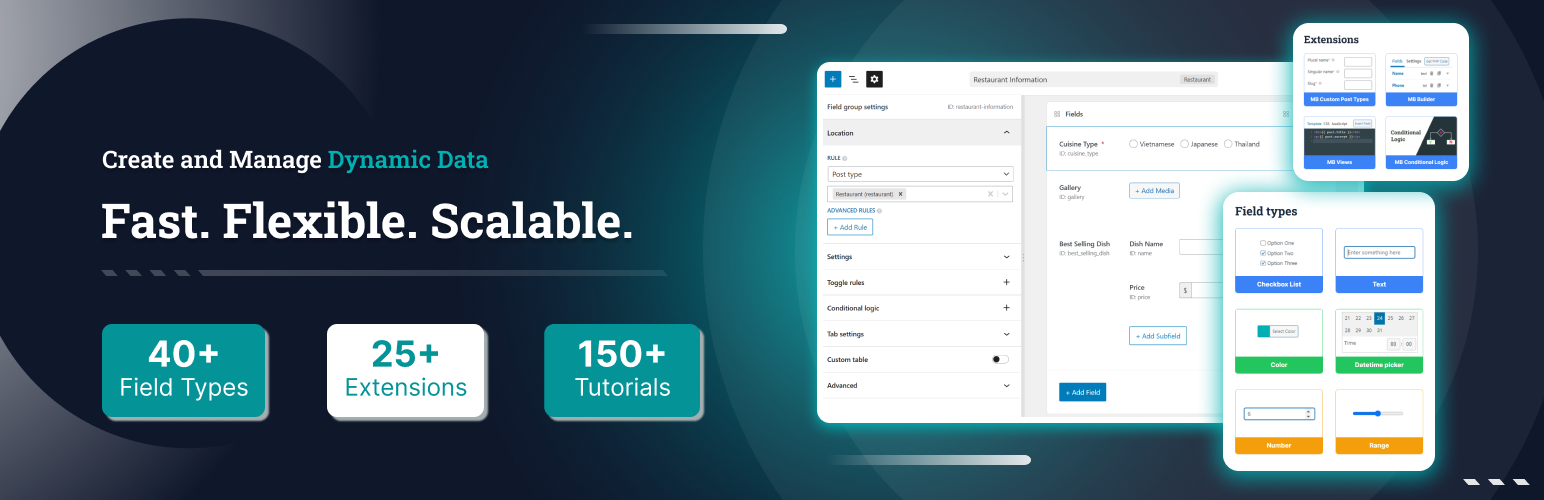
The plugin adds a Template Editor where you compose views for Meta Box fields and content. Instead of writing PHP loops for each field, you describe the output in the editor and the plugin renders it on the front end. The interface is built around the field types you already use, with settings panels for each one.
Because the views are separated from your theme files, you can change what a page displays without editing the theme. That keeps field output in one place while the theme continues to handle styling and page structure.
Twig support and the field types you can render
Templates can be written with Twig, the templating language the plugin supports alongside standard field rendering. Every Meta Box field type is covered, and the editor exposes dedicated settings for the common ones: image alt text, image description and image file name for image fields; map style, marker hover text and marker click text for map fields; checked and unchecked text for checkboxes; date and time formats from WordPress settings or a custom format string.
Other field settings in the editor cover cloneable fields, avatar settings, background settings, choice settings, oembed output and pagination. The raw checkbox value is available as well, with 1 for checked and 0 for unchecked, which helps when a template needs the stored value rather than the label.
Categories, pagination and post data inside a view
Views are not limited to custom fields. The plugin includes category management screens: an all-categories list, parent category selection, a new category name field, add and update category actions, comma-separated category entry, a most-used list, category search and category list navigation. Post modified date is also available for display.
Pagination settings let a view split long output across pages, and oembed settings render embedded media. Together these cover the parts of a front-end template that usually require separate snippets.
Requirements and what the ZIP contains
MB Views requires PHP version 7.2.5 or higher. If the server runs an older version, the plugin shows a notice asking you to contact the host and upgrade. The ZIP is 3.9 MB and contains the src, views and blocks folders.
This is the GPL build: the same files the developer ships, at $4.49 from digitumb.com. There is no vendor update channel and no vendor support desk attached to this build.
What this build includes
| Template Editor for Meta Box fields | Create views for Meta Box fields and content in a dedicated editor, then render them on the front end without editing theme templates. |
|---|---|
| Twig templating | Write view templates with Twig support, alongside rendering for all Meta Box field types. |
| Image field output controls | Set image alt text, image description and image file name for image fields directly in the view settings. |
| Map marker text | Choose a default or custom map style and set text shown when hovering or clicking a marker, with HTML allowed and no quotes. |
| Checkbox display text | Define the text for checked and unchecked status, or use the raw value where 1 means checked and 0 means unchecked. |
| Date and time formats | Format date and time fields using WordPress settings or a custom format string. |
| Category management screens | Add, update and browse categories with parent selection, comma-separated entry, most-used list, search and list navigation. |
| Pagination and oembed settings | Split long views across pages with pagination settings and render embedded media through oembed settings. |
| Cloneable field support | Render cloneable fields in views, with a settings panel for their output. |
Installing it on a WordPress site
- Upload the Meta Box Views ZIP through the WordPress plugins screen and activate the plugin.
- Confirm the server runs PHP 7.2.5 or higher; the plugin displays a notice if it does not.
- Open the Template Editor to create a view for your Meta Box fields and content, then place it where the front end should display it.
Frequently asked questions
Do I need Meta Box installed to use these views?
The plugin creates views for Meta Box fields and content, so the fields you render come from Meta Box. The editor is built around Meta Box field types and exposes settings for them, including image, map, checkbox, date, oembed and cloneable fields.
Can I write templates in Twig?
Yes. Twig is supported for templates, and the plugin also renders all Meta Box field types. You can mix Twig templates with the field-specific settings in the Template Editor, such as image alt text or map marker text.
What PHP version does it need?
MB Views requires PHP version 7.2.5 or higher. If your host runs an older version, the plugin shows a message asking you to contact the host and request an upgrade. Check the PHP version before activating.
How are categories handled in a view?
The plugin includes category screens with an all-categories list, parent category selection, new category name entry, add and update actions, comma-separated entry, a most-used list, search and list navigation. You can manage categories from these screens while building the view.
What is included in the GPL build at $4.49?
You receive the same files the developer ships, packaged as a 3.9 MB ZIP with the src, views and blocks folders. The price is $4.49. This build has no vendor update channel and no vendor support desk.
What the GPL build means for you
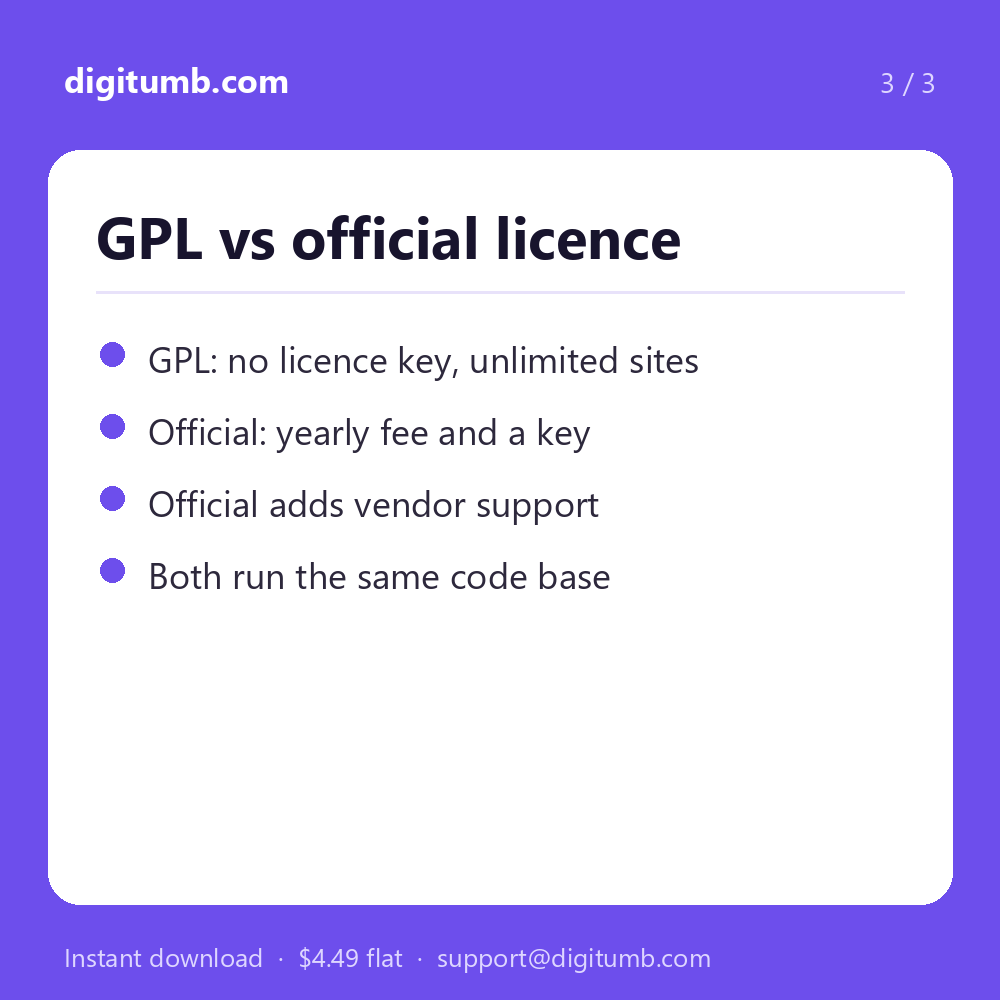
This is the same archive the developer publishes, redistributed under the GNU General Public License: you get the working files for $4.49 with no vendor update channel and no vendor support desk. If you need automatic updates or a support contract, buy the official license from the developer.
| This GPL build | Official license | |
|---|---|---|
| Price | $4.49 one time | Vendor subscription |
| Automatic updates | No | Yes |
| Developer support | No | Yes |
| Number of sites | Unlimited | Depends on plan |
Browse the rest of the WordPress plugins category or the full shop. The licence text is at GNU GPL v2, and general documentation is at WordPress.org.
You must be logged in to post a review.
You may also like…

Related products









Reviews
Clear filtersThere are no reviews yet.