




Popup Builder Geo Targeting Extension GPL
$4.49
Popup Builder Geo Targeting Extension is an add-on for Popup Builder that shows different popups depending on where a visitor is located.
Popup Builder Geo Targeting Extension is an add-on for Popup Builder that shows different popups depending on where a visitor is located. Instead of serving the same message to every visitor, you can tailor popup content to the geographic location of your audience. The goal the developer states is better engagement and higher conversion rates from the popups you already build.
| Product | popup-builder-geo-targeting-extension |
|---|---|
| Version | 3.6 |
| Works with | WordPress 6.x+ / PHP 8.x+ |
| Tested up to | WordPress current |
| License | GPLv2 or later |
| Delivery | Instant ZIP download, 10 downloads, 365 days |
How does location-based popup display work in Popup Builder?
The extension adds geo-targeting options to Popup Builder. Once the add-on is active, you open the Popup Builder settings, configure your geo-targeting options and then create the popup you want to show. Visitors are shown popups matched to their geographic location, so a campaign aimed at one region does not have to appear to visitors elsewhere.
Because the targeting lives inside Popup Builder, you keep using the same popup editor and the same popup library you already have. The extension does not replace your existing popups; it gives you a location condition to apply when you decide who sees a given popup.
Will the extension work alongside WooCommerce and Elementor?
The developer states that the extension is designed to work well with other popular WordPress plugins, and names WooCommerce and Elementor among them. That means you can keep an existing store or page-building setup and add location targeting on top of it.
Compatibility with most popular WordPress themes is also stated, so popups integrate with your site's design rather than forcing a template change. If your site already runs Popup Builder with WooCommerce or Elementor, the extension fits into that same stack.
What you get in the GPL build from this store
You receive the same plugin files the developer ships, packaged as a GPL build for $4.49. The download is a 22.1 MB zip. There is no vendor update channel and no vendor support desk attached to this purchase, so plan updates and troubleshooting around your own site workflow.
The zip contains the com and public top-level folders. Install it the same way you install any WordPress plugin, then configure geo-targeting from the Popup Builder settings area.
What this build includes
| Location-based popup display | Create popups that are shown according to the geographic location of your website visitors, so each region can receive a relevant message. |
|---|---|
| Geo-targeting settings in Popup Builder | Configure your geo-targeting options from the Popup Builder settings after activation, then build popups against those options. |
| Works with WooCommerce | The developer lists WooCommerce among the popular plugins the extension is designed to work with, so store popups can carry location targeting. |
| Works with Elementor | Elementor is named as a compatible plugin, letting sites built with it add location-targeted popups without changing the page builder. |
| Theme compatibility | Compatible with most popular WordPress themes, so popups match your site's design instead of requiring a theme swap. |
| Engagement and conversion focus | The developer positions location-tailored popups as a way to improve engagement and conversion rates on your site. |
Installing it on a WordPress site
- Download the Popup Builder Geo Targeting Extension zip from your order and install it from your WordPress dashboard.
- Activate the add-on so its options become available inside Popup Builder.
- Open the Popup Builder settings, configure your geo-targeting options, and create your first location-targeted popup.
Latest changes
This build is version 3.6 of the extension.
Frequently asked questions
What does Popup Builder Geo Targeting Extension actually do?
It lets you create and display popups tailored to the geographic location of your website visitors. You configure geo-targeting in Popup Builder and then build popups that are shown to visitors based on where they are, which the developer links to improved engagement and conversion rates.
Do I need Popup Builder installed first?
Yes. This is an extension for Popup Builder, and the setup steps describe installing the add-on and then configuring geo-targeting from the Popup Builder settings. The extension adds location options to that existing popup setup rather than acting as a separate popup tool.
Is it compatible with WooCommerce and Elementor?
The developer states the extension is designed to work well with other popular WordPress plugins, including WooCommerce and Elementor. It is also described as compatible with most popular WordPress themes, so you can keep your current store or page-building setup.
How do I set it up on my WordPress site?
Download and install the add-on from your WordPress dashboard, then activate it. After activation, go to the Popup Builder settings to configure your geo-targeting options and create your first popup. No theme change is described as part of the process.
What does the $4.49 GPL build include?
You get the same plugin files the developer ships, delivered as a GPL build for $4.49 in a 22.1 MB zip. The purchase does not include a vendor update channel or a vendor support desk, so updates and help are handled on your side.
What the GPL build means for you
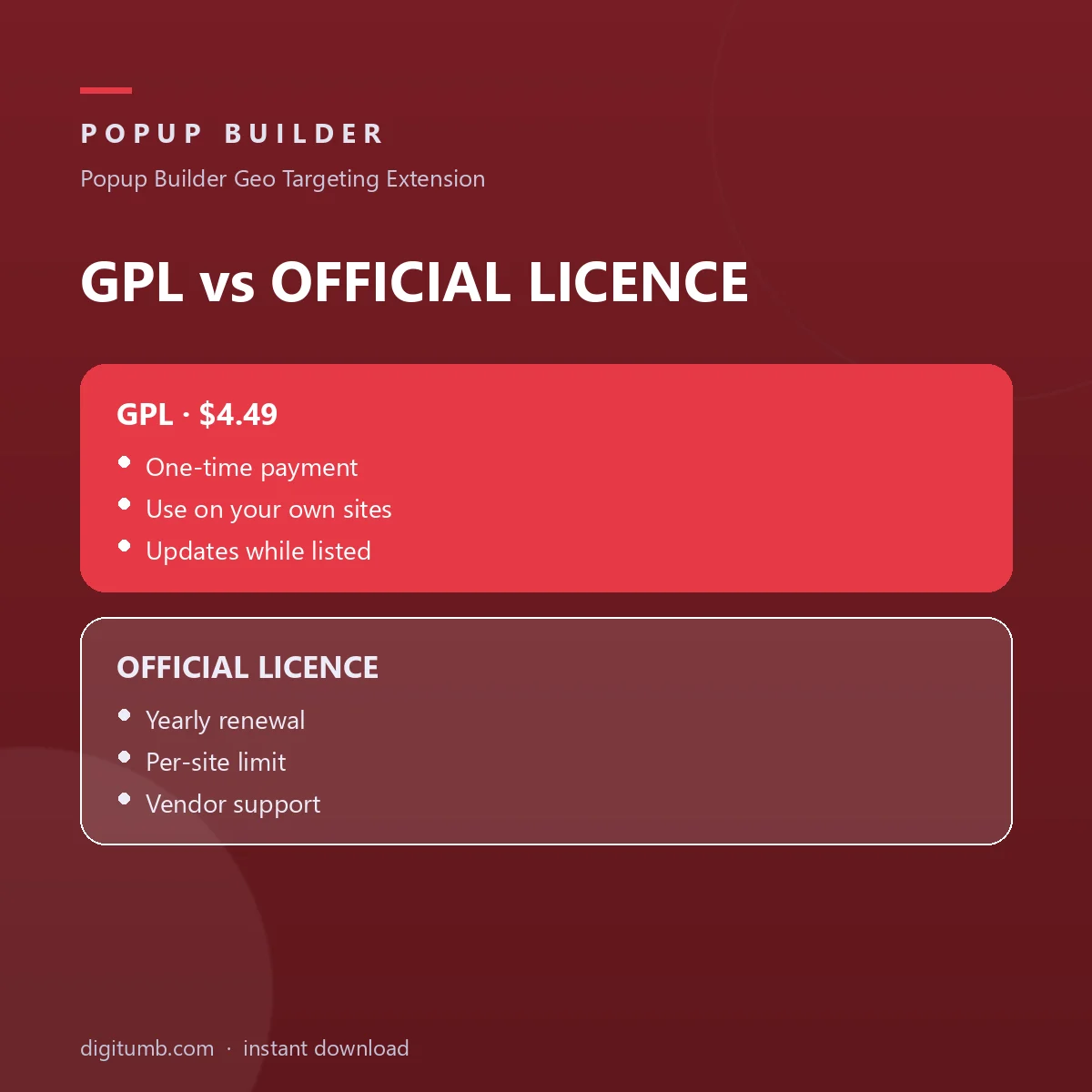
This is the same archive the developer publishes, redistributed under the GNU General Public License: you get the working files for $4.49 with no vendor update channel and no vendor support desk. If you need automatic updates or a support contract, buy the official license from the developer.
| This GPL build | Official license | |
|---|---|---|
| Price | $4.49 one time | Vendor subscription |
| Automatic updates | No | Yes |
| Developer support | No | Yes |
| Number of sites | Unlimited | Depends on plan |
Browse the rest of the WordPress plugins category or the full shop. The licence text is at GNU GPL v2, and general documentation is at WordPress.org.
You must be logged in to post a review.
You may also like…

Related products










Reviews
Clear filtersThere are no reviews yet.