

Studiopress Outreach Pro Genesis WordPress Theme GPL
$4.49
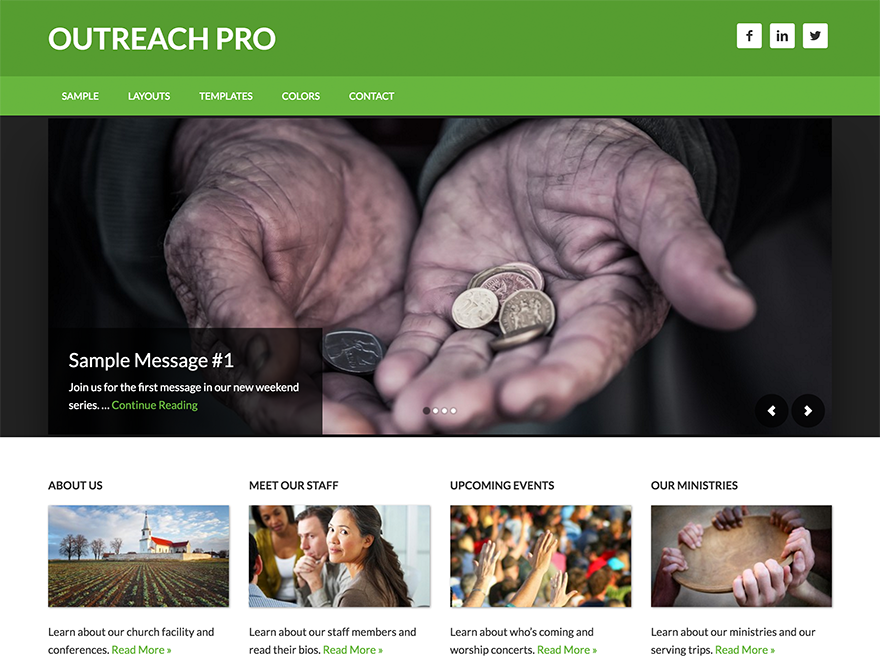
Outreach Pro Genesis Theme is a WordPress theme built on the Genesis Framework, made for church websites and other content-driven sites that need a professional, customizable layout.
Outreach Pro Genesis Theme is a WordPress theme built on the Genesis Framework, made for church websites and other content-driven sites that need a professional, customizable layout. It ships with four color schemes, dedicated home page and sub footer widget sections, and compatibility with WooCommerce and page builders such as Elementor and Beaver Builder. This GPL build costs $4.49 and contains the same files the developer ships.
| Product | studiopress-outreach-pro-genesis-wordpress-theme |
|---|---|
| Version | 3.1.2 |
| Works with | WordPress 6.x+ / PHP 8.x+ |
| Tested up to | WordPress current |
| License | GPLv2 or later |
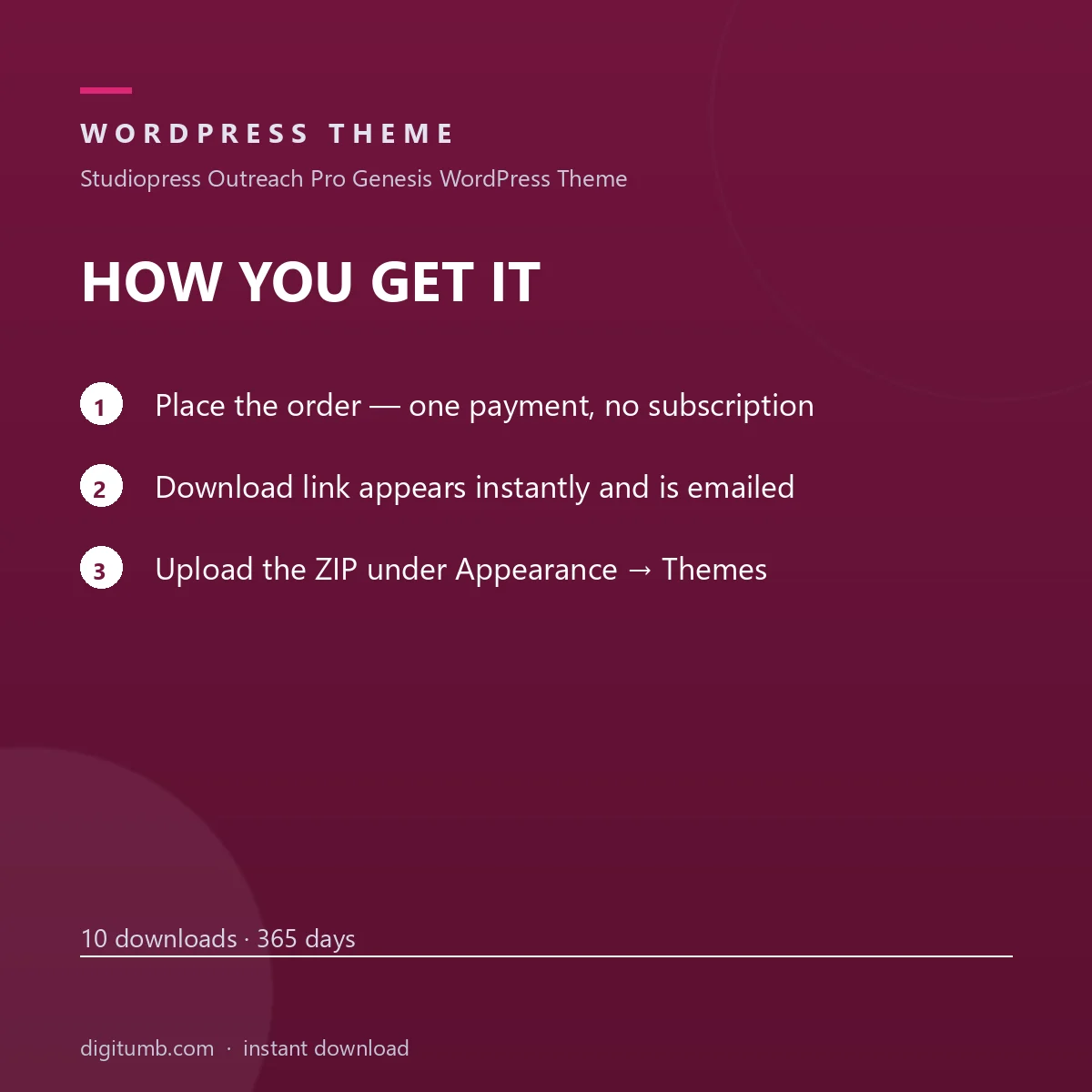
| Delivery | Instant ZIP download, 10 downloads, 365 days |
Which color schemes does Outreach Pro ship with?
Four named color schemes are available in the theme settings: Outreach Pro Blue, Outreach Pro Orange, Outreach Pro Purple and Outreach Pro Red. Each one applies a different accent palette to the same layout, so the site keeps its structure while the color direction changes.
Because the schemes are part of the theme itself, switching between them is a setting change rather than a rebuild of your pages. That makes it practical to test which palette fits a congregation or audience before committing to one.
How the Outreach Pro home page sections are organized
The home page is split into two widget areas the theme labels as the top section and the bottom section. Each is described in the settings as a distinct part of the Home page, so you can place different content above and below the main body without editing templates.
A typical use is a welcome or service-times block in the top section and announcements, events or giving information in the bottom section. Both areas accept your own widgets, which keeps the home page editable from the WordPress admin.
Where Outreach Pro places its widget areas
Navigation can sit below the header in two positions: After Header Menu and Secondary After Header Menu. Having both lets you separate a primary menu from a shorter secondary set of links, such as ministries or a giving page.
The footer area is built from Sub Footer – Left and Sub Footer – Right, described in the settings as the left and right sections of the sub footer. Together with the home page top and bottom sections, that gives you four content regions beyond the standard sidebar and footer.
What kind of sites is Outreach Pro built for?
The theme is designed to provide a professional and customizable layout for WordPress websites and is described as suitable for various types of content, including blogs, portfolios and business sites. Church sites are the main focus, but the same structure works wherever you need a landing page plus supporting widget regions.
On the post side, the theme includes a Continue Reading link, so archive and listing views can lead visitors into the full article instead of showing the whole text at once.
What this build includes
| Four ready color schemes | Choose between Outreach Pro Blue, Outreach Pro Orange, Outreach Pro Purple and Outreach Pro Red from the theme settings. |
|---|---|
| Home page top and bottom sections | Fill a dedicated top section and bottom section on the home page with your own widgets and content. |
| Header menu placements | Use the After Header Menu and Secondary After Header Menu positions to place navigation below the header. |
| Sub footer widget areas | Build a two-column sub footer using the Sub Footer – Left and Sub Footer – Right widget areas. |
| WooCommerce compatibility | Run an online store on the same theme, since Outreach Pro is compatible with WooCommerce. |
| Page builder compatibility | Lay out custom pages with popular builders such as Elementor and Beaver Builder. |
| Continue Reading link | Show a Continue Reading link on posts so visitors can move from archive views into the full article. |
| Genesis Framework base | Built on Genesis, giving the theme a structured layout foundation for blogs, portfolios and business sites. |
Installing it on a WordPress site
- Install the theme ZIP through Appearance > Themes > Add New > Upload Theme, then activate it.
- Open the theme settings and select one of the four Outreach Pro color schemes.
- Assign widgets to the home page top and bottom sections, the After Header Menu areas and the Sub Footer – Left and Right areas.
Latest changes
This listing is for version 3.1.2 of the theme.
Frequently asked questions
Is Outreach Pro only for church websites?
No. The theme is built with church sites in mind, but its layout is described as suitable for various types of content, including blogs, portfolios and business sites. If you need a professional, customizable structure and the home page and footer widget areas fit your content, you can use it for other projects too.
Can I sell products with Outreach Pro?
Yes. Outreach Pro is compatible with WooCommerce, so you can create an online store with the theme. Products, cart and checkout run on WooCommerce while the theme handles the site layout and its color schemes, header menu positions and widget areas.
Does it work with Elementor and Beaver Builder?
The theme is compatible with popular page builders such as Elementor and Beaver Builder. That means you can build custom page layouts in the builder you already use instead of relying only on the theme's built-in home page sections.
What does the GPL build include and what does it not?
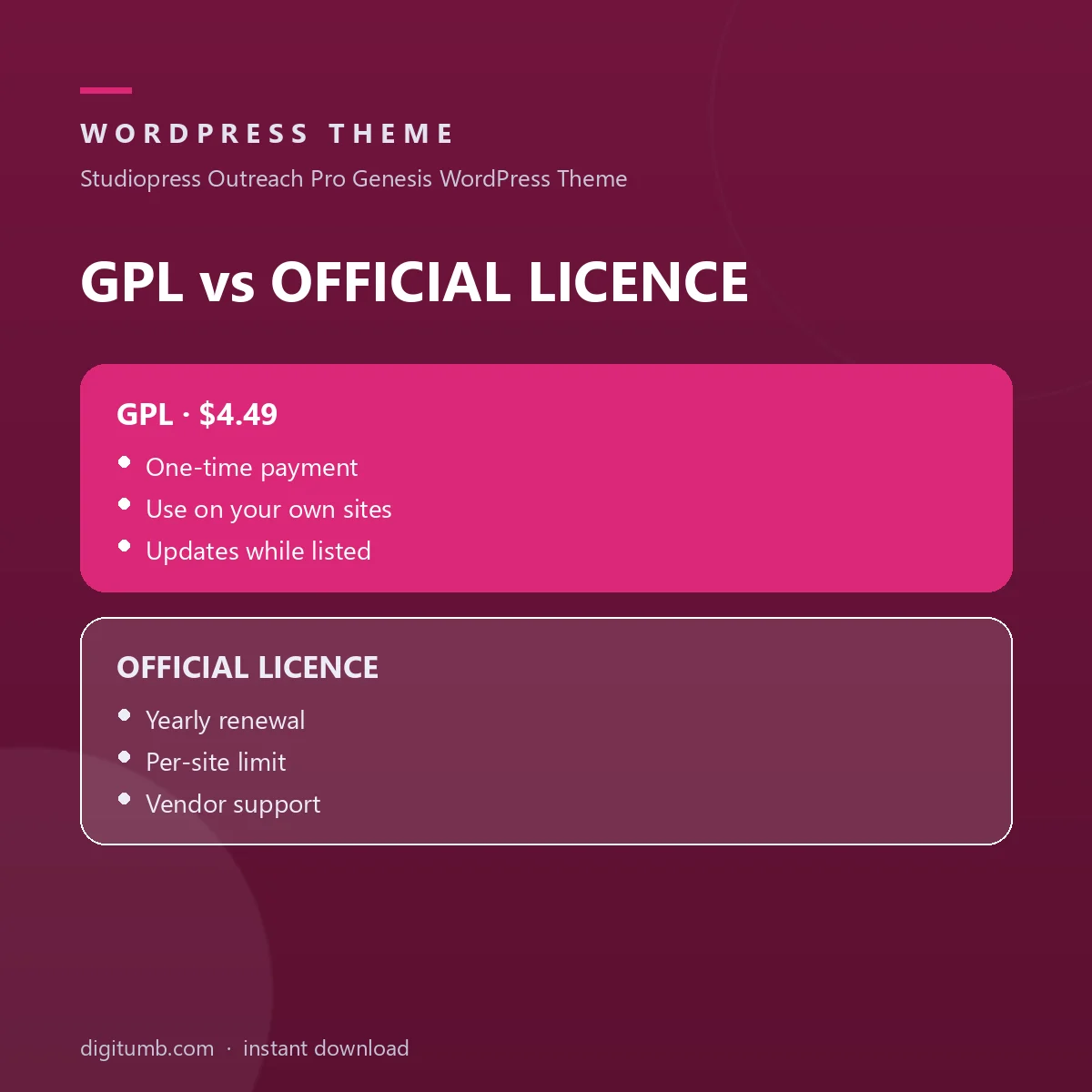
You get the same theme files the developer ships, packaged as a GPL build for $4.49. There is no vendor update channel and no vendor support desk with this purchase, so updates and help come from the GPL distribution rather than from the original developer.
What is inside the theme ZIP?
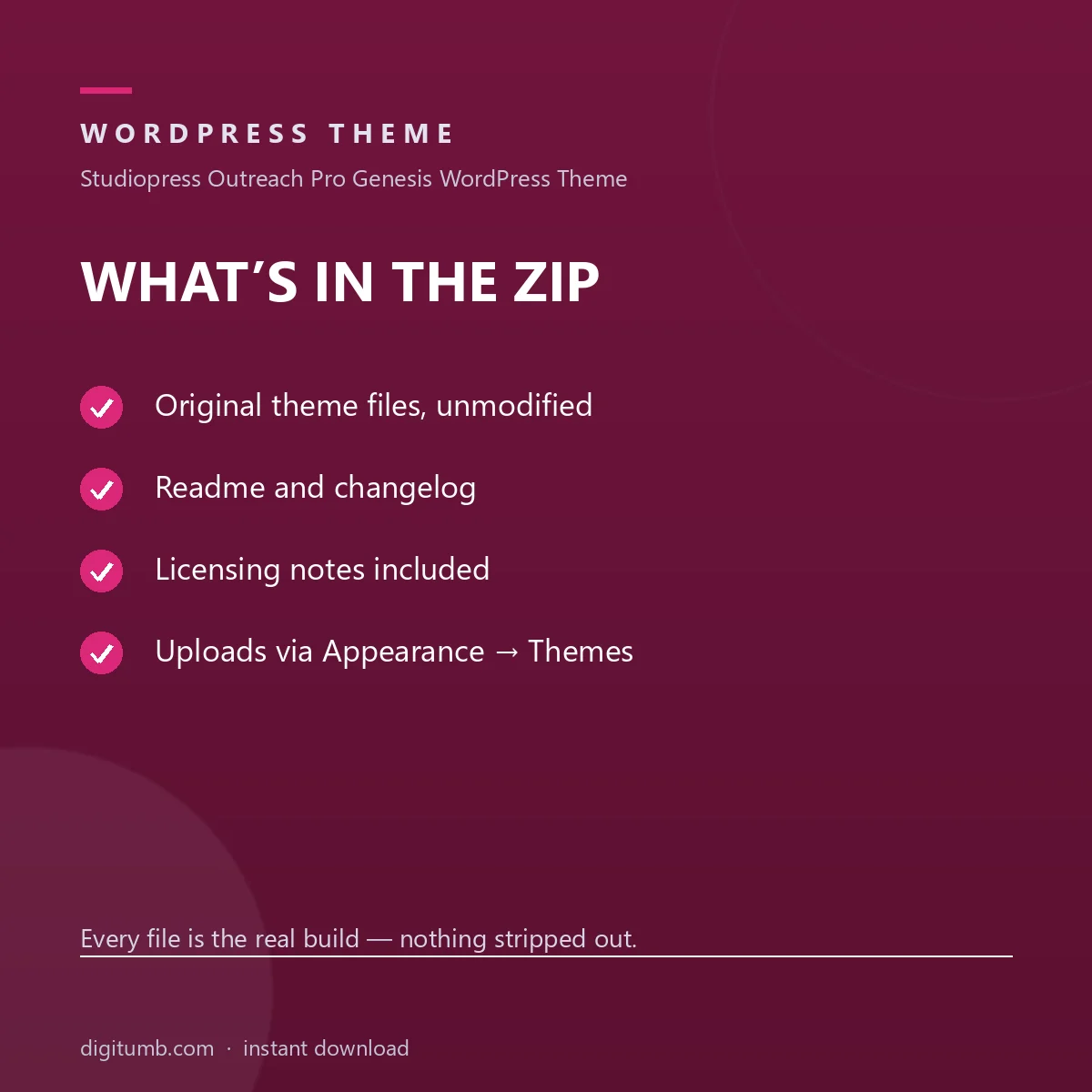
The download is a 0.5 MB ZIP with the theme files organized into images, js, lib and xml folders. The xml folder holds the theme's import content, and the other folders carry the assets and libraries the theme loads.
What the GPL build means for you
This is the same archive the developer publishes, redistributed under the GNU General Public License: you get the working files for $4.49 with no vendor update channel and no vendor support desk. If you need automatic updates or a support contract, buy the official license from the developer.
| This GPL build | Official license | |
|---|---|---|
| Price | $4.49 one time | Vendor subscription |
| Automatic updates | No | Yes |
| Developer support | No | Yes |
| Number of sites | Unlimited | Depends on plan |
Browse the rest of the WordPress themes category or the full shop. The licence text is at GNU GPL v2, and general documentation is at WordPress.org.
You must be logged in to post a review.
You may also like…

Related products




Reviews
Clear filtersThere are no reviews yet.