


Ninja Forms – Post Creation Extension Front End Posting GPL
$4.49
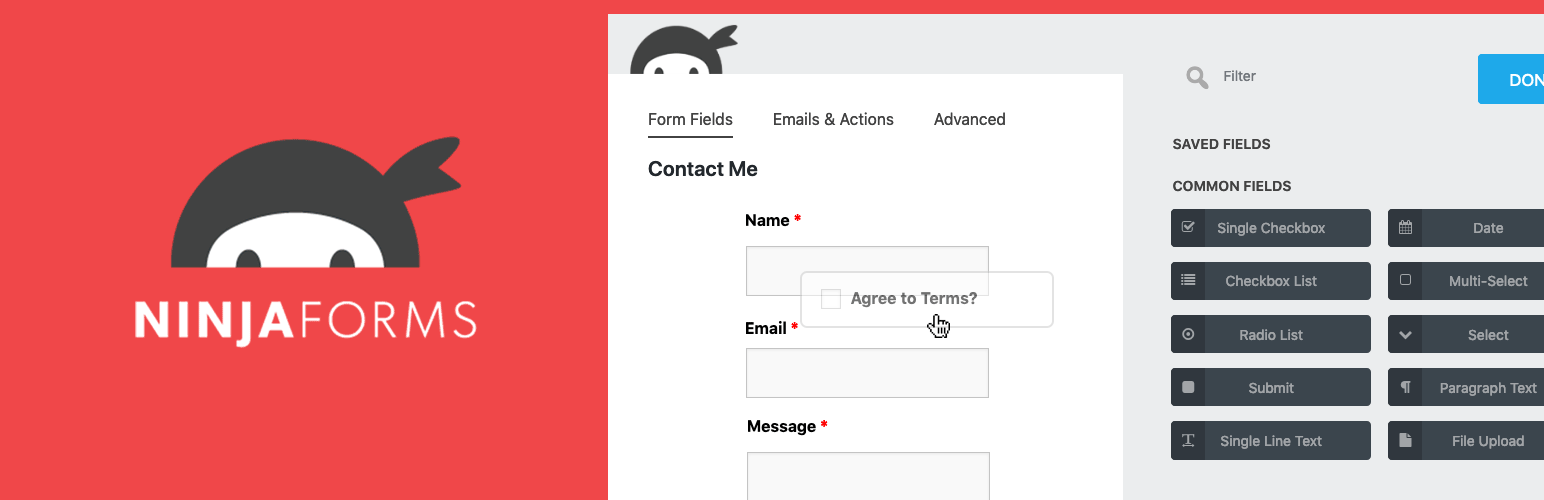
Ninja Forms Post Creation Extension is a WordPress plugin that creates posts from the front end of your site.
Ninja Forms Post Creation Extension is a WordPress plugin that creates posts from the front end of your site. Visitors fill in a Ninja Forms form, and the extension turns their input into a post with a title, content, tags, categories and custom taxonomy terms. Posts can be added to any post type, so the same form can feed blog articles, custom content types or any registered post type on the site.
| Product | Ninja Forms – Post Creation Extension |
|---|---|
| Version | 3.0.13 |
| Works with | WordPress 6.8+ / PHP 8.x+ |
| Tested up to | WordPress 7.0 |
| License | GPLv2 or later |
| Delivery | Instant ZIP download, 10 downloads, 365 days |
Which post fields can a front-end form submit?
The extension maps form fields to the parts of a post. Users can supply post title, content, tags and categories, and the form also accepts custom taxonomies. A rich text editor can be shown in the form so contributors format their content before it is inserted.
Tags can be entered as a comma separated list, and an advanced tag selector is available. The advanced term selector can be shown as well, and it lets users create terms while they submit. That option requires the advanced term selector to be enabled.
How are post types and post status chosen?
On the form settings page, a post creation section lets you select a post type and a post status. Because posts can be added to any post type, one form can target standard posts or another registered type. The status selection decides where the new entry sits after submission.
Default values can be set for the fields a visitor does not fill in. Default post title, default post content, default post excerpt, default post tags and default post terms are all configurable, so the created post always has a baseline.
What controls the post content and custom fields?
Advanced post content options let you prepend or append content to what the user submits. You choose where the default content is placed, and merge tags can insert submitted values into that block. The settings screen shows the example of a first name and last name being added to the post content before it was inserted.
For custom fields, the extension can attach a submitted value to custom post meta. This makes it possible to store form input outside the standard post fields while keeping everything inside the same submission.
Who is allowed to create posts from the front end?
A setting requires users to be logged in before a post is created. With that box checked, Ninja Forms only creates the post from input submitted by a signed-in user. The create post option itself is enabled per form with a checkbox that tells Ninja Forms to create a post from user input.
The extension is built to work with Ninja Forms itself. You install the plugin, activate it, and the post creation options appear on the form settings page when you create or edit a form.
What this build includes
| Front-end post submission | Turn a Ninja Forms form into a way for visitors to publish content without entering the WordPress dashboard. |
|---|---|
| Any post type | Select the post type a form creates, so submissions can become posts or another registered content type. |
| Title, content and excerpt defaults | Set a default post title, default post content and default post excerpt for fields the user leaves empty. |
| Tags and categories | Accept tags as a comma separated list and assign categories or default post terms to the created post. |
| Custom taxonomy support | Map form input to custom taxonomies, with an advanced term selector and an option allowing users to create terms. |
| Rich text editor | Show a rich text editor in the form so submitted content is formatted before it is inserted into the post. |
| Content prepend and append | Add fixed text before or after the submitted content, using merge tags to include user values. |
| Custom post meta | Attach a submitted value to custom post meta so form input is stored with the created post. |
| Login requirement | Require users to be logged in before the extension creates a post from their input. |
Installing it on a WordPress site
- Upload the ninja-forms directory to your /wp-content/plugins/ directory.
- Activate the plugin through the Plugins menu in WordPress.
- Open the Forms menu item in the admin sidebar, then set the post creation options on the form settings page.
Latest changes
Version 3.0.13 fixes the post permalink merge tag not displaying in the Your Content section and resolves a PHP 8.2+ deprecated dynamic property warning in TaxonomyAdapter.
Frequently asked questions
Do visitors need a WordPress account to submit a post?
It depends on the form setting. A checkbox requires users to be logged in to create a post. When it is checked, the post is created only from input by a signed-in user. Leave it unchecked if your workflow allows other submissions, and review the setting before publishing the form.
Can a form create something other than a standard blog post?
Yes. The post creation settings include a post type selector, and posts can be added to any post type. You can point a form at a standard post or at another registered post type on the site, and choose the post status the new entry receives.
How do tags and custom taxonomy terms get into the post?
Tags can be supplied as a comma separated list, and an advanced tag selector is available. For custom taxonomies, the advanced term selector can be shown, and an option allows users to create terms during submission. Default post terms and default post tags can also be set on the form.
Can I add fixed text around the submitted content?
Advanced post content options let you prepend or append content and choose where the default content is placed. Merge tags can carry submitted values into that block. The settings give the example of adding a first name and last name to the post content before it was inserted.
What do I get for $4.49?
You get the GPL build of the plugin, version 3.0.13, as a 0.1 MB zip containing the same files the developer ships. There is no vendor update channel and no vendor support desk with this build. The price is $4.49.
Which WordPress version does this build target?
The plugin requires WordPress 6.8 and is tested up to WordPress 7.0. The latest release also resolves a PHP 8.2+ deprecated dynamic property warning in TaxonomyAdapter, which matters if your site runs a recent PHP version.
What the GPL build means for you
This is the same archive the developer publishes, redistributed under the GNU General Public License: you get the working files for $4.49 with no vendor update channel and no vendor support desk. If you need automatic updates or a support contract, buy the official license from the developer.
| This GPL build | Official license | |
|---|---|---|
| Price | $4.49 one time | Vendor subscription |
| Automatic updates | No | Yes |
| Developer support | No | Yes |
| Number of sites | Unlimited | Depends on plan |
Browse the rest of the WordPress plugins category or the full shop. The licence text is at GNU GPL v2, and general documentation is at WordPress.org.
You must be logged in to post a review.
You may also like…

Related products










Reviews
Clear filtersThere are no reviews yet.