

LearnPress – Paid Membership Pro Integration GPL
$4.49
LearnPress Paid Membership Pro Integration is an add-on that connects the LearnPress LMS with Paid Memberships Pro.
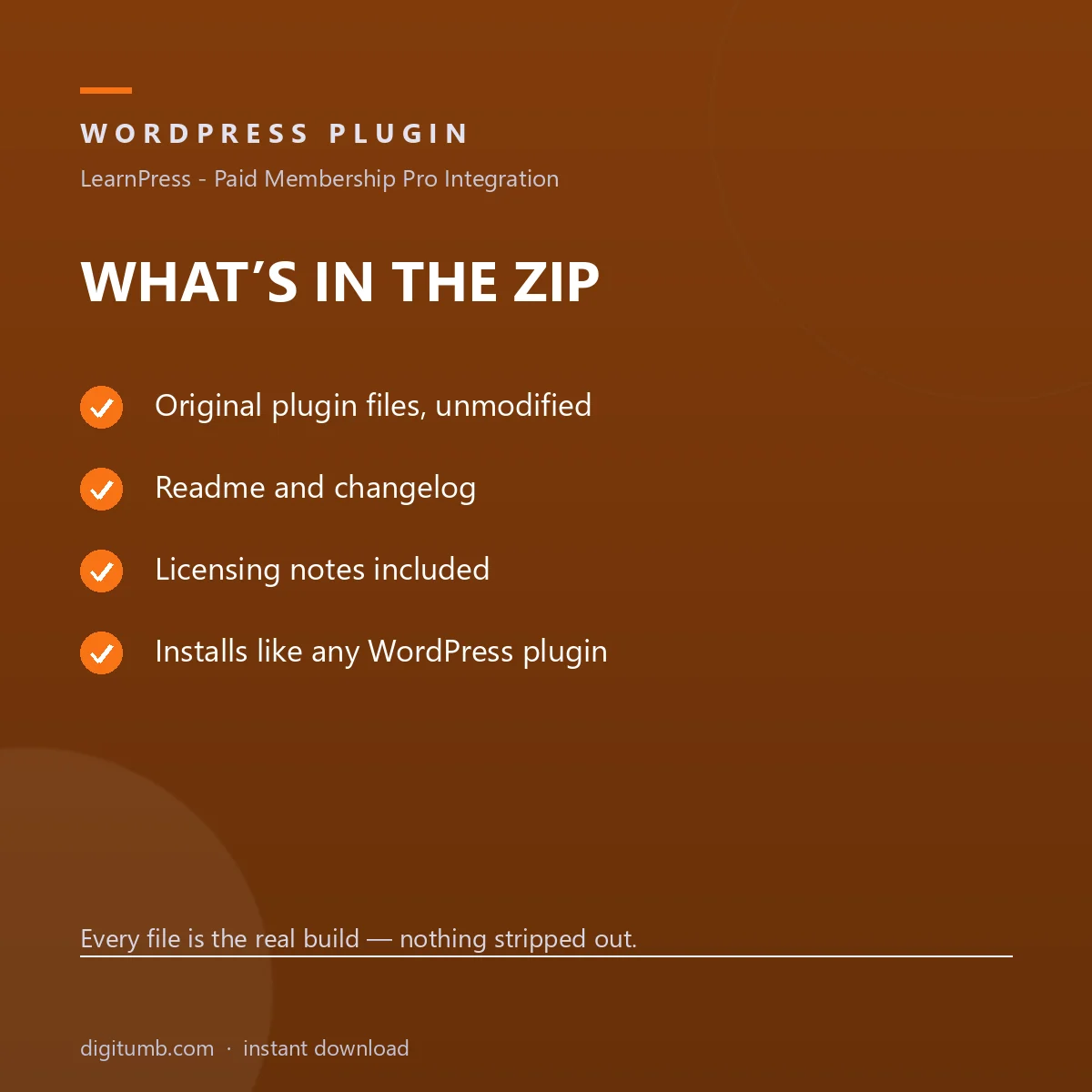
LearnPress Paid Membership Pro Integration is an add-on that connects the LearnPress LMS with Paid Memberships Pro. It lets you map membership levels to courses, require purchases through membership, and control what happens to enrolled users' course access and progress when a level changes. The build sold here is the GPL version of the plugin, version 4.1.3, packaged as a 0.0 MB zip with the inc and templates folders.
| Product | LearnPress – Paid Membership Pro Integration |
|---|---|
| Version | 4.1.3 |
| Works with | WordPress 6.x+ / PHP 8.x+ |
| Tested up to | WordPress 7.1 |
| License | GPLv2 or later |
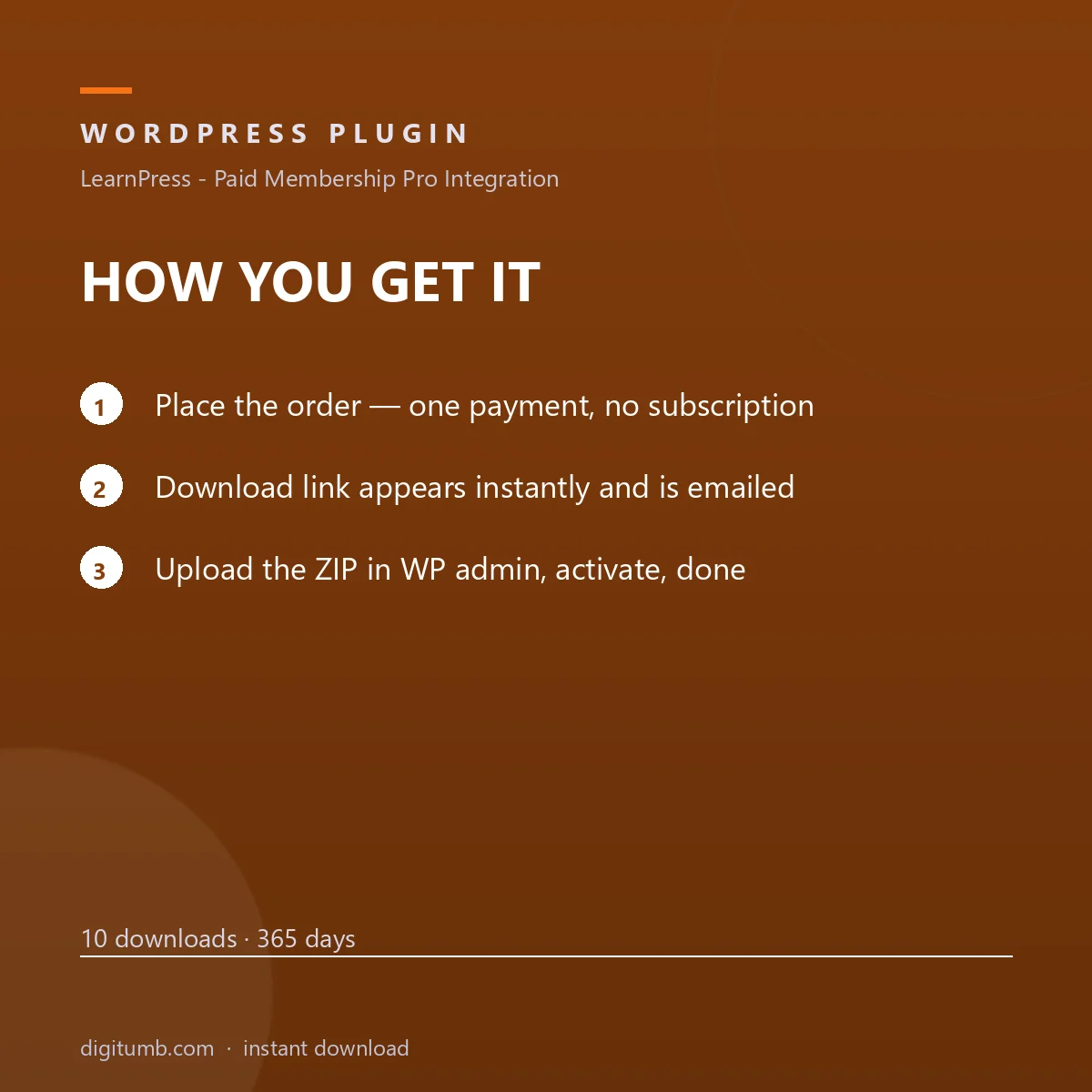
| Delivery | Instant ZIP download, 10 downloads, 365 days |
How course access is tied to Paid Memberships Pro levels
The plugin adds a Course Memberships screen where you select membership levels and assign courses to each level. Courses you attach to a level are the ones that level grants access to, and the settings note that LP Orders users who bought a level will have their course list updated when the level is saved.
A separate option labelled Always buy the course through membership can be enabled or disabled, which decides whether course purchase is routed through the membership rather than the standard checkout. The interface also includes a Pay via Paid Memberships Pro button string and a Buy Membership button used on the course side.
What happens to a learner's progress when their level changes
When a membership level changes, the plugin can update access courses to match the new level's course list. Alongside that, a Keep/Reset user's course progress option lets you decide whether existing progress is retained or reset for the affected users.
The settings screen carries an explicit warning: when you remove courses from a level's list, all progress in those courses for the affected users is lost. That warning applies to the assigned-course list you edit on the level, so the course list is the place to check before saving.
Course pricing, free courses and level capacity
Recent releases handle the cases where a course has its own price and was already purchased, showing the enroll button instead of a buy action. Free courses included in a level are also covered, including the case where auto enroll is not enabled.
The plugin checks whether courses on a level are out of stock by the maximum students setting, and saving a level applies the course changes to the related LP order. An autoload conflict fix and a fix for the html_btn_buy_member output shipped in 4.1.3.
What this build includes
| Level-to-course assignment | Select Paid Memberships Pro levels on the Course Memberships screen and assign the LearnPress courses each level should grant access to. |
|---|---|
| Membership-only purchase | Enable or disable Always buy the course through membership to route course purchase through the membership level instead of the normal path. |
| Progress policy on level change | Choose Keep or Reset for user course progress when a membership level change updates the access course list. |
| Access refresh on level change | Update access courses when the level change list changes, so users on the new level see the courses mapped to it. |
| Enroll button for purchased priced courses | When a course has a price and has already been purchased, the plugin displays the enroll button rather than a second buy action. |
| Max students check on level courses | Courses on a level are checked for being out of stock under the Max students setting before they are treated as available. |
| Order course list update on save | LP Orders users who bought a level have their course list updated when you save that level's course assignment. |
Installing it on a WordPress site
- Upload the plugin zip through the WordPress admin panel and activate LearnPress – Paid Membership Pro Integration.
- Open the Course Memberships settings, select the Paid Memberships Pro levels you want to use, and assign courses to each level.
- Set the Always buy the course through membership toggle and the Keep/Reset progress option to match how you want level changes handled, then save.
Latest changes
Version 4.1.3 fixes saving level courses, the html_btn_buy_member output, and an autoload conflict.
Frequently asked questions
Does this plugin work with WooCommerce?
No. LearnPress – Paid Membership Pro Integration is built specifically for Paid Memberships Pro and does not support WooCommerce compatibility directly. Course purchase routing is handled through the membership settings, including the Always buy the course through membership toggle.
What happens to a user's progress if I remove a course from a level?
The settings screen warns that when you remove courses from the level's list, all progress in those courses for the affected users is lost. Review the assigned course list carefully before saving a level you have edited.
Can I keep learner progress when a membership level changes?
Yes. The Keep/Reset user's course progress option lets you keep existing progress or reset it when a level change updates the access course list. The choice is made in the plugin settings.
Is this the same plugin file the developer ships?
This is the GPL build: the same files as the developer ships, distributed under the GPL. It comes with no vendor update channel and no vendor support desk. The price is $4.49 and the package is a 0.0 MB zip.
What the GPL build means for you
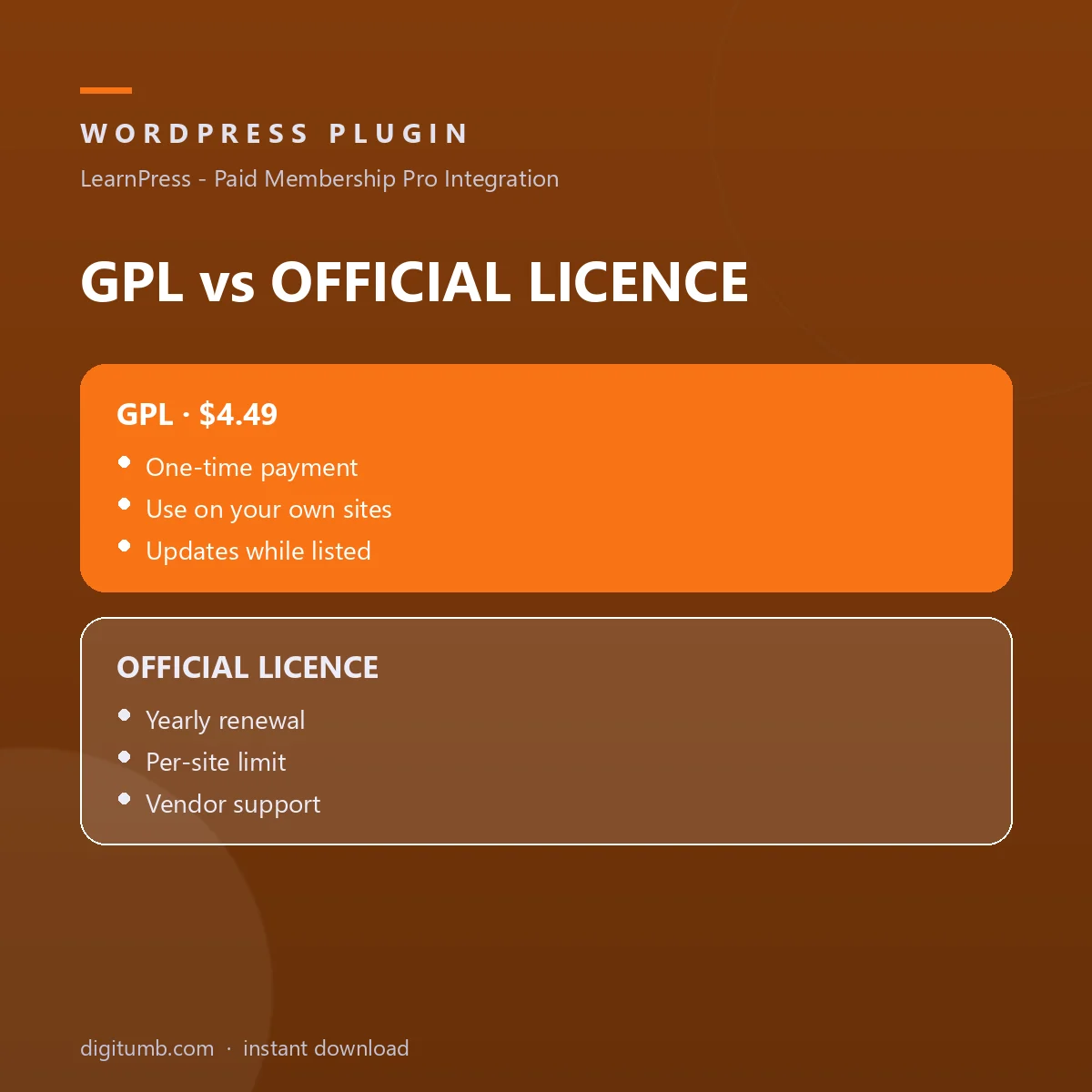
This is the same archive the developer publishes, redistributed under the GNU General Public License: you get the working files for $4.49 with no vendor update channel and no vendor support desk. If you need automatic updates or a support contract, buy the official license from the developer.
| This GPL build | Official license | |
|---|---|---|
| Price | $4.49 one time | Vendor subscription |
| Automatic updates | No | Yes |
| Developer support | No | Yes |
| Number of sites | Unlimited | Depends on plan |
Browse the rest of the WordPress plugins category or the full shop. The licence text is at GNU GPL v2, and general documentation is at WordPress.org.
You must be logged in to post a review.
You may also like…

Related products










Reviews
Clear filtersThere are no reviews yet.