



CSS Hero Pro GPL
$4.49
Css Hero Pro is a WordPress plugin that gives you a visual, point-and-click interface for editing CSS styles on your site.
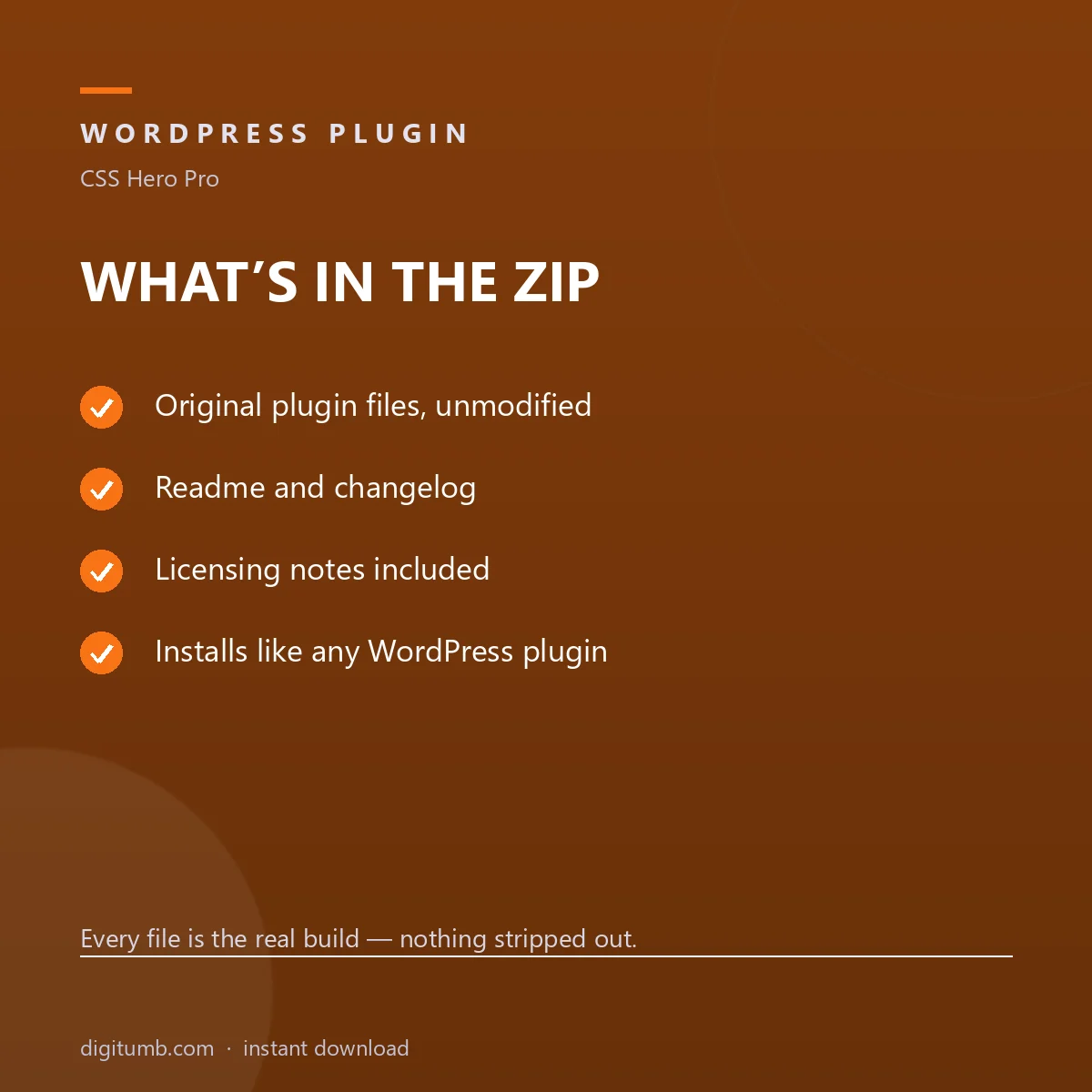
Css Hero Pro is a WordPress plugin that gives you a visual, point-and-click interface for editing CSS styles on your site. Instead of writing code, you select elements on the page and adjust their styles through the plugin's controls. It works with WooCommerce and with popular themes such as Astra and Divi. This is a GPL build of the plugin, sold at $4.49, containing the same files the developer ships, with no vendor update channel and no vendor support desk.
| Product | css-hero-pro |
|---|---|
| Version | 5.1.0 |
| Works with | WordPress 6.x+ / PHP 8.x+ |
| Tested up to | WordPress current |
| License | GPLv2 or later |
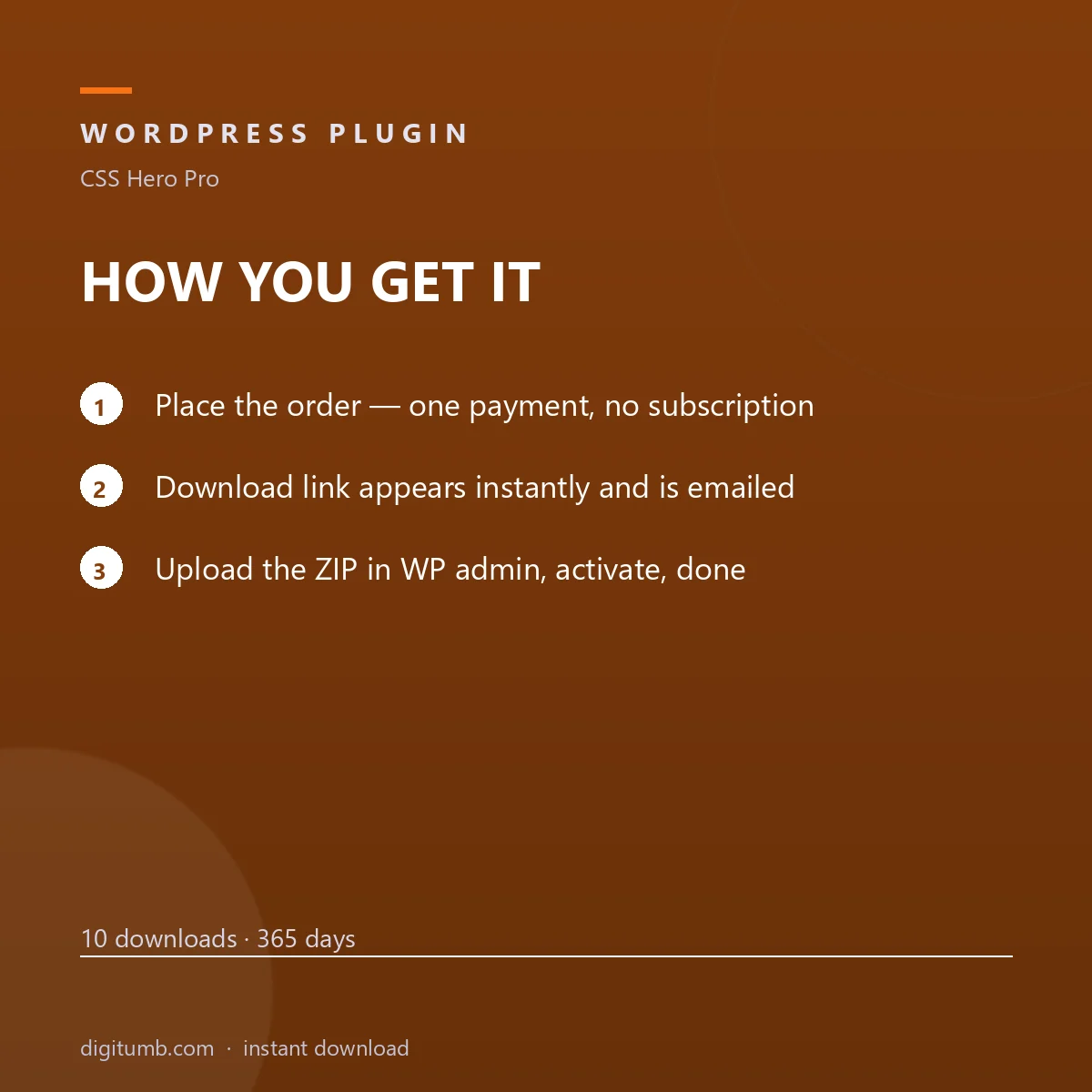
| Delivery | Instant ZIP download, 10 downloads, 365 days |
How Css Hero Pro changes the way you style a WordPress site
The plugin replaces hand-written CSS with a visual interface. You point at the part of the page you want to change and set its styles through the controls, so you can adjust the design without knowing how to write code. The work happens in the browser rather than in a stylesheet file.
Because the editing is visual, you can see the result on the live layout as you make changes. This suits site owners who want to refine typography, spacing or colours on an existing theme without editing theme files by hand.
Where the CSS Hero interface appears in the WordPress admin
After activation, the CSS Hero interface is accessible from the WordPress customizer. That places the styling controls in the same area you already use for theme settings, so you do not have to switch to a separate editing tool.
The plugin package contains the plugin-update-checker, dist, js and styles folders. The interface strings show a check for updates control and a note that there is no changelog available.
Styling a WooCommerce store with Css Hero Pro
The plugin is compatible with WooCommerce, so you can use the visual editor to style your online store and its product pages. Shop layouts, product listings and individual product pages can be adjusted through the same point-and-click controls used on the rest of the site.
That means a store owner can change the look of the shop without editing WooCommerce templates or writing custom CSS for each page type.
Using Css Hero Pro with Astra, Divi and other themes
Css Hero Pro works with popular themes such as Astra and Divi, letting you customize their styles without conflicts. You can keep the theme you already run and adjust its appearance through the plugin rather than switching themes to get a different look.
The visual approach applies to the theme's existing elements, so the changes sit on top of the theme's design instead of replacing it.
What this build includes
| Point-and-click CSS editing | Select elements on your page and change their CSS styles through a visual interface, with no coding knowledge required. |
|---|---|
| WordPress customizer integration | Open the CSS Hero interface directly from the WordPress customizer after activating the plugin. |
| WooCommerce compatibility | Style your online store and product pages with the same visual controls used across the rest of the site. |
| Works with Astra and Divi | Customize the styles of popular themes such as Astra and Divi without running into conflicts. |
| Design changes without code | Adjust your site's design visually so you can refine the look of an existing theme without writing CSS by hand. |
Installing it on a WordPress site
- Download the Css Hero Pro zip file from digitumb.com.
- In your WordPress admin dashboard, go to Plugins > Add New and upload the downloaded plugin file.
- Activate the plugin, then open the CSS Hero interface from the WordPress customizer to start styling your site.
Frequently asked questions
Do I need to know CSS to use Css Hero Pro?
No. The plugin provides a visual interface for editing CSS styles, so you can customize your site's design by pointing and clicking rather than writing code. You select the elements you want to change and adjust their styles through the plugin's controls.
Can I style my WooCommerce shop with this plugin?
Yes. Css Hero Pro is fully compatible with WooCommerce, so you can style your online store and product pages effectively using the same visual editing interface.
Will it work with my Astra or Divi theme?
Css Hero Pro works with popular themes such as Astra and Divi, allowing you to customize their styles without conflicts. You keep your current theme and adjust its appearance through the plugin.
How do I install Css Hero Pro?
Upload the downloaded plugin file through the WordPress admin dashboard under Plugins > Add New. After activation, you can access the CSS Hero interface directly from the WordPress customizer.
What do I get for $4.49?
You get a GPL build of Css Hero Pro containing the same files the developer ships. The purchase includes no vendor update channel and no vendor support desk. The zip is 1.0 MB and the current version is 5.1.0.
What the GPL build means for you
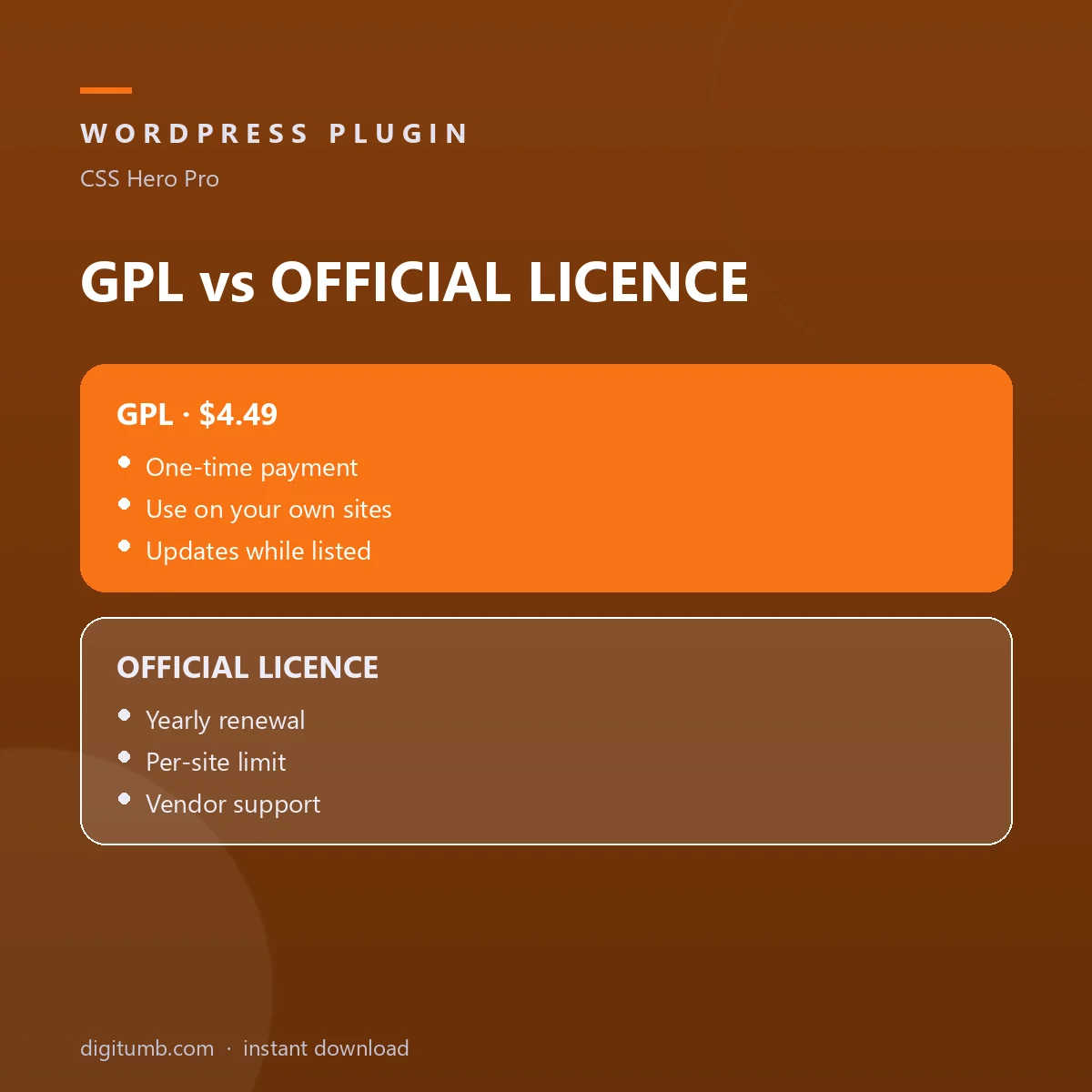
This is the same archive the developer publishes, redistributed under the GNU General Public License: you get the working files for $4.49 with no vendor update channel and no vendor support desk. If you need automatic updates or a support contract, buy the official license from the developer.
| This GPL build | Official license | |
|---|---|---|
| Price | $4.49 one time | Vendor subscription |
| Automatic updates | No | Yes |
| Developer support | No | Yes |
| Number of sites | Unlimited | Depends on plan |
Browse the rest of the WordPress plugins category or the full shop. The licence text is at GNU GPL v2, and general documentation is at WordPress.org.
You must be logged in to post a review.
You may also like…

Related products






Reviews
Clear filtersThere are no reviews yet.