




LearnDash LMS – bbPress Integration GPL
$4.49
LearnDash LMS – bbPress Integration is a WordPress plugin that connects your LearnDash courses with bbPress forums.
LearnDash LMS – bbPress Integration is a WordPress plugin that connects your LearnDash courses with bbPress forums. It lets you add discussion forums to courses and protect them so only enrolled users can view content and post new threads and topics. The plugin ships as a GPL build at $4.49: the same files the developer ships, with no vendor update channel and no vendor support desk.
| Product | LearnDash LMS – bbPress Integration |
|---|---|
| Version | 2.2.5 |
| Works with | WordPress 5.0+ / PHP 7.0+ |
| Tested up to | WordPress 6.2.2 |
| License | GPLv2 or later |
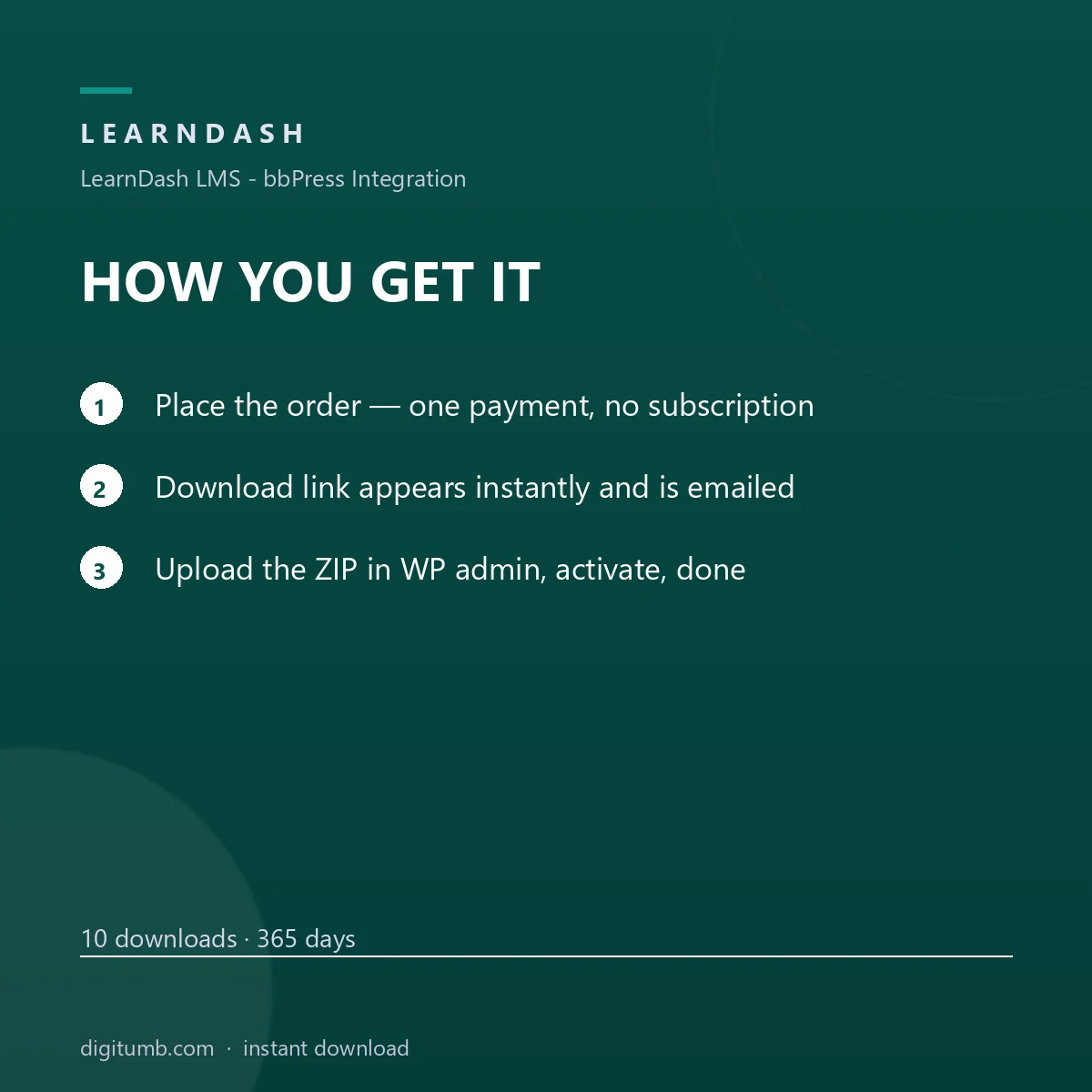
| Delivery | Instant ZIP download, 10 downloads, 365 days |
How forum access follows course enrollment
The integration ties forum visibility to course enrollment. Users who are enrolled in a course gain access to its associated forum automatically, so you do not have to assign forum roles by hand. Forums can be kept public or set to private, depending on how open you want the discussion to be.
When someone without the right enrollment tries to open a protected forum or post a new thread, the plugin shows an access denied message. That message is editable, so you can explain in your own words how to enroll or where to ask for help.
Associating forums with courses and groups
Inside the LearnDash bbPress Settings screen you choose the Associated Course(s) and Associated Group(s) for a forum. One forum can be linked to multiple courses, which suits shared discussion areas that serve several programs at once.
A Post Limit Access setting is also available on the settings screen, giving you control over posting access for the forum. The association is what drives the automatic access rules described above.
Forum widgets and shortcodes for course pages
A dynamic associated forum widget displays the forum tied to the course a visitor is viewing, so the right discussion area appears without manual linking on each page. The changelog notes fixes to the forum widget so it no longer lists all forums when shown on a quiz page.
Shortcodes are included for placing course forums and forum courses: ld_bbpress_course_forums and ld_bbpress_forum_courses. Group support was added for the bbPress shortcodes and widgets in version 2.2.1.
What this build includes
| Automatic forum access | Enrolled users reach their course forum without manual permission changes, and non-enrolled visitors are kept out of protected content. |
|---|---|
| Public or private forums | Set each forum to be open to everyone or restricted to enrolled users, matching how you run each course. |
| Multi-forum support | Link a forum to more than one course, or run several forums across your catalog from the same settings screen. |
| Custom access denied messages | Write the message shown to users without access, so they know why the forum is closed and what to do next. |
| Dynamic associated forum widget | Show the forum associated with the course being viewed, keeping the discussion area relevant to the current page. |
| Course and forum shortcodes | Place course forums and forum courses with the ld_bbpress_course_forums and ld_bbpress_forum_courses shortcode tags. |
Installing it on a WordPress site
- Deactivate and delete your current version of the add-on.
- Upload the zipped file via Plugins > Add New, or copy it to wp-content/plugins.
- Activate the add-on plugin from the Plugins menu.
Frequently asked questions
Do I need bbPress installed to use this add-on?
Yes. This is an integration between LearnDash LMS and bbPress, the WordPress forum plugin. The add-on adds course access rules and course forum widgets on top of bbPress forums; it does not replace bbPress itself.
Can one forum serve several courses?
Yes. The Associated Course(s) setting accepts multiple courses, so a single forum can be shared by more than one course. Multi-forum support is listed among the integration features.
What happens when a visitor without enrollment opens a protected forum?
They see the access denied message you configured in the settings. The message is editable, so you can point them to enrollment or to a public support area instead of a generic error.
Which WordPress and PHP versions does it require?
The plugin requires WordPress 5.0 and PHP 7.0, and it is tested up to WordPress 6.2.2. The package here is version 2.2.5, a GPL build at $4.49 with the same files the developer ships, without a vendor update channel or vendor support desk.
What the GPL build means for you
This is the same archive the developer publishes, redistributed under the GNU General Public License: you get the working files for $4.49 with no vendor update channel and no vendor support desk. If you need automatic updates or a support contract, buy the official license from the developer.
| This GPL build | Official license | |
|---|---|---|
| Price | $4.49 one time | Vendor subscription |
| Automatic updates | No | Yes |
| Developer support | No | Yes |
| Number of sites | Unlimited | Depends on plan |
Browse the rest of the WordPress plugins category or the full shop. The licence text is at GNU GPL v2, and general documentation is at WordPress.org.
You must be logged in to post a review.
You may also like…

Related products








Reviews
Clear filtersThere are no reviews yet.