




Woocommerce Simple Auctions GPL
$4.49
WooCommerce Simple Auctions is a WordPress plugin that extends WooCommerce with auction features, letting buyers place bids on products and sellers run items in an auction format.
WooCommerce Simple Auctions is a WordPress plugin that extends WooCommerce with auction features, letting buyers place bids on products and sellers run items in an auction format. It supports standard and sealed bid auctions, reserve prices and bid management, and it is built to work alongside other WooCommerce extensions and most WooCommerce-ready themes.
| Product | woocommerce-simple-auctions |
|---|---|
| Version | 3.0.11 |
| Works with | WordPress 4.0+ / PHP 8.x+ |
| Tested up to | WordPress current |
| License | GPLv2 or later |
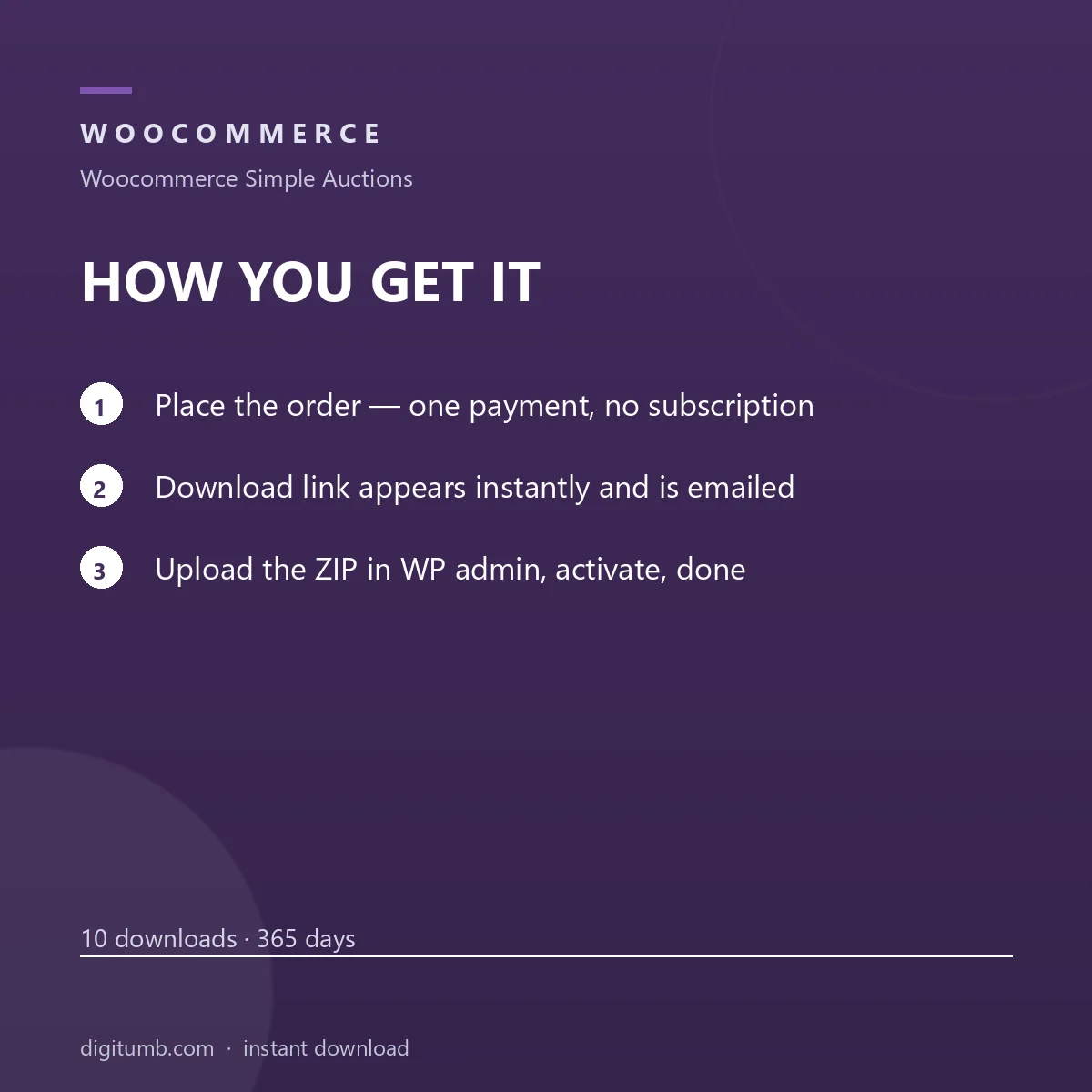
| Delivery | Instant ZIP download, 10 downloads, 365 days |
Which auction formats does WooCommerce Simple Auctions support?
The plugin covers the auction types a WooCommerce store needs to run a bidding sale. Buyers see a starting bid, a current bid and, once the clock runs out, a result: sold for a price, a winning bid, or an auction that ended without a sale.
Sealed bid auctions are handled as their own mode, shown to shoppers with the message "This is sealed bid auction." Reserve prices are supported too, and an item that does not reach its reserve is marked as not making it to the reserve price rather than selling.
How does bidding work for the buyer?
Bidders place a bid against the current amount, and the plugin validates each attempt. A bid must be greater than 0, a new maximum bid cannot be smaller than the old maximum or the current bid, and a new minimum bid cannot be bigger than the previous minimum. When a buyer is already winning, the interface tells them no further bid is needed; when someone else overtakes them, they are told they were outbid.
Bidders can change their maximum or minimum bid after placing one, and the plugin confirms the change. Attempts that break the rules are rejected with a clear message, including the case where a user already placed a bid for that auction.
What do shoppers see on an auction listing?
Auction pages show status labels such as "Starting bid:", "Current bid:", "Winning Bid:", "Sold for:" and "Auction Ended". The same labels cover the states where an auction has finished or has not started yet.
Store owners can set a default auction sorting order from the plugin's Simple auction options, which controls how auctions are ordered by default in the shop.
Does it fit an existing WooCommerce shop and theme?
The plugin is designed to work with other WooCommerce extensions and with most popular WordPress themes that support WooCommerce, so the auction pages keep the look of the rest of the store. It requires WordPress 4.0 or newer.
The package includes templates, classes, Elementor integration files, JavaScript, images, CSS and language files, so auction layouts can be adjusted through the template folder and translated through the lang folder.
What this build includes
| Standard auction listings | Create auction products in WooCommerce where buyers place bids and the listing shows starting bid, current bid and the final result. |
|---|---|
| Sealed bid auctions | Run sealed bid auctions, displayed to shoppers with a dedicated sealed bid notice instead of the usual open bidding view. |
| Reserve price handling | Set a reserve so an item that does not reach the reserve price is marked as unsold rather than awarded to the highest bidder. |
| Bid validation rules | The plugin enforces bid rules: bids must be above 0, maximum bids cannot drop below the current bid, and duplicate bids are blocked. |
| Editing your bid | Bidders can raise or adjust their maximum and minimum bid after placing it, with a confirmation message when the change is accepted. |
| Outbid and winning notices | Buyers are told when they are outbid and when their bid is already winning, so they know whether another bid is needed. |
| Default auction sorting | A setting in Simple auction options controls the default sort order of auctions in the store. |
| Elementor and language files | The package ships an elementor folder for page-builder layouts and a lang folder for translations, alongside templates, classes, JS, CSS and images. |
Installing it on a WordPress site
- Upload the plugin zip through the WordPress plugins menu and activate WooCommerce Simple Auctions.
- Open the plugin settings and configure your auction preferences, including the default auction sorting under Simple auction options.
- Add auction items to your store and publish them so buyers can start bidding.
Latest changes
Version 3.0.11 is the build included in this package.
Frequently asked questions
What does WooCommerce Simple Auctions do?
It extends WooCommerce with auction functionality, so you can create and manage auctions on a WordPress eCommerce site. Buyers place bids on products, sellers sell through the auction format, and the plugin handles starting bids, current bids, reserve prices and the final result of each auction.
Is this the developer's own build or a modified copy?
You get the same plugin files the developer ships, distributed as a GPL build for $4.49. There is no vendor update channel and no vendor support desk attached to this purchase; the zip is 0.4 MB and contains version 3.0.11.
Will it conflict with my other WooCommerce extensions?
WooCommerce Simple Auctions is designed to work with other WooCommerce extensions, so it can sit alongside your existing store plugins. It is also compatible with most popular WordPress themes that support WooCommerce, which keeps the auction pages consistent with the rest of your site.
Can I change the order auctions appear in?
Yes. The Simple auction options include a Default Auction Sorting setting that controls the default sort order of the auctions in your store.
What happens if an auction does not reach its reserve price?
The item is marked as not making it to the reserve price, and the listing shows that the auction item did not make it to the reserve price instead of a winning bid. This lets you run reserve-style auctions without selling below your chosen threshold.
What the GPL build means for you
This is the same archive the developer publishes, redistributed under the GNU General Public License: you get the working files for $4.49 with no vendor update channel and no vendor support desk. If you need automatic updates or a support contract, buy the official license from the developer.
| This GPL build | Official license | |
|---|---|---|
| Price | $4.49 one time | Vendor subscription |
| Automatic updates | No | Yes |
| Developer support | No | Yes |
| Number of sites | Unlimited | Depends on plan |
Browse the rest of the WordPress plugins category or the full shop. The licence text is at GNU GPL v2, and general documentation is at WordPress.org.
You must be logged in to post a review.
You may also like…

Related products








Reviews
Clear filtersThere are no reviews yet.