



Jetblog Blogging Package For Elementor Page Builder GPL
$4.49
JetBlog Blogging Package for Elementor Page Builder is a set of blogging widgets that extends Elementor with advanced blog layouts.
JetBlog Blogging Package for Elementor Page Builder is a set of blogging widgets that extends Elementor with advanced blog layouts. It gives you posts navigation, posts pagination and a Smart Posts List widget, each with its own controls for titles, excerpts, icons and colors. You build visually appealing blog pages inside Elementor without writing template code.
| Product | jetblog-blogging-package-for-elementor-page-builder |
|---|---|
| Version | 2.4.11 |
| Works with | WordPress 6.x+ / PHP 8.x+ |
| Tested up to | WordPress current |
| License | GPLv2 or later |
| Delivery | Instant ZIP download, 10 downloads, 365 days |
What the JetBlog widgets add to an Elementor blog layout
The package provides three widget types that cover the common needs of a blog index or archive. Posts Navigation moves readers between groups of posts, Posts Pagination adds previous and next page links, and Smart Posts List renders a list of posts with the first item marked as featured. Each widget exposes its own settings panel in the Elementor editor.
Because the controls are built into Elementor, you adjust text labels, icons, spacing and colors from the same interface you use for the rest of the page. The widgets work with the main Query object of the page, so they follow the posts your template already loads.
How the Posts Navigation widget handles older and newer links
Posts Navigation shows an older posts link and a newer posts link. For each link you set the text and choose an icon, then control icon padding and the gap between text and icon. A background color setting and an item minimum width let the links fit the surrounding design.
The widget works only with the main Query object, which keeps its output tied to the posts loop of the page rather than to a separate custom query.
Setting up the Smart Posts List featured post
Smart Posts List can mark the first post as featured. You choose the featured post position and layout, the image size and image position, and a maximum width for the featured image. The featured post title can be capped at a word count, and the excerpt length accepts 0 to hide it or -1 to show the full excerpt.
A read more button is available with your own button label, and the featured post meta can be placed where you want it. Meta controls include showing the post author and the author avatar.
Pagination and post title controls in JetBlog
Posts Pagination adds previous and next page links with editable link text and icons. Separately, list widgets expose a Show Post Title switch and a Post Title Max Length in words, where 0 shows the full title. An excerpt trimmed ending field sets the characters or marker that closes a shortened excerpt.
These controls let you keep post lists compact on archive pages while still giving readers a clear path to the full article.
What this build includes
| Posts Navigation | Adds older and newer posts links with editable text, icons, icon padding, item minimum width, background color and gap between items. |
|---|---|
| Posts Pagination | Adds previous and next page links with your own link text and icons for each direction. |
| Smart Posts List | Renders a post list and can mark the first post as featured with a chosen position and layout. |
| Featured post image controls | Sets the featured post image size, image position and maximum image width from the widget settings. |
| Featured post excerpt length | Caps the featured excerpt, with 0 hiding the excerpt and -1 showing the full excerpt. |
| Featured read more button | Displays a read more button on the featured post with a label you write in the settings. |
| Featured post meta | Places the featured post meta where you choose and can show the post author and author avatar. |
| Post title length control | Limits post titles to a word count, and setting 0 shows the full title. |
Installing it on a WordPress site
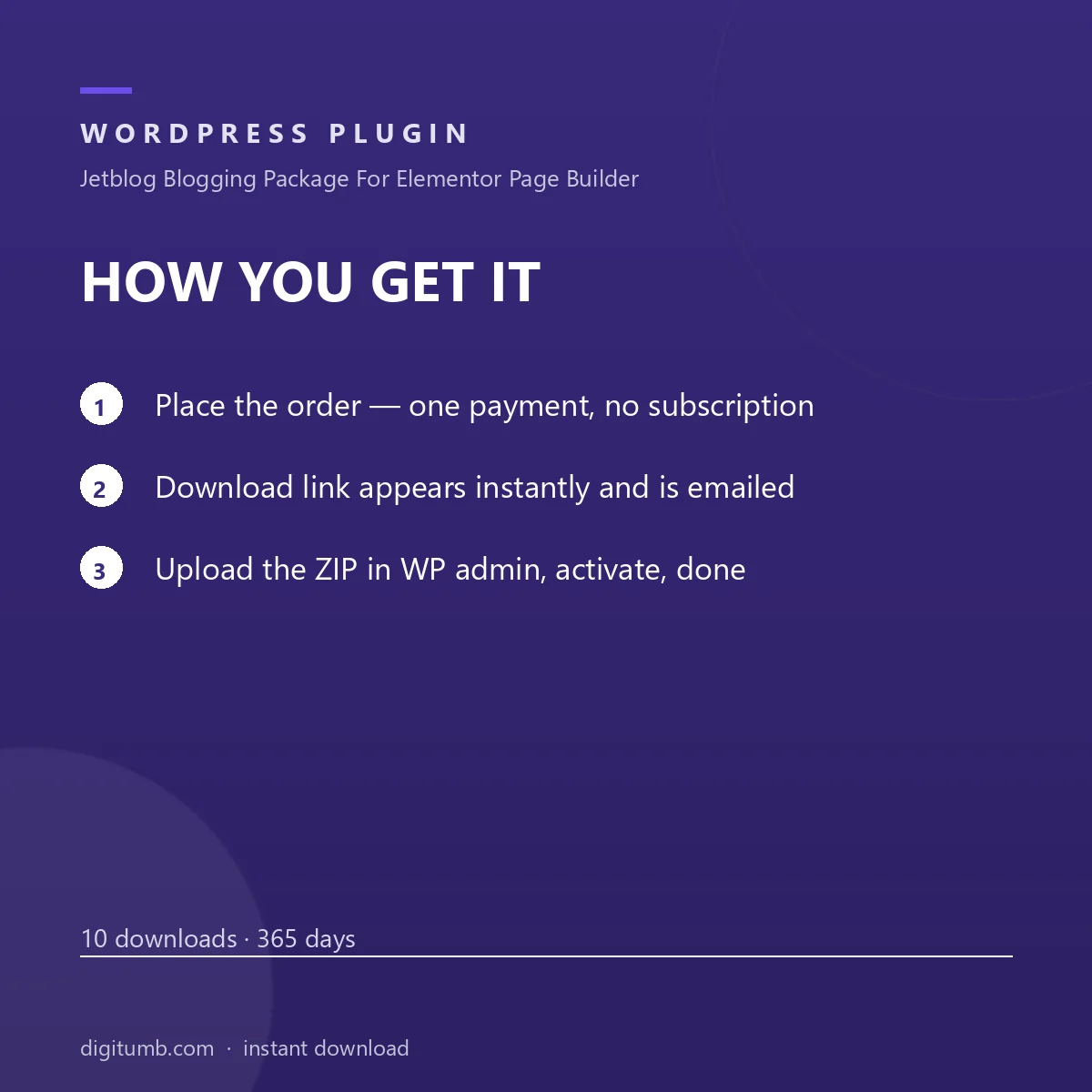
- Download the zip file from your digitumb.com order and open Plugins > Add New > Upload Plugin in WordPress.
- Upload the JetBlog zip, install it and activate the plugin. Elementor must already be installed and active.
- Open a page in the Elementor editor and add the JetBlog posts navigation, pagination or smart posts list widget, then adjust its settings and publish.
Latest changes
This listing provides JetBlog Blogging Package version 2.4.11 as a 0.6 MB zip.
Frequently asked questions
Does JetBlog work with the latest WordPress version?
Yes. JetBlog is fully compatible with the latest version of WordPress, so you can use its blogging features without version conflicts. The widgets are added through Elementor, so Elementor also needs to be active on the site.
Can I use JetBlog with Astra or OceanWP?
Yes. JetBlog is compatible with popular themes such as Astra and OceanWP, which lets you integrate its widgets into an existing design. You place the widgets in Elementor templates and the theme handles the rest of the page.
Why does Posts Navigation work only with the main Query object?
Posts Navigation is built to follow the main Query object of the page, so it moves between groups of posts from the page's own posts loop. It is not designed to drive a separate custom query.
How do I hide the excerpt on the featured post?
Set the featured post excerpt length to 0 to hide the excerpt. Set it to -1 to show the full excerpt instead. A separate field sets the trimmed ending for shortened excerpts.
What do I receive for $4.49?
You receive the GPL build of JetBlog Blogging Package for Elementor Page Builder, version 2.4.11, as a 0.6 MB zip. The files are the same ones the developer ships. There is no vendor update channel and no vendor support desk with this build.
What the GPL build means for you
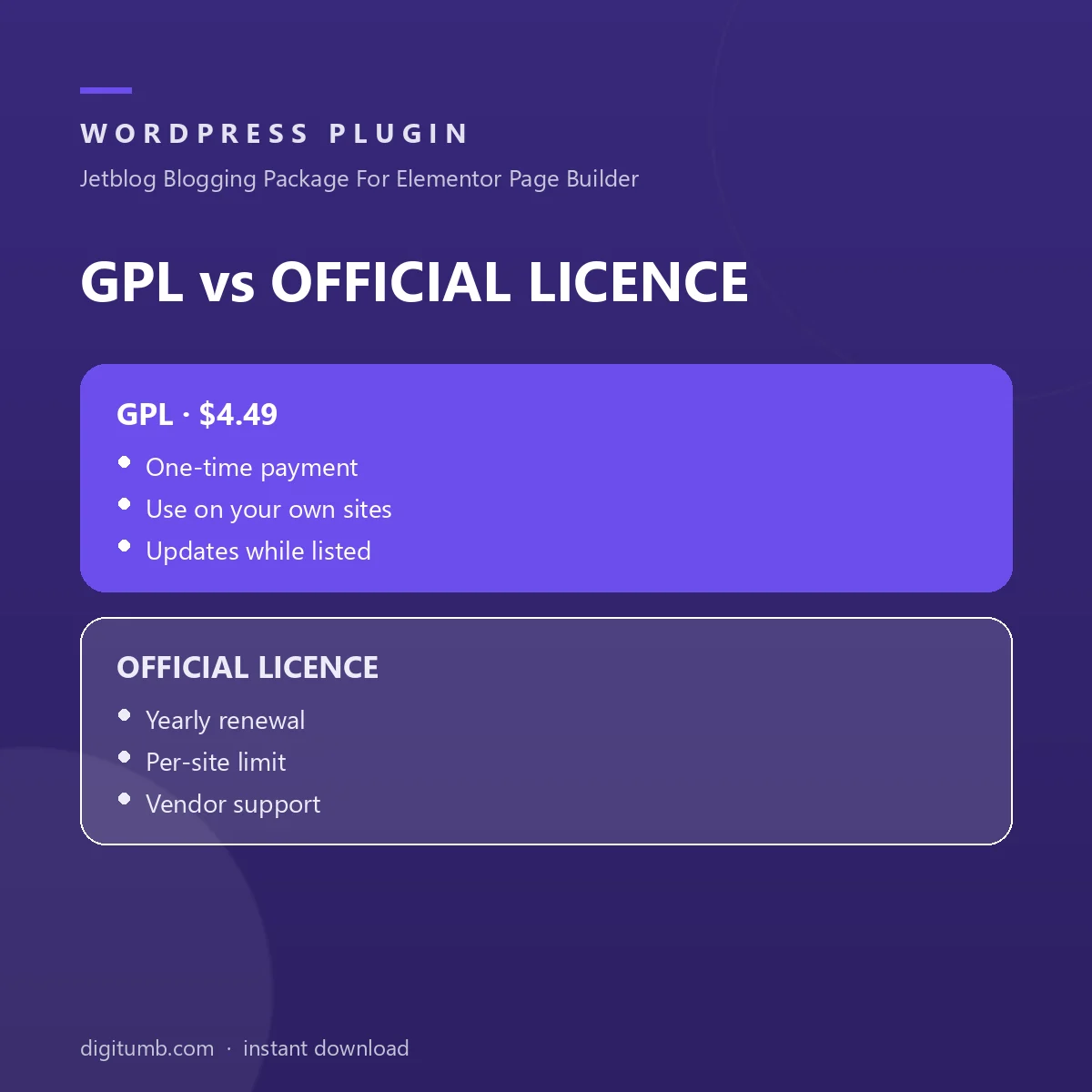
This is the same archive the developer publishes, redistributed under the GNU General Public License: you get the working files for $4.49 with no vendor update channel and no vendor support desk. If you need automatic updates or a support contract, buy the official license from the developer.
| This GPL build | Official license | |
|---|---|---|
| Price | $4.49 one time | Vendor subscription |
| Automatic updates | No | Yes |
| Developer support | No | Yes |
| Number of sites | Unlimited | Depends on plan |
Browse the rest of the WordPress plugins category or the full shop. The licence text is at GNU GPL v2, and general documentation is at WordPress.org.
You must be logged in to post a review.
You may also like…

Related products










Reviews
Clear filtersThere are no reviews yet.