
Gravity Perks Gravity Forms Better User Activation GPL
$4.49
Gravity Perks Gravity Forms Better User Activation is a Gravity Forms addon for customizing the User Registration Activation page.
Gravity Perks Gravity Forms Better User Activation is a Gravity Forms addon for customizing the User Registration Activation page. It lets you choose the page a new user is sent to in order to activate their account, set where they land after a successful activation, and manage the reset password flow. The plugin also gives you control over the activation emails and the messages users see when an activation succeeds, is already active, or fails.
| Product | gravity-perks-gravity-forms-better-user-activation |
|---|---|
| Version | 1.2.13 |
| Works with | WordPress 6.x+ / PHP 8.x+ |
| Tested up to | WordPress current |
| License | GPLv2 or later |
| Delivery | Instant ZIP download, 10 downloads, 365 days |
What the Better User Activation addon changes in a Gravity Forms registration flow
When a Gravity Forms registration form creates a user, that user needs a way to activate the account. This addon adds a dedicated User Activation Page setting, so you select the page to which the user will be directed to activate their account. Instead of the default destination, you point registrants to a page you control.
The settings screen also includes a field for the page to which the user will be redirected after a successful activation. That gives the registration flow two distinct stops: one for activation and one for what happens after it. The addon is built for Gravity Forms user registration and works alongside other popular plugins, including WooCommerce and various membership plugins.
How the activation, success and error messages are handled
The plugin provides its own wording for the states a user can hit. Users who return to an activation link that has already been used see "Your account is already active!" Successful activations show "Your account is now active!" and "Your account is now activated." followed by a login link or a link back to the home page, built from the {gpbua:login} and {gpbua:home} merge tags.
Failures are covered too. If no key is supplied, the page shows "Activation Key Required." If something goes wrong, the message reads "An error occurred during the activation" or "Activation was not successful due to the following error:" followed by the {gpbua:error_message} merge tag. An Activation View Content area with a Reset Default Content button and an Insert Merge Tag control lets you edit these messages and drop in supported merge tags.
Where the reset password screens fit into the activation page
The settings include a Reset Password section with a Reset Password URL field and an Activation Form area. The reset flow uses its own short copy: "Reset your password," "Check your email for the set password link," and "Set your password." A Set at registration option is also present.
This means the activation page can carry the password-setting step rather than sending users somewhere else. You configure the activation options from the plugin settings to match how your registration process should run.
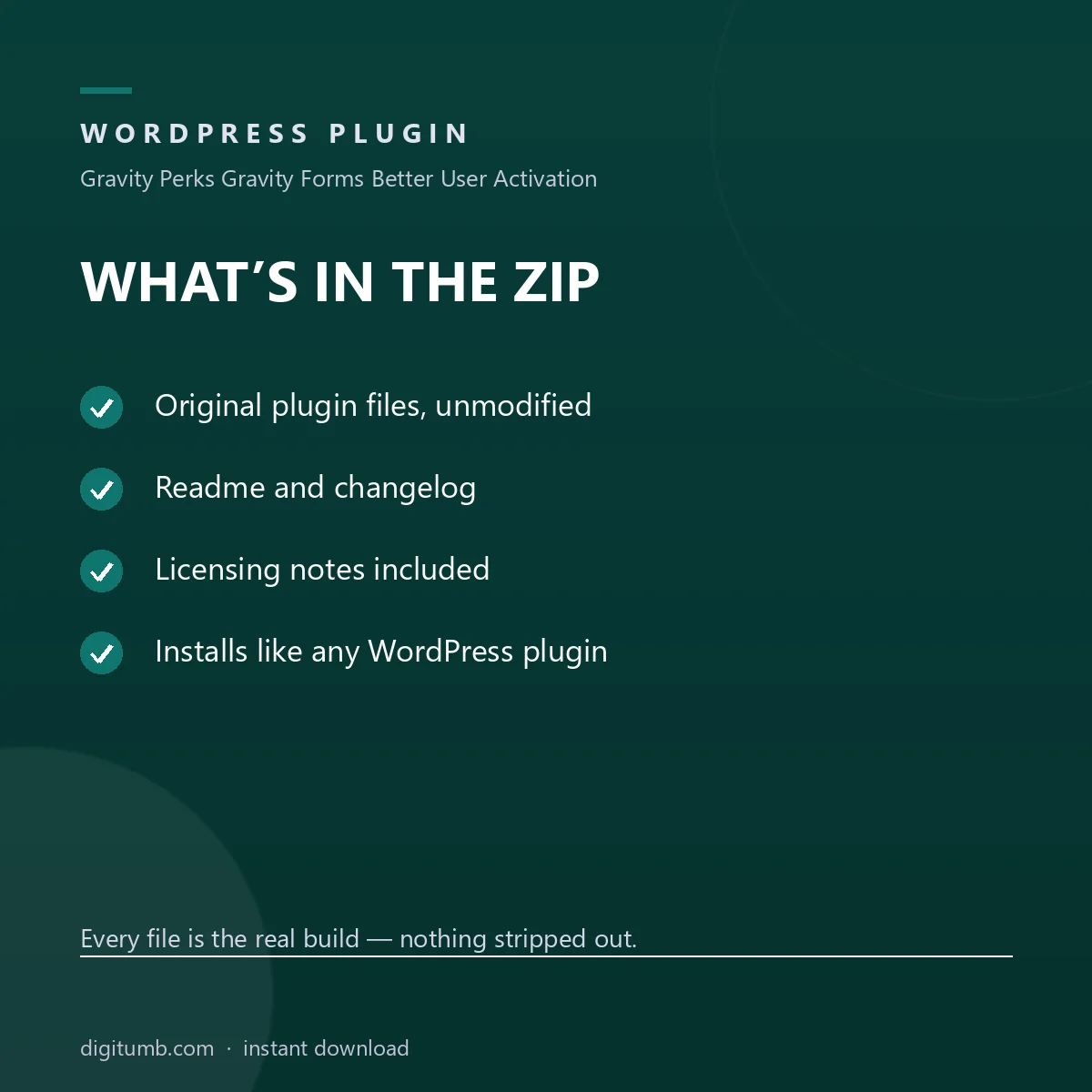
What this build includes
| Custom User Activation Page | Select the page to which a newly registered user is directed in order to activate their account. |
|---|---|
| Post-activation redirect | Choose the page a user is redirected to after a successful activation, separate from the activation page itself. |
| Editable activation messages | Change the text shown for successful activation, already-active accounts, missing activation keys and activation errors. |
| Merge tag support | Insert supported merge tags such as {gpbua:login}, {gpbua:home} and {gpbua:error_message} into the activation content. |
| Reset default content | A Reset Default Content button restores the original activation copy if your edits need to be undone. |
| Reset password settings | Configure a Reset Password URL and the activation form copy for setting a password, including a Set at registration option. |
| Works with WooCommerce and membership plugins | The addon is designed to work with other popular plugins, including WooCommerce and various membership plugins. |
Installing it on a WordPress site
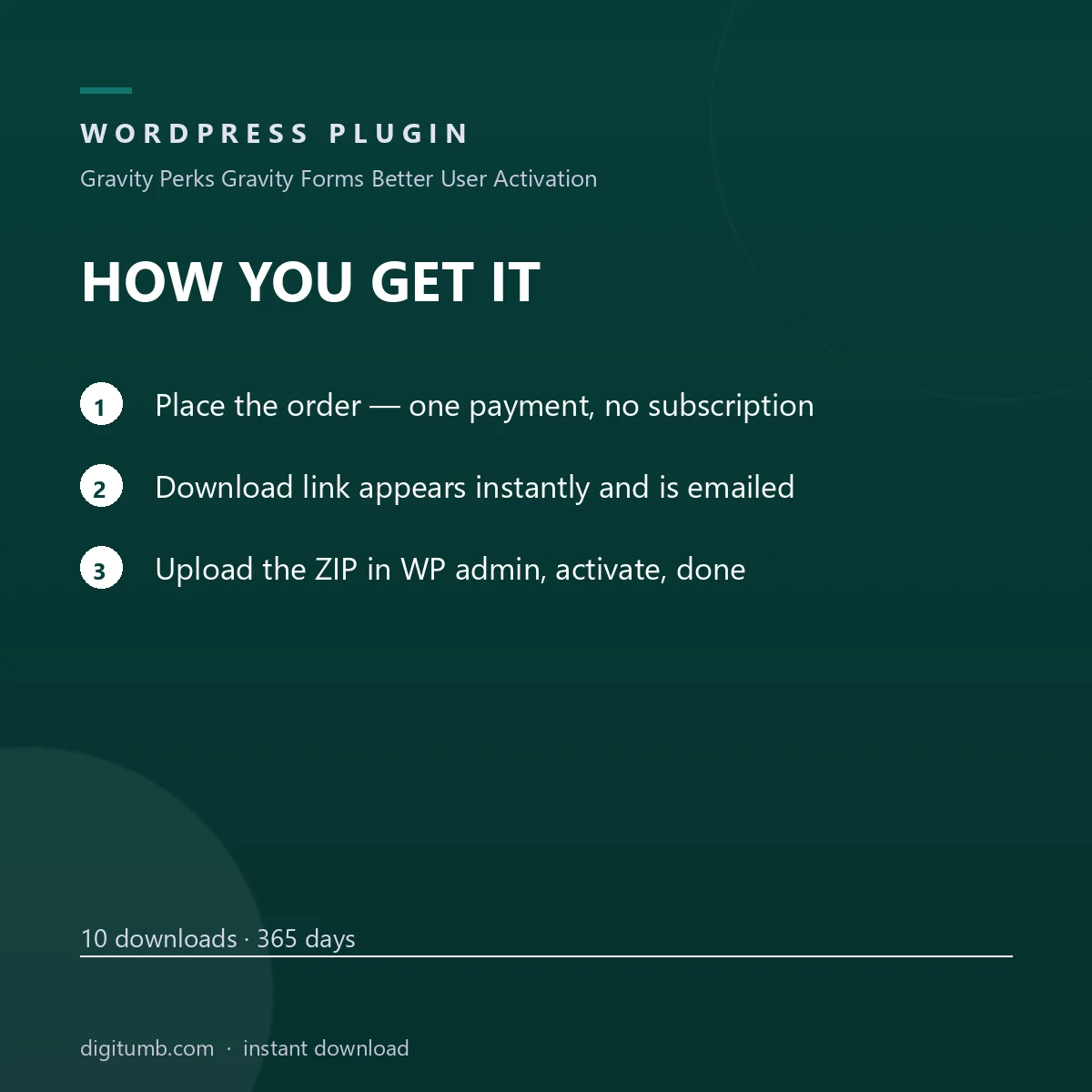
- Upload the downloaded zip file through the WordPress admin dashboard under Plugins, then activate the plugin.
- Open the plugin settings and choose the User Activation Page and the page users are redirected to after a successful activation.
- Configure the reset password URL, activation form copy and activation messages, then save your options.
Latest changes
Current build is version 1.2.13.
Frequently asked questions
Do I need Gravity Forms for this addon to work?
Yes. This is a Gravity Forms addon built for the user registration activation flow. It customizes the User Activation Page and the messages around it, so it is used alongside Gravity Forms rather than on its own.
Can I change what users see when activation fails?
The activation view content is editable and supports merge tags. You can adjust the error text, which uses the {gpbua:error_message} merge tag, along with the messages for a missing activation key and an already-active account. A Reset Default Content button restores the original copy.
Does the plugin work with WooCommerce and membership plugins?
It is designed to work well with other popular plugins, including WooCommerce and various membership plugins, so the registration experience stays consistent across your site. It is also compatible with many popular WordPress themes.
Where do users land after they activate their account?
You set a page to which the user will be redirected after a successful activation. That is a separate setting from the activation page itself, so you can send newly activated users to a welcome page or any other page you choose.
What do I get for $4.49?
You get the GPL build of Gravity Perks Gravity Forms Better User Activation, version 1.2.13, as a zip file of 0.0 MB. The files are the same ones the developer ships. There is no vendor update channel and no vendor support desk with this build.
What the GPL build means for you
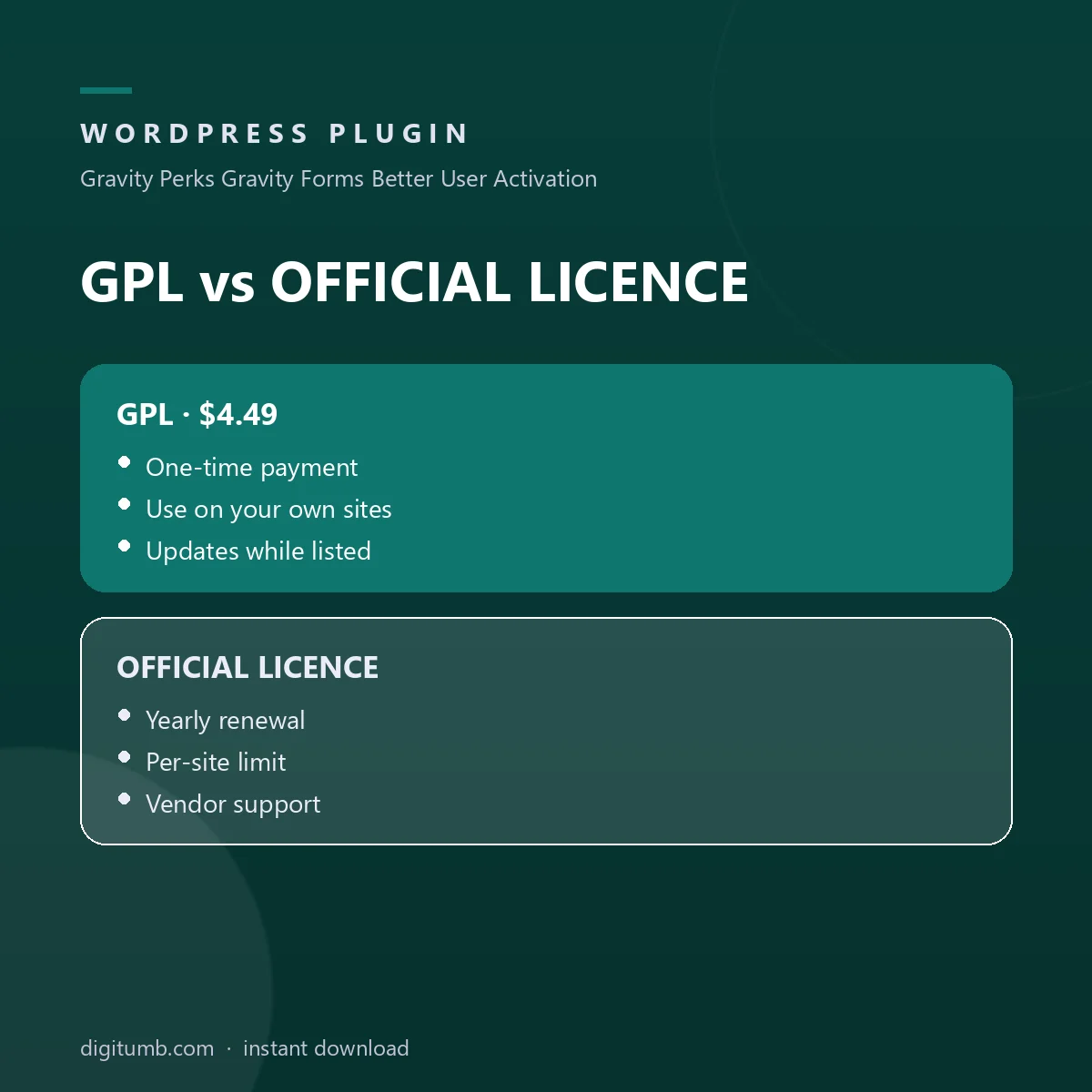
This is the same archive the developer publishes, redistributed under the GNU General Public License: you get the working files for $4.49 with no vendor update channel and no vendor support desk. If you need automatic updates or a support contract, buy the official license from the developer.
| This GPL build | Official license | |
|---|---|---|
| Price | $4.49 one time | Vendor subscription |
| Automatic updates | No | Yes |
| Developer support | No | Yes |
| Number of sites | Unlimited | Depends on plan |
Browse the rest of the WordPress plugins category or the full shop. The licence text is at GNU GPL v2, and general documentation is at WordPress.org.
You must be logged in to post a review.
You may also like…

Related products







Reviews
Clear filtersThere are no reviews yet.